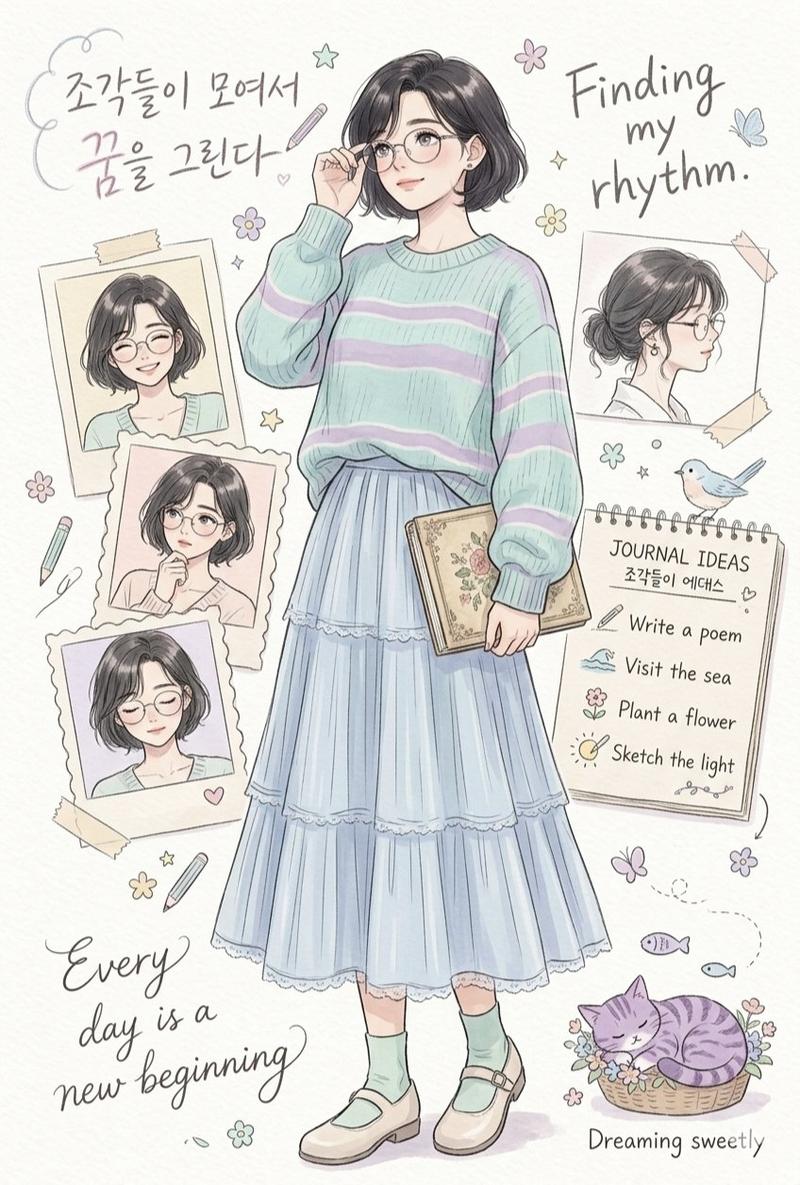
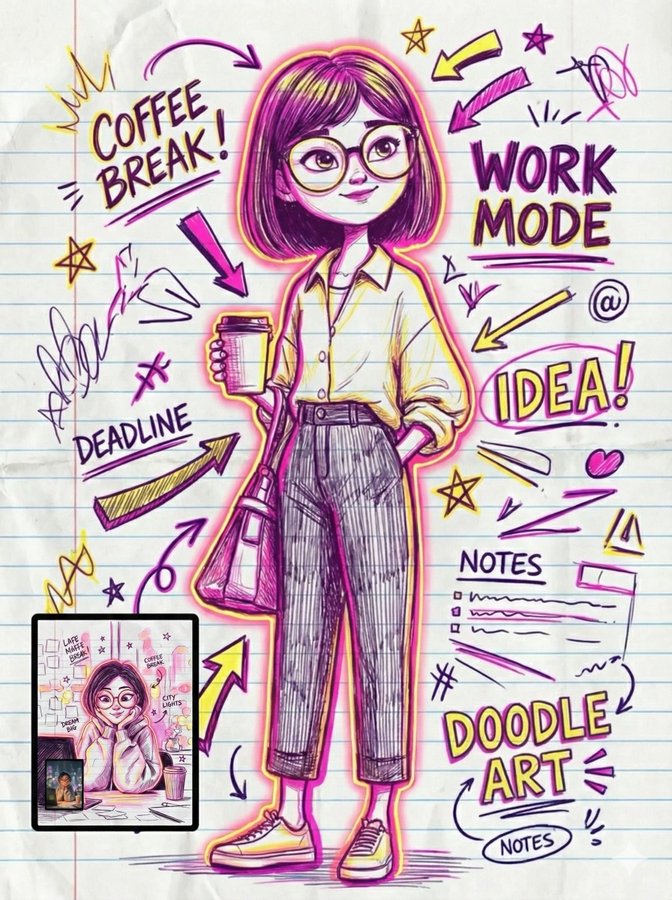
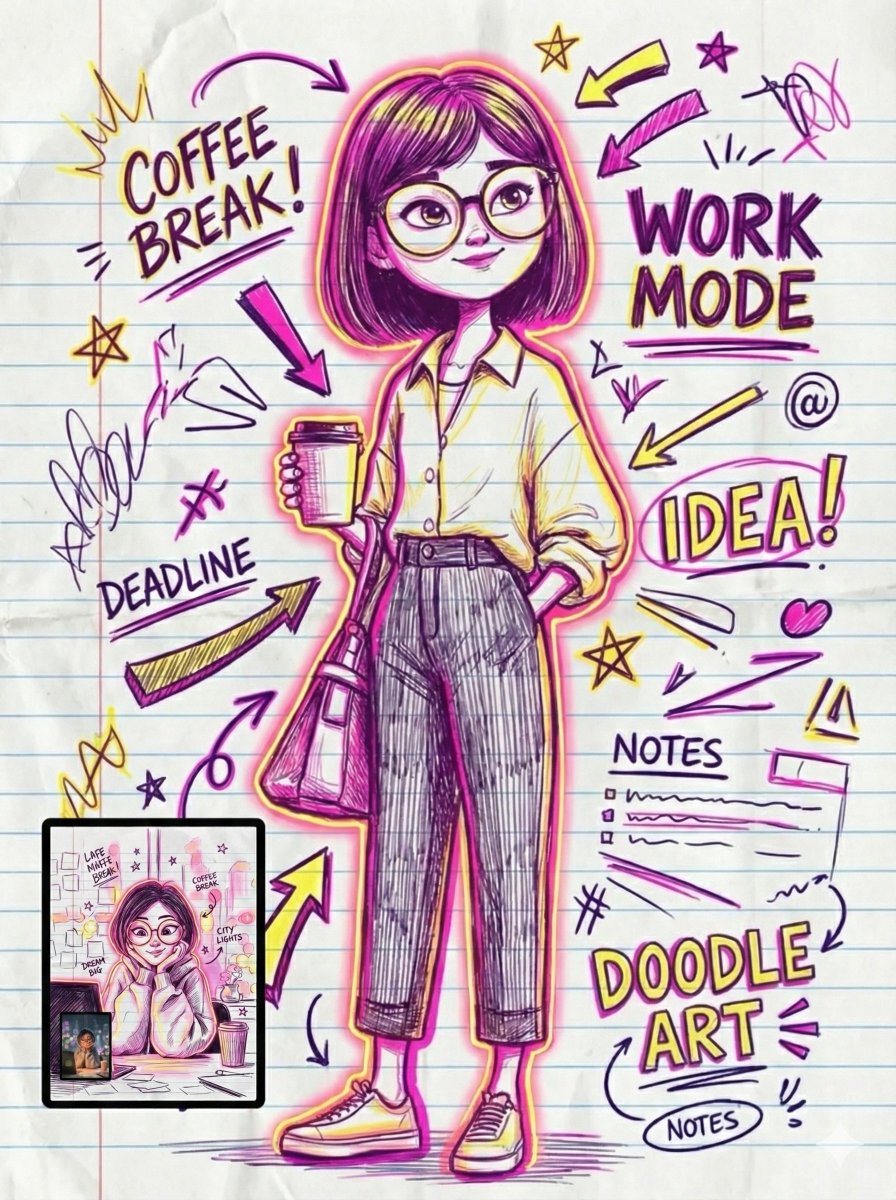
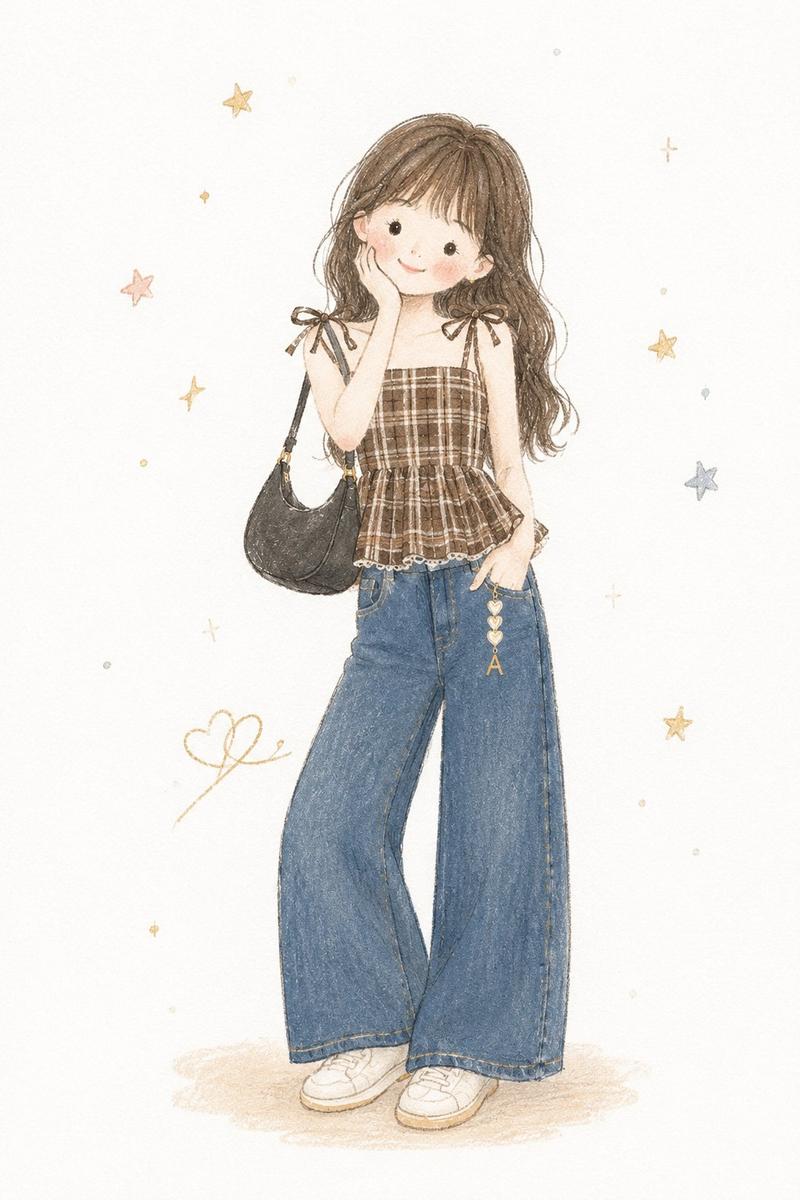
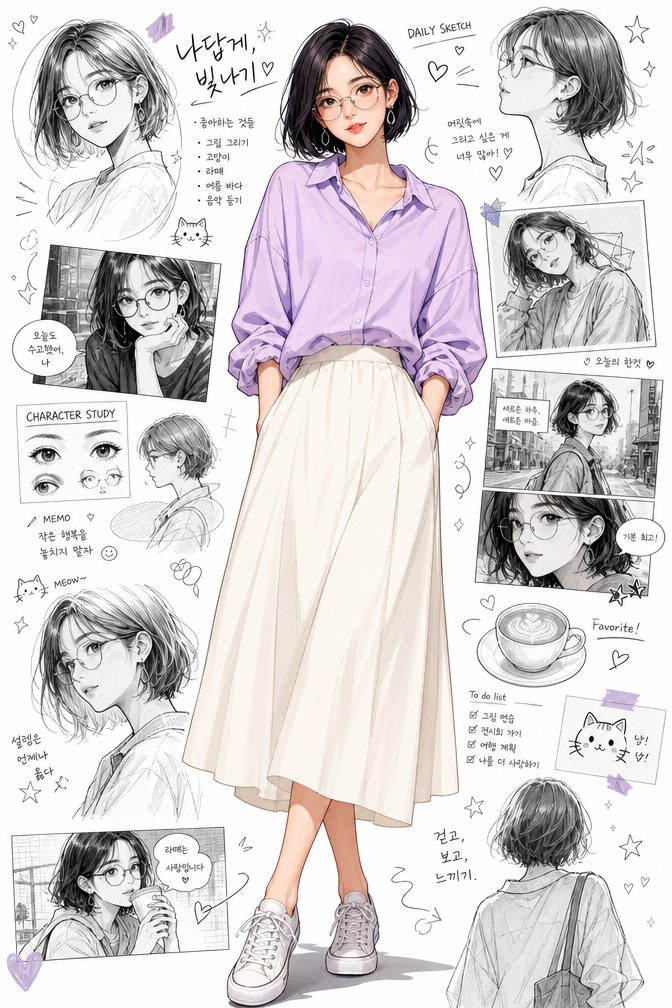
墨水速写本 Zine 插画
Prompt
Transform any provided reference photo into a {argument name="aspect ratio" default="vertical 4:5"} stylized ink-drawn sketchbook illustration.

Use the person, outfit, pose, accessories, pet, objects, mood, and overall character from the reference photo as the main subject. Do not copy fixed clothing or fixed phrases from previous examples. Adapt all visual details to the new reference image.

Create a high-detail black ink and fineliner illustration on a white sketchbook page. The drawing should fill almost the entire frame, with no fabric element, no colored cloth, and no extra textile foreground.

Composition:
- one main full-body or main portrait illustration based on the reference photo;
- 1-3 additional smaller sketch studies inspired by the same subject, such as side view, back view, close-up portrait, accessory detail, pet/object detail, or gesture pose;
- small hand-drawn decorative elements around the subject: hearts, stars, sparkles, arrows, leaves, dots, mood symbols, tiny doodles;
- balanced but dense sketchbook layout, editorial zine feeling.

All handwritten text must be in {argument name="language" default="Russian"} only.
The text should be random, natural, and relevant to the mood, outfit, season, activity, personality, or atmosphere of the reference photo.
Do not repeat the same phrases every time.
Art style:
expressive handmade sketchbook aesthetic, nostalgic indie zine warmth, high-detail manga-influenced editorial line art, rich black India ink, fineliner, marker and brush-pen hatching, cross-hatching, varied pen nib strokes, subtle ink bleed, visible sketch construction lines.

Render textures from the reference carefully: fabric folds, hair, accessories, shoes, bags, jewelry, pets, objects, skin shadows, material surfaces, and distinctive silhouette.

Camera and format:
vertical 4:5 format, close-up overhead flatlay photo of a white sketchbook page, slightly tilted top-down angle around 20 degrees, centered composition, drawing filling the screen, visible paper grain and sketchbook edge.

Lighting:
soft natural diffused {argument name="lighting" default="morning daylight"} from a window, even cool-key illumination, subtle diagonal page shadow, gentle softbox fill, neutral whites, deep blacks.

Image quality:
high-resolution print-quality output, 300 DPI, ultra-crisp ink detail, slight warm tone adjustment, contrast +15, clarity +10, subtle vignette, selective sharpening on ink strokes, minimal noise reduction to preserve paper texture.

Final look:
contemporary sketchbook photography meets editorial zine illustration, clean, polished, high-fidelity, suitable for print and portfolio presentation.- Category
- Charts & Infographics
- Model
- GPT Image 2
- Creator
- K
- Source ID
- 20528
- Published
- May 15, 2026
Views11