15

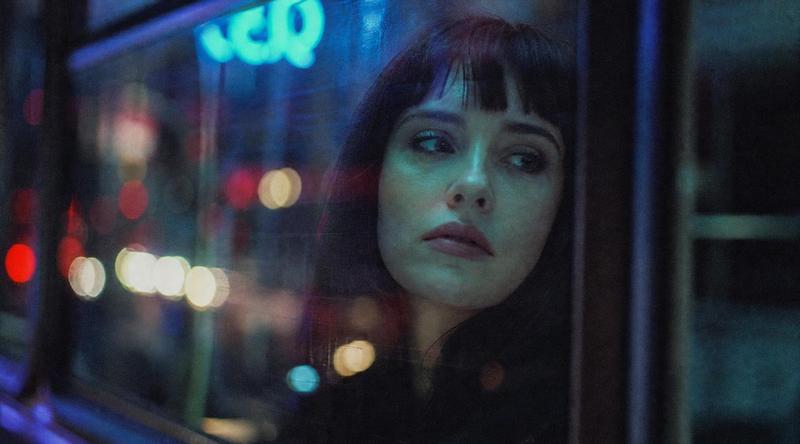
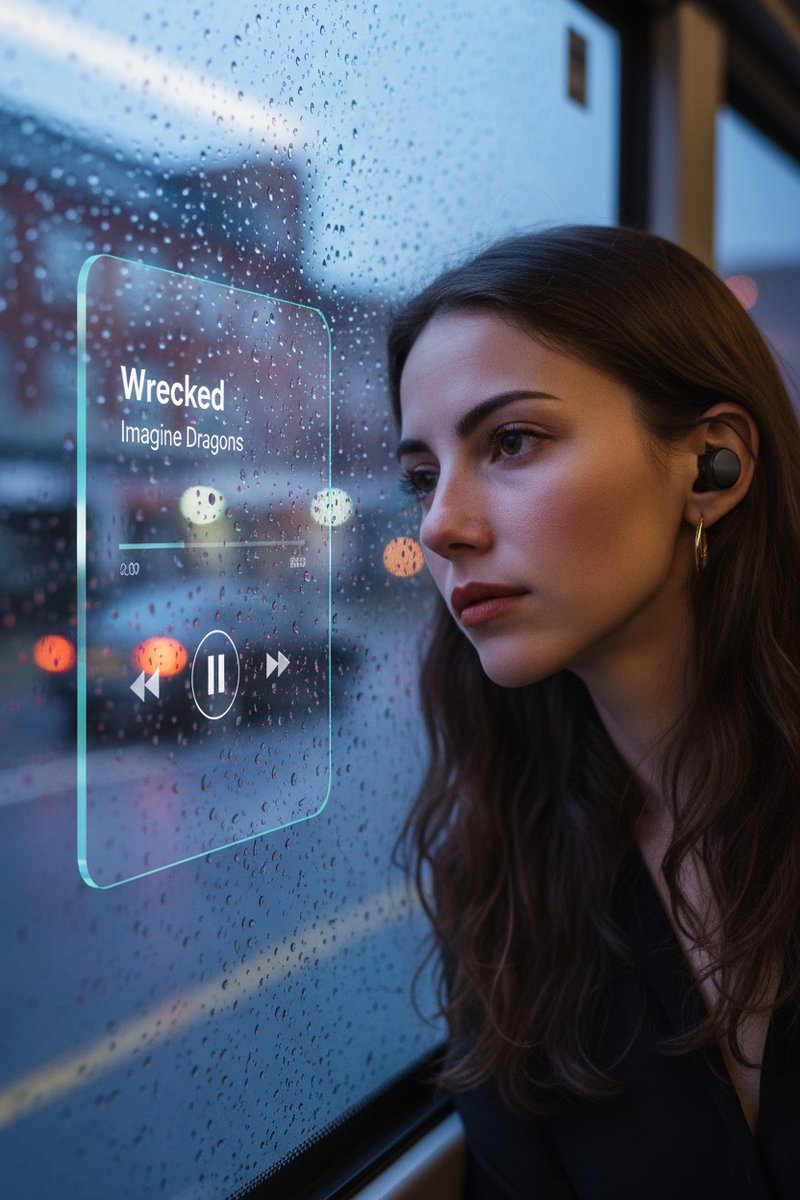
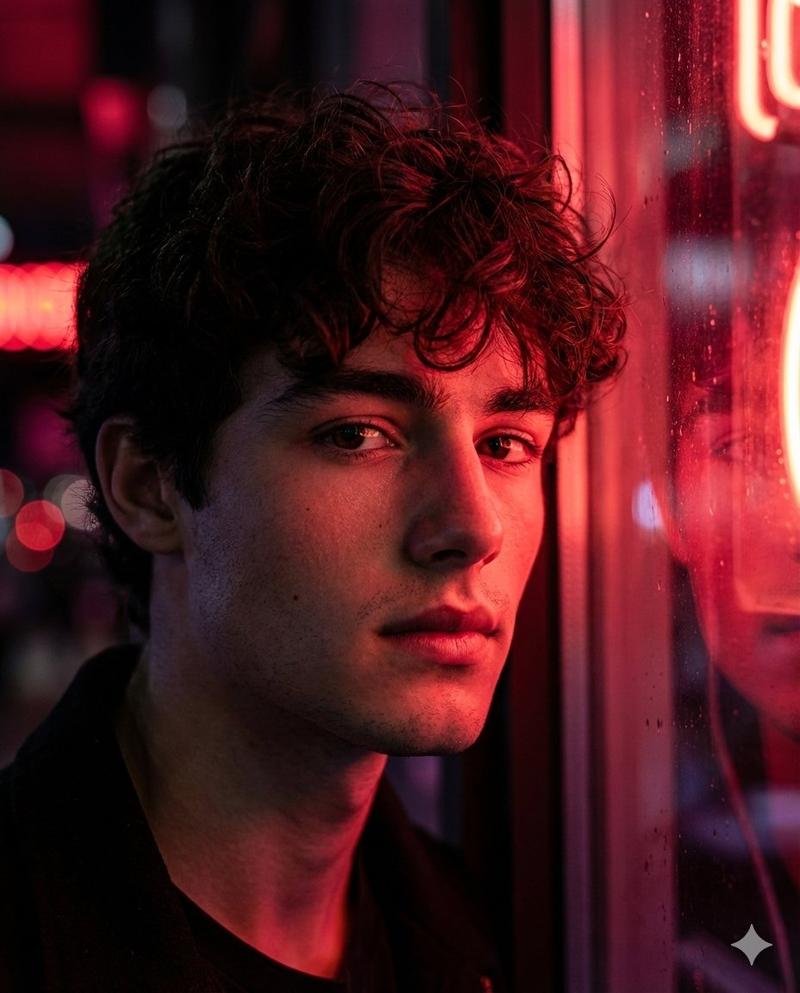
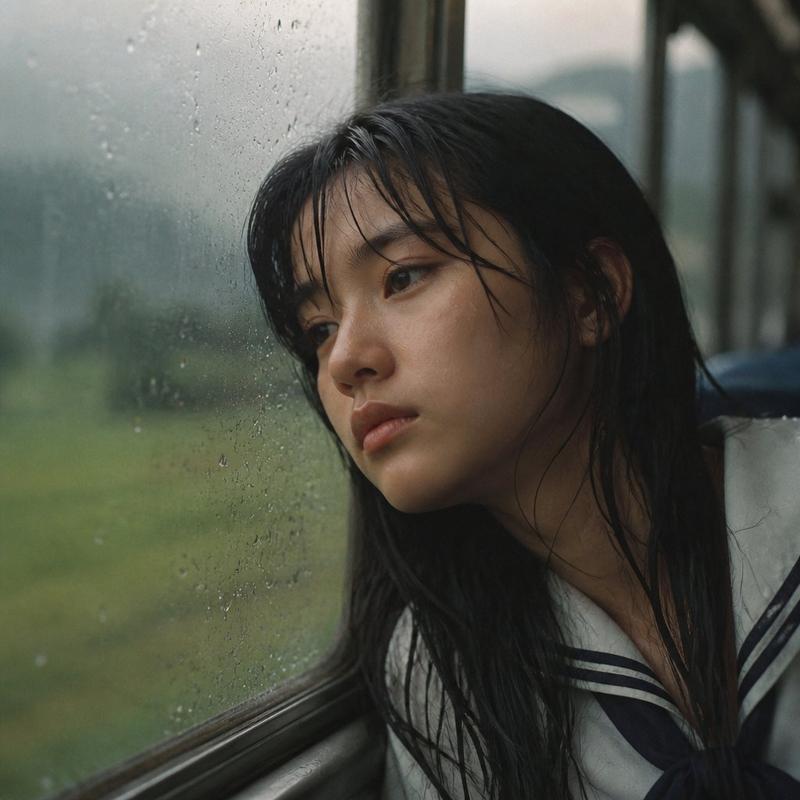
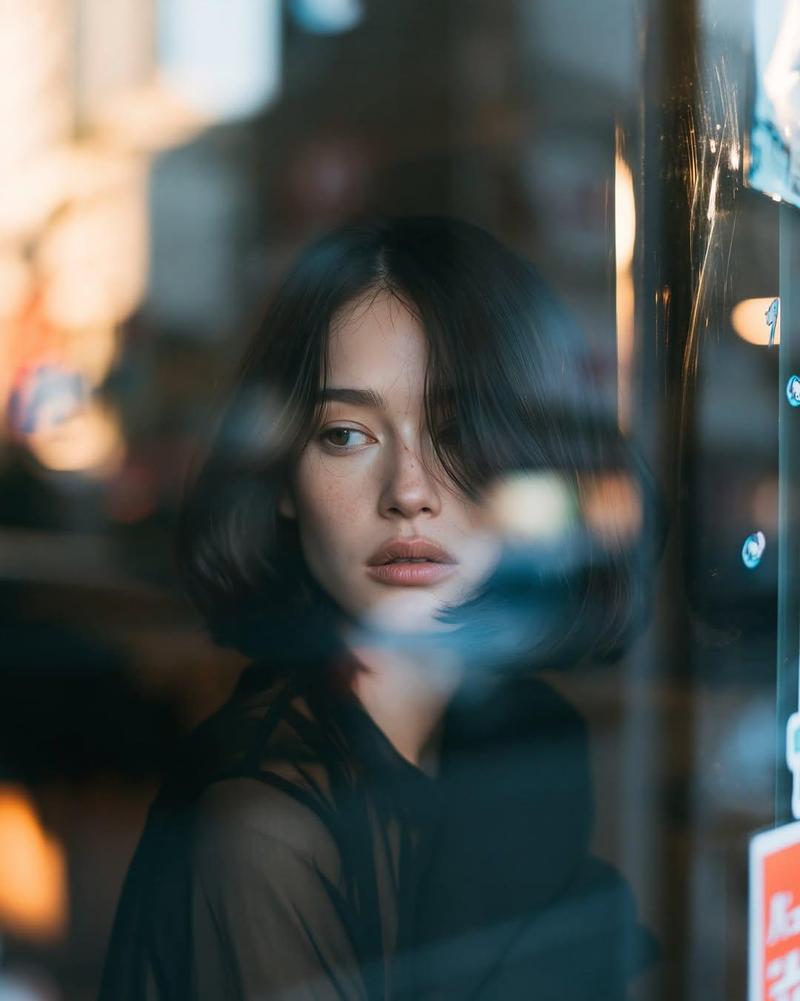
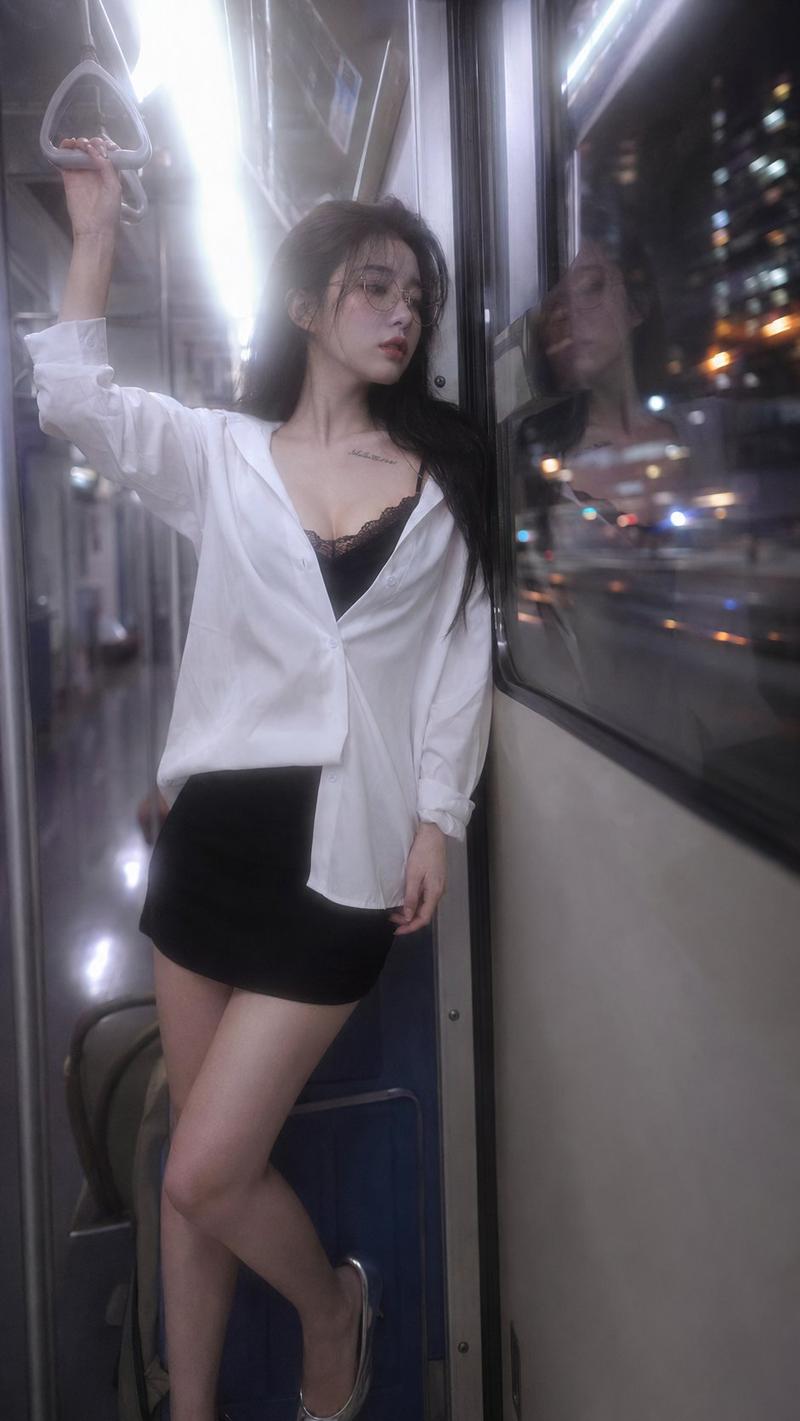
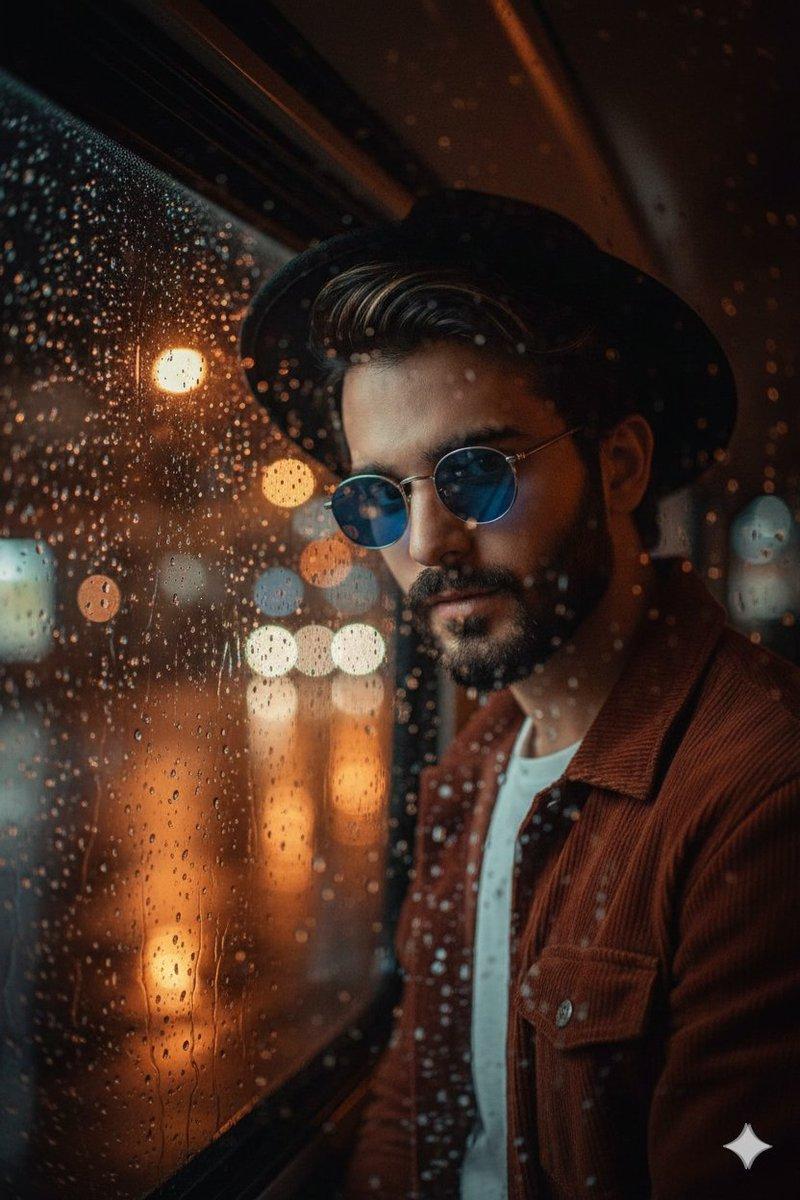
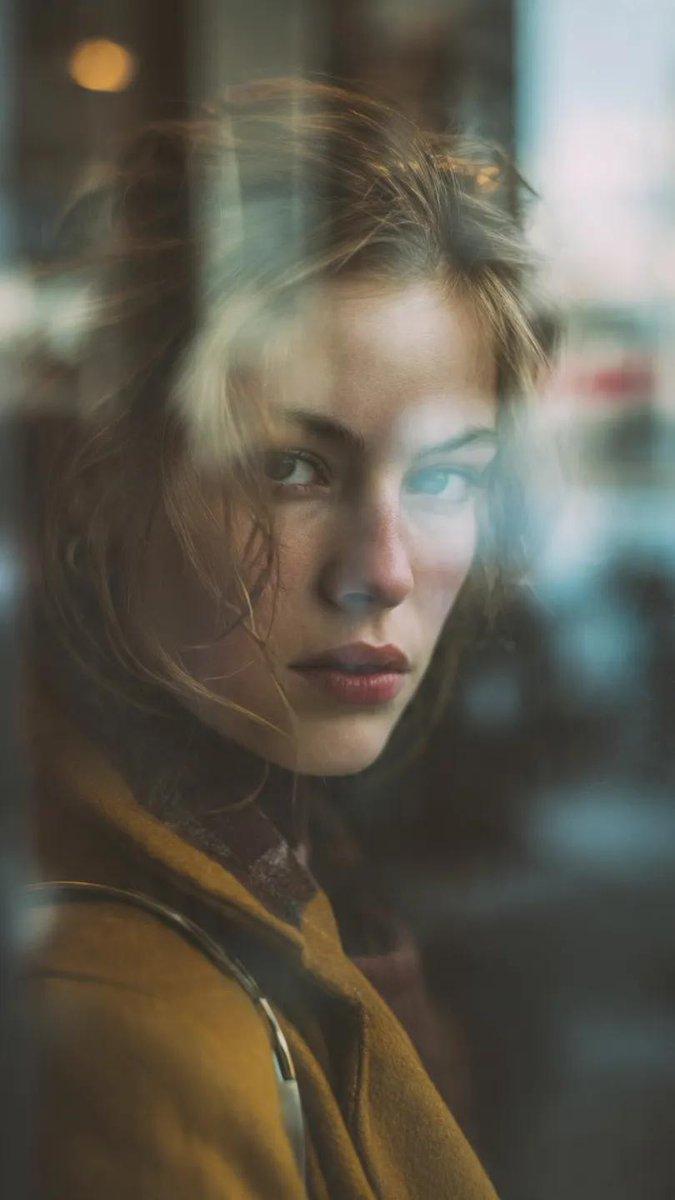
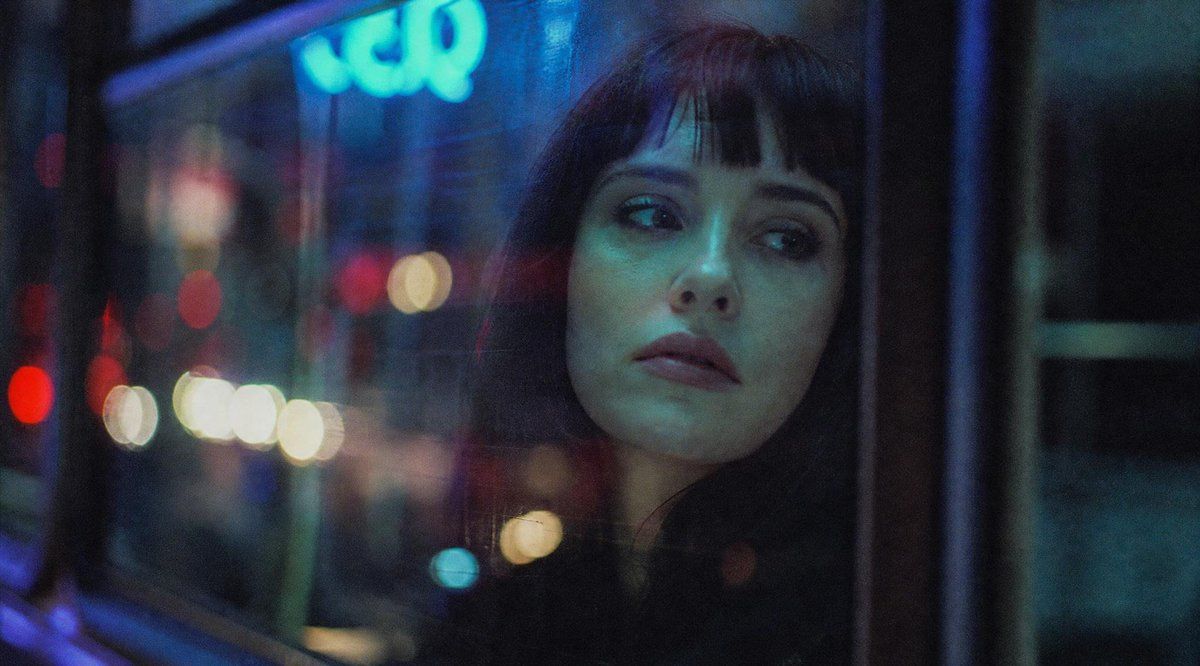
电影感夜间巴士车窗人像
Enlarge

电影感夜间巴士车窗人像

Prompt
Create a cinematic, grainy night photograph shot from inside a city bus or tram, looking through a rain-speckled window covered in reflections. The scene should feel like 35mm film with shallow depth of field, heavy bokeh, and moody neon lighting in deep blues, cyan, red, and warm white. On the left side and background, show blurred urban street lights and traffic dots outside the glass, including a soft glowing cyan sign near the upper left with indistinct lettering. On the right-center, place the partial silhouette of {argument name="subject" default="a seated passenger"} close to the window, mostly hidden in darkness and reflections. Cover the subject's face with one large opaque square censor block, exactly 1 visible censor block, positioned slightly right of center, dark charcoal with a subtle vertical gradient from bluish navy at the top to near-black at the bottom. The composition is wide horizontal, about 16:9, with the left half dominated by window reflections and colorful bokeh, and the right half darker with window frames and the passenger silhouette. Use realistic low-light photography, soft focus, visible film grain, muted contrast, no sharp text, no watermark, and an introspective late-night urban atmosphere.
Category
Charts & Infographics
Model
GPT Image 2
Creator
Marco
Views5
Source ID
20557
Published
May 15, 2026

Guide

About "电影感夜间巴士车窗人像"

What is this prompt for?

"电影感夜间巴士车窗人像" AI image prompt for GPT Image 2 (Charts & Infographics). 生成一张充满情绪的低光电影风格图像,展示一位坐在霓虹灯闪烁的巴士车窗旁的乘客,脸部带有单个方形遮挡。 Copy it on Picva and recreate the loo…

The full copyable prompt and example visuals above are ready for AI image generation or one-click recreate in Picva.

How to use this prompt

  1. Step 1

    Open the prompt detail

    Review the example visuals, category, and full prompt text for "电影感夜间巴士车窗人像".

  2. Step 2

    Copy the prompt

    Copy the prompt body from this page, or load it directly in Studio.

  3. Step 3

    Pick a model (GPT Image 2)

    Prefer GPT Image 2. If you switch models, keep subject and composition and tweak style terms.

  4. Step 4

    Generate and export

    Recreate the look in Picva, or export into your workflow for editing and publishing.

FAQ

What is the "电影感夜间巴士车窗人像" prompt?
It is an AI image-generation prompt for GPT Image 2 in the Charts & Infographics category. This page includes the full prompt text, example visuals, and a one-click recreate path in Picva.
How do I use this prompt to generate an image?
Copy the prompt from this page, or use Generate / Studio. Paste it into a compatible image model, or recreate the look in Picva with optional reference images.
Which model is this prompt for?
This page lists GPT Image 2. Most descriptive prompts also transfer to nearby image models such as GPT Image, Flux, or Midjourney with light style tweaks.
Can I use the result commercially?
You can usually copy the prompt for creation, but commercial use of the final image depends on the model terms, reference-image rights, and the generated content. Follow the source author and platform rules.