17

学生休闲室改造
Enlarge

Example images

学生休闲室改造

Prompt
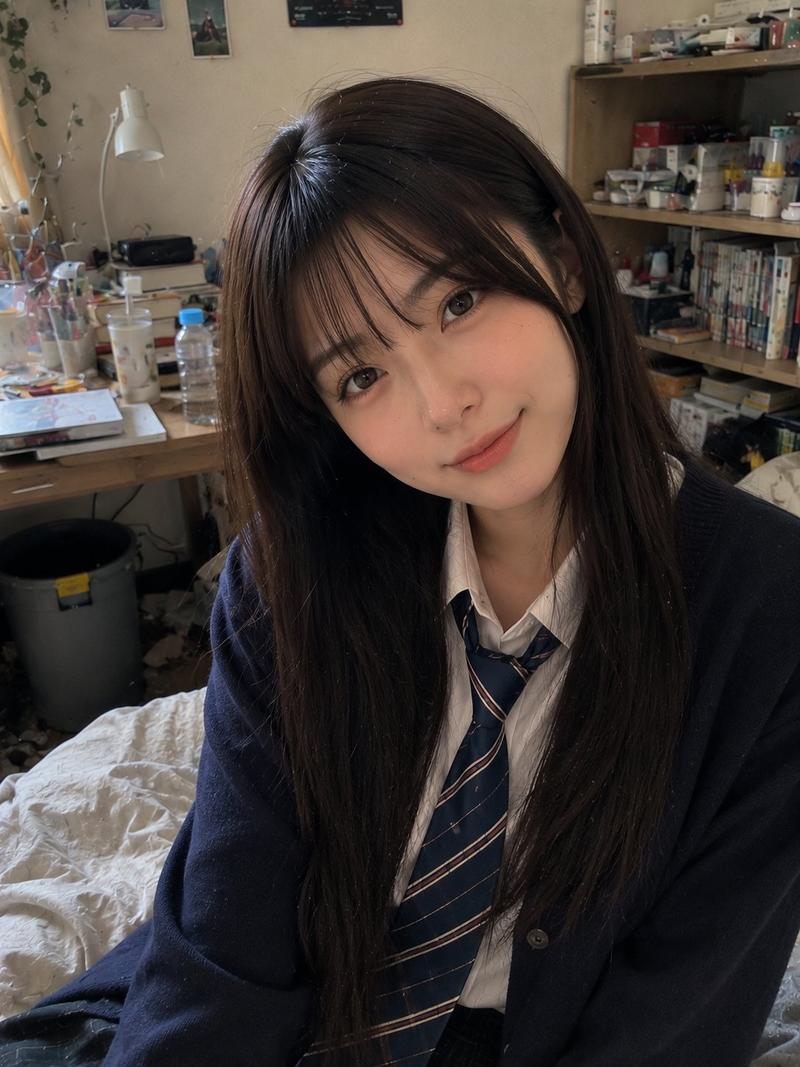
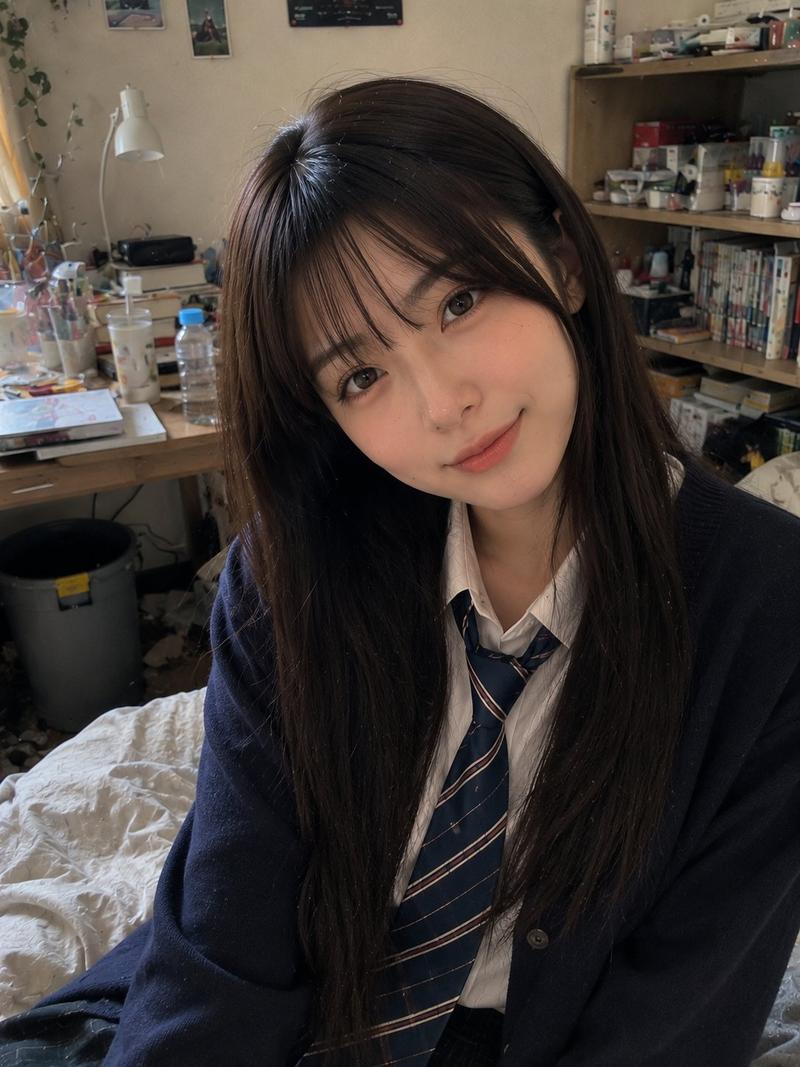
Using REFERENCE_0 as the room base, create a natural realistic photo as if this room has become a casual hangout for {argument name="number of students" default="three"} {argument name="student type" default="20-year-old female college students"}. Keep the room layout, camera angle, furniture, curtains, bed, table, storage drawers, hanging clothes, lighting, and lived-in atmosphere from the uploaded room photo unchanged as much as possible.

Add exactly 3 people: one sitting on the left edge of the bed holding a canned drink, one sitting cross-legged on the bed near the center holding a smartphone, and one in the foreground on the right sitting near the table/bed edge holding a canned drink and turned toward the others. Dress them in coordinated {argument name="outfit style" default="Japanese school-uniform-inspired white shirts with dark plaid skirts and ribbon ties"}. Make them look relaxed, chatting, and comfortable in the room; vary their hairstyles and poses naturally.

Add casual hangout clutter on the table: exactly 7 visible snack/drink items — 2 canned drinks, 1 large open snack bag, 1 cup noodle container, 1 plate or small dish, 1 colorful snack package, and 1 small boxed item — while preserving existing objects such as the remote, blue box, and earbuds where plausible. Keep the result photorealistic, unposed, and like a spontaneous phone snapshot. Faces may be anonymized/blurred for privacy. Do not make it look like a studio shoot, illustration, cosplay poster, or heavily edited composite.
Category
Charts & Infographics
Model
GPT Image 2
Views6
Source ID
20572
Published
May 15, 2026

Guide

About "学生休闲室改造"

What is this prompt for?

"学生休闲室改造" AI image prompt for GPT Image 2 (Charts & Infographics). 将上传的房间照片转换为一个逼真的休闲场景,包含三名穿着统一风格的学生以及添加的零食。 Copy it on Picva and recreate the look in one cli…

The full copyable prompt and example visuals above are ready for AI image generation or one-click recreate in Picva.

How to use this prompt

  1. Step 1

    Open the prompt detail

    Review the example visuals, category, and full prompt text for "学生休闲室改造".

  2. Step 2

    Copy the prompt

    Copy the prompt body from this page, or load it directly in Studio.

  3. Step 3

    Pick a model (GPT Image 2)

    Prefer GPT Image 2. If you switch models, keep subject and composition and tweak style terms.

  4. Step 4

    Generate and export

    Recreate the look in Picva, or export into your workflow for editing and publishing.

FAQ

What is the "学生休闲室改造" prompt?
It is an AI image-generation prompt for GPT Image 2 in the Charts & Infographics category. This page includes the full prompt text, example visuals, and a one-click recreate path in Picva.
How do I use this prompt to generate an image?
Copy the prompt from this page, or use Generate / Studio. Paste it into a compatible image model, or recreate the look in Picva with optional reference images.
Which model is this prompt for?
This page lists GPT Image 2. Most descriptive prompts also transfer to nearby image models such as GPT Image, Flux, or Midjourney with light style tweaks.
Can I use the result commercially?
You can usually copy the prompt for creation, but commercial use of the final image depends on the model terms, reference-image rights, and the generated content. Follow the source author and platform rules.