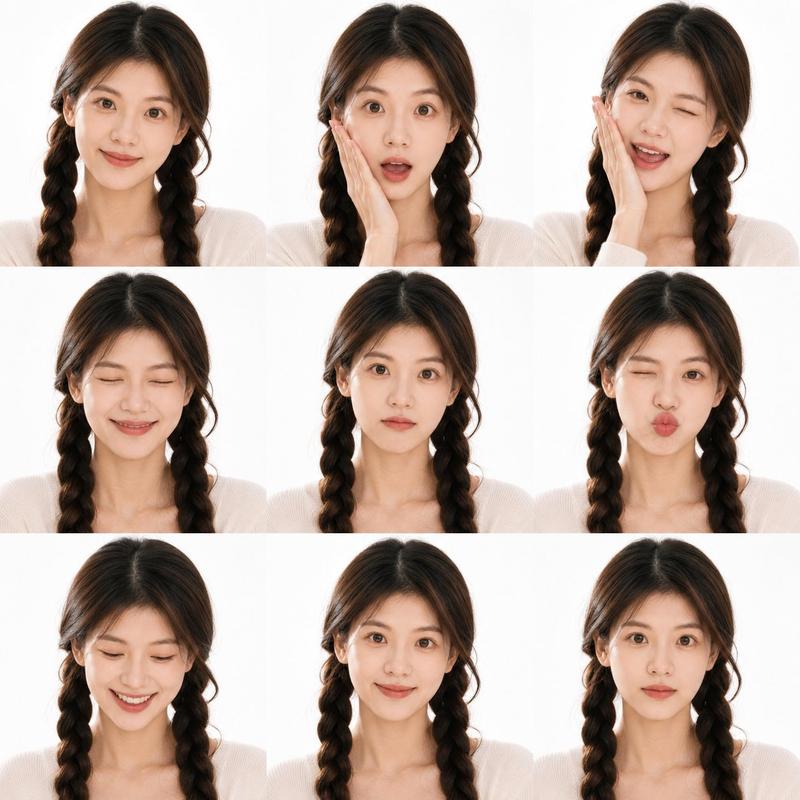
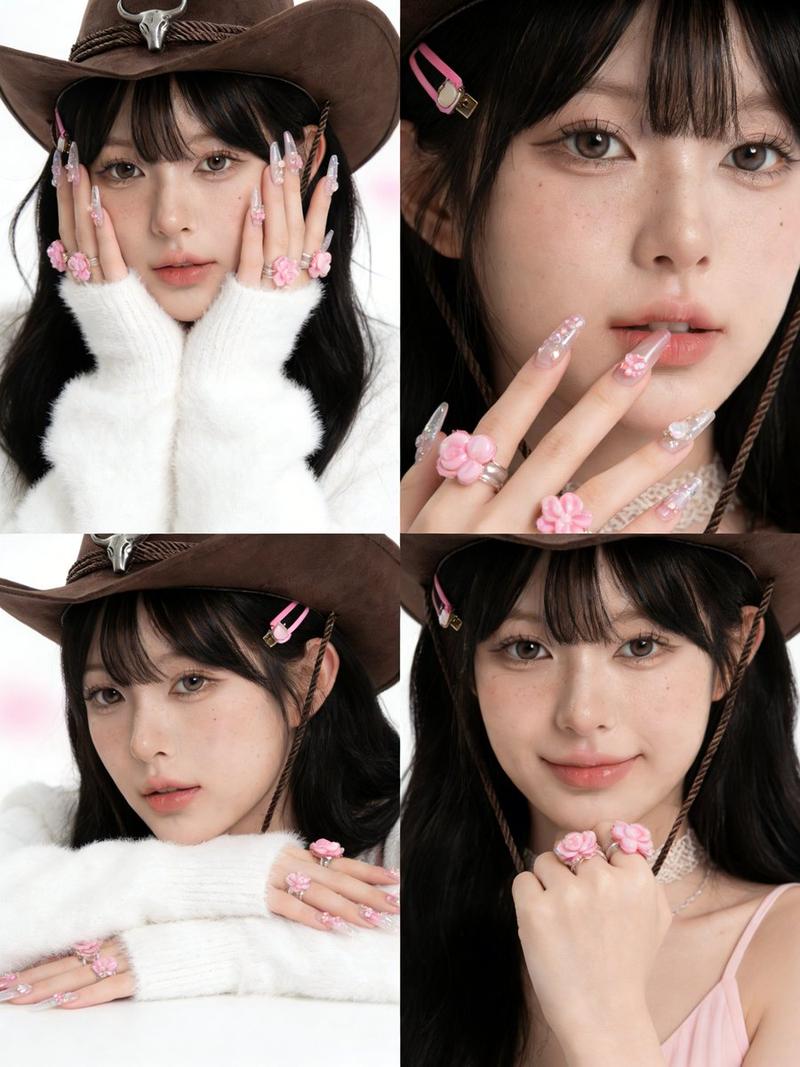
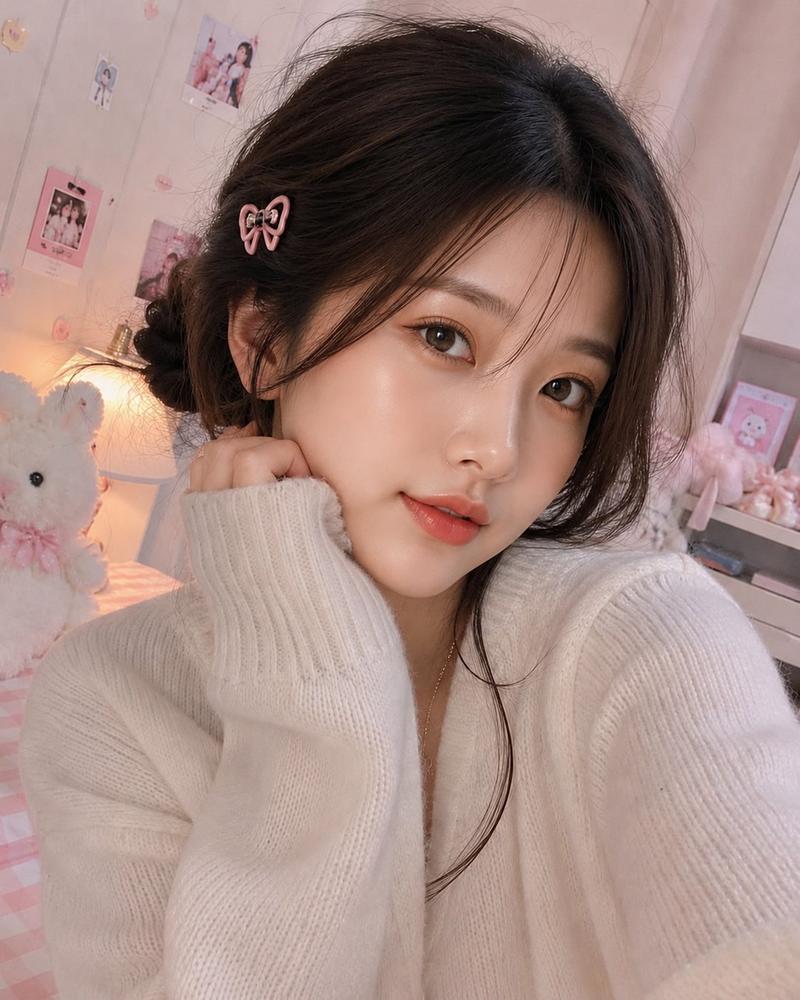
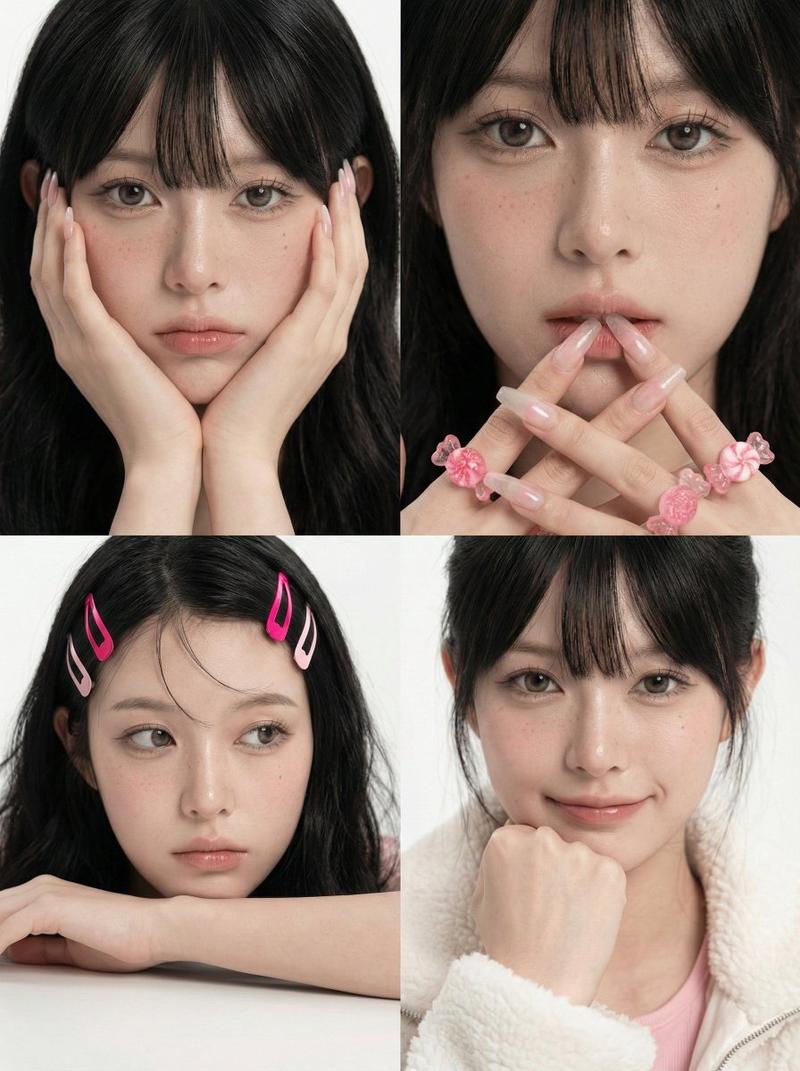
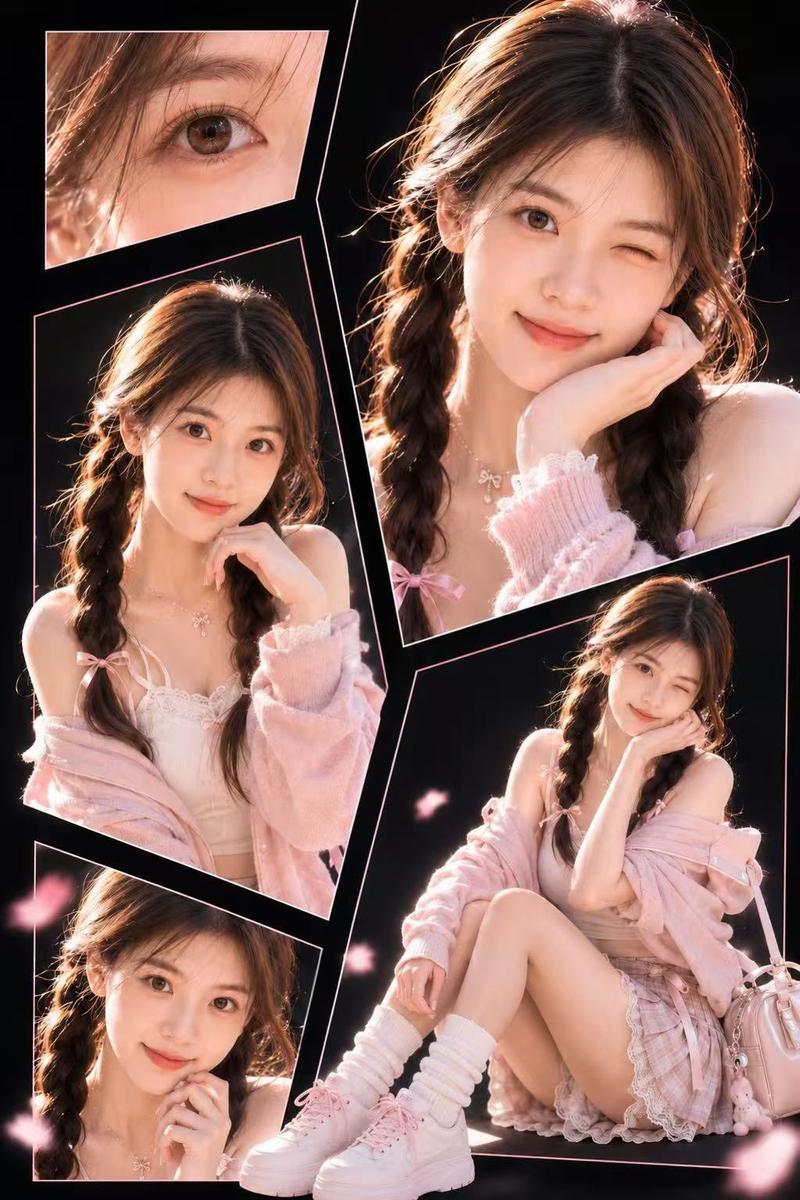
可爱风四格自拍拼图
Prompt
Goal: Create a cute kawaii four-photo collage of the same young woman, preserving {argument name="character identity" default="the uploaded portrait identity"} while changing the outfit and setting.

Canvas: Vertical 2:3 portrait collage, soft pastel aesthetic, high-key lighting, clean white outer border and thick white dividers forming a 2 by 2 grid.

Layout: Show exactly 4 close-up portrait panels of the same person, cropped from upper chest to head. Panel 1, top left: she faces forward with both hands cupping her cheeks, elbows close together. Panel 2, top right: she faces forward and raises both hands in double peace signs near her shoulders. Panel 3, bottom left: she turns slightly sideways with a gentle shy pose, shoulders visible. Panel 4, bottom right: she faces forward with both hands tucked under her chin in a cute pose.

Subject details: The woman has {argument name="hair color" default="dark brown"} hair styled in loose low side braids or pigtails with wispy strands around the face. She wears a light blue denim baseball cap with a small embroidered Sanrio-style yellow puppy patch and a red bow on the front, plus a distressed/frayed brim. Outfit is a white sleeveless camisole with lace trim and delicate vertical texture, soft feminine summer styling. Skin is fair and softly lit, with a gentle idol-photo look.

Background and decorations: Use a pastel pink bedroom or boutique-shelf background in each panel, softly blurred, with cute toy-like details. Add exactly 4 large translucent pink heart decorations: one at the top left corner, one at the top right corner, one at the bottom left corner, and one at the bottom right corner. Add exactly 6 pastel star stickers: one blue star near the top center divider, one pink star in the upper right panel, one pink star on the left side near the middle, one blue star on the left side of the lower-left panel, one purple star on the right side of the lower-right panel, and one blue star near the bottom center divider.

Visual style: Cute Japanese/Korean selfie booth aesthetic, dreamy pastel pink color palette, glossy soft focus, smooth skin retouching, bright diffused lighting, shallow depth of field, playful sticker overlays, realistic photography rather than illustration.

Constraints: Keep the same person consistent across all 4 panels. Use exactly 4 portrait panels, exactly 4 hearts, and exactly 6 stars. No text, no watermark, no extra people, no harsh shadows. The face should remain clearly visible unless privacy masking is intentionally requested via {argument name="face treatment" default="natural visible face"}.- Category
- Charts & Infographics
- Model
- GPT Image 2
- Creator
- Shinning
- Source ID
- 20642
- Published
- May 15, 2026
Views10