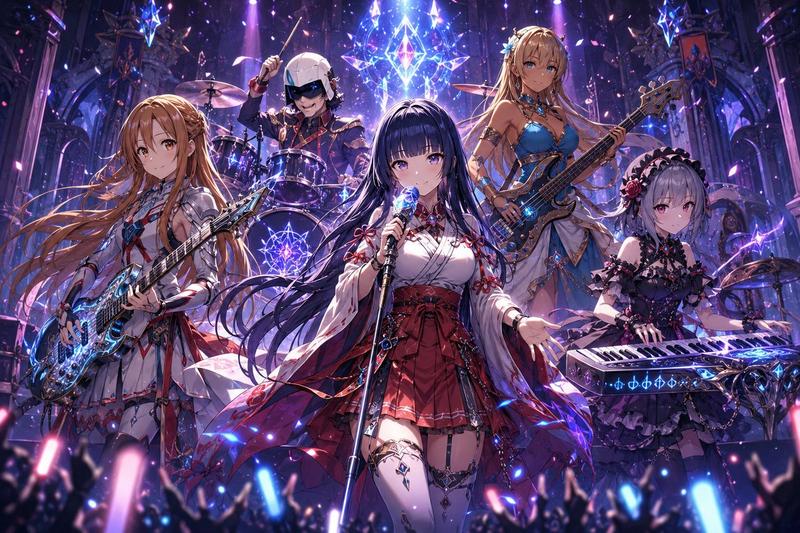
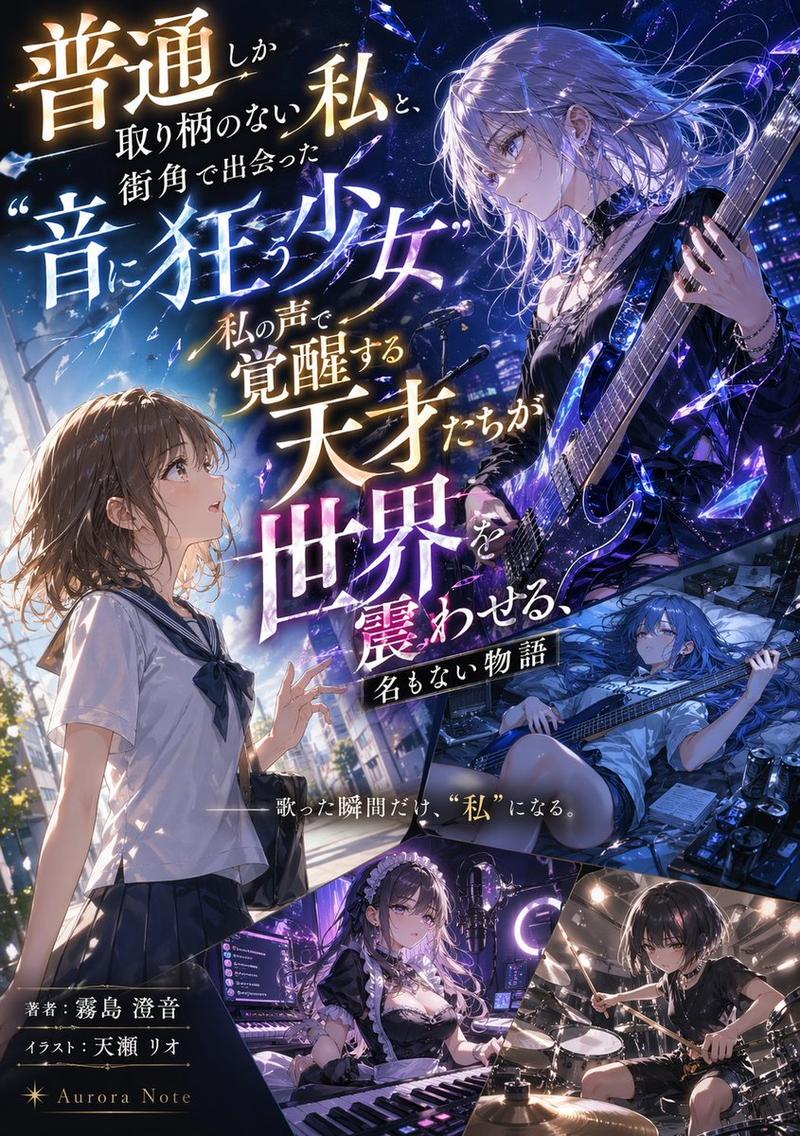
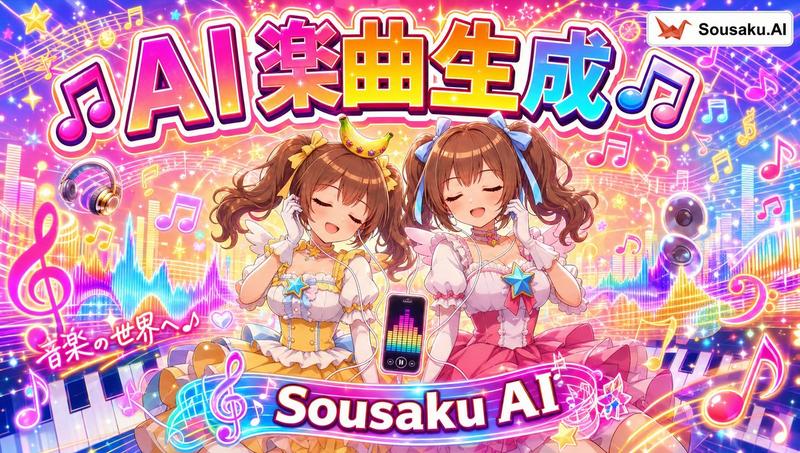
日文 GPT-Image-2 动漫演唱会横幅
Prompt
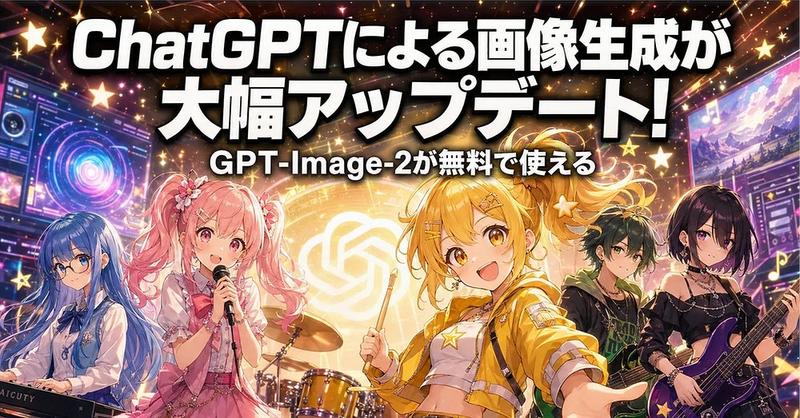
Goal: Create a high-energy Japanese promotional banner announcing an image generation update for ChatGPT / GPT-Image-2, styled like an anime idol rock concert advertisement.

Canvas: Wide horizontal social media banner, approximately 2:1 aspect ratio, cinematic 1024×512 feel. Fill the frame edge to edge with no white margins.

Layout: Place huge bold Japanese headline text across the top two-thirds, centered and slightly arched with heavy black drop shadow and white fill. Under it, place a smaller centered subtitle. The bottom half is an anime band performance scene with five visible characters and a drum kit, surrounded by glowing UI panels, stars, sparkles, and neon concert lighting.

Text content: Main headline in Japanese: {argument name="headline text" default="ChatGPTによる画像生成が 大幅アップデート!"}. Subtitle in Japanese: {argument name="subtitle text" default="GPT-Image-2が無料で使える"}. Use thick rounded sans-serif display lettering, bright white with black outline/shadow, designed for maximum readability over a busy background.

Subject details: Include exactly five anime band members across the lower half: 1) far left, a blue-haired keyboardist in a pale blue-and-white outfit behind a keyboard; 2) left-center, a pink twin-tail idol singer holding a microphone, wearing a frilly pink stage dress with flower hair accessories; 3) center-right foreground, the main blonde/yellow-haired energetic idol drummer/front performer, smiling, holding a drumstick, wearing a cropped yellow jacket, white top, star motifs, and hair clips; 4) right-center, a dark-haired green-accented guitarist/bassist in a black streetwear outfit; 5) far right, a black-haired female guitarist in a black off-shoulder rock outfit holding a purple electric guitar. Put a golden drum kit behind the two central characters. The center performer should be the most prominent and brightly lit.

Background and effects: Behind the band, show a glowing circular golden OpenAI-like knot logo as a stage backdrop. Add futuristic interface screens on the left and right edges, with colorful dashboards, rings, waveform-like graphics, and thumbnail panels. Use a deep black and purple concert background with orange, pink, gold, and blue neon beams. Scatter many glowing five-point stars, music notes, lens flares, confetti sparkles, and light streaks throughout.

Visual style: Polished modern anime illustration, idol concert poster, saturated colors, glossy highlights, dramatic rim lighting, high detail, dynamic composition, celebratory mood, crisp typography, strong contrast. Make it look like a viral Japanese tech-news thumbnail about AI image generation.

Constraints: Keep the text legible and dominant, do not add extra headline lines beyond the two specified text lines, keep exactly five band characters, avoid photorealism, avoid watermarks, avoid unreadable tiny text except decorative UI elements.- Category
- Charts & Infographics
- Model
- GPT Image 2
- Creator
- AICU - つくる人をつくる
- Source ID
- 20682
- Published
- May 15, 2026
Views4