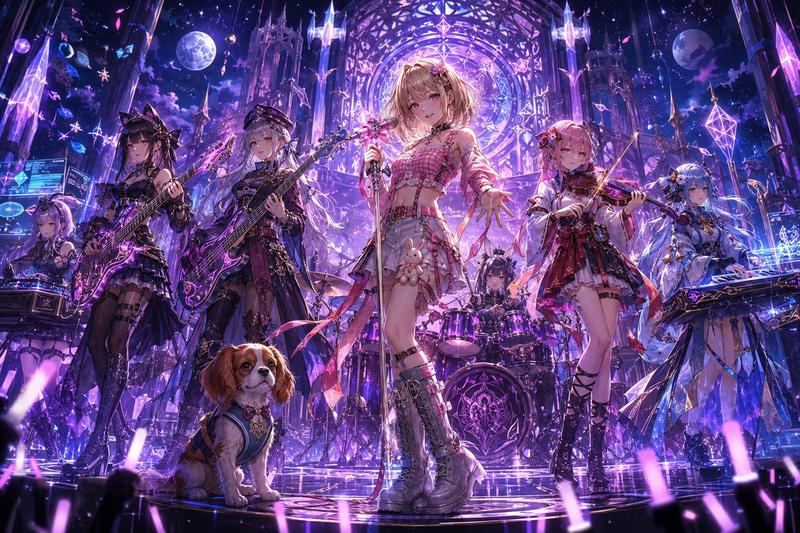
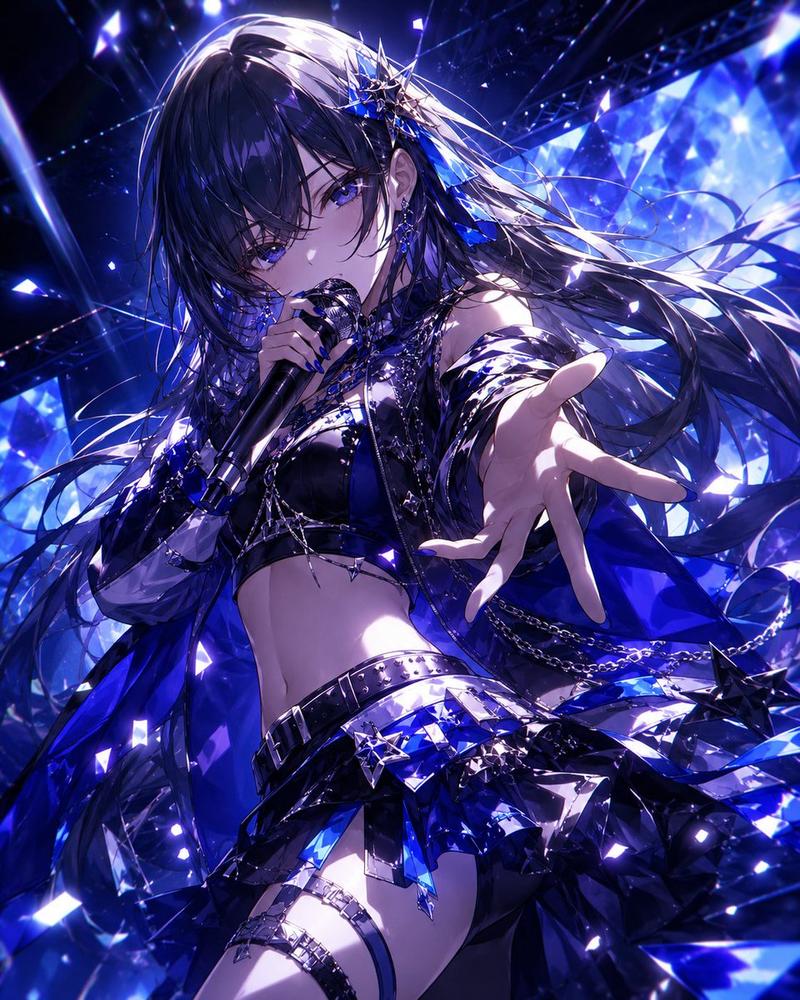
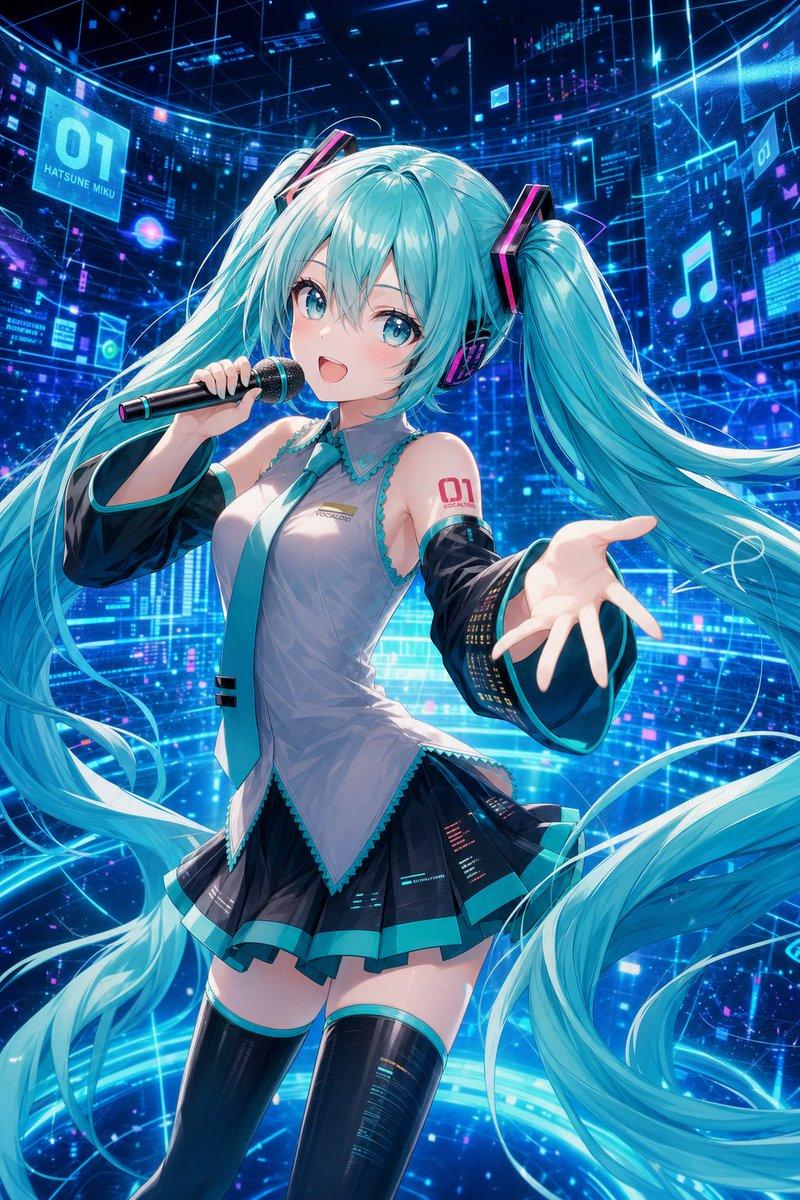
奇幻动漫摇滚乐队视觉图
Prompt
Analyze all uploaded illustration images and create an ultra high-quality original {argument name="band genre" default="hard rock / fantasy anime"} band visual that fuses the characters’ traits, atmosphere, colors, personalities, fashion, emotional tone, and worldbuilding into one unified universe.

Important:

• Every uploaded character must appear. No missing members.
• Do not let any character appear in a different art style.
• All members must look like they belong to the same anime production and same world.
• Preserve each character’s face, eyes, hairstyle, hair color, expression, proportions, age, body type, species traits, and personality.
• Do not paste the original images directly. Fully redraw them while preserving their original identity and art style.
• Reflect natural height differences and individuality.
• Every member must have strong protagonist-level presence.
• Keep the emotional atmosphere cinematic and cohesive.

Band roles should be assigned automatically depending on member count:
vocalist, lead guitar, bass, drums, keyboard, violin, DJ, mage support, etc.

Reconstruct stage outfits by fusing elements from the uploaded illustrations:
fantasy mage robes, gothic lolita, shrine maiden motifs, cyberpunk armor, military belts, idol fashion, royal fantasy fabrics, glowing ornaments, magical accessories, asymmetric jackets, belts, chains, layered skirts, armored boots, luminous jewelry, and original fantasy-rock styling.

The instruments must be completely original custom designs naturally born from the uploaded illustrations’ worlds:
• magical crystal guitars
• rune-covered basses
• floating keyboards
• arcane violins
• mechanical drums
• glowing staffs converted into microphones
• fantasy amplifiers powered by magic or futuristic energy

The concert stage itself must also originate from the uploaded artwork universe.
Avoid generic live stages.

{argument name="stage theme" default="Fantasy themes"} may inspire:
• giant glowing trees
• floating ruins
• cathedral architecture
• magical circles
• moonlit forests
• crystal chandeliers
• ancient runes
• snow particles
• divine light rays

{argument name="alternative stage theme" default="Cyberpunk themes"} may inspire:
• holographic screens
• neon lighting
• giant LED walls
• futuristic machinery
• floating drones
• illuminated cables

The lighting must feel like a real live concert:
dramatic spotlights, rim lighting, volumetric fog, stage reflections, cinematic shadows, glowing effects, crowd glow sticks, dynamic atmosphere.

Camera style:
anime movie key visual, ultra detailed, cinematic composition, dynamic angles, masterpiece quality, premium fantasy rock album cover, highly polished rendering, emotional storytelling, unified color grading.

The final image must feel like:
“a legendary anime fantasy band born directly from the uploaded illustrations’ universe.”- Category
- Charts & Infographics
- Model
- GPT Image 2
- Creator
- アシタ🩵
- Source ID
- 23646
- Published
- Jun 1, 2026
Views7