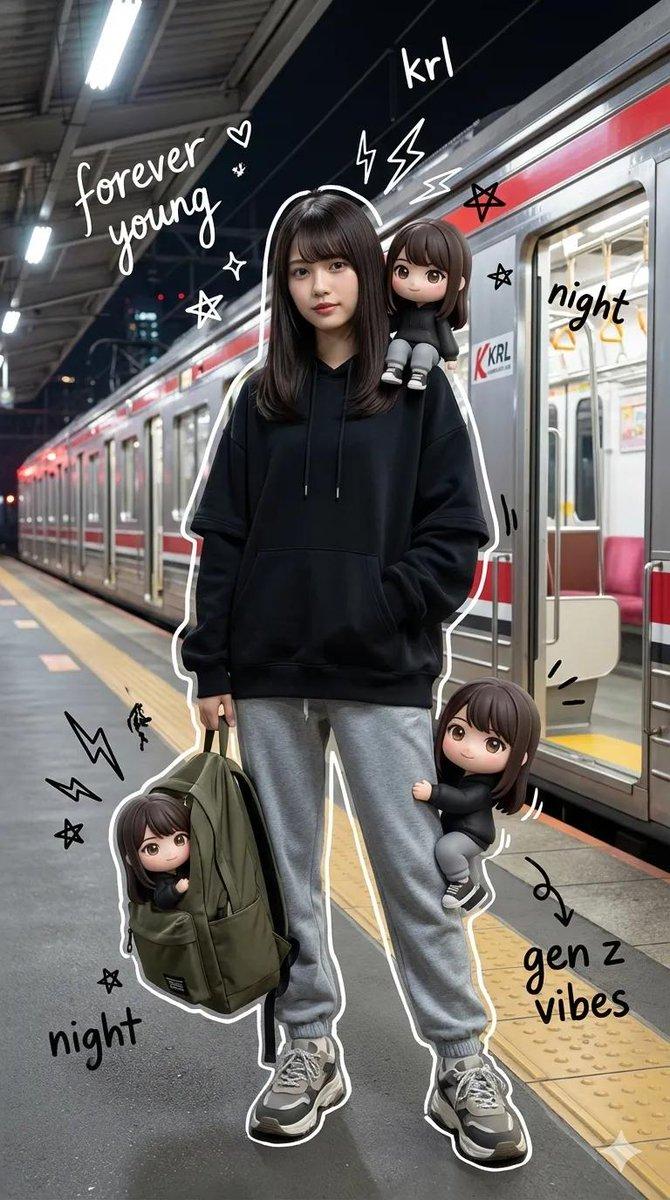
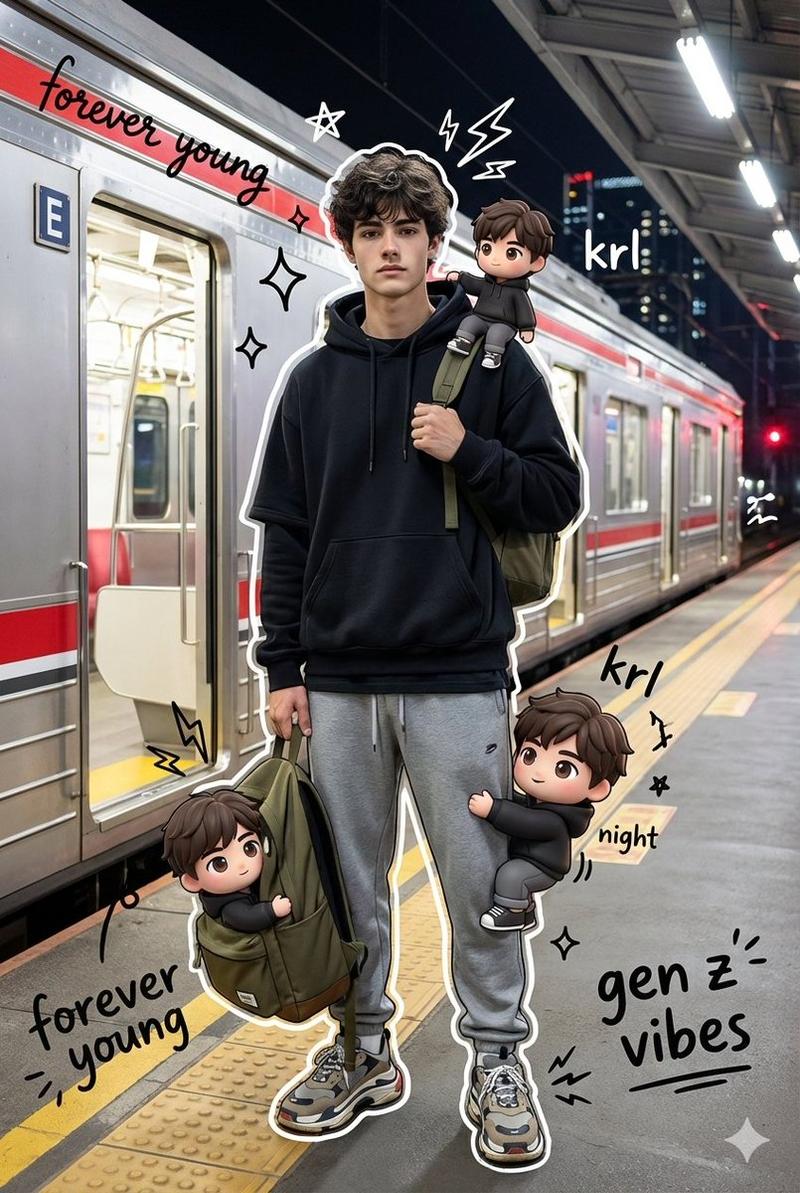
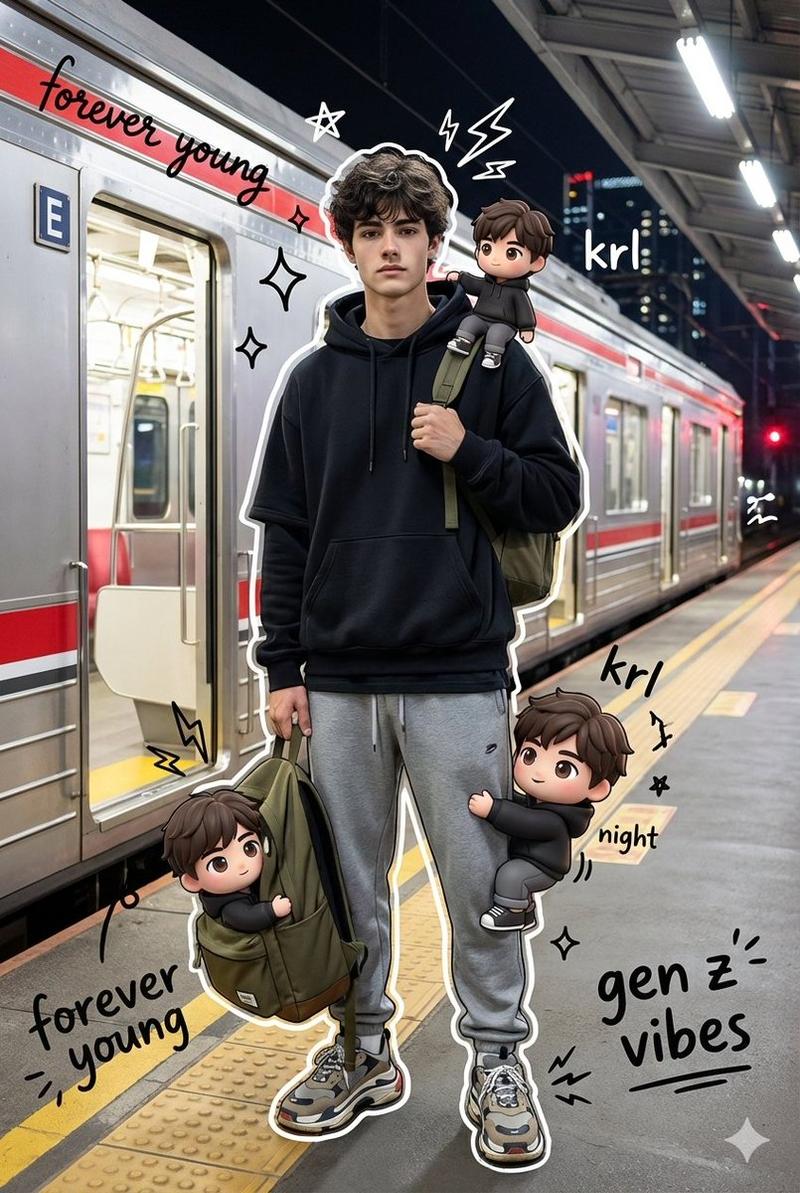
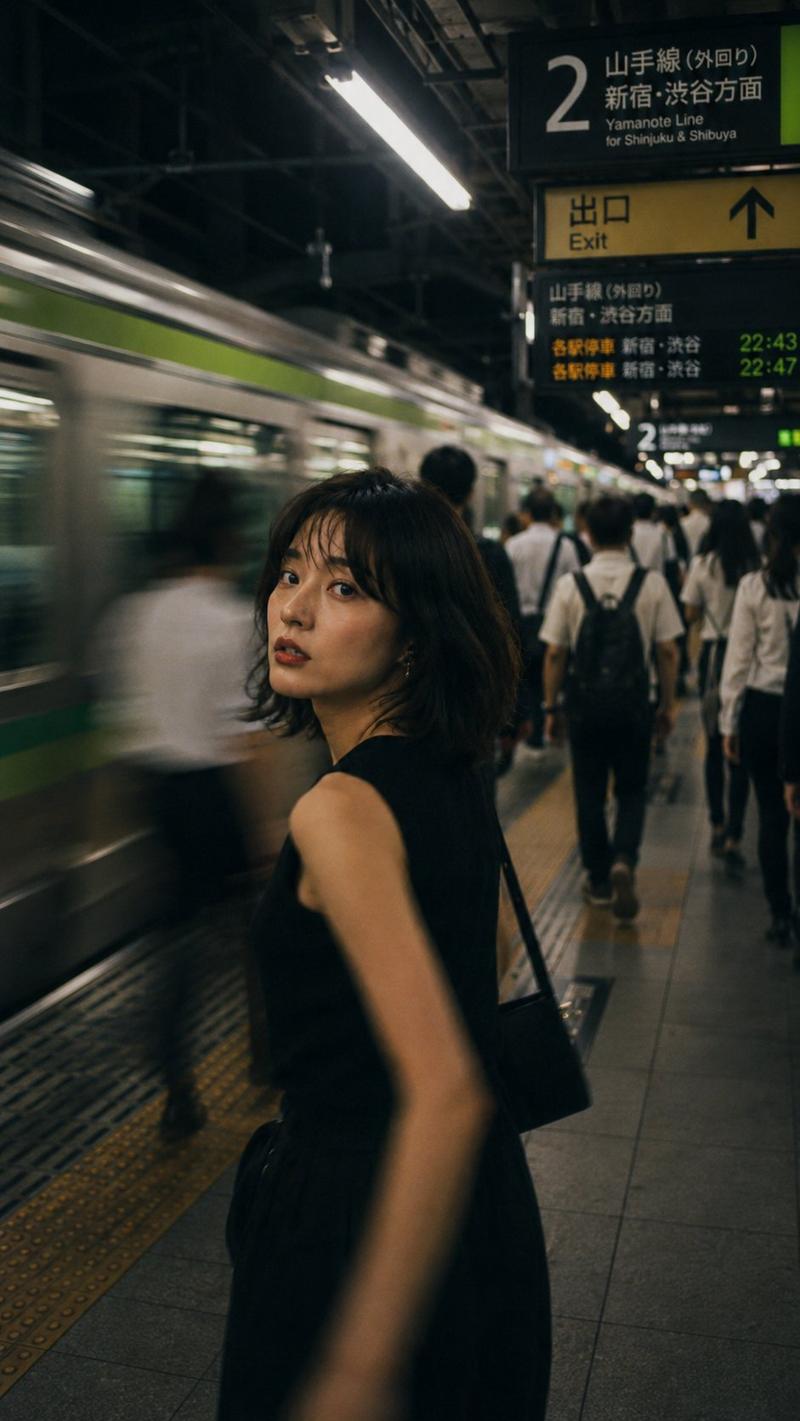
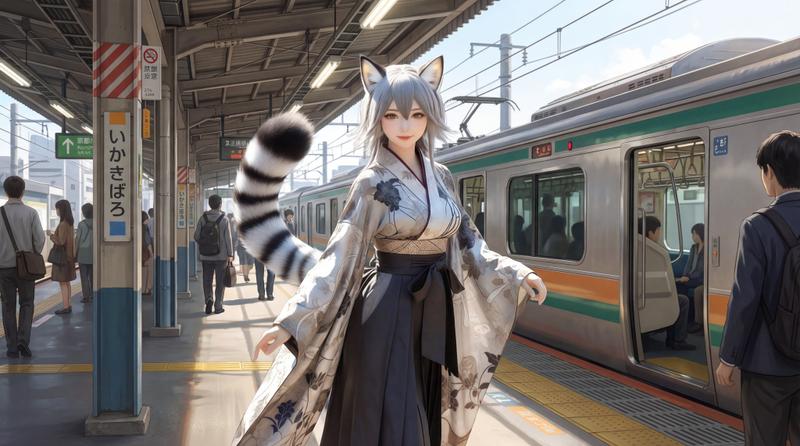
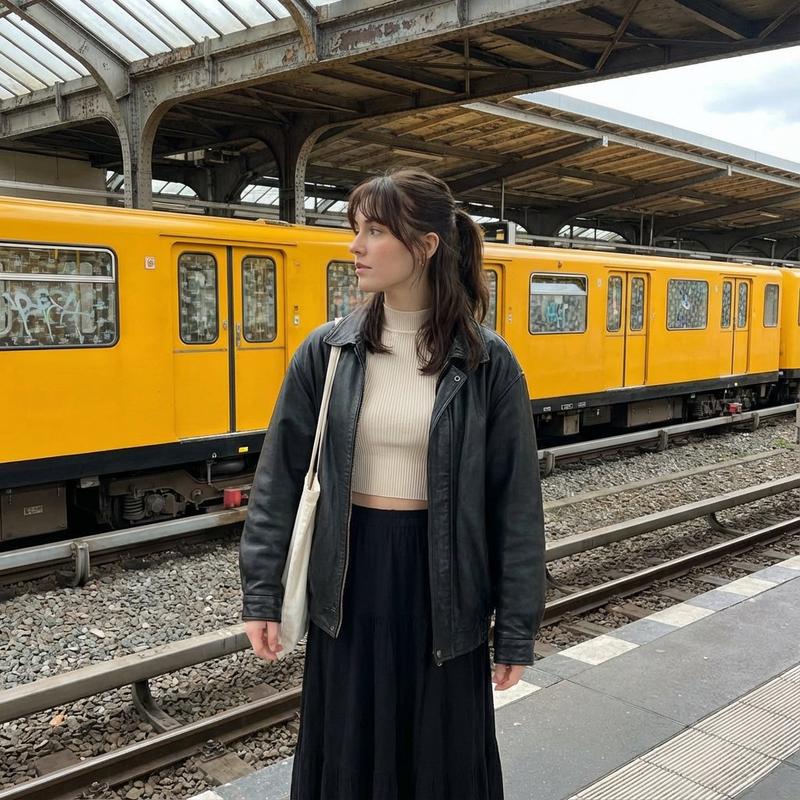
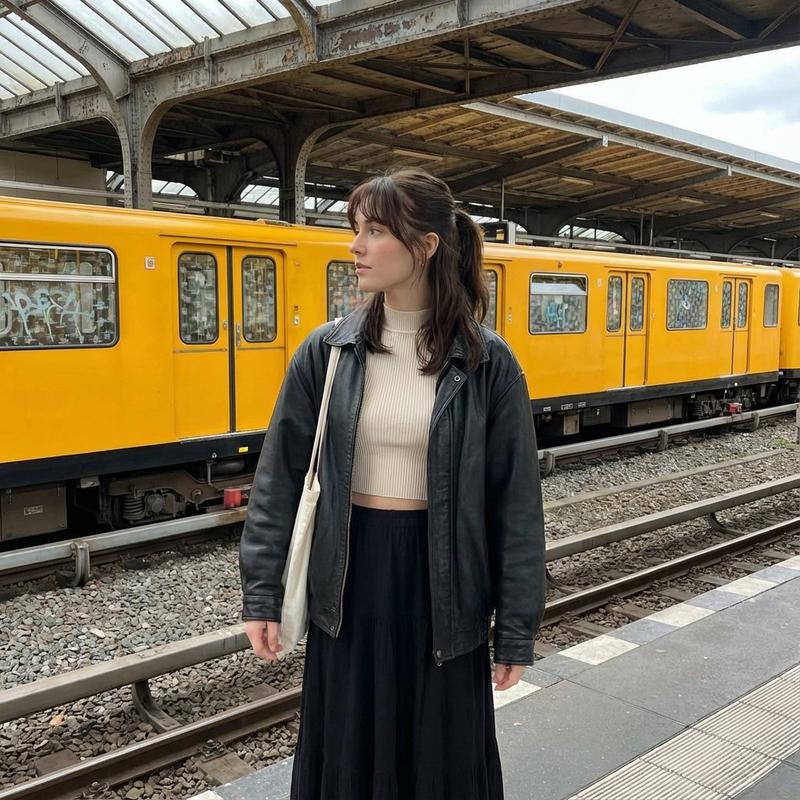
四格火车站姿势拼图
Prompt
Goal: Create a realistic 3:4 vertical photo-collage divided into exactly 4 equal panels in a 2×2 grid, separated by thick white borders, showing the same {argument name="character description" default="Japanese adult woman with shoulder-length straight black hair"} in different poses at an outdoor train station platform.

Canvas and layout: Portrait 3:4 aspect ratio. Four evenly sized rectangular photos arranged in a square grid: top-left, top-right, bottom-left, bottom-right. Use candid smartphone-photo realism with natural daylight, shallow-to-moderate depth of field, overcast sky, railway tracks, overhead electric wires, fences, platform markings, station signs, and a train visible in one panel. Add large red text with a white outline reading {argument name="top label" default="GPT 2"} in the upper-left corner of the overall collage. Add a faint semi-transparent watermark across the center reading {argument name="watermark text" default="©CottonAIImageLABO"}.

Subject details: The woman wears a {argument name="outfit" default="navy polo shirt, blue plaid pleated skirt, dark knee socks"}, carries a {argument name="bag" default="large navy shoulder bag with a light gray strap and a pink heart-shaped charm"}, and has her face obscured by a soft rectangular blur in every panel for anonymity. Keep the same outfit and bag consistent across all 4 panels.

Four panels, exactly counted:
1. Top-left: full-body selfie-like shot on the train platform, the woman reaches one hand toward the camera with an open palm, bag on shoulder, tracks and platform stretching behind her.
2. Top-right: medium shot, she raises one hand to her forehead in a salute or shading gesture, bag on shoulder, tracks and platform behind her.
3. Bottom-left: closer portrait beside a stopped train with an orange stripe, she makes a peace sign near her face, bag strap visible.
4. Bottom-right: full-body angled shot near a transfer sign, she points one arm upward with index finger extended, holding the shoulder bag with the other hand.

Visual style: Highly realistic Japanese smartphone photography, casual travel snapshot, natural muted colors, overcast lighting, slight background blur, authentic train-platform perspective, no glamor lighting, no illustration or anime style.

Constraints: Use exactly 4 panels and exactly the 4 poses listed. Keep the same person, clothing, bag, and station setting in all panels. Preserve the 2×2 collage structure and white dividing lines. Do not add extra people or extra text beyond the top label and faint watermark.- Category
- Charts & Infographics
- Model
- GPT Image 2
- Creator
- cotton
- Source ID
- 20733
- Published
- May 15, 2026
Views5