18

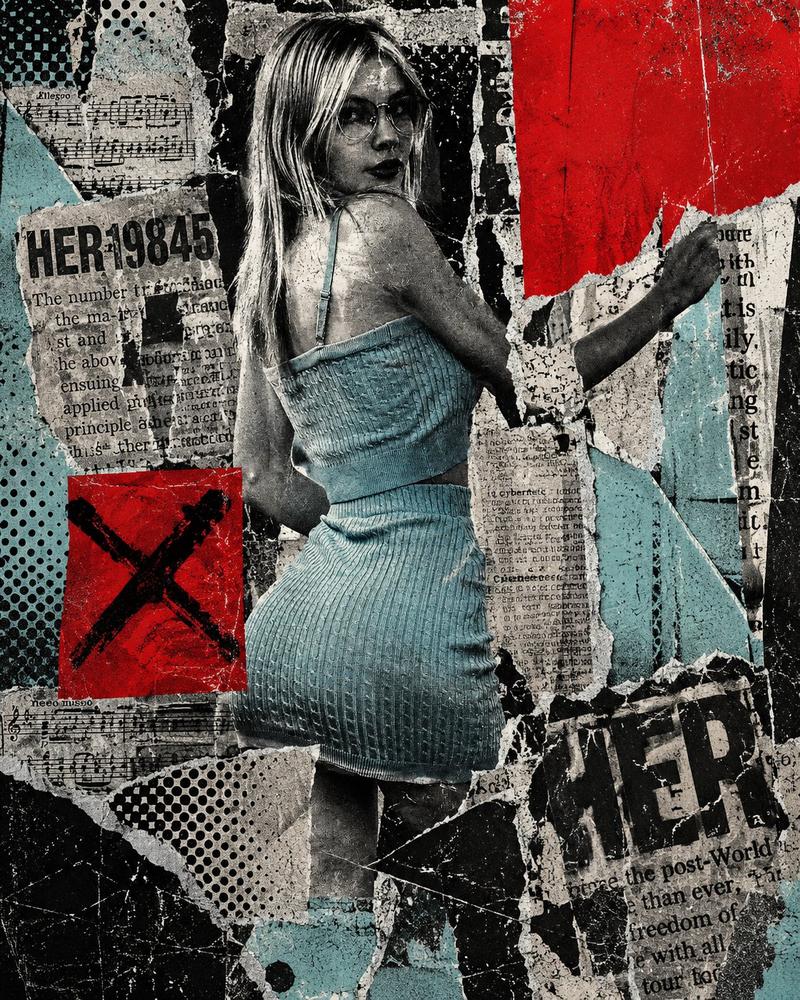
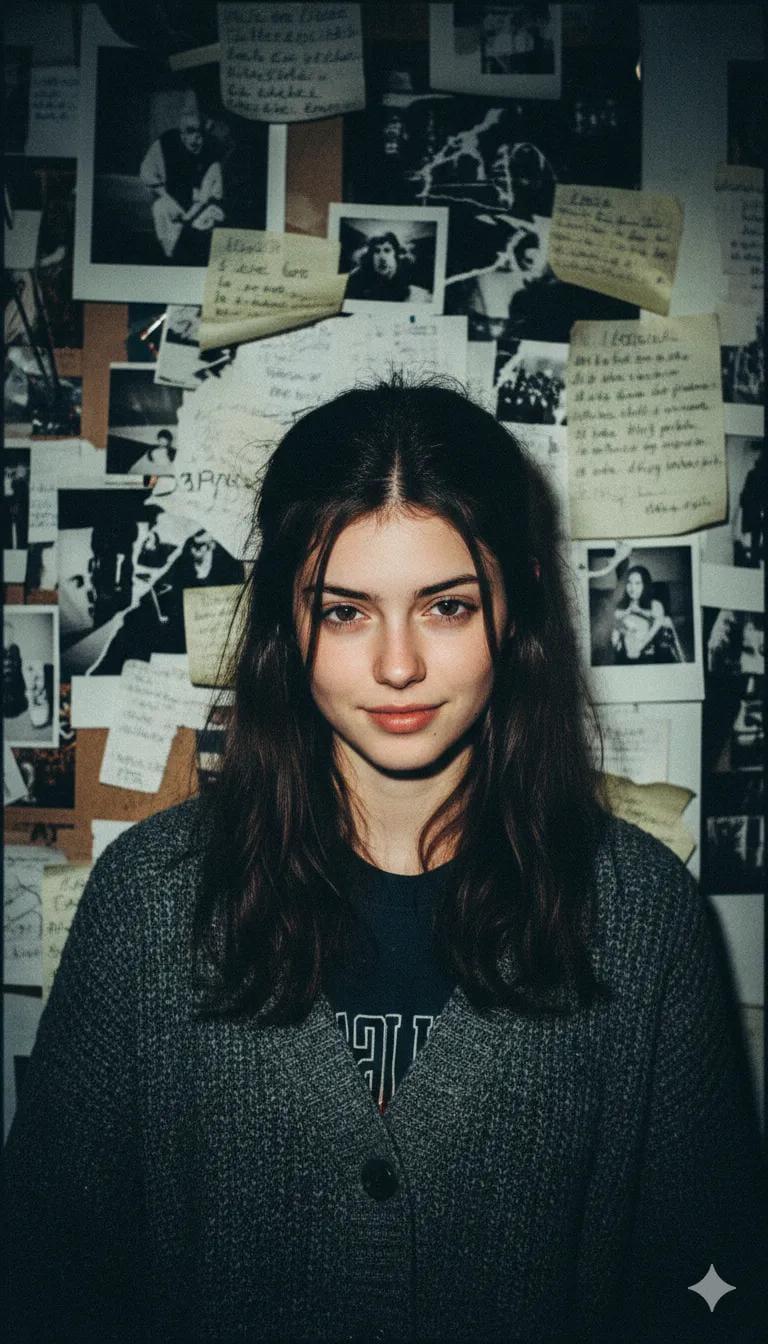
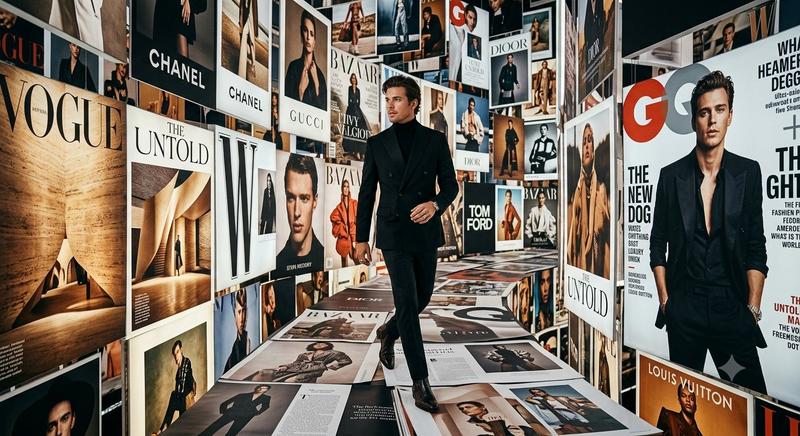
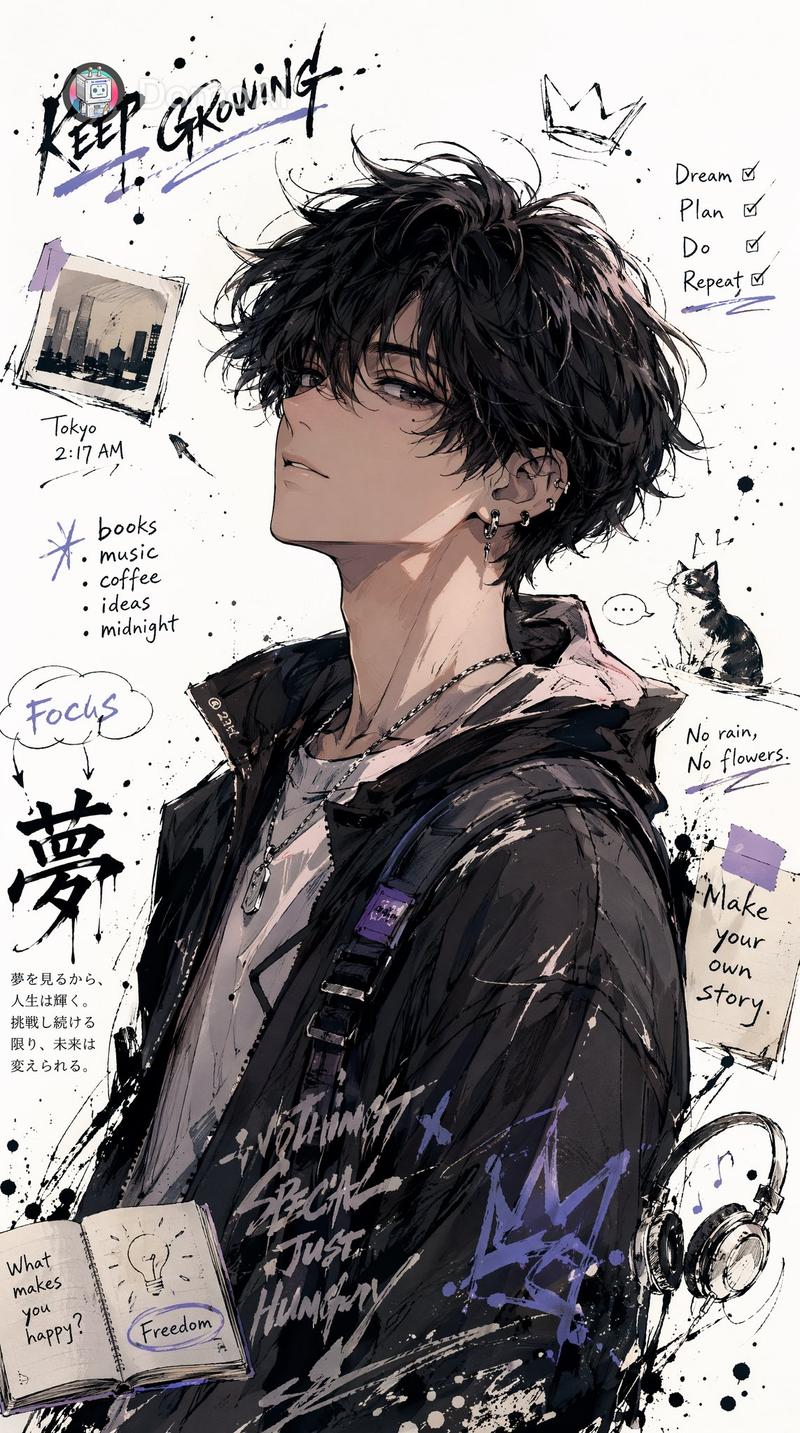
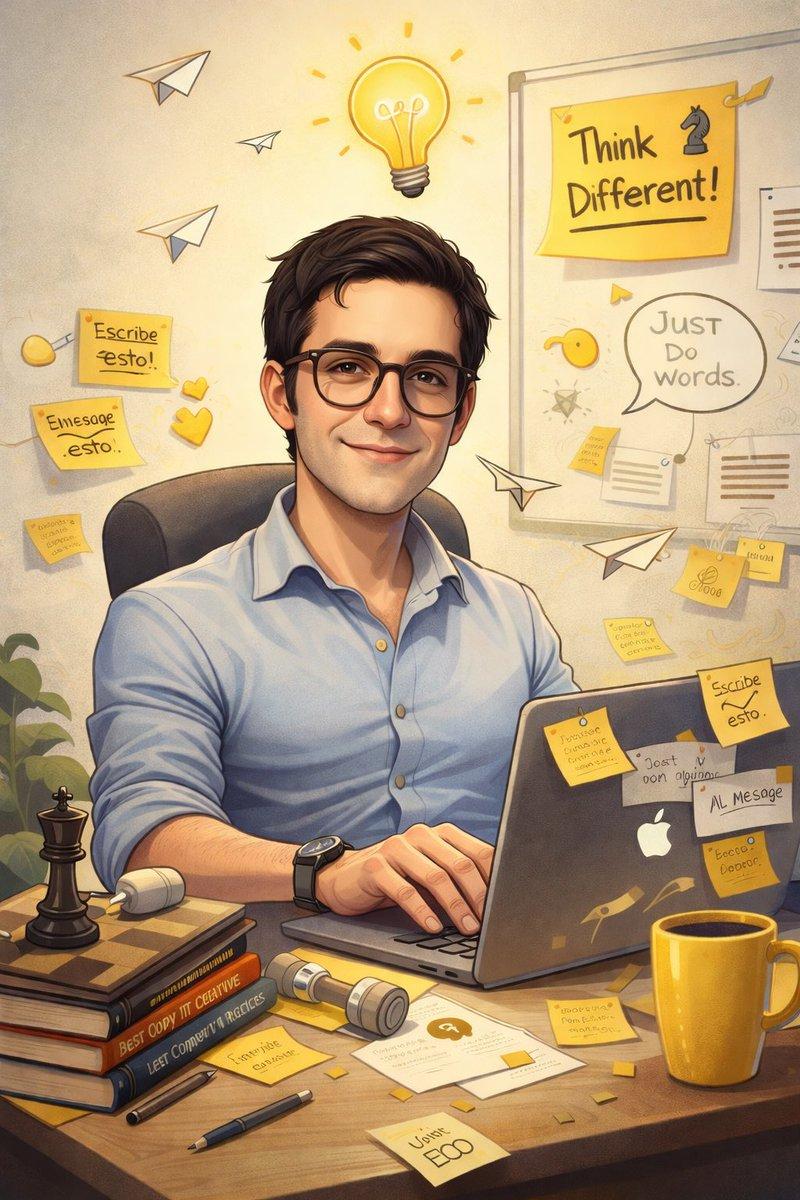
复古杂志纸艺拼贴肖像
Enlarge

复古杂志纸艺拼贴肖像

Prompt
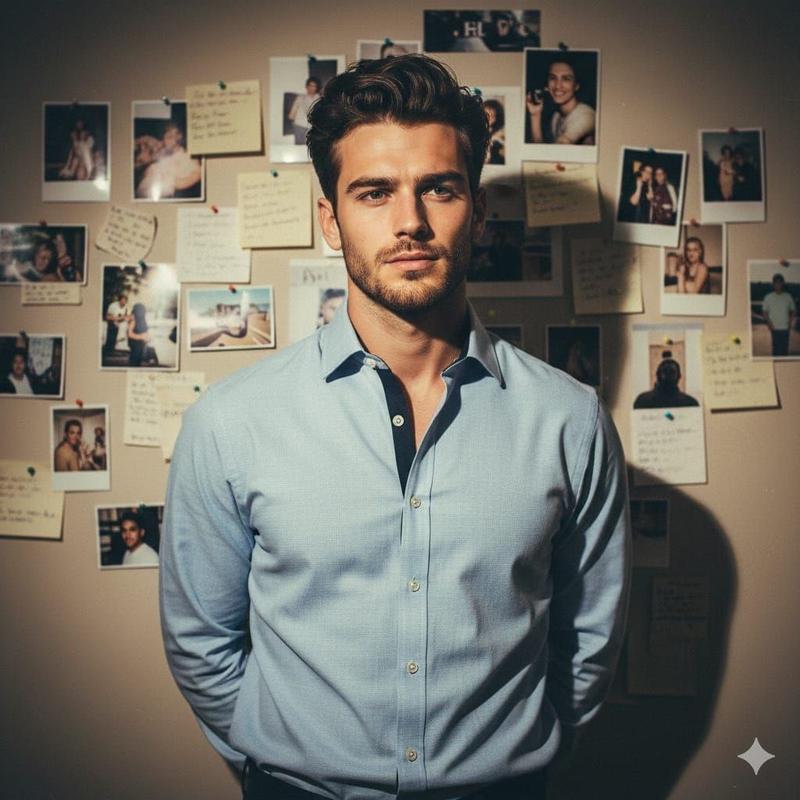
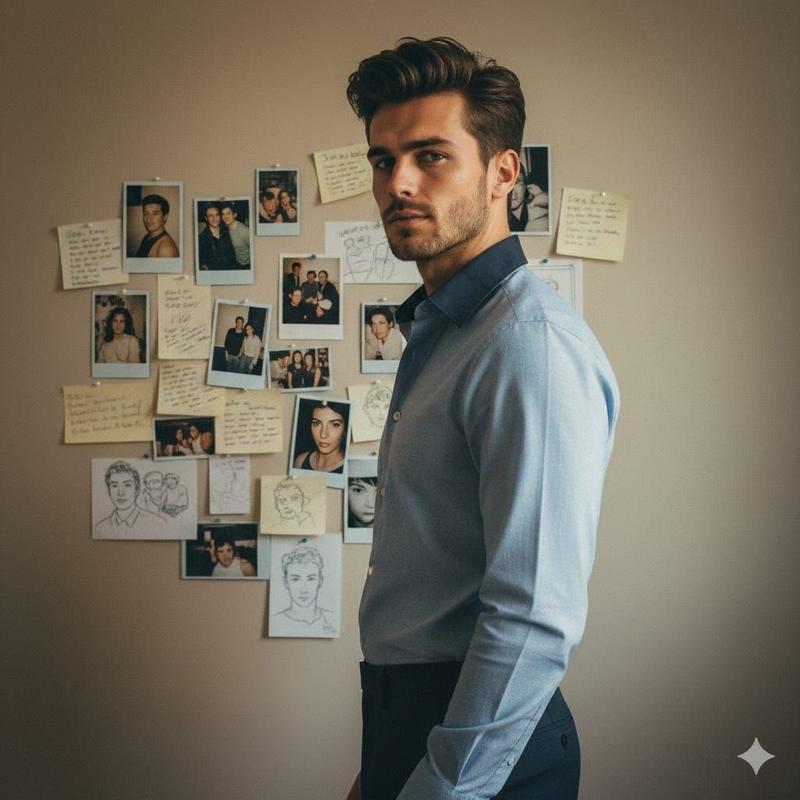
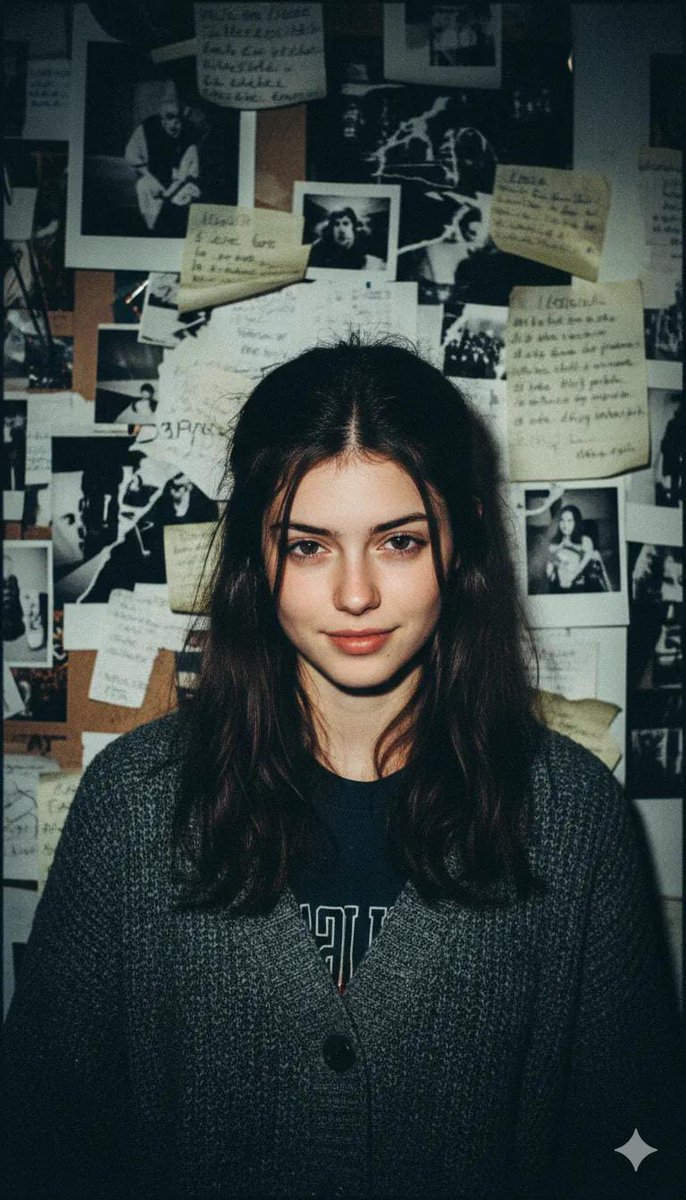
Aesthetic vintage paper collage portrait of a {argument name="subject" default="stylish woman taking a mirror selfie"}, made entirely from torn magazine and newspaper pieces, layered mixed-media artwork, neutral beige and brown tones, Vogue-inspired fashion editorial style, {argument name="accessory" default="black sunglasses"}, sleek ponytail hairstyle, {argument name="clothing" default="white corset top"}, silver jewelry, purple smartphone, textured ripped paper edges, handcrafted mosaic effect, realistic shadows and depth, chic typography cutouts, inspirational quotes scattered around, cozy luxury aesthetic, highly detailed analog collage art, soft warm lighting, Instagram moodboard vibe, premium editorial composition, ultra detailed, 4k
Category
Charts & Infographics
Model
GPT Image 2
Views4
Source ID
20844
Published
May 16, 2026

Guide

About "复古杂志纸艺拼贴肖像"

What is this prompt for?

"复古杂志纸艺拼贴肖像" AI image prompt for GPT Image 2 (Charts & Infographics). 一个用于生成纸艺拼贴风格混合媒体艺术作品的创意提示词,结合了撕裂的杂志碎片、时尚元素和手工质感。 Copy it on Picva and recreate the look i…

The full copyable prompt and example visuals above are ready for AI image generation or one-click recreate in Picva.

How to use this prompt

  1. Step 1

    Open the prompt detail

    Review the example visuals, category, and full prompt text for "复古杂志纸艺拼贴肖像".

  2. Step 2

    Copy the prompt

    Copy the prompt body from this page, or load it directly in Studio.

  3. Step 3

    Pick a model (GPT Image 2)

    Prefer GPT Image 2. If you switch models, keep subject and composition and tweak style terms.

  4. Step 4

    Generate and export

    Recreate the look in Picva, or export into your workflow for editing and publishing.

FAQ

What is the "复古杂志纸艺拼贴肖像" prompt?
It is an AI image-generation prompt for GPT Image 2 in the Charts & Infographics category. This page includes the full prompt text, example visuals, and a one-click recreate path in Picva.
How do I use this prompt to generate an image?
Copy the prompt from this page, or use Generate / Studio. Paste it into a compatible image model, or recreate the look in Picva with optional reference images.
Which model is this prompt for?
This page lists GPT Image 2. Most descriptive prompts also transfer to nearby image models such as GPT Image, Flux, or Midjourney with light style tweaks.
Can I use the result commercially?
You can usually copy the prompt for creation, but commercial use of the final image depends on the model terms, reference-image rights, and the generated content. Follow the source author and platform rules.