16

暗黑波普艺术混合媒介拼贴画
Enlarge

暗黑波普艺术混合媒介拼贴画

Prompt
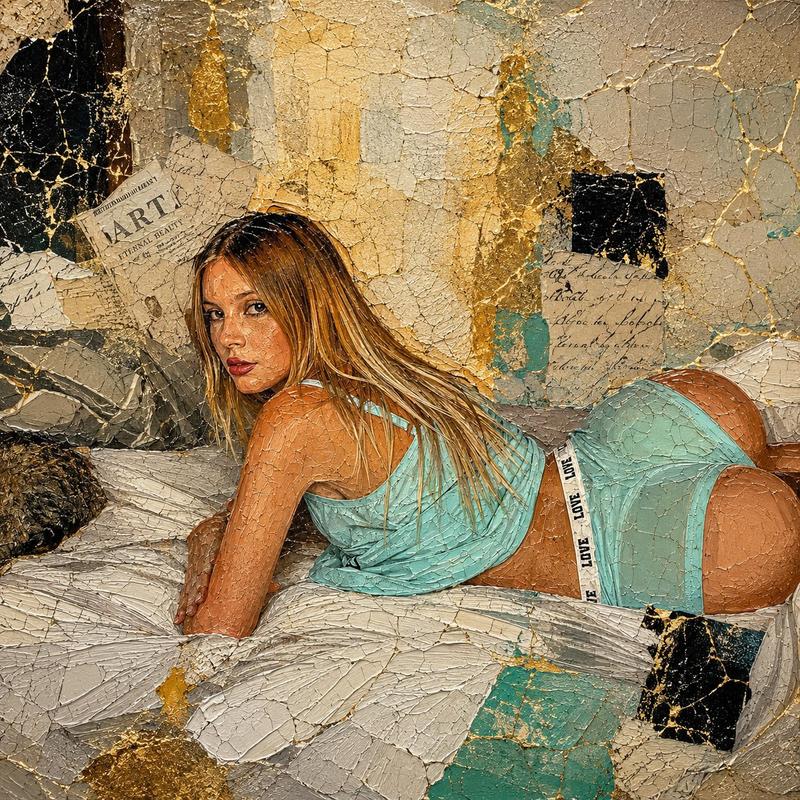
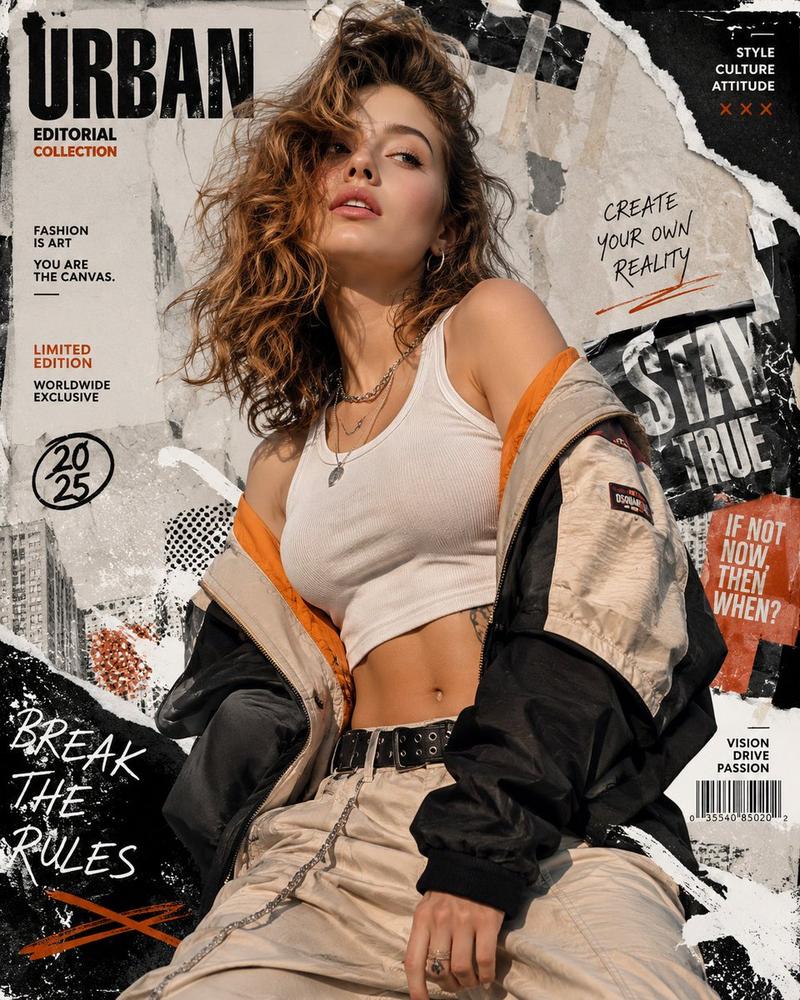
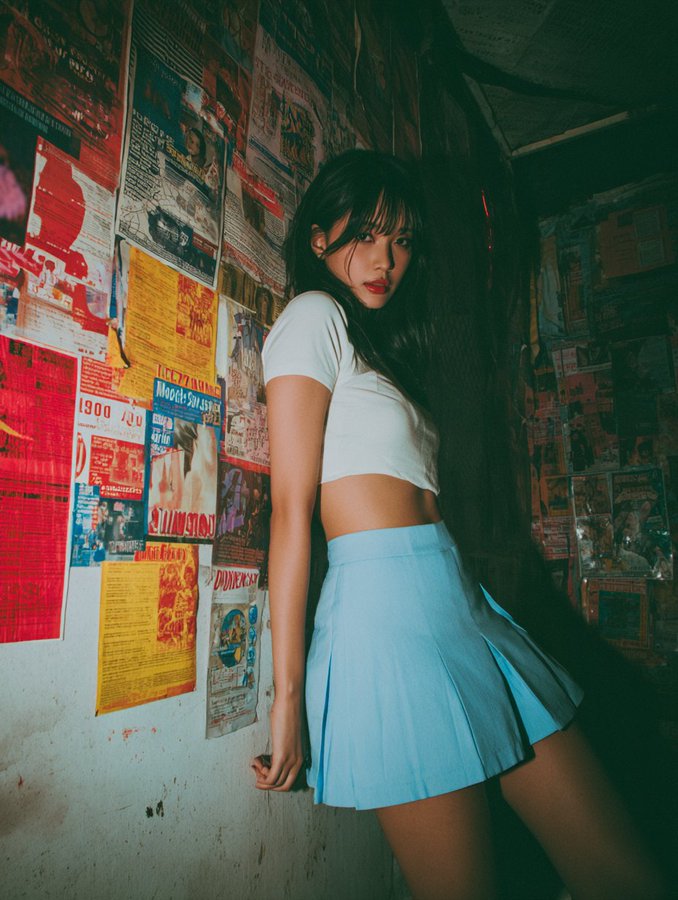
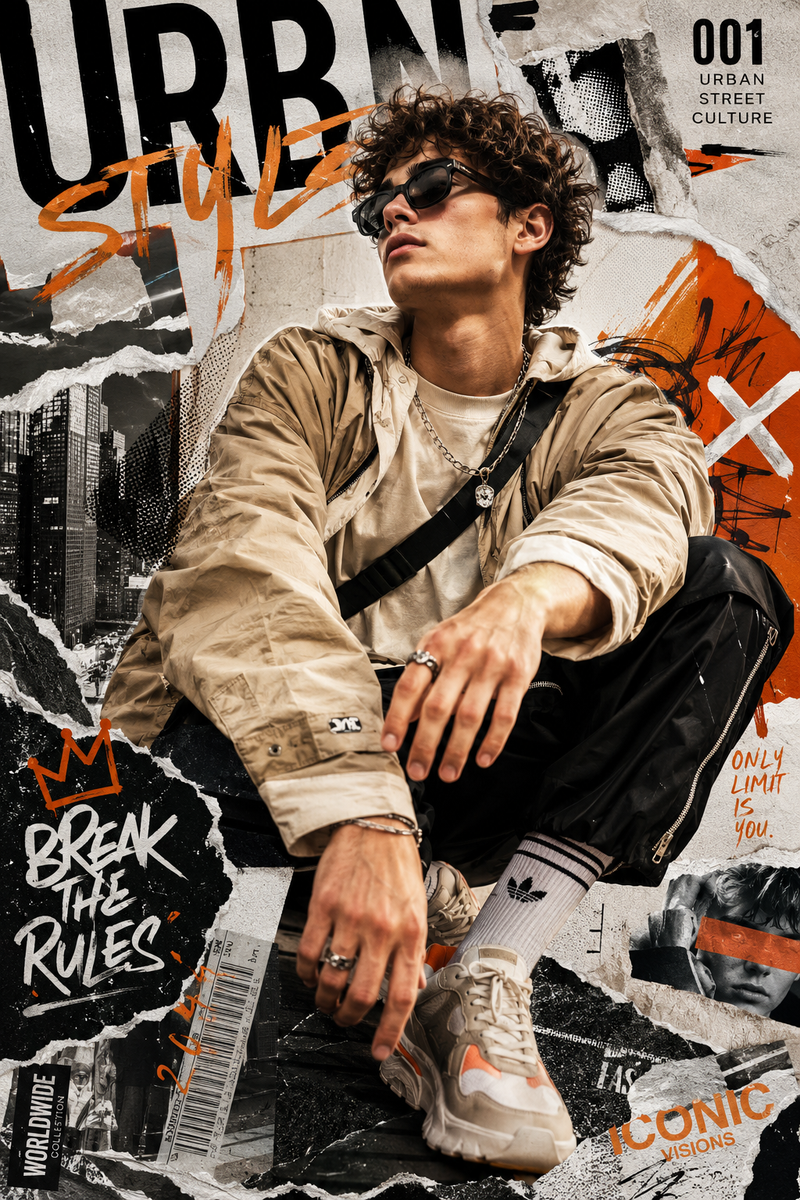
A deconstructed, mixed-media digital collage artwork. The subject is {argument name="subject" default="the attached model"}. The composition is built from dense, torn layers of overlapping antique piano scores, newspaper clippings with visible vintage text (including words like 'HER19845'), halftone grid patterns, and textured crumpled paper. The color palette is austere: white, black, pale cyan, and a vibrant, highly saturated crimson red. There are two blocks of solid crimson red: a large rectangle in the upper right corner and a textured square with an 'X' in the center left. The entire surface of the image is covered with deep abrasions, scratches, and a worn, aged, grime texture. There are ragged, jagged edges on all elements of the collage. The style is a blend of dark pop art and refined vandalism collage.
Category
Creative Use Cases
Model
GPT Image 2
Creator
HER19845
Views7
Source ID
26769
Published
Jun 25, 2026

Guide

About "暗黑波普艺术混合媒介拼贴画"

What is this prompt for?

"暗黑波普艺术混合媒介拼贴画" AI image prompt for GPT Image 2 (Creative Use Cases). 一个用于创作解构主义混合媒介数字拼贴画的高级提示词,包含复古纹理、钢琴乐谱以及引人注目的深红色调。 Copy it on Picva and recreate the look…

The full copyable prompt and example visuals above are ready for AI image generation or one-click recreate in Picva.

How to use this prompt

  1. Step 1

    Open the prompt detail

    Review the example visuals, category, and full prompt text for "暗黑波普艺术混合媒介拼贴画".

  2. Step 2

    Copy the prompt

    Copy the prompt body from this page, or load it directly in Studio.

  3. Step 3

    Pick a model (GPT Image 2)

    Prefer GPT Image 2. If you switch models, keep subject and composition and tweak style terms.

  4. Step 4

    Generate and export

    Recreate the look in Picva, or export into your workflow for editing and publishing.

FAQ

What is the "暗黑波普艺术混合媒介拼贴画" prompt?
It is an AI image-generation prompt for GPT Image 2 in the Creative Use Cases category. This page includes the full prompt text, example visuals, and a one-click recreate path in Picva.
How do I use this prompt to generate an image?
Copy the prompt from this page, or use Generate / Studio. Paste it into a compatible image model, or recreate the look in Picva with optional reference images.
Which model is this prompt for?
This page lists GPT Image 2. Most descriptive prompts also transfer to nearby image models such as GPT Image, Flux, or Midjourney with light style tweaks.
Can I use the result commercially?
You can usually copy the prompt for creation, but commercial use of the final image depends on the model terms, reference-image rights, and the generated content. Follow the source author and platform rules.