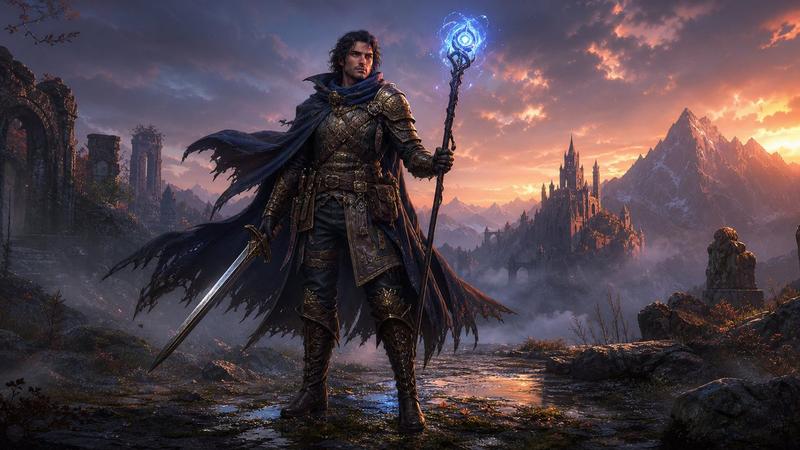
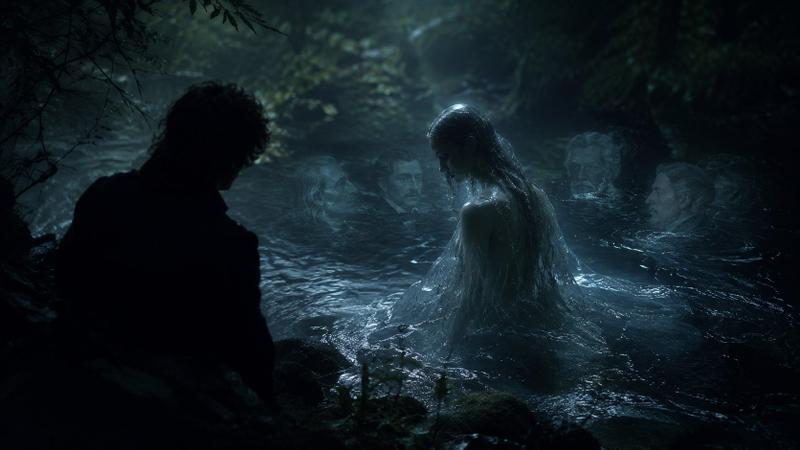
雨中蛮族峡谷营地
Prompt
Create a dark cinematic fantasy scene titled {argument name="series title" default="Journey with a Barbarian 6"}: two weary medieval travelers shelter in a narrow rocky canyon during heavy rain at night, resting beside a small bright campfire on muddy wet ground. The scene contains exactly 2 travelers: one central blond, curly-haired adventurer in soaked dark cloak and leather armor sitting on the ground and leaning against a pale gray horse, and one hooded barbarian-like companion in a black rain-drenched cloak sitting against the right rock wall with arms folded. Their faces should be obscured by deep shadow or simple dark square censor-like blocks, making them anonymous. Include exactly 2 horses: one pale gray horse lying or kneeling close to the fire beside the central traveler, and one large black horse standing on the left with wet mane, saddle, harness, and pack gear. Include exactly 5 notable foreground objects: a small campfire made of sticks, a metal cup near the flames, a leather travel bag on the left, a heap of black leather armor and straps on the lower right, and a soaked cloth or cloak spread across the mud. The canyon walls are steep, jagged, and glossy with rain, forming a narrow passage receding into misty blue-gray darkness. Use dramatic low firelight with warm orange highlights reflected in puddles and cold moonlit blue shadows in the background, ultra-detailed wet textures, realistic medieval fantasy costume design, grim survival atmosphere, high-contrast chiaroscuro, vertical composition, no text, no watermark.- Category
- Charts & Infographics
- Model
- GPT Image 2
- Creator
- カーブミラー
- Source ID
- 20899
- Published
- May 16, 2026
Views2