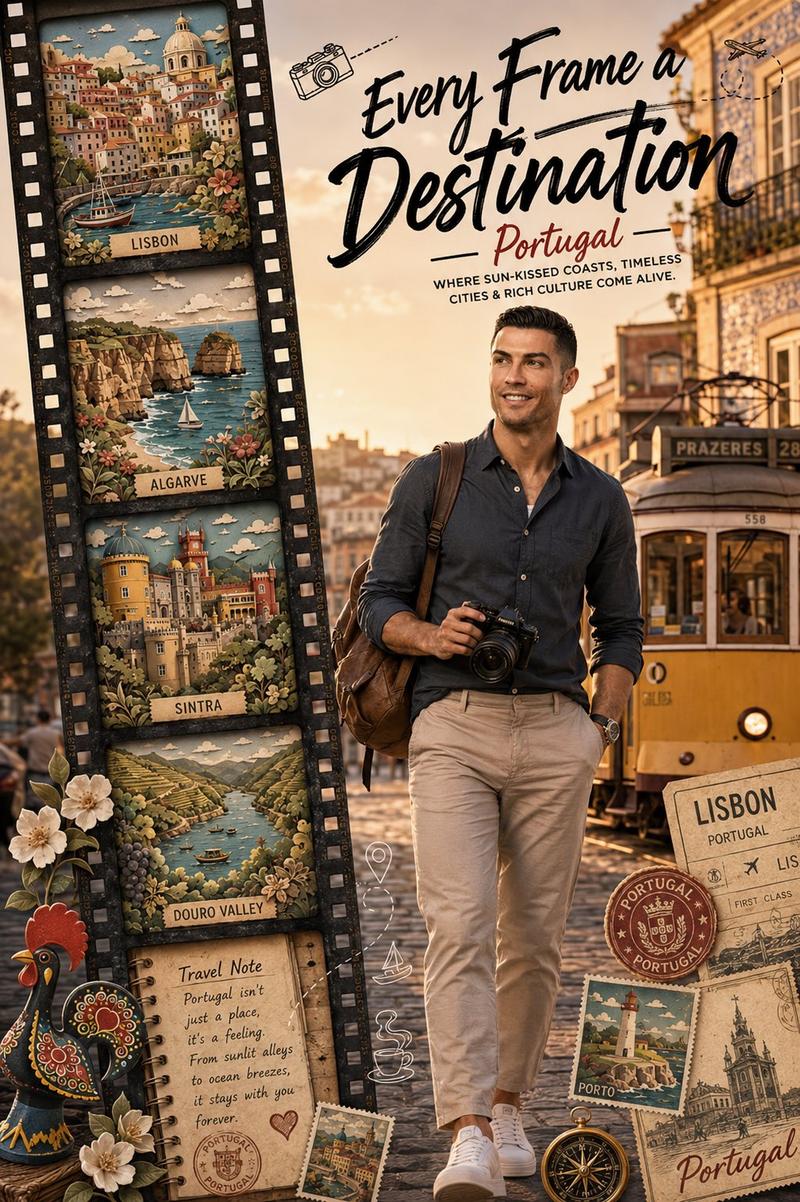
13

里斯本电车旅行海报
Enlarge

里斯本电车旅行海报

Prompt
Create a cinematic travel poster-style photograph of a narrow old European street in {argument name="city" default="Lisbon"}, viewed from slightly above and looking downhill between tall historic apartment buildings. A classic yellow tram is centered on the tracks, facing the viewer, with cobblestone pavement, overhead tram wires, aged cream and yellow facades, stone window frames, balconies, street lamps, and graffiti-covered walls on both sides. Warm golden-hour sunlight should create long soft shadows and a nostalgic urban atmosphere, with a glimpse of water or distant horizon at the end of the street. Add bold centered typography over the tram: the main headline reads {argument name="headline text" default="LISBON"} in large distressed white uppercase block letters with wide spacing. Beneath it, add a smaller handwritten cursive subtitle reading {argument name="subtitle text" default="Lost in the right direction"}. Add thin horizontal divider lines extending left and right under the subtitle, with a small white diamond/star ornament centered between the lines. Use realistic photography, high detail, warm color grading, strong depth, no people, no vehicles other than the single tram, and no extra text or watermark.
Category
Charts & Infographics
Model
GPT Image 2
Creator
UME AI
Views3
Source ID
20920
Published
May 16, 2026

Guide

About "里斯本电车旅行海报"

What is this prompt for?

"里斯本电车旅行海报" AI image prompt for GPT Image 2 (Charts & Infographics). 生成一张温暖的电影感里斯本街景,画面中央为黄色电车,并配有时尚的旅行海报排版。 Copy it on Picva and recreate the look in one clic…

The full copyable prompt and example visuals above are ready for AI image generation or one-click recreate in Picva.

How to use this prompt

  1. Step 1

    Open the prompt detail

    Review the example visuals, category, and full prompt text for "里斯本电车旅行海报".

  2. Step 2

    Copy the prompt

    Copy the prompt body from this page, or load it directly in Studio.

  3. Step 3

    Pick a model (GPT Image 2)

    Prefer GPT Image 2. If you switch models, keep subject and composition and tweak style terms.

  4. Step 4

    Generate and export

    Recreate the look in Picva, or export into your workflow for editing and publishing.

FAQ

What is the "里斯本电车旅行海报" prompt?
It is an AI image-generation prompt for GPT Image 2 in the Charts & Infographics category. This page includes the full prompt text, example visuals, and a one-click recreate path in Picva.
How do I use this prompt to generate an image?
Copy the prompt from this page, or use Generate / Studio. Paste it into a compatible image model, or recreate the look in Picva with optional reference images.
Which model is this prompt for?
This page lists GPT Image 2. Most descriptive prompts also transfer to nearby image models such as GPT Image, Flux, or Midjourney with light style tweaks.
Can I use the result commercially?
You can usually copy the prompt for creation, but commercial use of the final image depends on the model terms, reference-image rights, and the generated content. Follow the source author and platform rules.