13

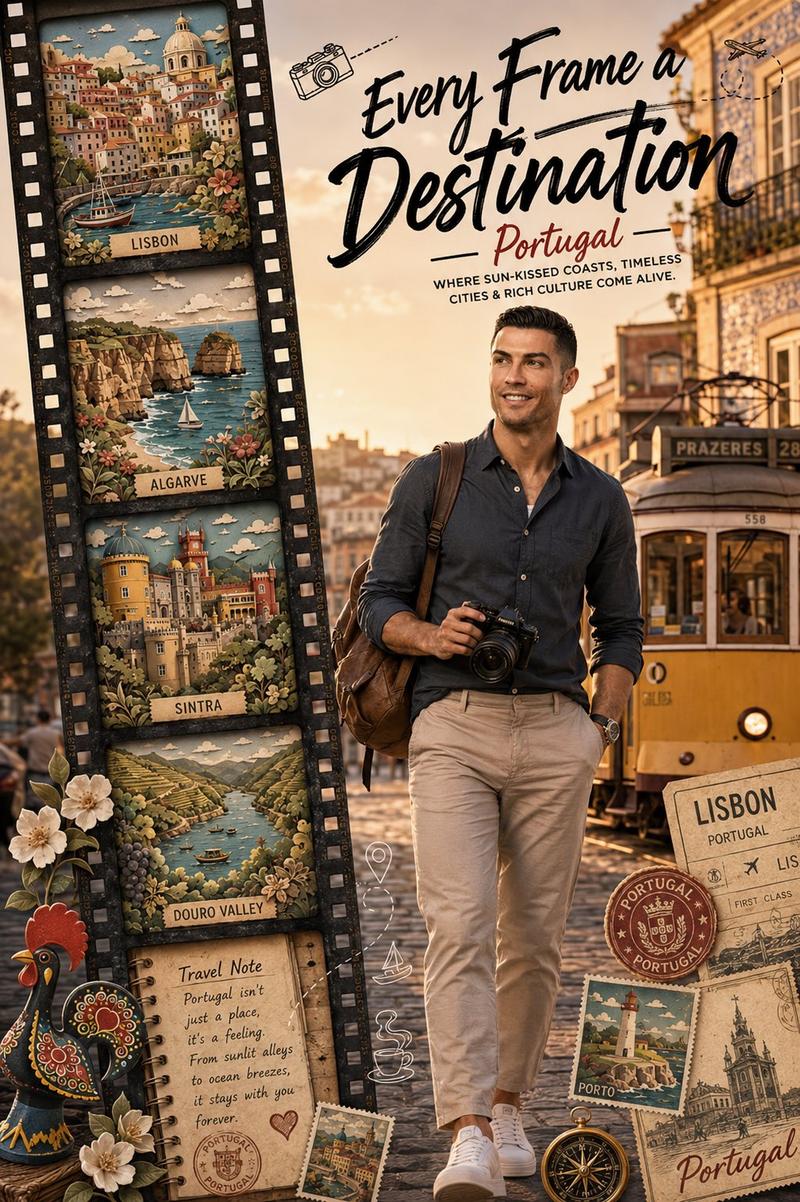
里斯本电车旅行海报
Enlarge

里斯本电车旅行海报

Prompt
Create a cinematic travel-poster style photograph of {argument name="city name" default="Lisbon"}: a narrow, steep old European street descending between tall aged apartment buildings, with cobblestone pavement, twin tram rails, weathered cream and yellow facades, many rectangular windows, overhead electrical wires, wall graffiti on both sides, and warm golden-hour sunlight. Center a classic vintage yellow Lisbon tram coming uphill toward the viewer, framed symmetrically in the middle of the street, with a glimpse of distant water and hazy horizon at the far end. Add a clean editorial typography overlay across the center: exactly 2 text elements, a large bold distressed white all-caps title reading “{argument name="headline text" default="LISBON"}” and a thin white handwritten cursive subtitle beneath reading “{argument name="subtitle text" default="Lost in the right direction"}”. Include exactly 3 small decorative graphic elements around the subtitle: one thin horizontal white line extending left, one thin horizontal white line extending right, and one small white outlined diamond centered below the subtitle. Use a warm moody color grade, high contrast, realistic detail, slight film grain, deep perspective lines, no people, no extra logos, no watermark.
Category
Charts & Infographics
Model
GPT Image 2
Creator
UME AI
Views3
Source ID
20924
Published
May 16, 2026

Guide

About "里斯本电车旅行海报"

What is this prompt for?

"里斯本电车旅行海报" AI image prompt for GPT Image 2 (Charts & Infographics). 一张具有电影质感的里斯本街景,包含黄色电车和居中的旅行海报排版,适用于编辑或社交媒体用途。 Copy it on Picva and recreate the look in on…

The full copyable prompt and example visuals above are ready for AI image generation or one-click recreate in Picva.

How to use this prompt

  1. Step 1

    Open the prompt detail

    Review the example visuals, category, and full prompt text for "里斯本电车旅行海报".

  2. Step 2

    Copy the prompt

    Copy the prompt body from this page, or load it directly in Studio.

  3. Step 3

    Pick a model (GPT Image 2)

    Prefer GPT Image 2. If you switch models, keep subject and composition and tweak style terms.

  4. Step 4

    Generate and export

    Recreate the look in Picva, or export into your workflow for editing and publishing.

FAQ

What is the "里斯本电车旅行海报" prompt?
It is an AI image-generation prompt for GPT Image 2 in the Charts & Infographics category. This page includes the full prompt text, example visuals, and a one-click recreate path in Picva.
How do I use this prompt to generate an image?
Copy the prompt from this page, or use Generate / Studio. Paste it into a compatible image model, or recreate the look in Picva with optional reference images.
Which model is this prompt for?
This page lists GPT Image 2. Most descriptive prompts also transfer to nearby image models such as GPT Image, Flux, or Midjourney with light style tweaks.
Can I use the result commercially?
You can usually copy the prompt for creation, but commercial use of the final image depends on the model terms, reference-image rights, and the generated content. Follow the source author and platform rules.