北京高端公寓宣传册
Prompt
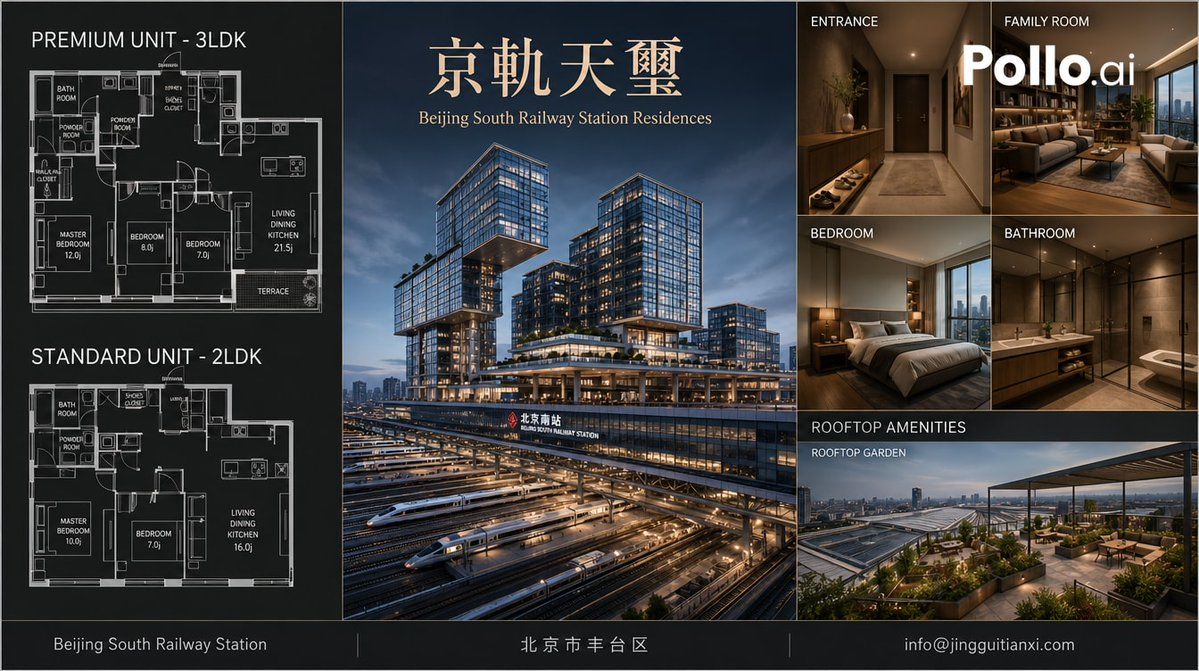
Goal: Create a polished luxury real-estate brochure board for {argument name="residence name" default="京軌天璽"}, an upscale apartment development branded as {argument name="English subtitle" default="Beijing South Railway Station Residences"}. The design should look like a premium Beijing apartment sales brochure, with architectural visualization, floor plans, interior renders, and rooftop amenities.

Canvas: Wide horizontal brochure, approximately 16:9 ratio, dark charcoal and navy palette with thin gold divider lines and refined white typography. Use a clean grid layout with three main vertical zones: floor plans on the left, hero architecture in the center, and interior/amenity preview images on the right. Add a slim footer bar across the full width.

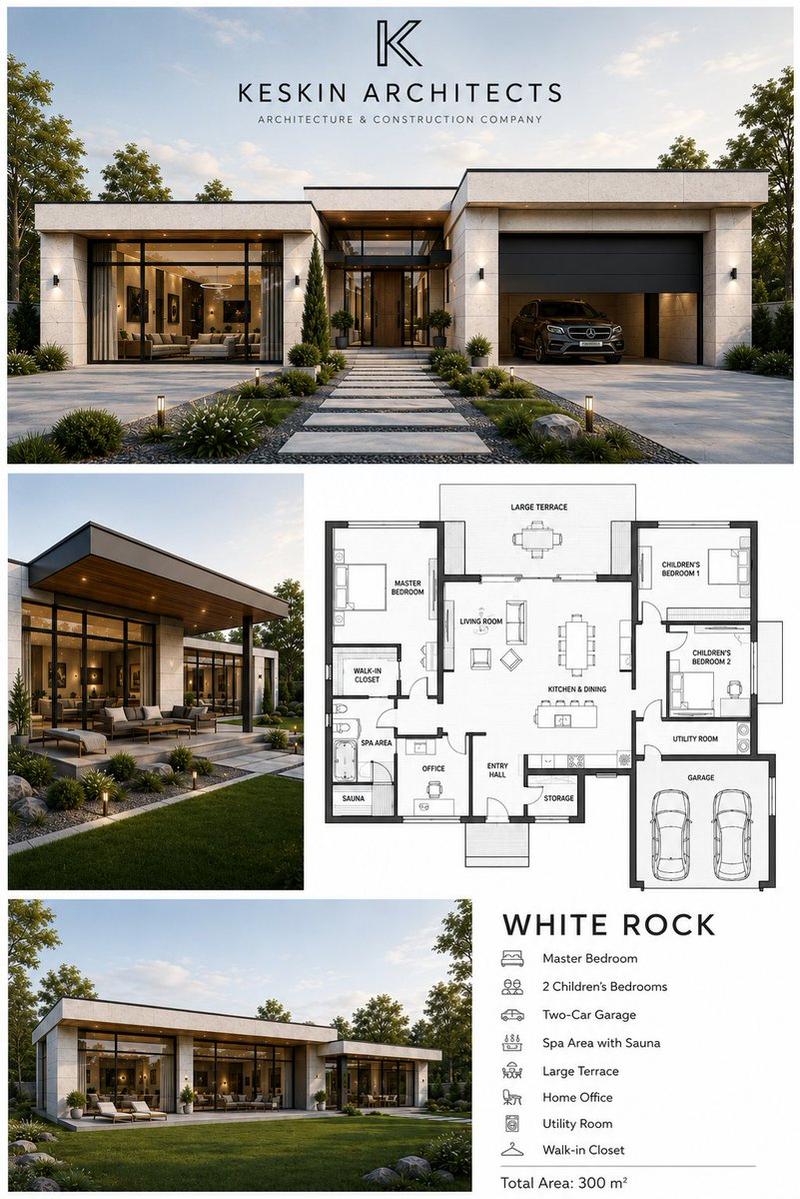
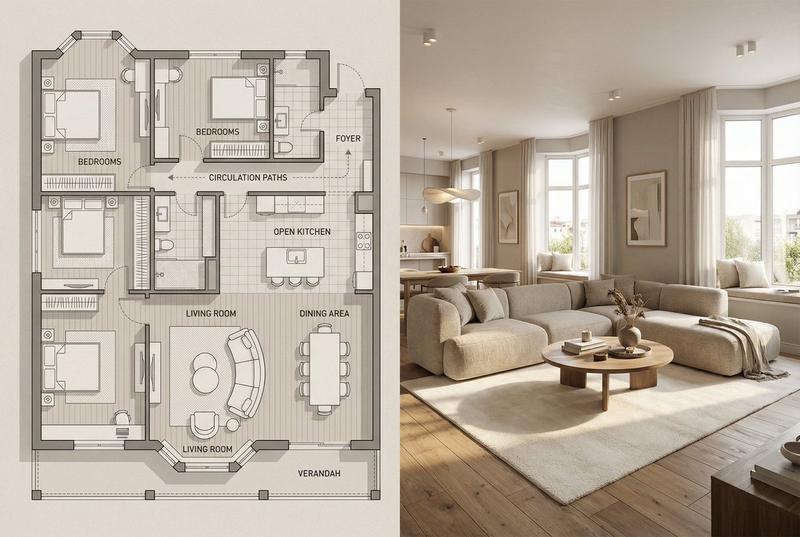
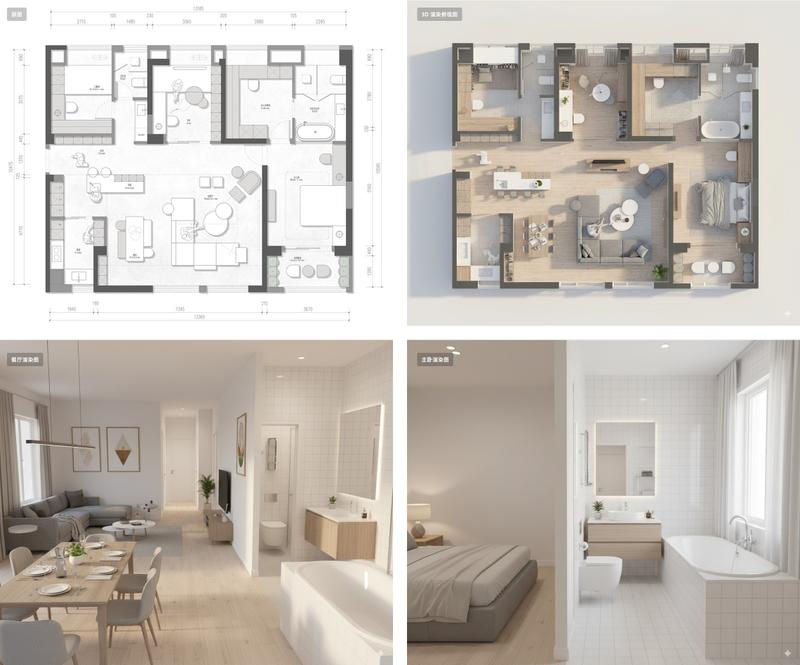
Layout: Left column contains exactly 2 stacked black-background architectural floor plan diagrams with white blueprint linework. The top floor plan is labeled “PREMIUM UNIT - 3LDK” and shows labeled rooms including bath room, powder room, balcony, master bedroom, bedroom, bedroom, living dining kitchen, terrace, closet areas, and small fixtures. The lower floor plan is labeled “STANDARD UNIT - 2LDK” and shows labeled rooms including bath room, powder room, shoe closet, master bedroom, bedroom, living dining kitchen, closet/storage, and fixtures. Make the floor plans technical, precise, and dense, with small room labels and dimensions.

Center panel: A large dusk hero render of a futuristic glass mixed-use residential tower complex above Beijing South Railway Station. Show multiple illuminated high-rise blocks with cantilevered volumes, sky terraces, warm interior lights, and podium levels. In the foreground, include exactly 7 visible high-speed train sets or train streaks on parallel rail tracks beneath the complex, conveying a major transport hub. Place the large Chinese title “京軌天璽” near the top in elegant gold serif lettering, with the subtitle “Beijing South Railway Station Residences” below it in smaller gold serif type. Include station signage on the building facade reading “北京南站” and “BEIJING SOUTH RAILWAY STATION”.

Right column: Arrange exactly 6 preview image panels. Top row has 2 panels: “ENTRANCE” showing a warm modern apartment hallway with console table, plants, wood cabinetry, recessed lighting, and a dark entry door; “FAMILY ROOM” showing a luxurious living room with sofa, bookcase, coffee table, city view windows, and the large white logo text “Pollo.ai” overlaid. Middle row has 2 panels: “BEDROOM” showing a modern bedroom with a neatly made bed, bedside lamp, warm wood tones, and a city skyline view; “BATHROOM” showing a sleek stone bathroom with vanity, mirror, glass shower, toilet, warm lighting, and beige-brown tiles. Bottom section has 2 stacked labels/panels: a dark header labeled “ROOFTOP AMENITIES”, and a wide image labeled “ROOFTOP GARDEN” showing a landscaped rooftop terrace with planters, seating, pergola canopy, railings, and a panoramic city and railway-station view at dusk.

Footer: Add a thin full-width black footer bar divided into three text zones by vertical gold lines. Left text: “Beijing South Railway Station”. Center text: {argument name="district text" default="北京市丰台区"}. Right text: {argument name="contact email" default="[email protected]"}.

Visual style: Photorealistic architectural visualization mixed with brochure graphic design, high-end real estate marketing, sharp lines, realistic lighting, glossy glass towers, warm interiors, cinematic dusk atmosphere, subtle gold accents, precise typography, no people. Keep all panel labels in uppercase white sans-serif except the main Chinese title in gold serif. Maintain clean margins, straight grid alignment, and a premium corporate presentation.- Category
- Charts & Infographics
- Model
- GPT Image 2
- Creator
- asatoucan
- Source ID
- 20971
- Published
- Apr 27, 2026
Views4