AI 革命前夕的互联网:最后 3 秒
Prompt
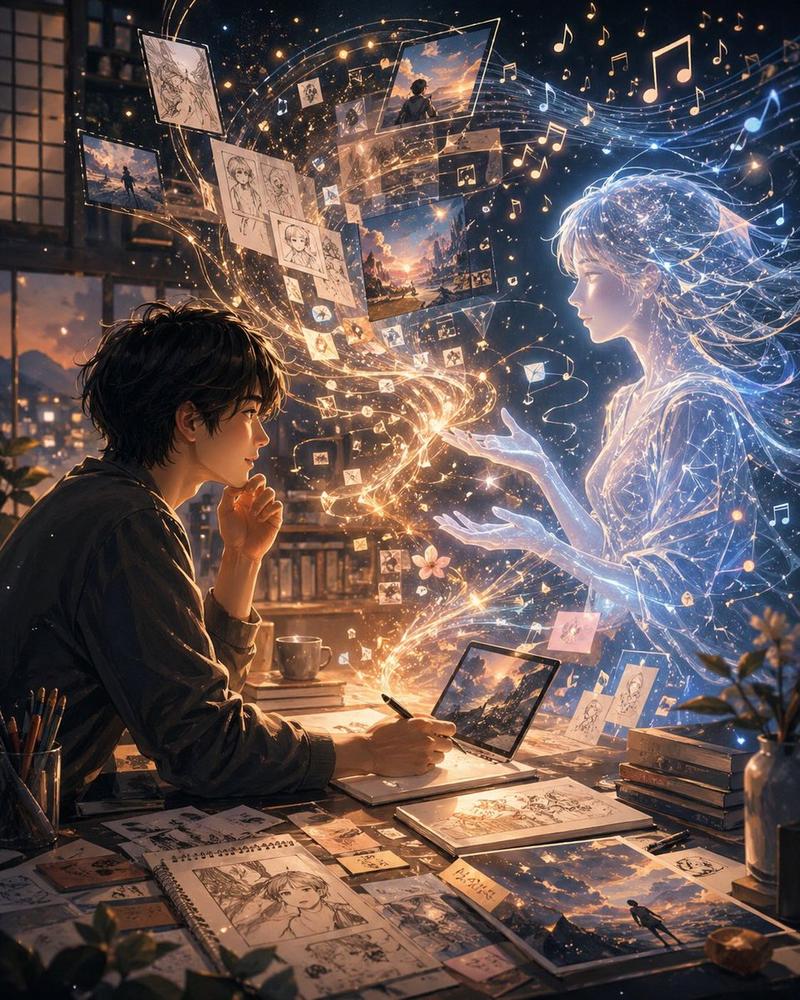
Create an ultra-realistic cinematic visual.

The composition should feel like a moment frozen exactly before a butterfly-effect event silently reshapes someone’s entire life.

SCENE:

A young man sits alone late at night inside a warm dimly lit apartment illuminated only by:

- a laptop screen,
- subtle city lights through rain-covered windows,
- and soft amber desk lighting.

The atmosphere feels:
quiet,
intimate,
psychologically heavy and deeply modern.

On the laptop screen:
an unfinished AI-generated image is rendering slowly.

The render preview itself should look visually revolutionary:
part luxury commercial,
part impossible realism,
part emotional storytelling.

The screen should feel so realistic viewers instinctively zoom into it.

Around the room:

- empty coffee cups,
- handwritten creative notes,
- GPU benchmark tabs,
- scattered camera lenses,
- half-open notebooks,
- subtle signs of obsession and creative burnout.

But the IMPORTANT PART:

The room itself should subtly begin transforming from the AI image being rendered.

Tiny impossible details:

- reflections from the unfinished render appearing physically on nearby objects,
- light from the screen subtly changing the architecture of the room,
- textures near the monitor beginning to resemble generated pixels,
- reality slowly inheriting traits from the AI artwork itself.

The transformation should remain:
subtle,
psychological,
beautiful and believable.

No Marvel effects.
No obvious sci-fi portals.

The realism should feel:
deeply unsettling because it is almost invisible.

Integrated elegantly into the environment should be ultra-premium Liquid Glass-inspired UI overlays:

- rendering progress,
- GPU usage,
- neural generation layers,
- cinematic camera metadata,
- image synthesis nodes,
- subtle typography fragments,
- emotionally restrained system prompts.

The overlays should feel:
minimal,
Apple-inspired,
tactile,
translucent and physically integrated into the scene.

One overlay softly reads:
“97% complete.”

Another:
“Reality adaptation detected.”

The typography should feel understated and luxurious rather than futuristic.

LIGHTING:

Warm cinematic tungsten lighting mixed with soft cold monitor light.
Natural rain reflections across surfaces.
Subtle atmospheric haze.
Realistic screen-light diffusion.
Medium-format photography realism.

CAMERA STYLE:

The image should resemble:
an award-winning cinematic photograph accidentally captured during a moment humanity crossed an invisible line.

Use:

- shallow natural depth of field,
- realistic lens imperfections,
- slight sensor grain,
- subtle handheld framing,
- physically accurate reflections,
- premium low-contrast cinematic realism.

COLOR PALETTE:

warm amber,
graphite black,
soft chrome reflections,
rain-soaked blue-gray,
muted ivory typography and subtle liquid-glass translucency.

MOOD:

creative obsession,
digital loneline
- Category
- Charts & Infographics
- Model
- GPT Image 2
- Creator
- Hemayxn.ai
- Source ID
- 21073
- Published
- May 17, 2026
Views7