日落海滨玫瑰肖像
Prompt
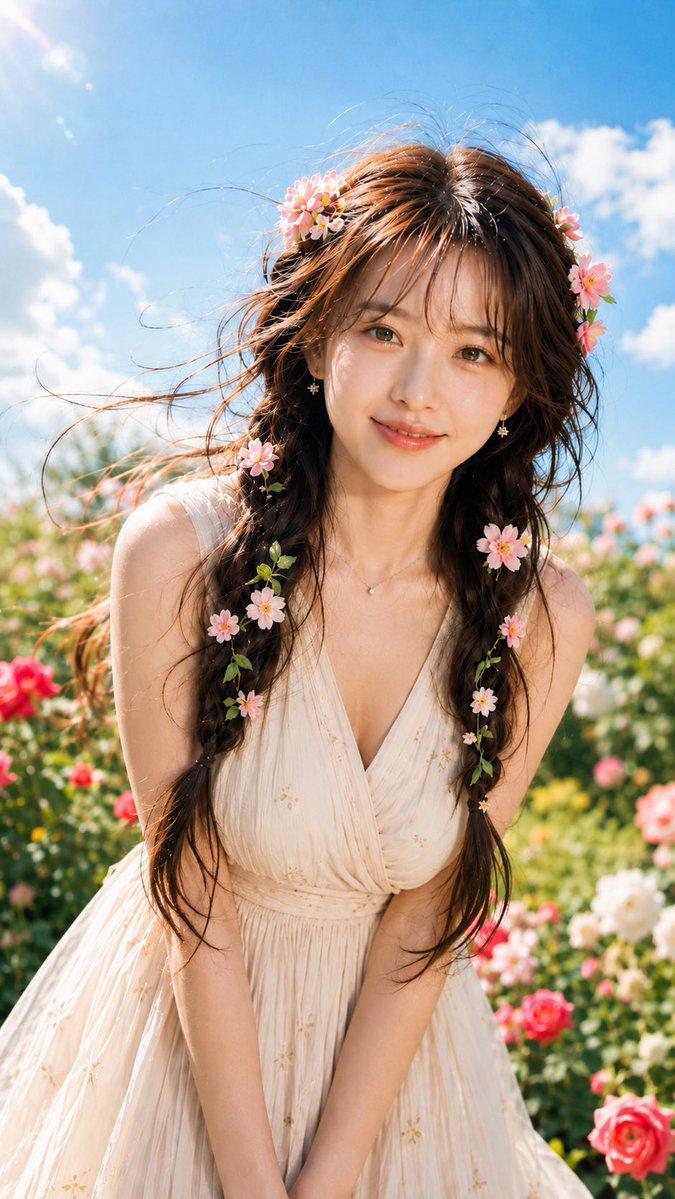
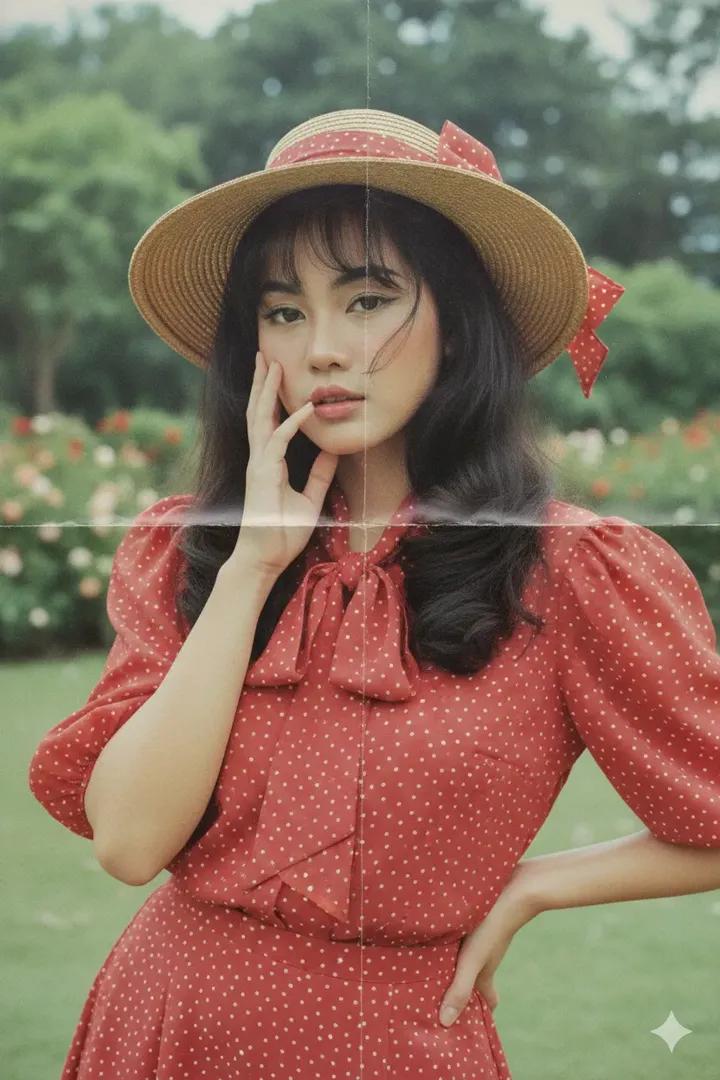
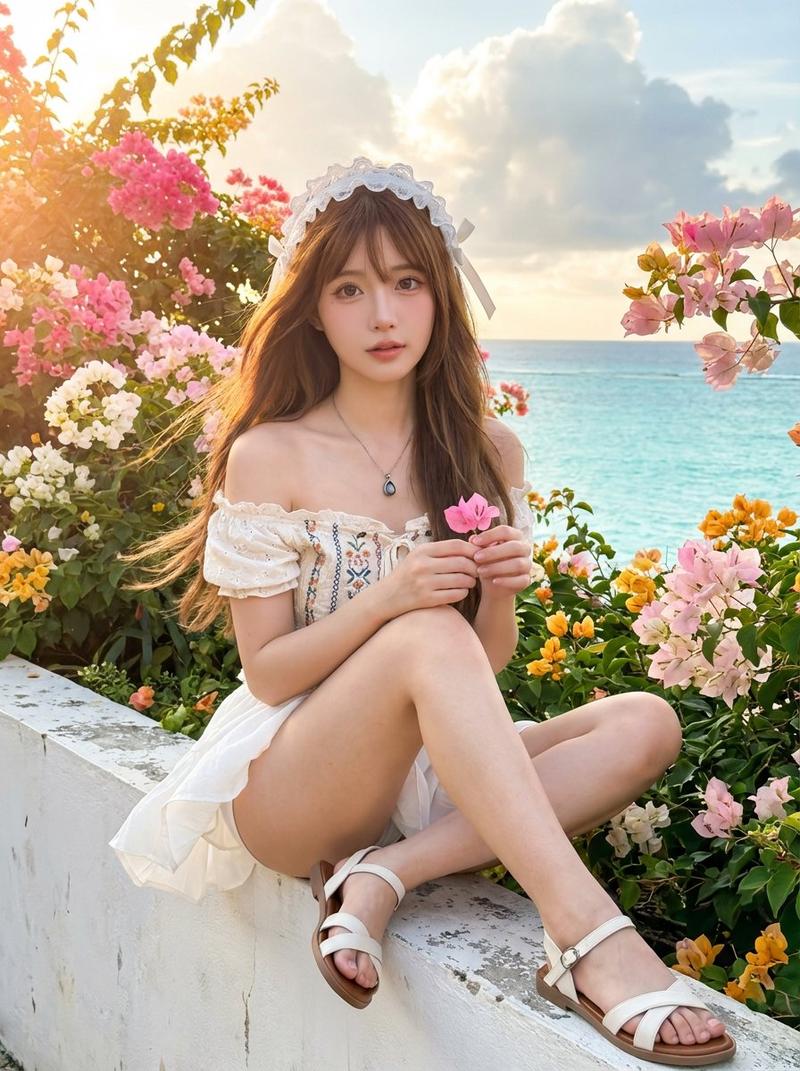
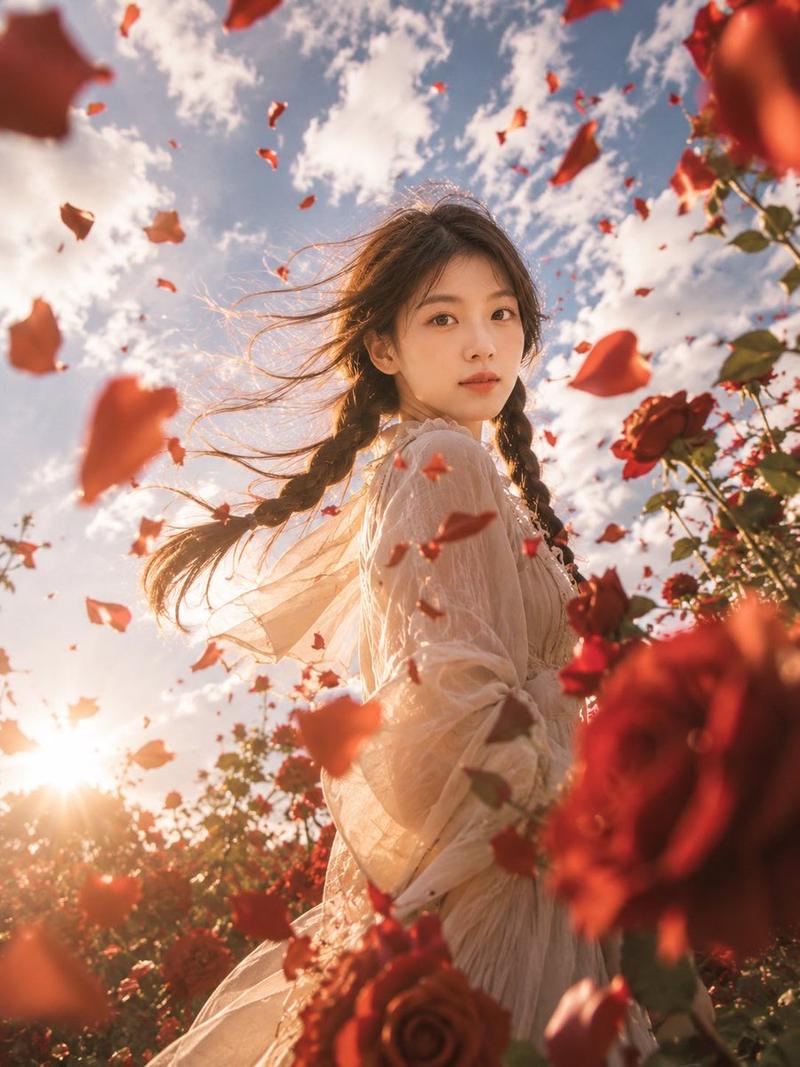
Create a vibrant square sunset portrait of a young woman in a seaside rose garden, using {argument name="character identity" default="a natural young woman with long dark hair"} as the identity concept. Frame her from mid-torso upward, centered close to camera, standing among blooming red roses with the ocean horizon behind her. The sun is low on the left, glowing over the water with strong golden backlight, sparkling reflections, warm lens flare, and rim light outlining her hair and shoulders. She has long dark brown to black hair parted near the center and styled into exactly 2 loose braids falling over the front of her shoulders. She wears a soft cream-white cottagecore blouse with puff sleeves, lace trim, a gathered neckline, a small front bow tie, and a delicate tiny pink floral print. Pose her playfully with exactly 2 raised hands, one on each side of her face, each making a peace sign; keep fingers elegant and natural. Surround her with whimsical neon doodle effects: exactly 2 glowing butterflies, one larger butterfly above the top right of her head and one smaller butterfly near the roses to her right; add colorful hand-drawn rainbow light trails, sparkles, tiny hearts, and confetti-like strokes around her hair and shoulders. Make the background lush and slightly blurred, with multiple red rose blossoms and green leaves visible, but keep the subject sharp. Use dreamy golden-hour photography, cinematic bokeh, high detail, natural skin tone, realistic hair texture, cheerful magical-garden mood, and saturated but tasteful colors. {argument name="face treatment" default="preserve a realistic natural face, unobstructed"}. Avoid text, watermark, extra people, distorted hands, extra fingers, duplicate faces, or heavy cartoon rendering.- Category
- Charts & Infographics
- Model
- GPT Image 2
- Creator
- Shinning
- Source ID
- 21110
- Published
- May 17, 2026
Views9