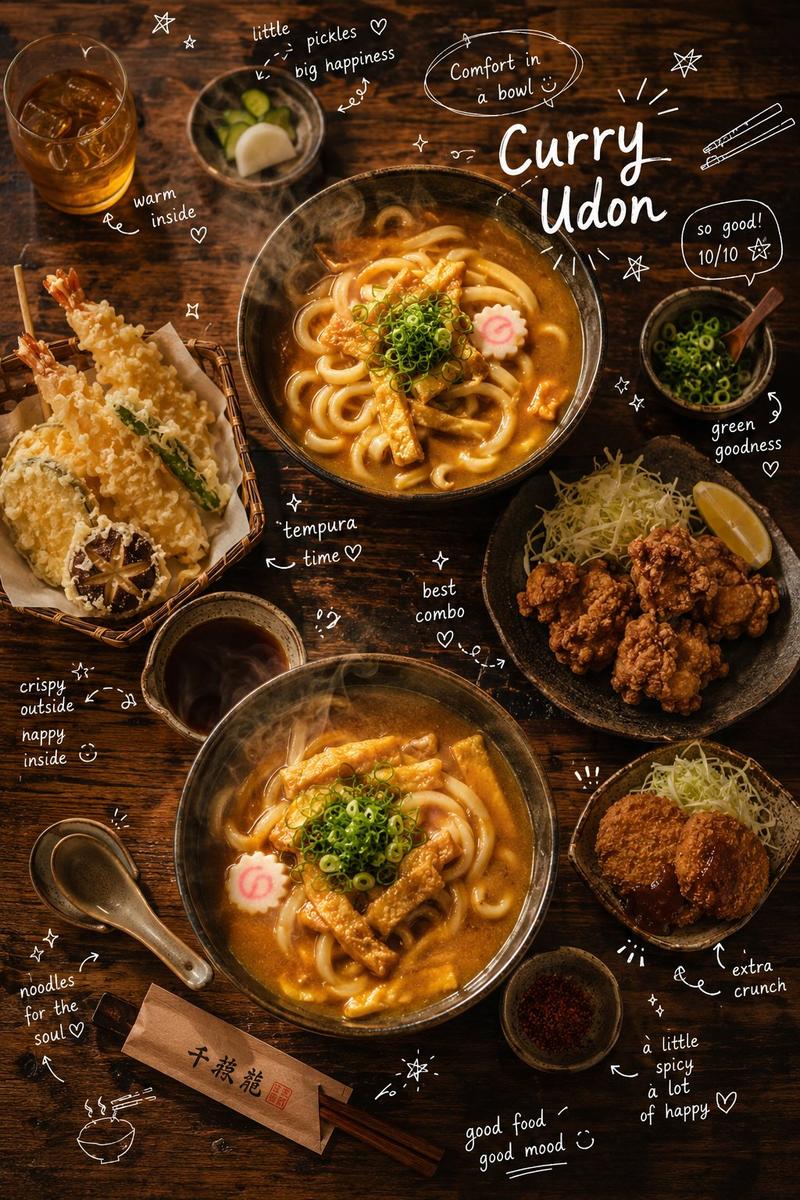
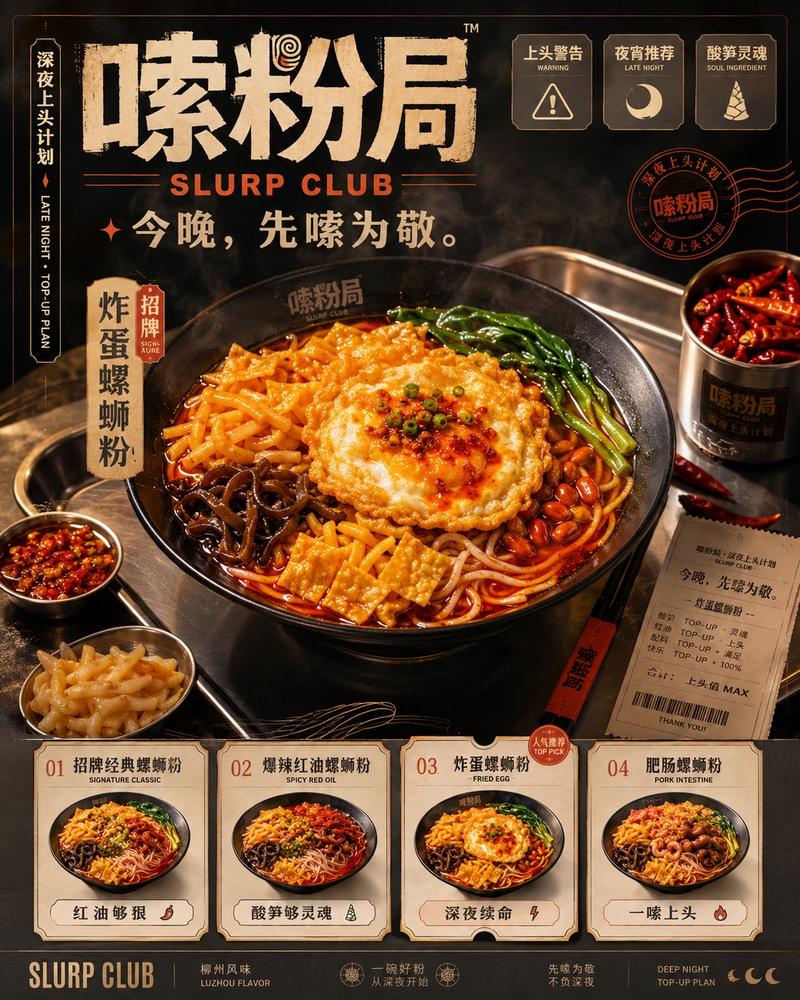
《餐饮新品主打海报》提示词
Prompt
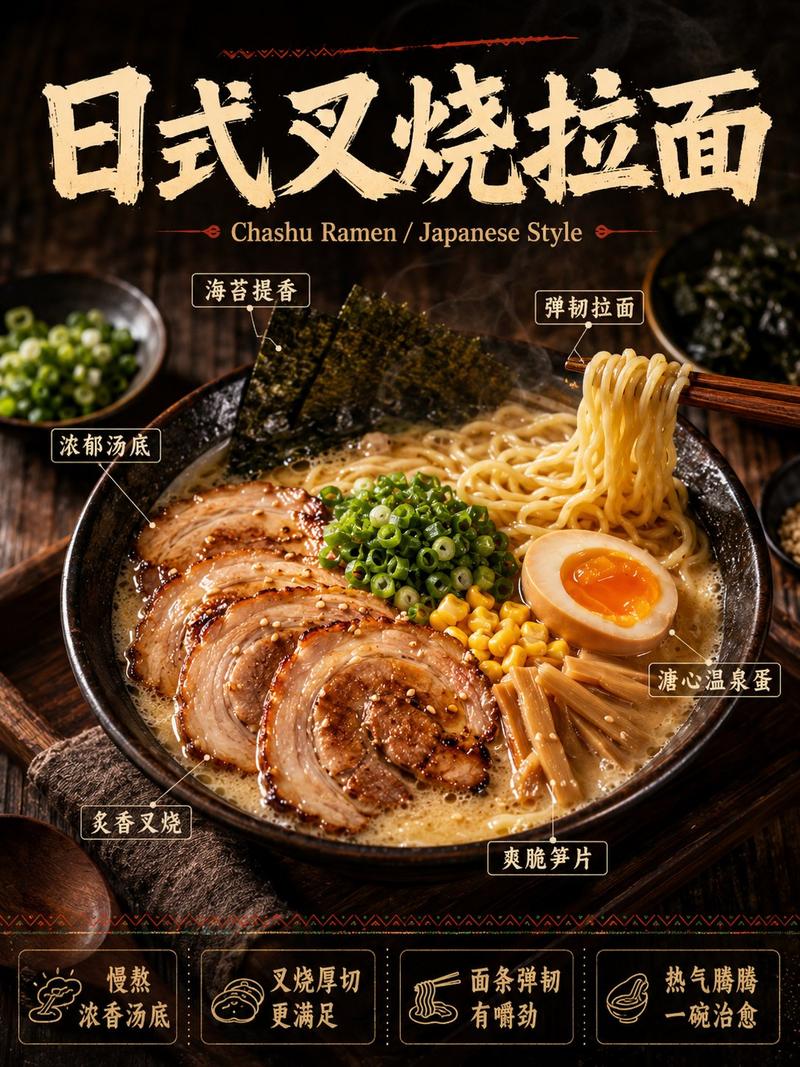
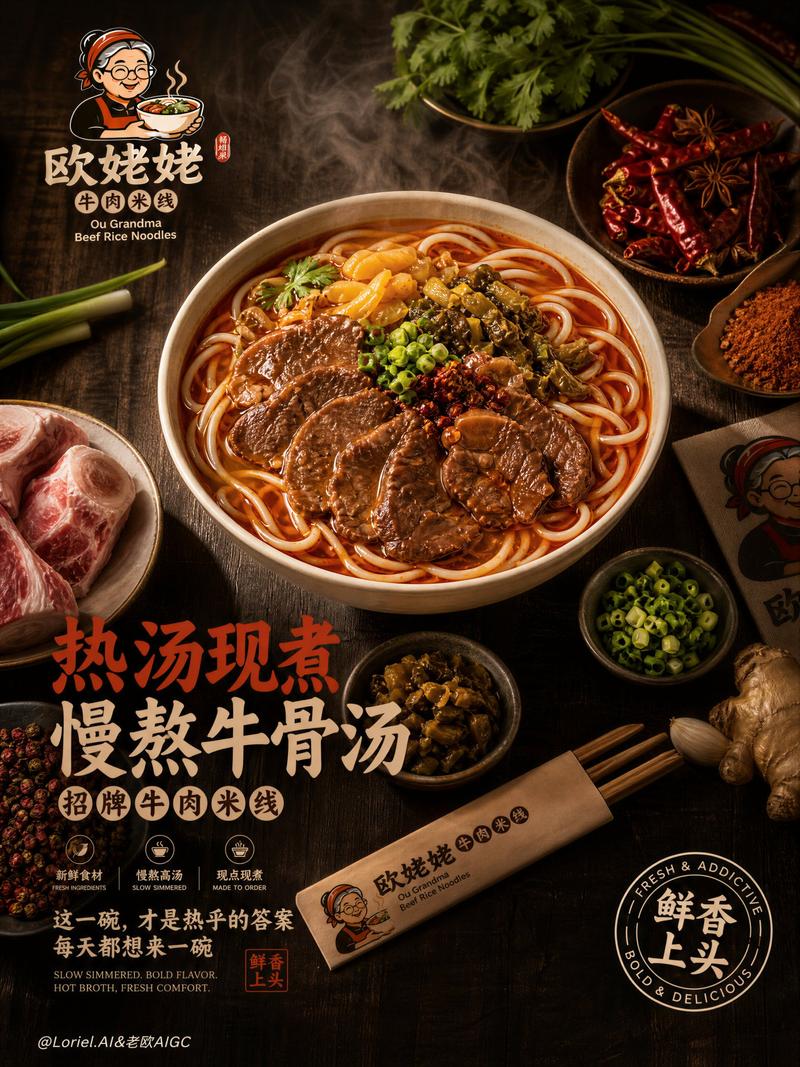
请生成一张高完成度的「中文主导餐饮商业美食海报」。

【主题品类】
【中文主标题】
【英文辅助副标题】(可选,小字辅助)
【主视觉食物】
【食材标注】(4-6个,中文为主)
【底部卖点文案】(4条,中文短句)

整体要求:
- Category
- Posters & Typography
- Model
- GPT Image 2
- Creator
- Larus Canus
- Source ID
- 21345
- Published
- May 18, 2026
Views3
17

请生成一张高完成度的「中文主导餐饮商业美食海报」。 【主题品类】 【中文主标题】 【英文辅助副标题】(可选,小字辅助) 【主视觉食物】 【食材标注】(4-6个,中文为主) 【底部卖点文案】(4条,中文短句) 整体要求:
Guide
"《餐饮新品主打海报》提示词" AI image prompt for GPT Image 2 (Posters & Typography). 由作者在自回复中提供的提示词。 Copy it on Picva and recreate the look in one click.
The full copyable prompt and example visuals above are ready for AI image generation or one-click recreate in Picva.
Step 1
Review the example visuals, category, and full prompt text for "《餐饮新品主打海报》提示词".
Step 2
Copy the prompt body from this page, or load it directly in Studio.
Step 3
Prefer GPT Image 2. If you switch models, keep subject and composition and tweak style terms.
Step 4
Recreate the look in Picva, or export into your workflow for editing and publishing.