日式 2D 动漫拉面烹饪
Prompt
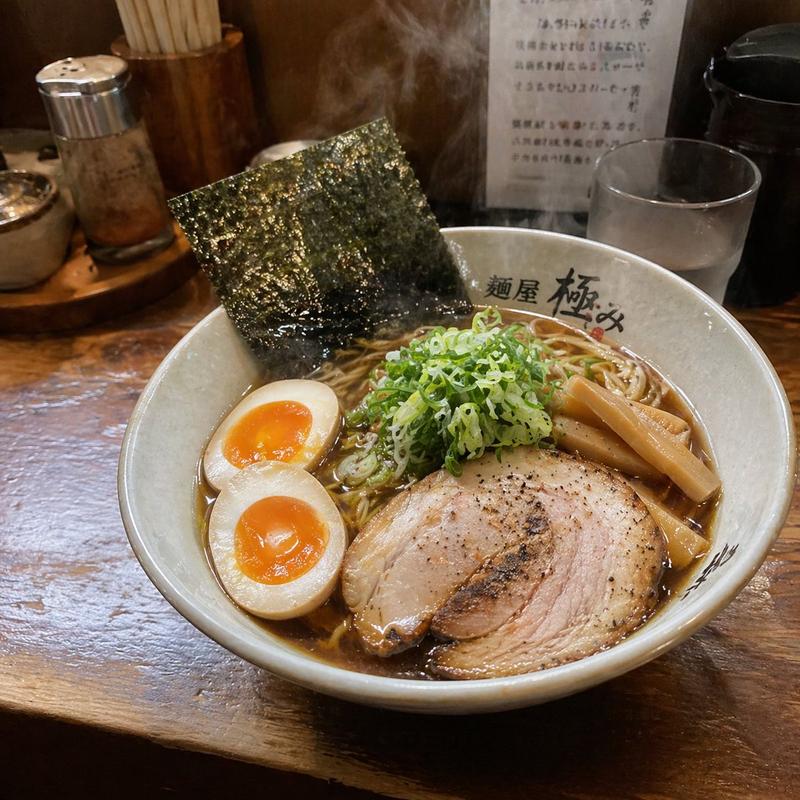
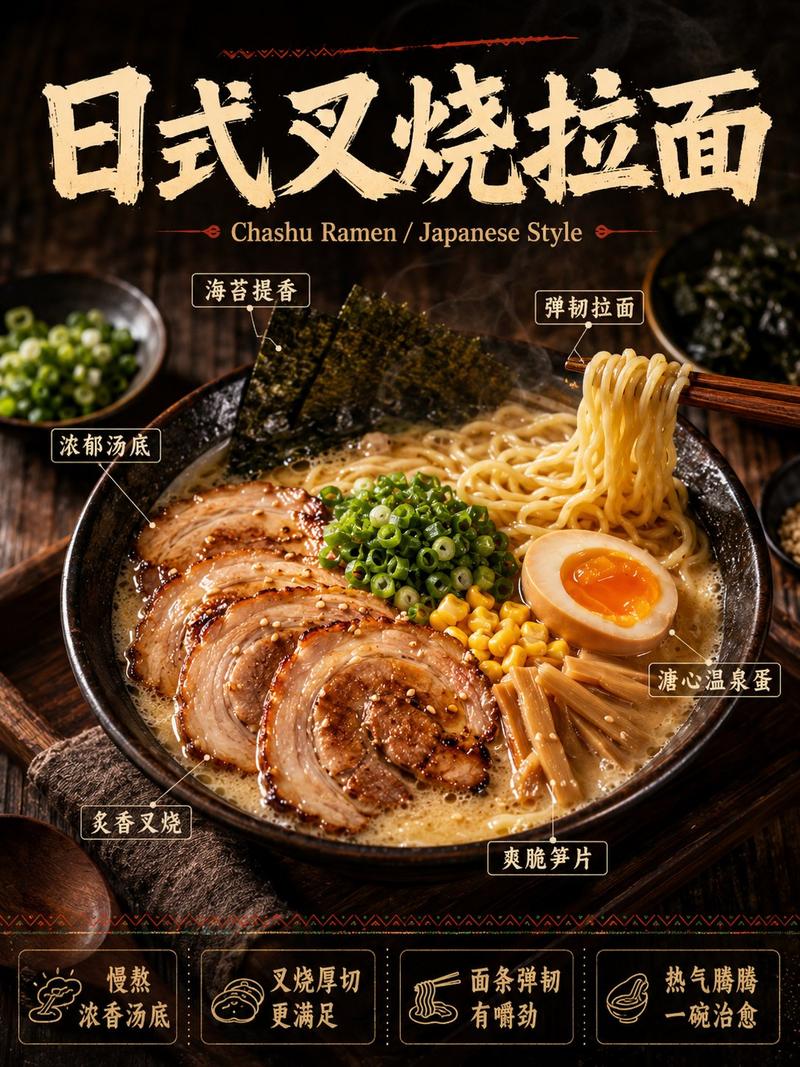
Use rough pencil sketch storyboards as visual references. Use the storyboards only for composition, camera angles, hand movements, food placement, and cooking continuity, and convert the final video into a full-color, high-quality Japanese 2D anime cooking video. Do not retain the appearance of black-and-white pencil sketches in the final video. As a 15-second high-quality Japanese 2D anime cooking video, depict a sinfully indulgent raen contimentae r. Full-color anime style, vibrant and appetite-stimulating anime colors, fast-paced editing, quick-tempo cuts. However, not fast cooking, not sped-up cooking, and not time-lapse cooking. Make each cooking action easy to read, physically natural, and handle hand movements with care. Maintain natural tool handling and clear food continuity. No live-action, no photorealism, no 3D CGI, no game-like style, no subtitles, no text, no logos, no watermarks, no narration, no dialogue, no BGM. The food is the star, and a character appears only at the end to happily take a bite. Chronological Action Sequence (0:00 - 0:15): [0:00 - 0:02] The Teaser: Extreme macro close-up of a finished bowl of shoyu ramen. Thick, volumetric steam billows gracefully. The camera focuses on the glossy surface of an ajitama (marinated egg) and a crisp sheet of nori. [0:02 - 0:03] The Prep: Quick cut to a close-up of a chef's hand swiftly slicing a thick, juicy roll of chashu pork belly on a wooden cutting board with a heavy knife. [0:03 - 0:04] The Boil: Low-angle dynamic shot. A teppo (noodle basket) filled with raw yellow noodles is plunged into a roaring pot of boiling water. A massive cloud of steam erupts toward the lens. [0:04 - 0:05] The Base: Extreme close-up. A ladle pours a thick, dark, glossy tare (soy sauce base) into the bottom of a pristine ceramic bowl. [0:05 - 0:06] The Shake: Fast-motion cut. The noodle basket is pulled from the water and vigorously shaken twice. Drops of hot water fly off the noodles in slow-motion anime style. [0:06 - 0:07] The Fold: Close-up of chopsticks gracefully sliding the perfectly cooked, steaming noodles out of the basket, folding them neatly into the bowl of tare. [0:07 - 0:08] The Sear: Extreme close-up of a blue kitchen blowtorch flame blasting the surface of the chashu slices. The fat aggressively sizzles, pops, and chars. [0:08 - 0:10] The Broth: Slow-motion beauty shot. A ladle pours golden, steaming, rich pork broth over the folded noodles. The broth swirls and mixes dynamically with the dark tare at the bottom. [0:10 - 0:11] The Assembly: Rapid montage cuts. Chopsticks perfectly place the charred chashu, crisp bamboo shoots, and bright green scallions on top of the noodles. The ajitama is dropped gently into the broth, making a tiny ripple. [0:11 - 0:13] The Bite: Camera pulls back slightly. A cute, heavily stylized anime supporting character grabs a massive pinch of noodles with chopsticks
- Category
- Brand & Logos
- Model
- seedance-2.0
- Creator
- Iqra Saifi
- Source ID
- 6333
- Published
- Jun 22, 2026
Views0