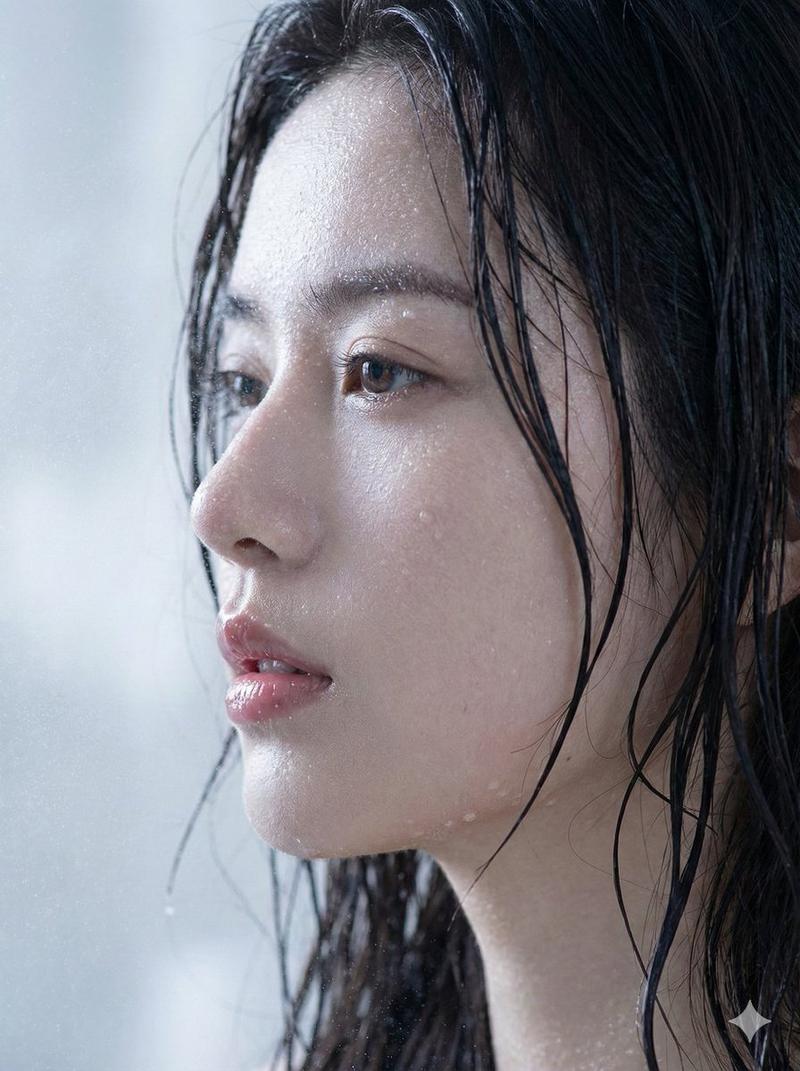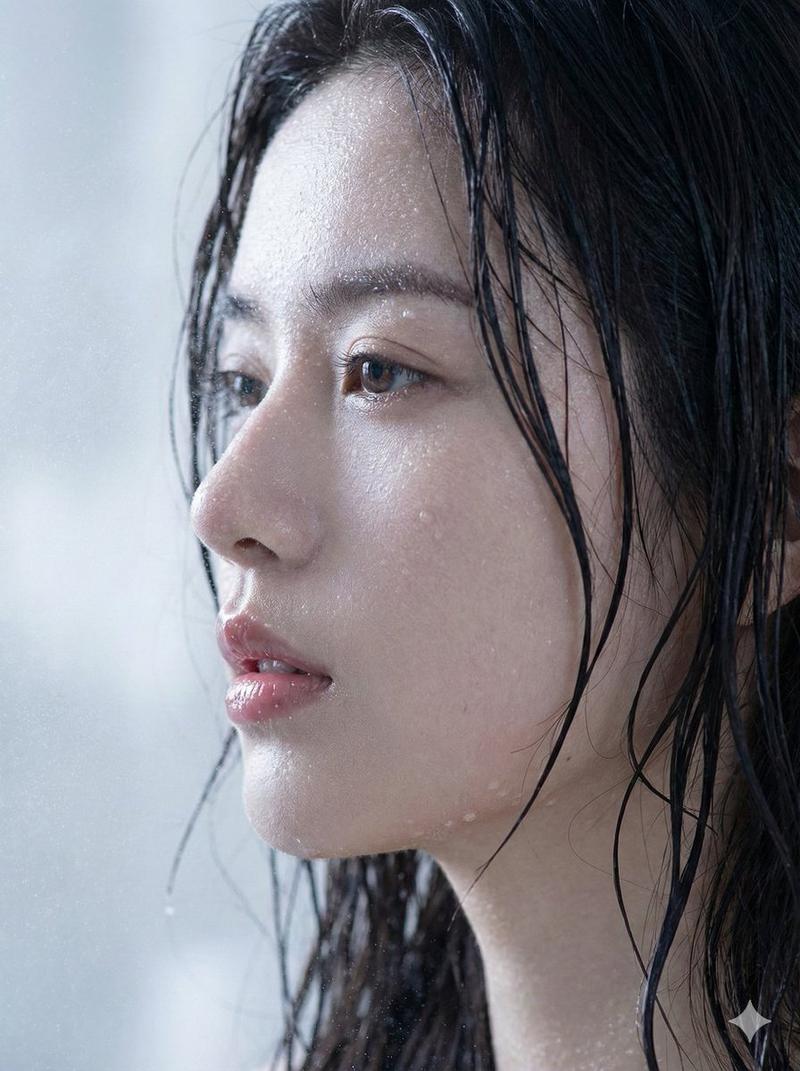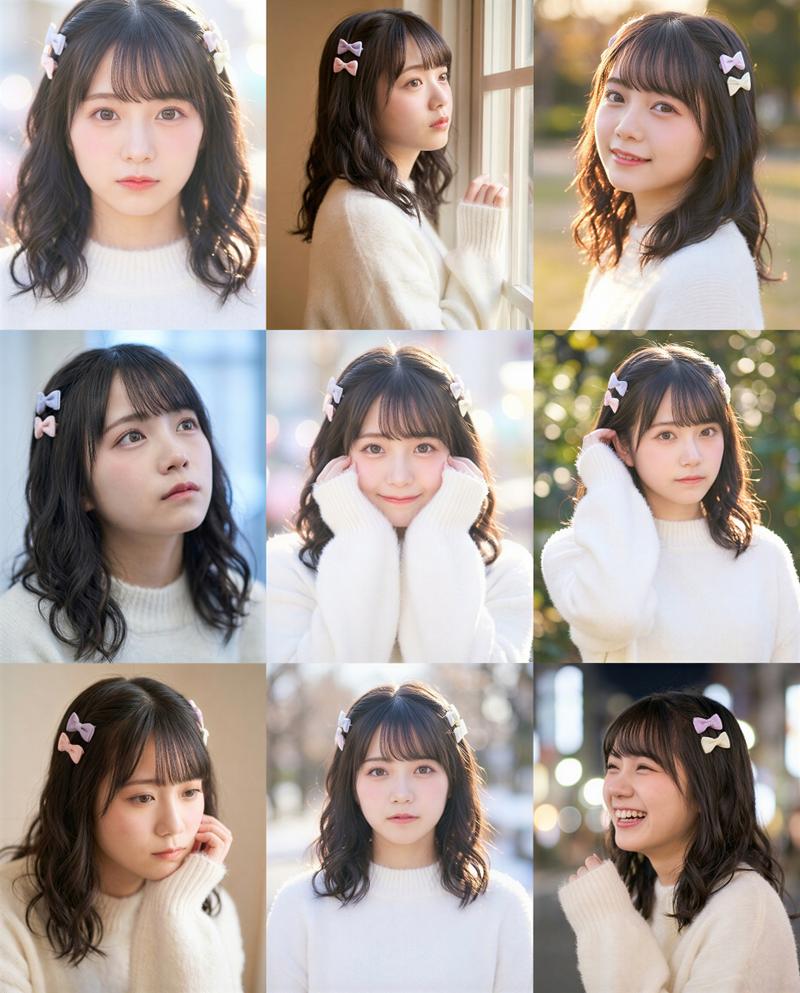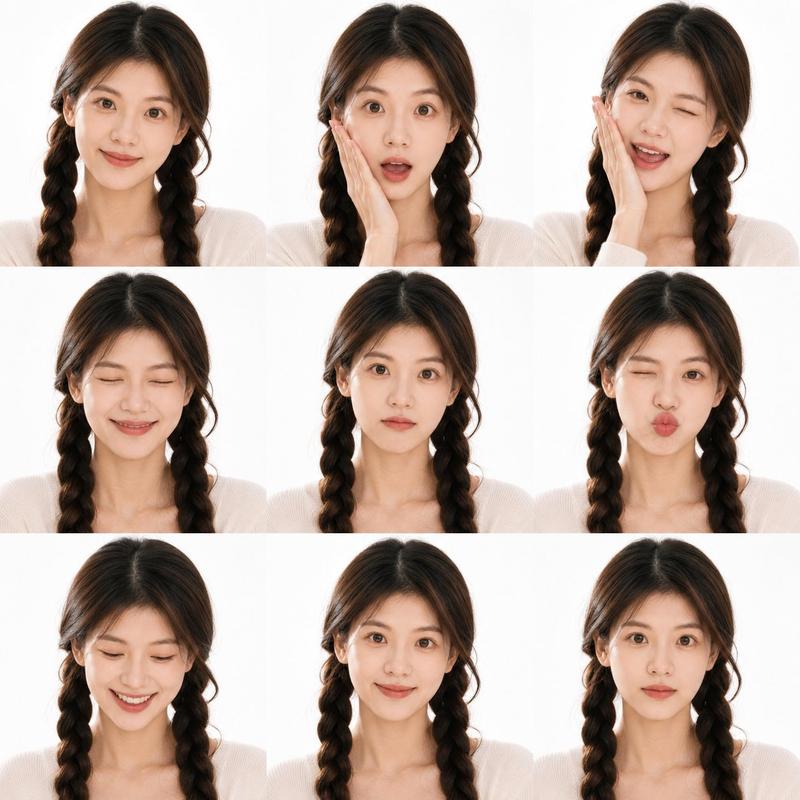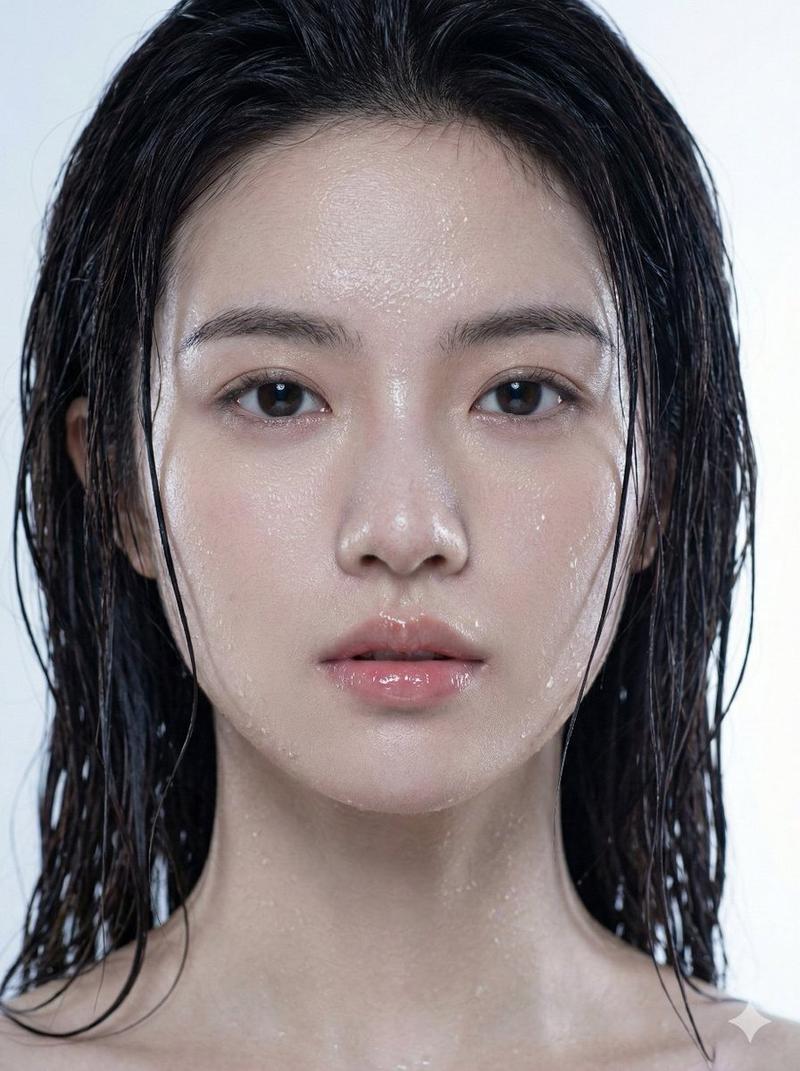
日式美人鱼游泳拼贴画
Prompt
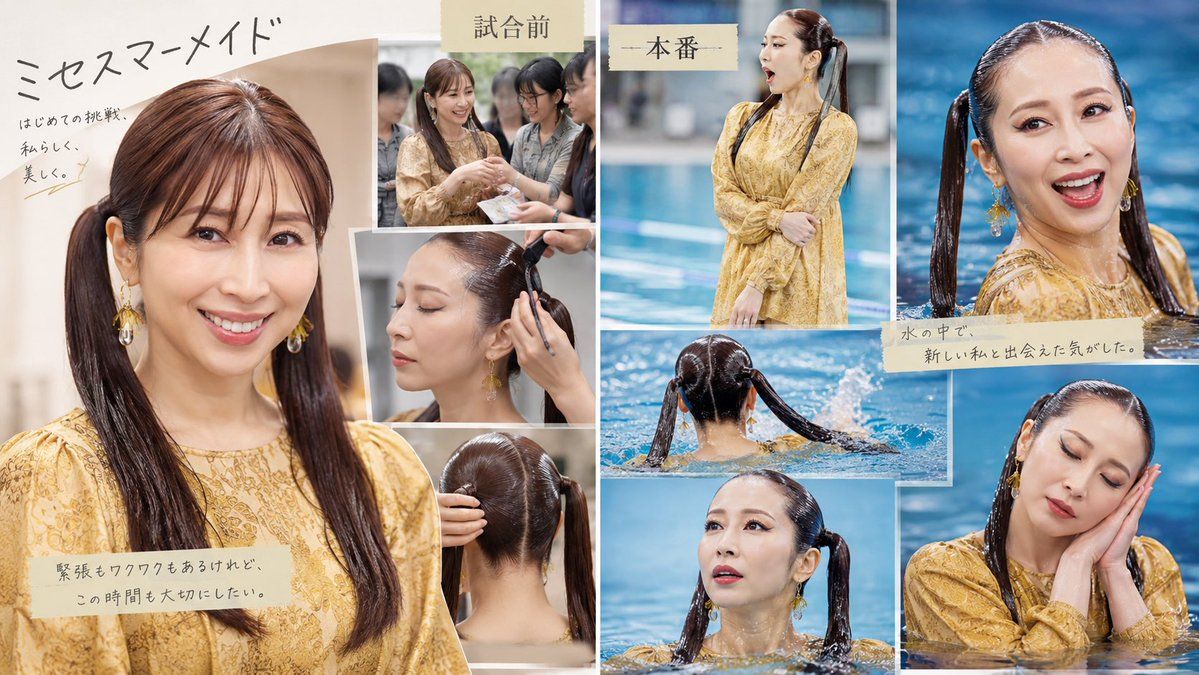
Goal: Create a polished Japanese magazine-style photobook collage about a young woman getting a special hairstyle and entering the water for a swim performance, with an elegant sentimental tone. Use the headline {argument name="headline text" default="ミセスマーメイド"} and the theme of a first challenge, beauty, nervousness, and transformation.

Canvas: Wide horizontal 16:9 layout, approximately 1200×675 px, with a soft off-white paper background and thin white borders between photos. The design should feel like a lifestyle magazine spread or event memory board, mixing warm indoor preparation photos on the left and cool blue pool photos on the right.

Layout: Use exactly 9 photo panels in an overlapping scrapbook collage. Panel 1 is a large vertical portrait occupying the left third, showing the woman from chest up in a mustard-yellow lace dress, long dark wet-look twin ponytails, gold dangling earrings, and soft indoor light. Panels 2–4 are three smaller preparation photos stacked near the center-left: panel 2 shows three women chatting before the event, panel 3 shows a hairstylist working on one side ponytail, and panel 4 shows the back of the head with neat center parting and twin ponytails. Panel 5 is a tall central-right photo labeled as the main performance, showing the woman standing poolside in the same yellow dress with arms crossed, blue swimming pool behind her. Panel 6 is a large upper-right close-up in pool water, showing her wet twin ponytails and yellow outfit at water level. Panel 7 is a horizontal middle photo showing her from behind in the pool with both ponytails spread outward on the water. Panel 8 is a lower-center close-up of her emerging from the water. Panel 9 is a lower-right close-up of her in the pool with hands clasped near her cheek, smiling pose implied, yellow lace sleeves visible.

Subject details: The model is {argument name="character description" default="an elegant Japanese woman in her 30s with long dark brown hair styled into sleek twin ponytails"}. Outfit is {argument name="outfit" default="a mustard-yellow lace dress with long sleeves and gold dangling earrings"}. Hair should look glossy, carefully parted, and becoming wet in the pool photos. Keep the mood graceful, feminine, and aspirational.

Text content: Include exactly 6 pieces of visible Japanese text on beige paper tape or handwritten areas. 1) Large handwritten headline at upper left: 「ミセスマーメイド」. 2) Small handwritten subtext below it: 「はじめての挑戦、私らしく、美しく。」. 3) Beige tape caption over the lower-left portrait: 「緊張もワクワクもあるけれど、この時間も大切にしたい。」. 4) Beige label above the preparation photos: 「試合前」. 5) Beige label above the central standing pool photo: 「一本番」. 6) Beige tape caption across the upper-right pool close-up: 「水の中で、新しい私と出会えた気がした。」.

Visual style: Photorealistic editorial collage, soft natural lighting, shallow depth of field, warm beige tones on the left, vivid blue pool tones on the right, slightly nostalgic paper texture, clean white gutters, subtle drop shadows under the layered photos, handwritten Japanese calligraphy for the main title, typewriter-like Japanese text on tape labels.

Constraints: All human faces must be anonymized with smooth rectangular beige face masks matching the skin-tone censor blocks in the reference style; do not show identifiable facial features. Use exactly 9 photo panels and exactly 6 text elements. Do not add extra logos, watermarks, QR codes, English text, or additional captions.- Category
- Charts & Infographics
- Model
- GPT Image 2
- Creator
- はなしずく
- Source ID
- 21384
- Published
- May 18, 2026
Views8