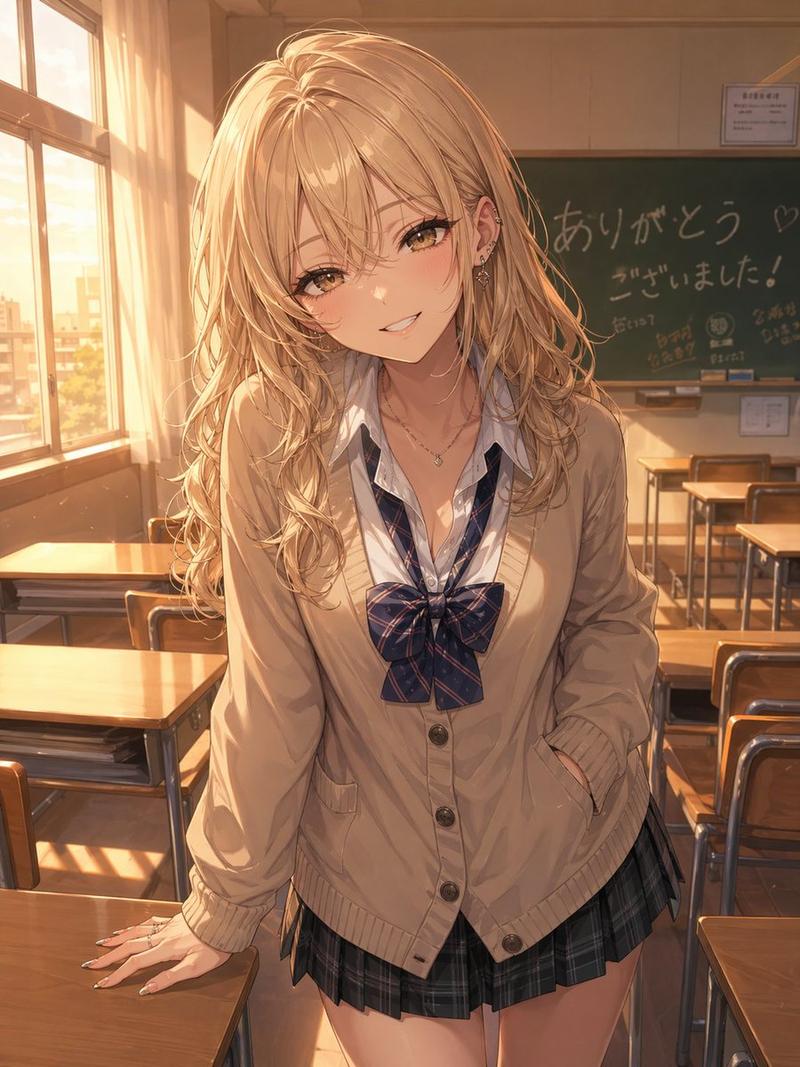
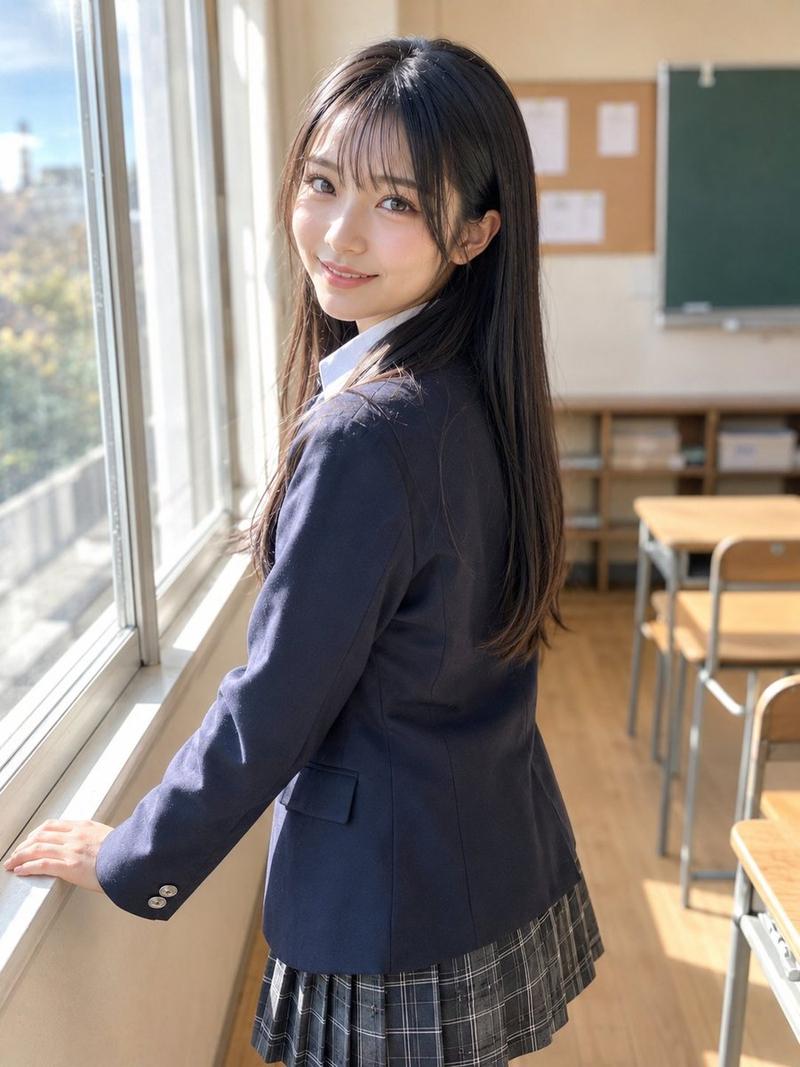
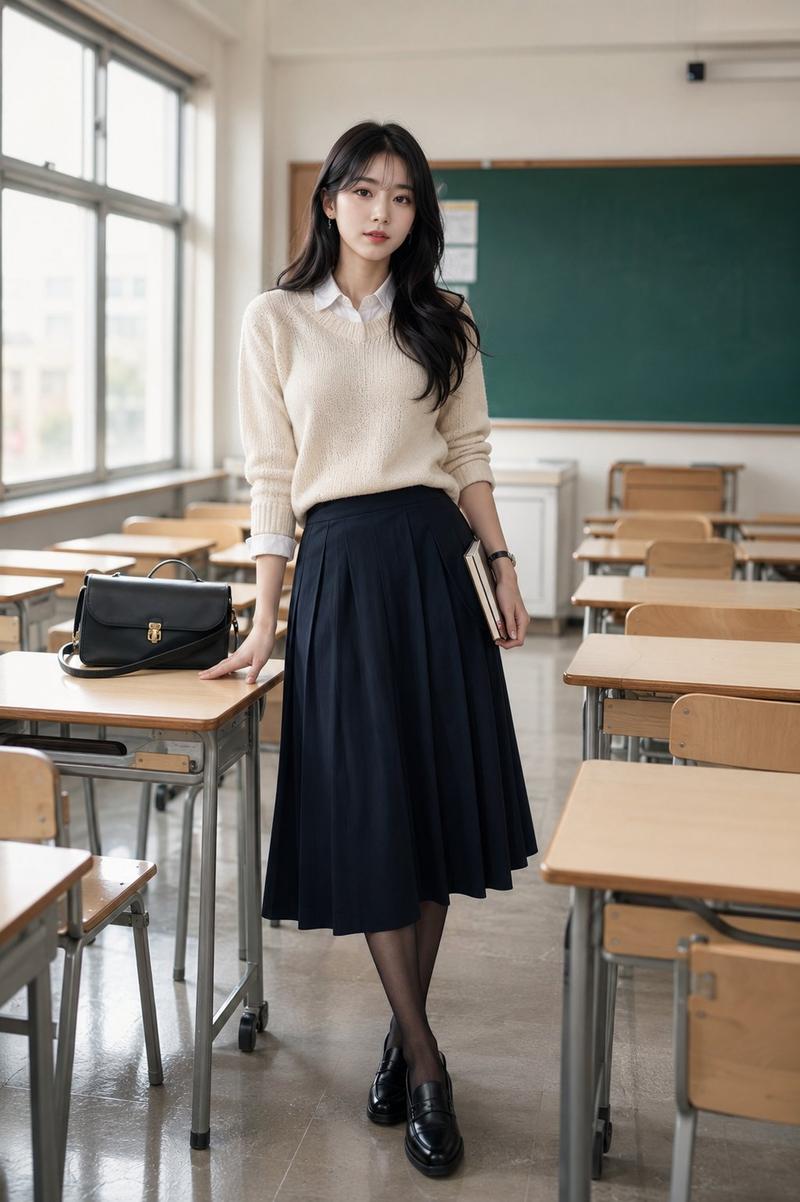
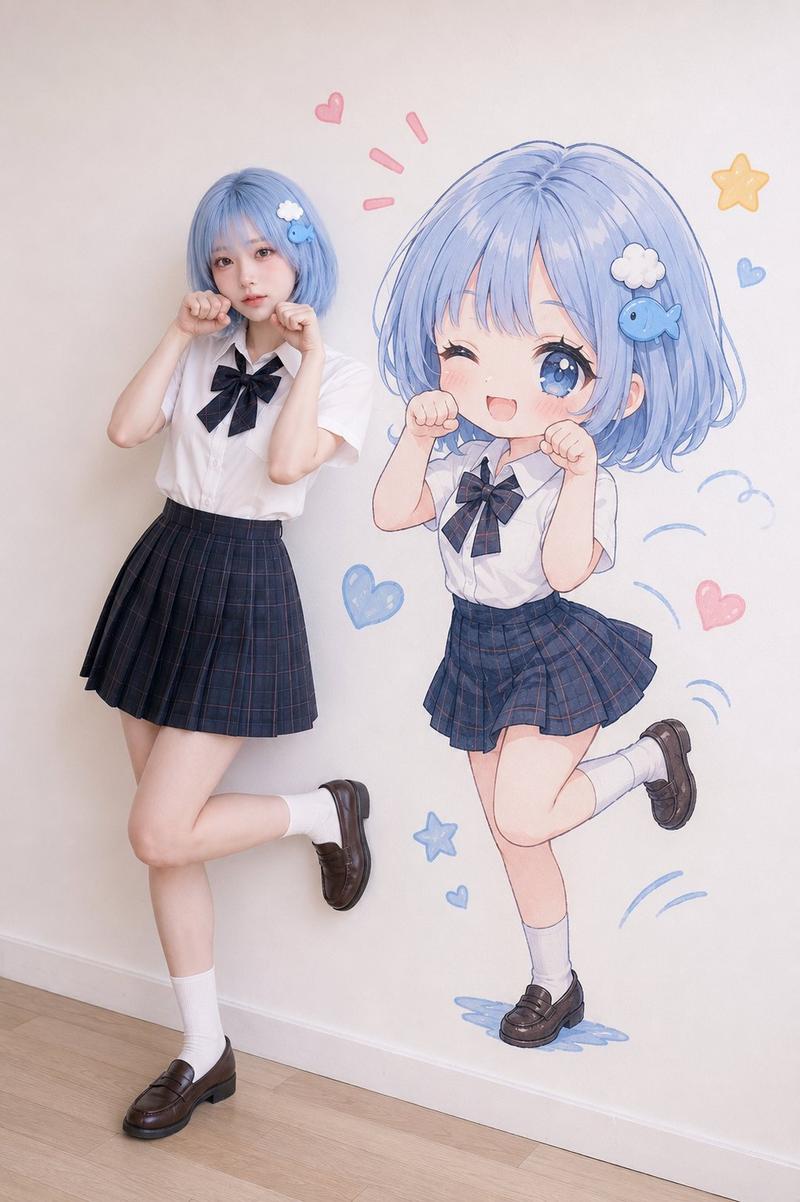
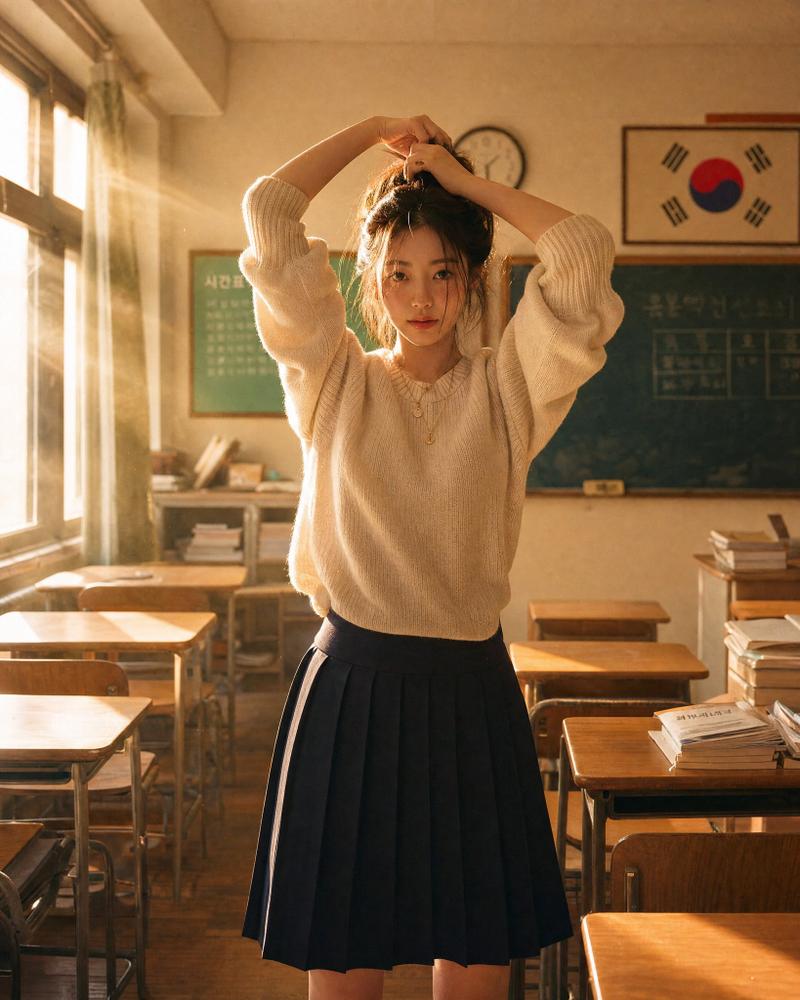
日本教室短视频截图
Prompt
Goal: Create a realistic vertical smartphone social-media video screenshot of an after-school classroom scene, styled like a Japanese short-video app post.

Canvas: 9:16 vertical image, 675×1125 style composition, natural daylight, realistic phone-camera look, slight wide-angle perspective, high detail, no illustration style.

Main scene: In a Japanese high school classroom after school, show exactly 2 foreground teenage girls in summer uniforms. The central girl is fully visible from head to mid-thigh, looking directly at the camera with a shy smile, holding a beige smartphone with small cute stickers partly covering her mouth. She has straight {argument name="hair color" default="dark brown"} shoulder-length hair with thin bangs, soft natural makeup, and large expressive eyes. Her left hand holds the strap of a navy shoulder bag. The second girl stands cropped on the right edge, visible from half of her face down to her skirt, smiling gently toward the camera.

Uniform and accessories: Both girls wear crisp white short-sleeve button-up shirts, navy-and-green plaid pleated skirts, and navy striped ribbon bow ties. The central girl carries a glossy navy school bag covered with exactly 8 visible plush keychains and charms: 1 large cream teddy bear, 1 smaller white teddy bear, 1 cream bear with pink bow, 1 fluffy white animal charm, 1 lavender plush charm, 1 pink plush charm, 1 small beige tag charm, and 1 metal chain charm.

Background: A busy classroom with wooden desks and chairs, chalkboard on the back right, tall windows on the left with bright daylight. Include exactly 6 background students in white shirts: 2 seated at desks near the left foreground with backs/side views, 1 standing or leaning near the windows, 2 seated near the middle-back, and 1 seated near the chalkboard. Keep them softly out of focus compared with the foreground girls.

App overlay layout: Add a short-video app interface overlay on top of the photo. Right-side vertical action bar with exactly 5 stacked elements: 1 circular profile thumbnail with a pink plus badge, 1 white heart icon with count “3.2万”, 1 white speech-bubble icon with count “162”, 1 white share arrow icon with count “392”, and 1 small circular spinning-record thumbnail at the bottom. Bottom-left caption area contains the username and post text in white Japanese text: “@{argument name="username" default="yui._.daily"} ・ 3時間前”, then “{argument name="caption text" default="放課後の教室ってなんか特別だよね🧸"}”, then “{argument name="hashtags" default="#jk #放課後 #クラスメイト #日常"}”, then a music line with a musical note icon: “オリジナル楽曲 - yui._.daily”. Bottom black comment bar contains placeholder text “すてきなコメントを書く...” plus exactly 2 icons on the right: an @ symbol and a smiley face.

Visual style: Photorealistic Japanese teen lifestyle snapshot, warm natural lighting, clean skin texture, realistic fabric folds, accurate hands and fingers, believable classroom depth, subtle social-media compression, candid but polished.

Constraints: Preserve the exact counts of foreground girls, background students, plush charms, and overlay elements. Keep the image wholesome and non-explicit. Do not add extra people in the foreground, do not add watermarks, and avoid distorted text or broken hands.- Category
- UI & Interfaces
- Model
- GPT Image 2
- Creator
- トーマ@Grok愛好家
- Source ID
- 21398
- Published
- May 18, 2026
Views5