19

室内自拍视角布局
Enlarge

Example images

室内自拍视角布局

Prompt
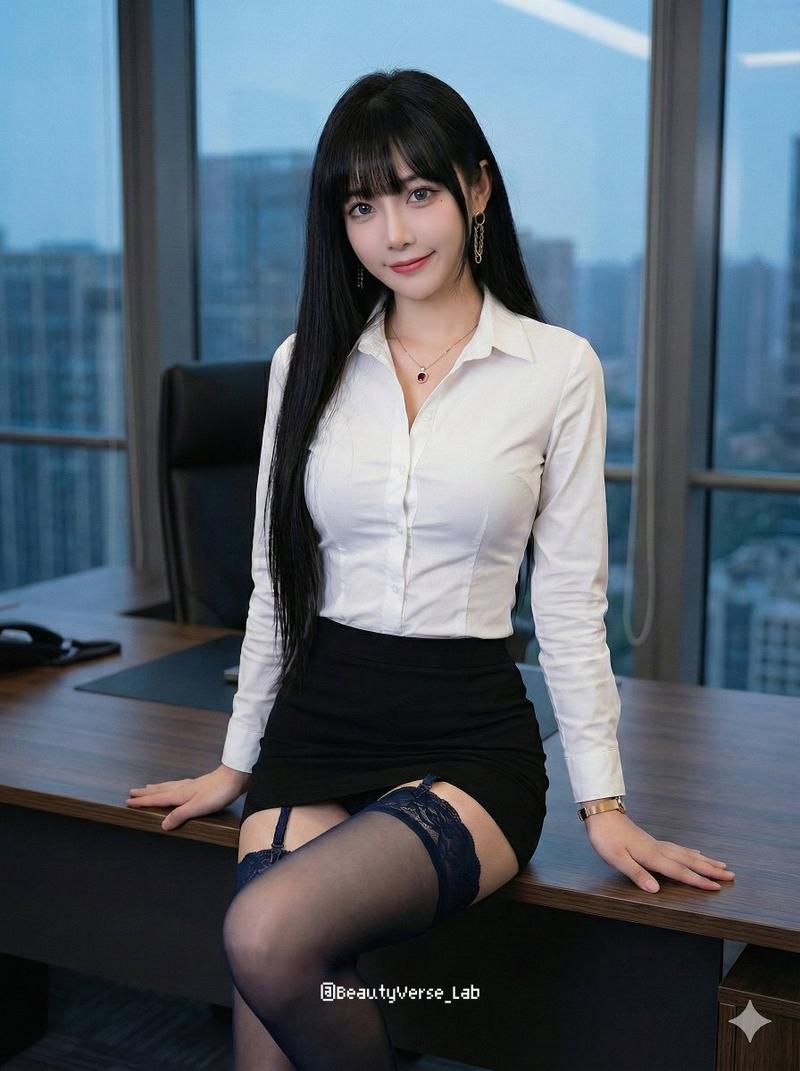
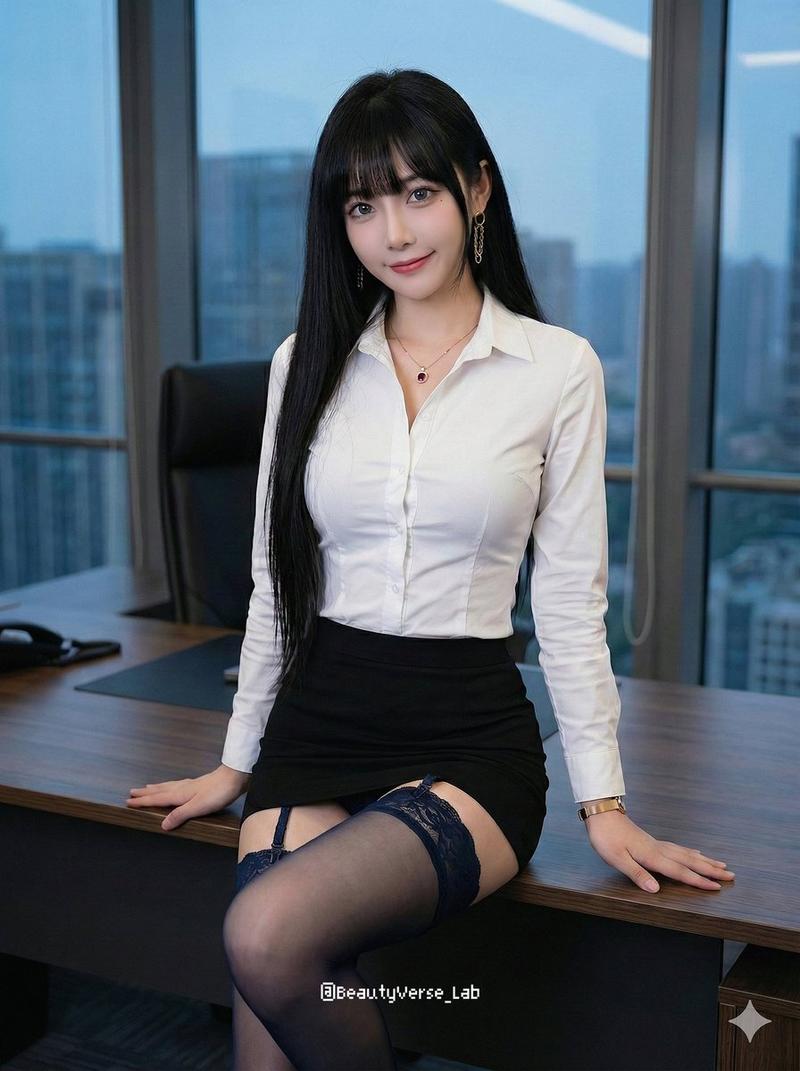
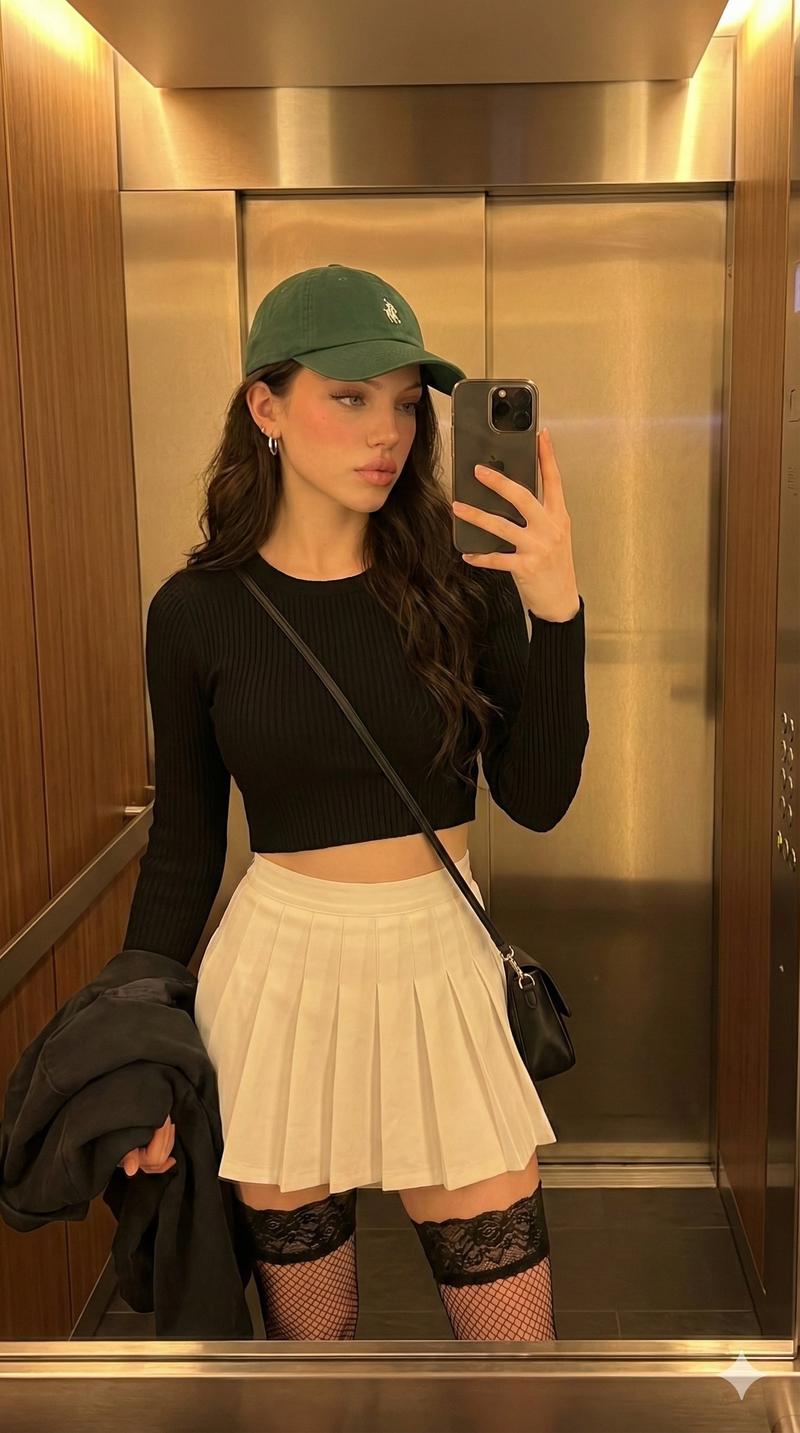
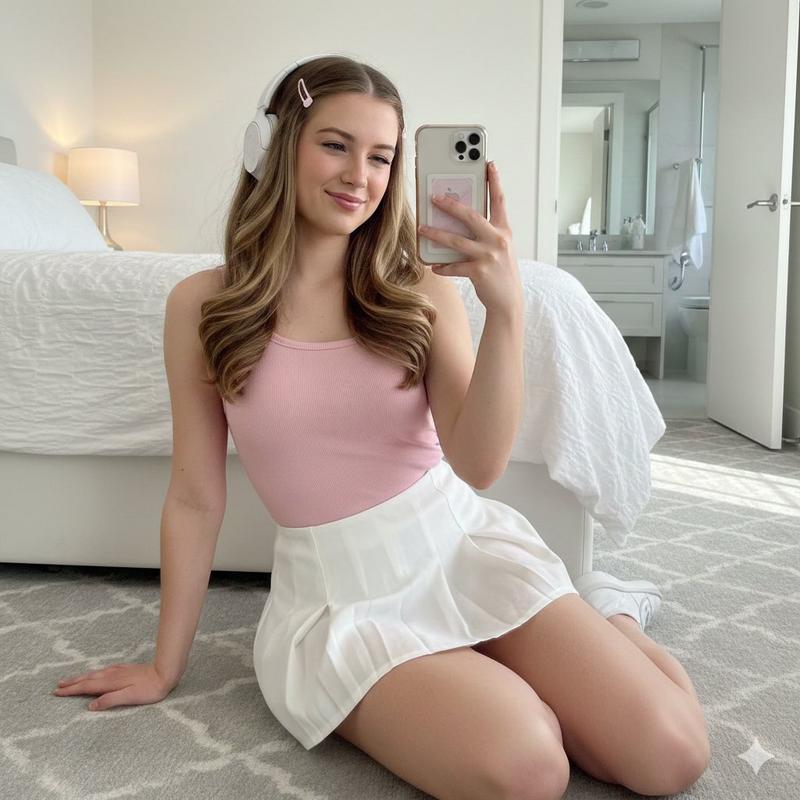
单人写实室内手机自拍横图,狭窄角落场景,近距离截取从下巴到大腿中上段,背景简单,画面重点集中在上半身曲线、短裙坐姿、腿部透视和暖色灯光。主体本体特征:年轻女性感,脸部基本不入镜,只露少量下巴和颈部;浅蓝色长卷发从两侧垂到胸前。身材表现为上半身纤细、胸部较饱满、腰线明显收紧、骨盆收拢、双腿白皙细直,整体是轻 cos 感、柔软但曲线清楚的体态。着装与材质:上装是白色长袖衬衫,胸前有竖向褶饰和小纽扣,布料偏顺滑微亮,袖子略带蓬感;下装是灰黑格纹高腰短百褶裙,腰部有一圈黑色收束,面料较薄,坐下后裙摆自然外翻起褶。腿部裸露,无鞋袜信息。动作、镜头、构图模板:人物坐在灰色地砖地面,背部和左肩靠近墙角,躯干微微前倾,右臂前伸举手机自拍,左手自然握住身侧玩偶。双膝朝前,腿向镜头方向伸出,形成胸口—腰部—裙摆—大腿连续下压式透视。镜头位于右上前方略高处向下拍,裁掉头顶和大部分脸,把胸口、腰线、裙摆和大腿放成主体;左侧白墙和镜面边框、右侧深色门板共同提供封闭空间感,左下角蓝色玩偶作为辅助锚点。风格与控制项:风格:写实日常手机自拍,室内暖黄顶灯/侧上方灯,左侧更亮,右侧偏暗,整体低对比、肤色干净发白、阴影柔和。关键锚点:浅蓝长卷发垂胸前、白色微亮衬衫、灰黑格纹短裙、坐地前倾自拍、胸腰腿透视明显、左亮右暗暖光。负面限制:不要完整露脸,不要站姿或跪姿,不要冷白光,不要硬闪光,不要把腿拉得过长,不要改成广角夸张畸变,不要复杂背景,不要漏掉左侧玩偶和墙角压迫感。
Category
Architecture & Spaces
Model
GPT Image 2
Views10
Source ID
21534
Published
May 19, 2026

Guide

About "室内自拍视角布局"

What is this prompt for?

"室内自拍视角布局" AI image prompt for GPT Image 2 (Architecture & Spaces). 一个写实的室内手机自拍提示词,专注于特定视角、服装质感和光影平衡。 Copy it on Picva and recreate the look in one click.

The full copyable prompt and example visuals above are ready for AI image generation or one-click recreate in Picva.

How to use this prompt

  1. Step 1

    Open the prompt detail

    Review the example visuals, category, and full prompt text for "室内自拍视角布局".

  2. Step 2

    Copy the prompt

    Copy the prompt body from this page, or load it directly in Studio.

  3. Step 3

    Pick a model (GPT Image 2)

    Prefer GPT Image 2. If you switch models, keep subject and composition and tweak style terms.

  4. Step 4

    Generate and export

    Recreate the look in Picva, or export into your workflow for editing and publishing.

FAQ

What is the "室内自拍视角布局" prompt?
It is an AI image-generation prompt for GPT Image 2 in the Architecture & Spaces category. This page includes the full prompt text, example visuals, and a one-click recreate path in Picva.
How do I use this prompt to generate an image?
Copy the prompt from this page, or use Generate / Studio. Paste it into a compatible image model, or recreate the look in Picva with optional reference images.
Which model is this prompt for?
This page lists GPT Image 2. Most descriptive prompts also transfer to nearby image models such as GPT Image, Flux, or Midjourney with light style tweaks.
Can I use the result commercially?
You can usually copy the prompt for creation, but commercial use of the final image depends on the model terms, reference-image rights, and the generated content. Follow the source author and platform rules.