17

城市海报
Enlarge

城市海报

Prompt
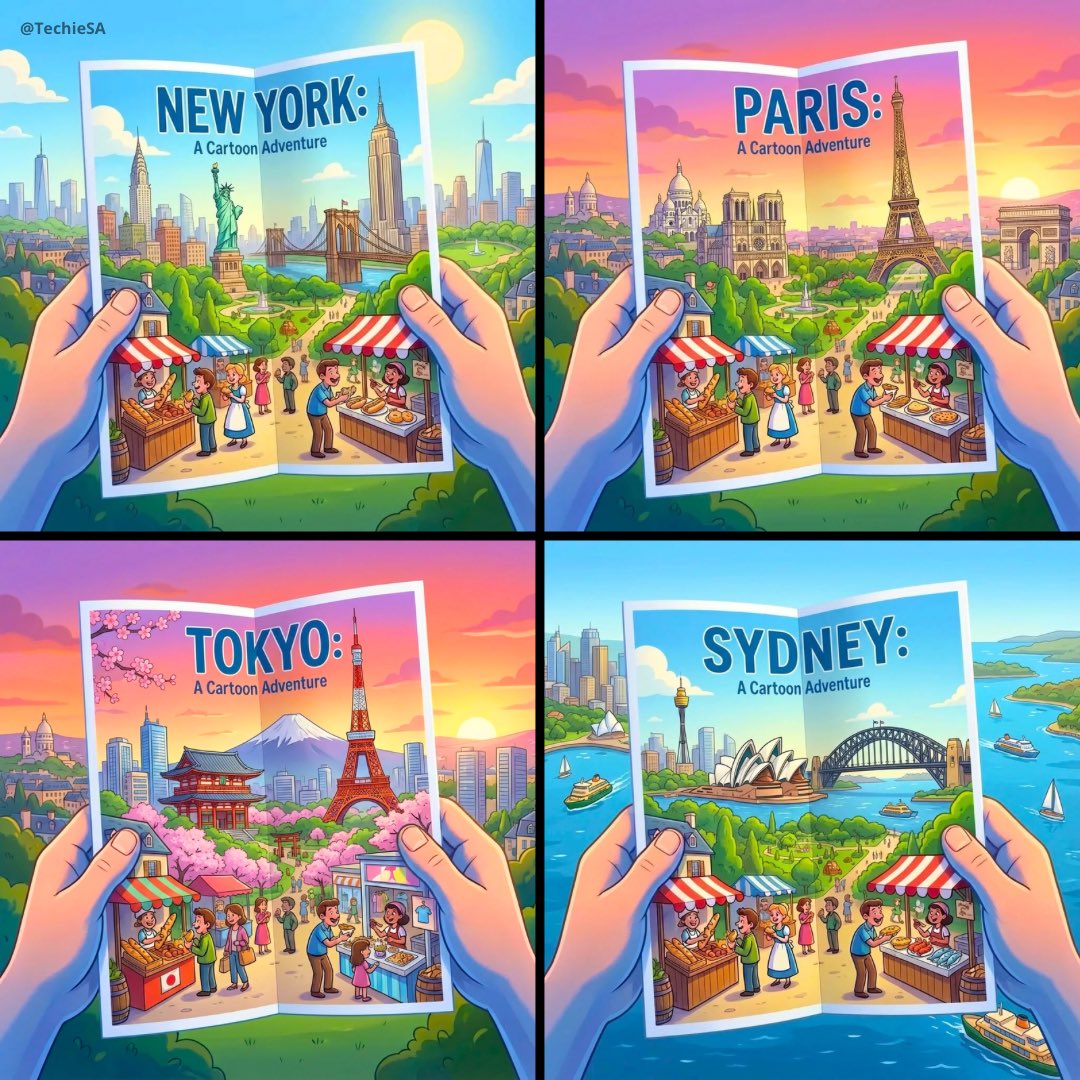
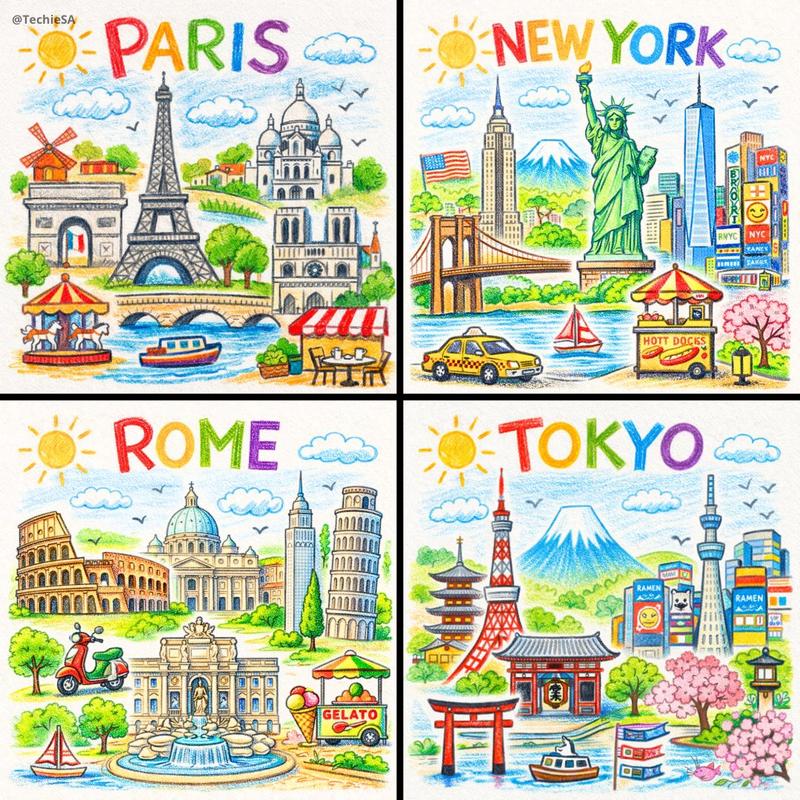
Tried my City Poster prompt on GPT-1.5🎨
Prompt👇🏻 https://t.co/Ti13upBE7g
“Create a high-resolution 1080x1080 stylized travel poster-style illustration that looks like a folded tourist brochure being held by two hands in the foreground. The brochure features a vibrant, cartoonish-yet-detailed depiction of [CITY]. Show iconic cultural elements and architecture of [CITY] surrounded by lush greenery or local landscapes. Include shopping scenes with people eating street food at local markets, and colorful [SUN/SUNSET] in the background. The overall style should be Pixar-inspired, bright and cheerful, soft shadows, and rich 3D depth. The hands holding the brochure should be pixar stylized, with gentle shadows and cool tones, matching the exact expression and perspective as the reference image. The background should seamlessly blend and match the landscape extending beyond the brochure edges.”
Category
Illustration & Art
Model
Unknown
Creator
TechieSA
Views3
Source ID
city-travel-poster

Guide

About "城市海报"

What is this prompt for?

"城市海报" AI image prompt for Unknown (Illustration & Art). Tried my City Poster prompt on GPT-1.5🎨 Prompt👇🏻 https://t.co/Ti13upBE7g “Create a high-resolution…

The full copyable prompt and example visuals above are ready for AI image generation or one-click recreate in Picva.

How to use this prompt

  1. Step 1

    Open the prompt detail

    Review the example visuals, category, and full prompt text for "城市海报".

  2. Step 2

    Copy the prompt

    Copy the prompt body from this page, or load it directly in Studio.

  3. Step 3

    Pick a model (Unknown)

    Prefer Unknown. If you switch models, keep subject and composition and tweak style terms.

  4. Step 4

    Generate and export

    Recreate the look in Picva, or export into your workflow for editing and publishing.

FAQ

What is the "城市海报" prompt?
It is an AI image-generation prompt for Unknown in the Illustration & Art category. This page includes the full prompt text, example visuals, and a one-click recreate path in Picva.
How do I use this prompt to generate an image?
Copy the prompt from this page, or use Generate / Studio. Paste it into a compatible image model, or recreate the look in Picva with optional reference images.
Which model is this prompt for?
This page lists Unknown. Most descriptive prompts also transfer to nearby image models such as GPT Image, Flux, or Midjourney with light style tweaks.
Can I use the result commercially?
You can usually copy the prompt for creation, but commercial use of the final image depends on the model terms, reference-image rights, and the generated content. Follow the source author and platform rules.