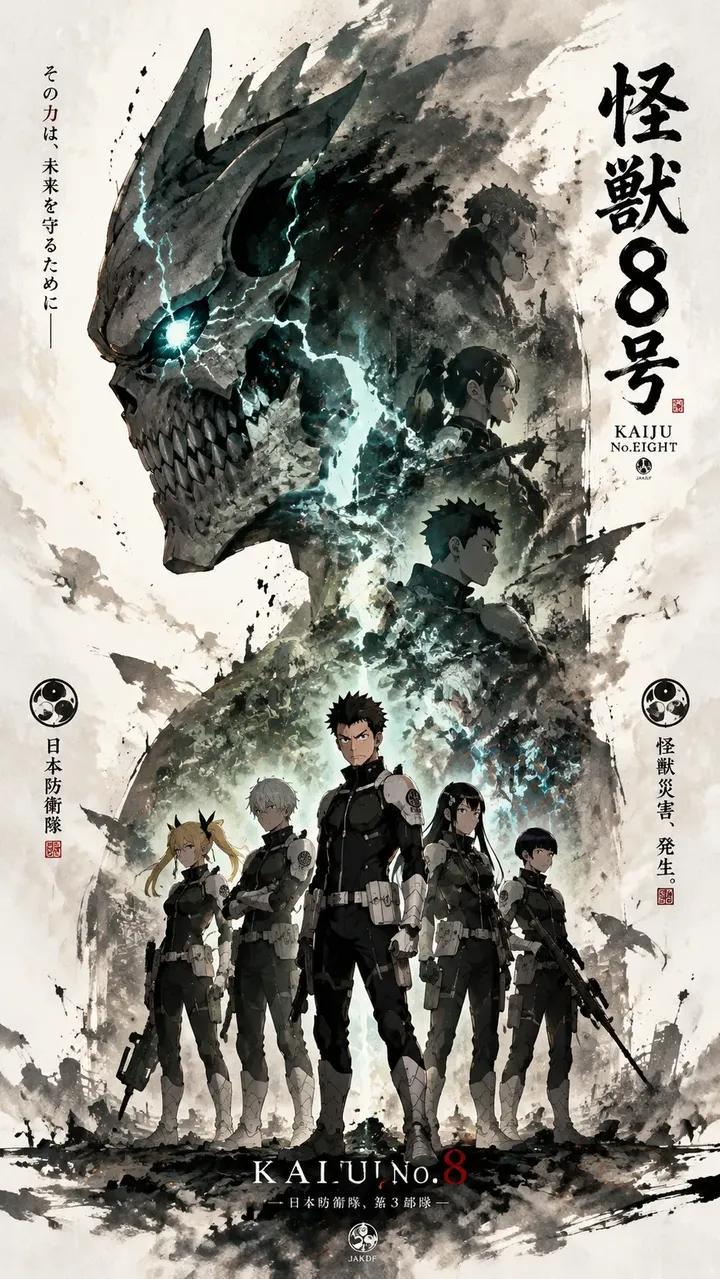
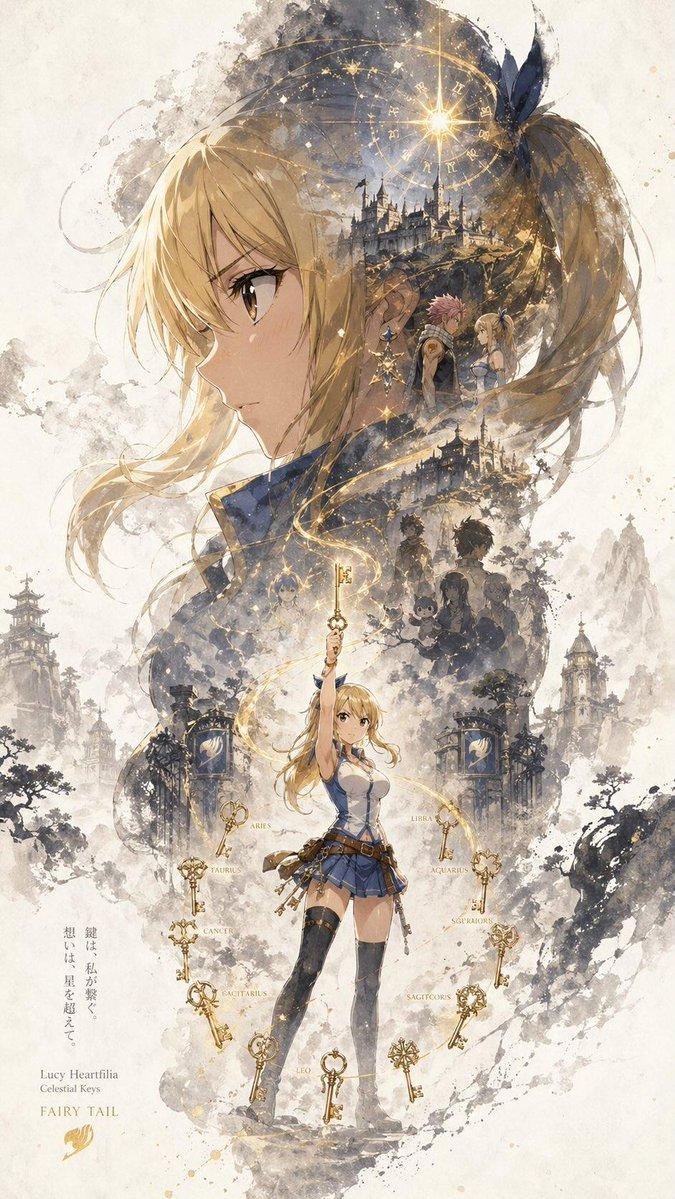
五条悟动漫宣传海报
Prompt
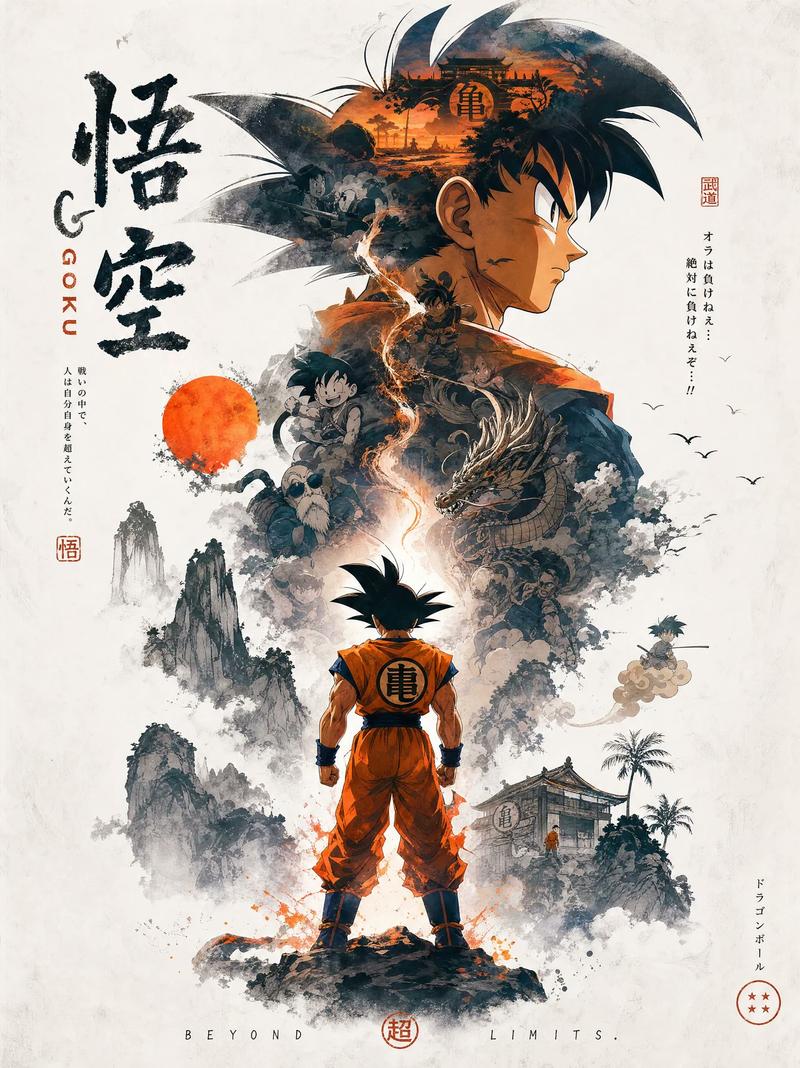
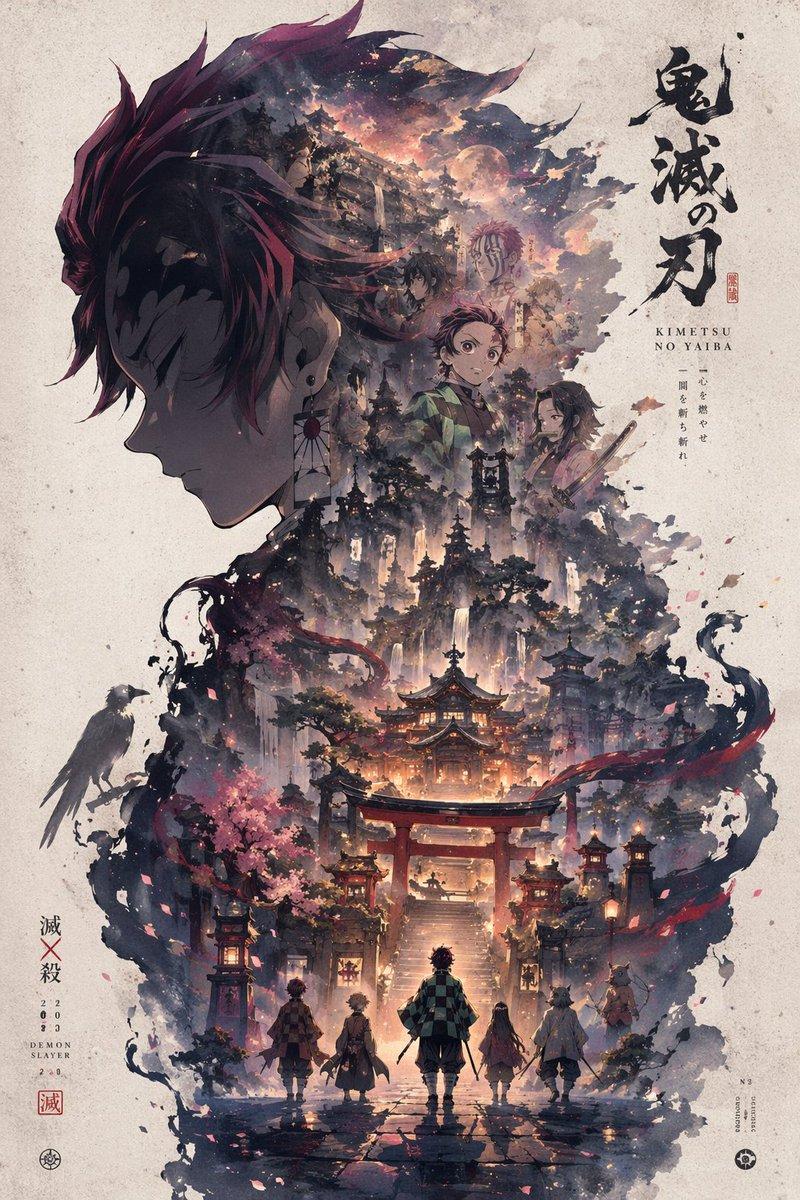
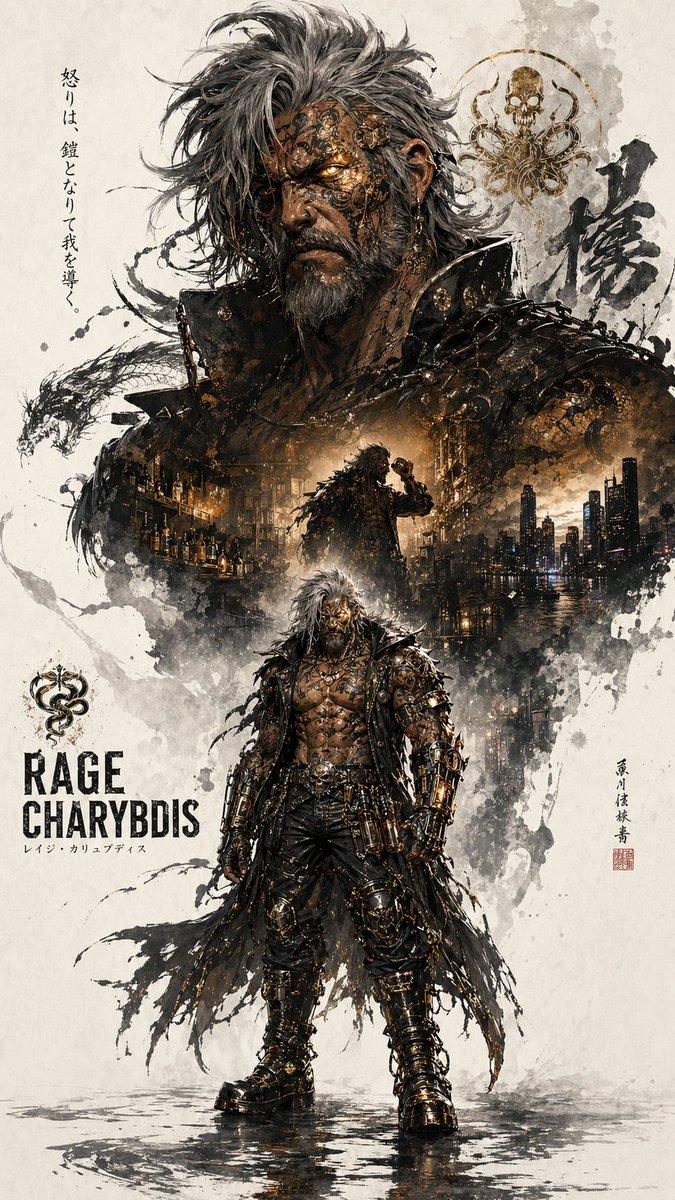
Create a vertical Japanese anime propaganda poster for {argument name="character name" default="Satoru Gojo"} from Jujutsu Kaisen, with a consistent hierarchical main visual composition and dramatic ink-wash collage style. Canvas: portrait 3:4 poster on warm off-white aged paper with subtle grain, dust specks, faint scratches, and scattered ink splatters. Visual hierarchy: the top half is dominated by an enormous right-facing side profile of Gojo wearing a black blindfold, smiling slightly, with spiky white hair exploding upward into translucent feather-like shards and blue-purple energy strokes. In the center foreground place a full-body Gojo walking toward the viewer, tall and slim in a high-collar black uniform, blindfolded, one hand in his pocket and the other raised with two fingers extended; red cursed-energy lightning coils around his torso and legs. Use deep indigo, violet, blue, black, white, and crimson accents, with painterly splashes and sharp manga linework.

Composition details: include exactly 6 smaller character/story vignettes blended into the ink cloud around the main figure: 1) a blue-haired male silhouette near the upper left within the hair/energy mass, 2) a white-haired blindfolded smaller Gojo in profile at upper left, 3) a dark standing figure facing the central energy on the mid-right, 4) a small lone silhouette in the lower-left mist, 5) a group of three small figures walking in the lower middle background, and 6) a red-haired/pink-haired male with a black blindfold or markings in the lower-right brush splash. Add exactly 4 environmental motifs: 1) a traditional Japanese temple building on the mid-right, 2) a modern city skyline at bottom center, 3) a red torii gate at the lower foreground behind the central figure’s legs, and 4) tiny bird silhouettes in the white margins. Keep all secondary elements partially dissolved into blue and purple watercolor smoke.

Text layout: on the left side, large vertical Japanese brush-calligraphy reading {argument name="large Japanese title" default="五条悟"}, painted in dark navy ink. Beside it add small vertical roman text reading “SATORU GOJO” and a small red seal with Japanese characters. On the right side, add clean vertical Japanese text reading {argument name="right side slogan" default="最強の呪術師 — 五条悟"}, with a small circular emblem and the Japanese series title beneath it. On the lower left, add smaller vertical Japanese text reading {argument name="lower left quote" default="大丈夫 僕 最強だから"}, mixing black and muted red characters. Overall mood: heroic, mythic, national-poster-like propaganda energy without real-world politics, elegant manga poster design, high detail, strong central silhouette, layered ink splashes, luminous cursed energy, crisp face profile, no English headline except the small “SATORU GOJO,” no watermark, no extra characters beyond the listed vignettes.- Category
- Charts & Infographics
- Model
- GPT Image 2
- Creator
- 𝐌
- Source ID
- 21437
- Published
- May 18, 2026
Views6