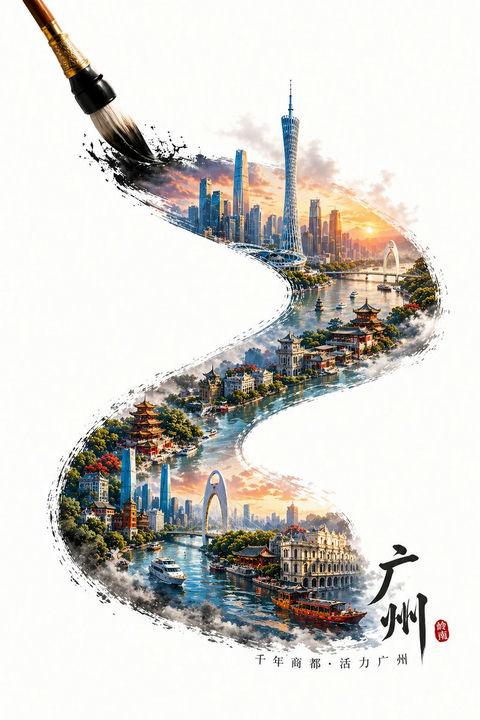
16

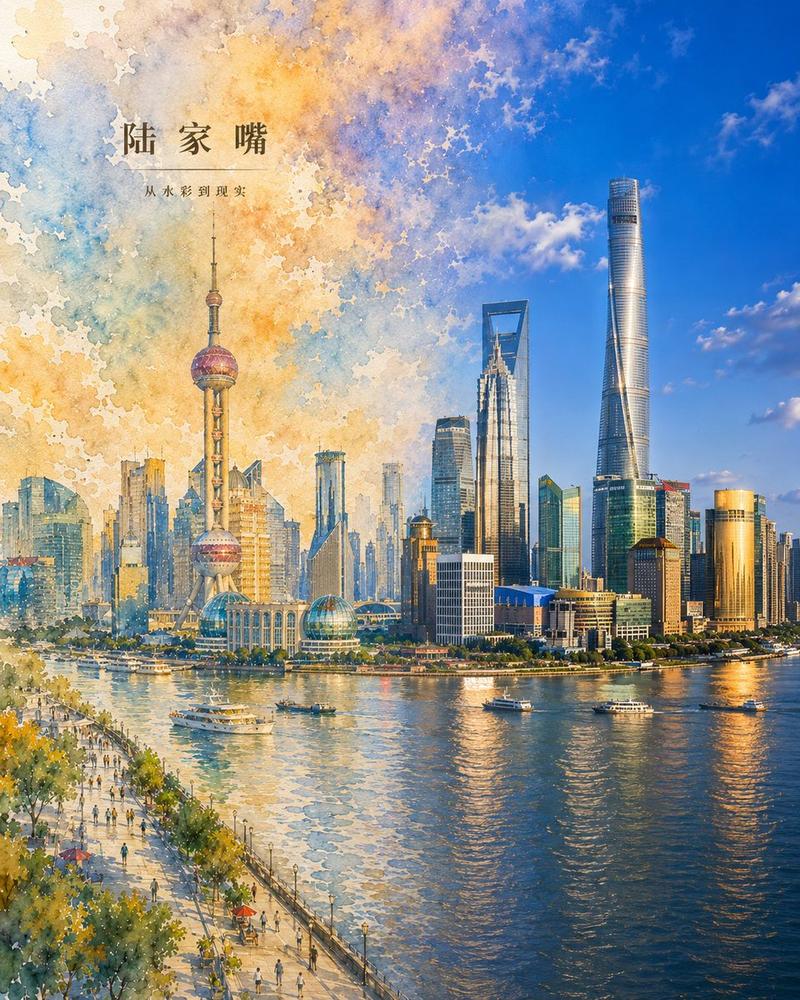
水彩幻化现实:北京 CBD 海报
Enlarge

Example images

水彩幻化现实:北京 CBD 海报

Prompt
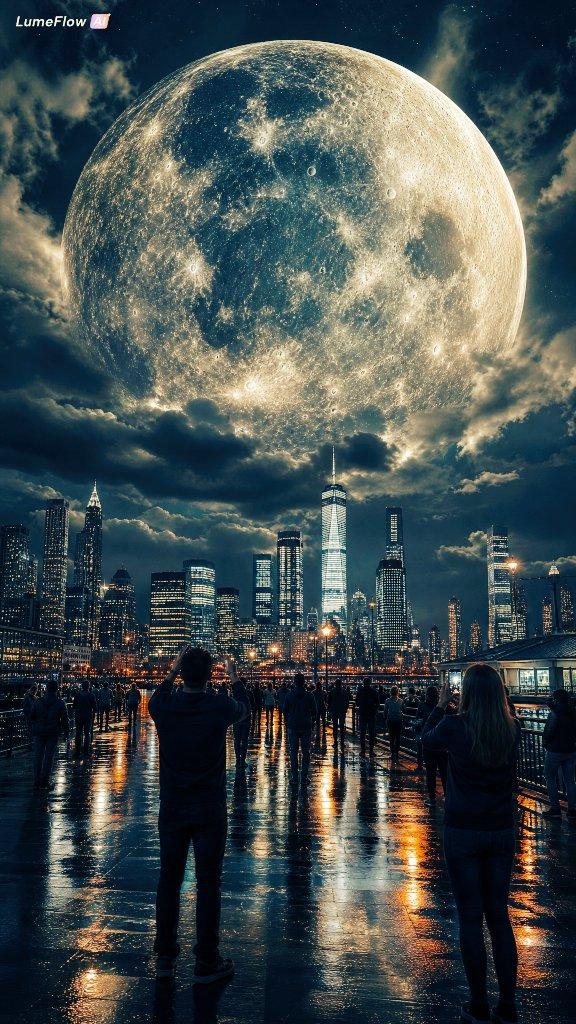
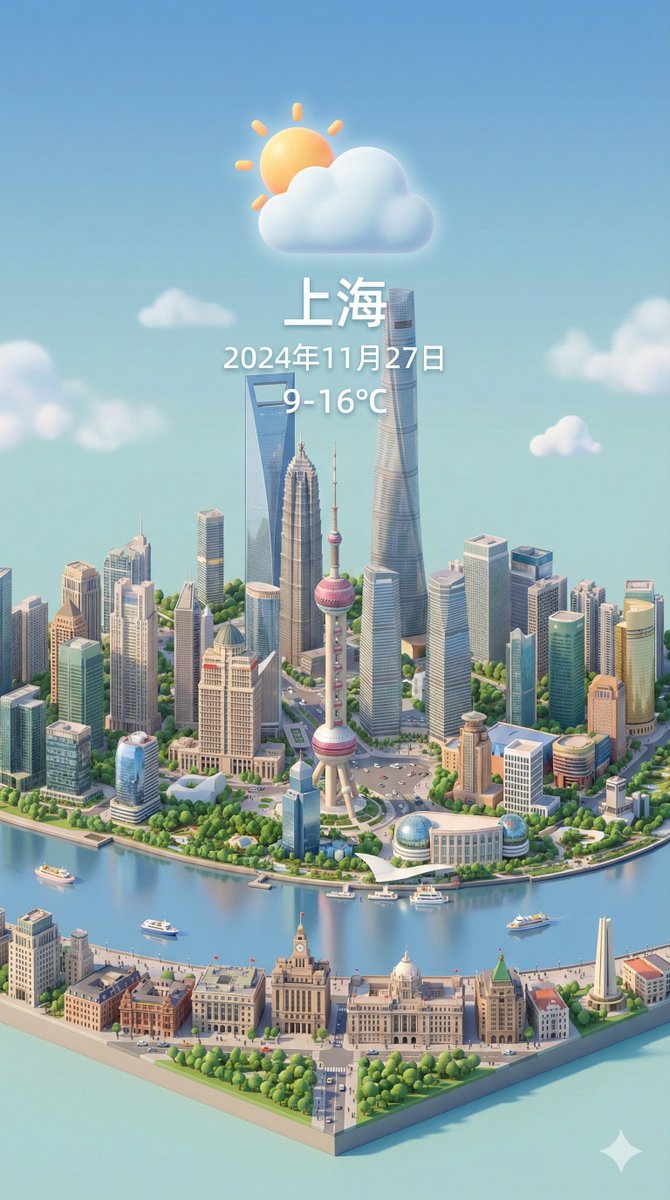
Create a vertical city poster showing {argument name="city district" default="Beijing Guomao CBD"} transforming from watercolor painting into photorealism. The canvas is portrait-oriented, about 4:5, with a seamless left-to-right transition: the left half is a loose watercolor illustration with visible paper texture, splattered pigment edges, soft pastel washes in blue, lavender, peach, yellow, and teal, while the right half gradually becomes a crisp realistic aerial city photograph under a bright blue sky with scattered clouds. The skyline must feature the Beijing CBD landmarks: the tall China Zun tower dominating the right side, the CCTV Headquarters angular loop building near the center-right, and multiple glass skyscrapers on the left-center, with broad roads, traffic lanes, trees, low-rise blocks, and urban avenues visible below. Add elegant Chinese title typography in the upper-left reading {argument name="headline text" default="国贸CBD"}, with a thin horizontal divider line beneath it and smaller subtitle text reading {argument name="subtitle text" default="从水彩到现实"}. Use warm late-afternoon sunlight, high detail on the realistic side, dreamy translucent watercolor blooms on the painted side, and make the boundary between painting and reality feel poetic and fluid, as if the city is waking from a scroll. No people, no watermark, no extra labels.
Category
Charts & Infographics
Model
GPT Image 2
Views3
Source ID
21438
Published
May 16, 2026

Guide

About "水彩幻化现实:北京 CBD 海报"

What is this prompt for?

"水彩幻化现实:北京 CBD 海报" AI image prompt for GPT Image 2 (Charts & Infographics). 一个极具诗意的竖版海报提示词,用于创作从水彩画过渡到写实摄影风格的北京国贸 CBD 城市景观,并包含中文字体排版。 Copy it on Picva and recr…

The full copyable prompt and example visuals above are ready for AI image generation or one-click recreate in Picva.

How to use this prompt

  1. Step 1

    Open the prompt detail

    Review the example visuals, category, and full prompt text for "水彩幻化现实:北京 CBD 海报".

  2. Step 2

    Copy the prompt

    Copy the prompt body from this page, or load it directly in Studio.

  3. Step 3

    Pick a model (GPT Image 2)

    Prefer GPT Image 2. If you switch models, keep subject and composition and tweak style terms.

  4. Step 4

    Generate and export

    Recreate the look in Picva, or export into your workflow for editing and publishing.

FAQ

What is the "水彩幻化现实:北京 CBD 海报" prompt?
It is an AI image-generation prompt for GPT Image 2 in the Charts & Infographics category. This page includes the full prompt text, example visuals, and a one-click recreate path in Picva.
How do I use this prompt to generate an image?
Copy the prompt from this page, or use Generate / Studio. Paste it into a compatible image model, or recreate the look in Picva with optional reference images.
Which model is this prompt for?
This page lists GPT Image 2. Most descriptive prompts also transfer to nearby image models such as GPT Image, Flux, or Midjourney with light style tweaks.
Can I use the result commercially?
You can usually copy the prompt for creation, but commercial use of the final image depends on the model terms, reference-image rights, and the generated content. Follow the source author and platform rules.