12

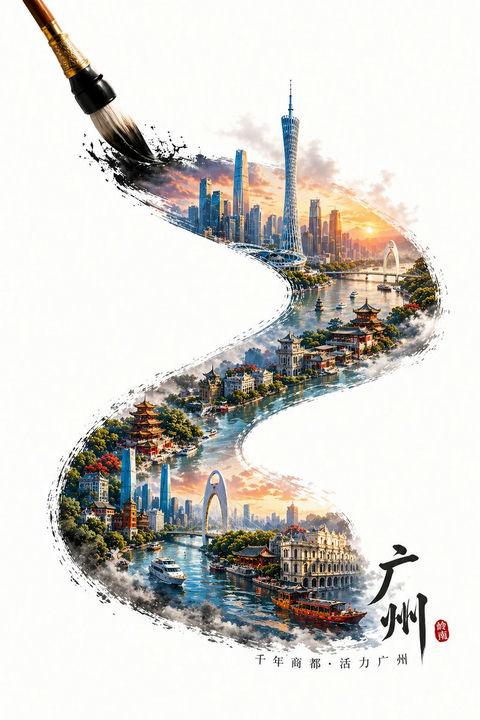
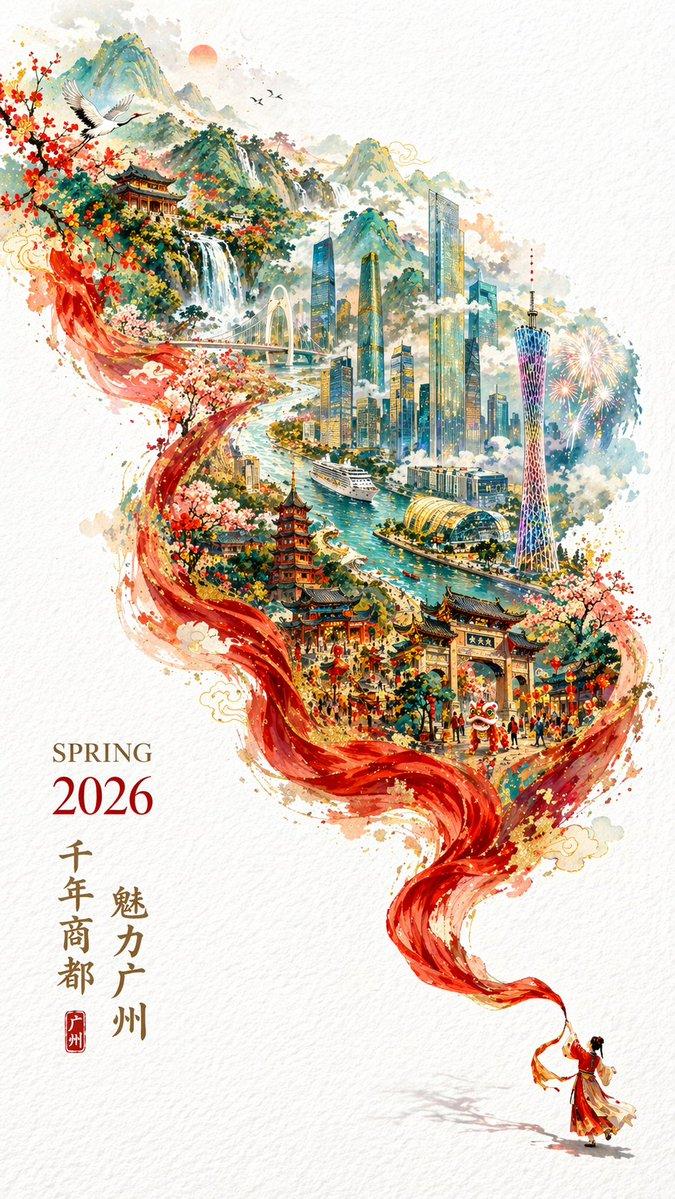
墨韵羊城微观立体海报
Enlarge

墨韵羊城微观立体海报

Prompt
A painting brush, tracing an S-shaped calligraphy stroke from the bottom right to the top left, the stroke contains microscopic Guangzhou landmark landscapes, the overall style is a 3D three-dimensional high-saturation poster style.
The content in the stroke is the iconic and representative buildings of Guangzhou, integrating local traditional architectural styles with local modern architecture, forming a visual hierarchy where the new and the old blend together.
If the city has a water system (such as a river/bay), incorporate the corresponding water body into the stroke, creating a misty and boundless water vapor atmosphere, enhancing the sense of spatial depth.
The stroke as a whole presents a natural ink diffusion and edge fragmentation effect, while maintaining clear city structure and rich details.
The tip of the brush is located at the end of the stroke in the top left corner, forming a dynamic moment of "being drawn".
Outside the stroke is a large area of pure blank background, highlighting the oriental minimalist composition.
Add text at the beginning of the stroke: Guangzhou and a short slogan of the city, the text is naturally arranged along the direction of the stroke.
Overall style: integrating traditional Chinese style with modern three-dimensional art, high detail, high saturation but clean, vibrant colors, realistic physical light and shadow, HDR, 8K resolution, commercial-grade visual quality.
Category
Posters & Typography
Model
ChatGPT
Creator
@liyue_ai
Views192
Source ID
13877
Published
Apr 30, 2026

Guide

About "墨韵羊城微观立体海报"

What is this prompt for?

"墨韵羊城微观立体海报" AI image prompt for ChatGPT (Posters & Typography). 一支正在绘画的毛笔,描摹出一条由右下到左上的S型书法笔触,笔迹里是微观的{城市名称}地标性景观,整体为3D立体高饱和海报风格。 笔触中的内容为{城市名称}的标志性代表性建筑,融合当地传统建…

The full copyable prompt and example visuals above are ready for AI image generation or one-click recreate in Picva.

How to use this prompt

  1. Step 1

    Open the prompt detail

    Review the example visuals, category, and full prompt text for "墨韵羊城微观立体海报".

  2. Step 2

    Copy the prompt

    Copy the prompt body from this page, or load it directly in Studio.

  3. Step 3

    Pick a model (ChatGPT)

    Prefer ChatGPT. If you switch models, keep subject and composition and tweak style terms.

  4. Step 4

    Generate and export

    Recreate the look in Picva, or export into your workflow for editing and publishing.

FAQ

What is the "墨韵羊城微观立体海报" prompt?
It is an AI image-generation prompt for ChatGPT in the Posters & Typography category. This page includes the full prompt text, example visuals, and a one-click recreate path in Picva.
How do I use this prompt to generate an image?
Copy the prompt from this page, or use Generate / Studio. Paste it into a compatible image model, or recreate the look in Picva with optional reference images.
Which model is this prompt for?
This page lists ChatGPT. Most descriptive prompts also transfer to nearby image models such as GPT Image, Flux, or Midjourney with light style tweaks.
Can I use the result commercially?
You can usually copy the prompt for creation, but commercial use of the final image depends on the model terms, reference-image rights, and the generated content. Follow the source author and platform rules.