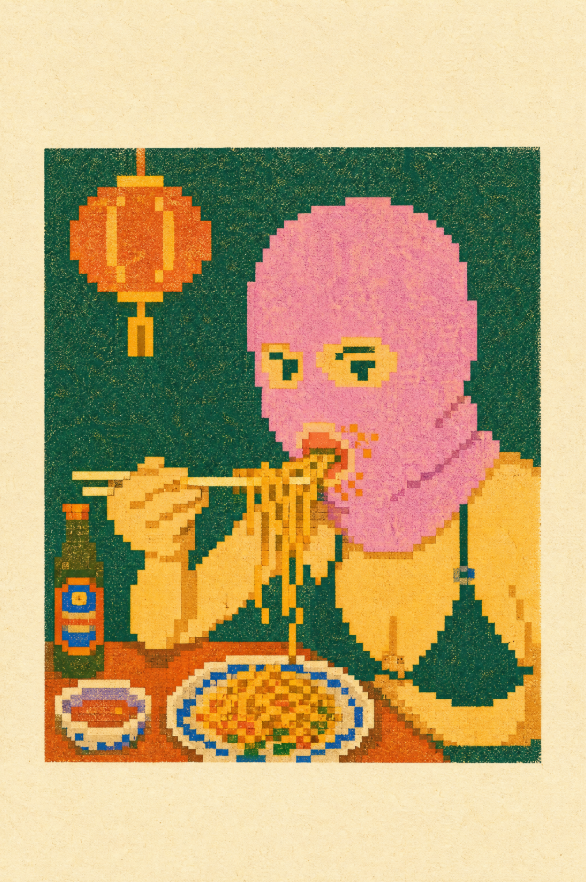
像素风孔版印刷面馆
Prompt
Create a retro pixel-art risograph print illustration on aged cream paper, showing {argument name="main subject" default="a person with a pink bob haircut eating noodles with chopsticks"} seated at a small restaurant table. Use a square dark teal-green background panel centered on the page with a thick cream paper margin, heavy risograph grain, imperfect ink registration, halftone speckles, and chunky low-resolution pixel edges. The subject should occupy the right half of the panel, wearing a {argument name="outfit" default="yellow sweater with a dark green pinafore-style apron"}; their face is intentionally hidden by a flat rectangular {argument name="face cover color" default="soft pink-to-tan gradient block"}. Show the person holding exactly 2 chopsticks horizontally in the left hand and lifting exactly 1 strand cluster of noodles with the right hand. Include exactly 4 main table items: 1 dark green bottle with a red-and-blue label on the left, 1 small oval side plate with a red rectangular food item, 1 large oval plate of yellow-orange fried noodles with blue rim details and small green garnish, and 1 brown tabletop spanning the bottom. Include exactly 1 hanging orange paper lantern in the upper left, attached by 1 thin vertical cord, with yellow highlights and pixelated edges. Use a limited risograph palette of deep teal, mustard yellow, orange, coral pink, red, cobalt blue, dark green, and cream paper, with no photorealism, no smooth vector lines, no extra people, no readable text, and no watermark.- Category
- Charts & Infographics
- Model
- GPT Image 2
- Creator
- Ai Papi
- Source ID
- 21556
- Published
- May 19, 2026
Views5





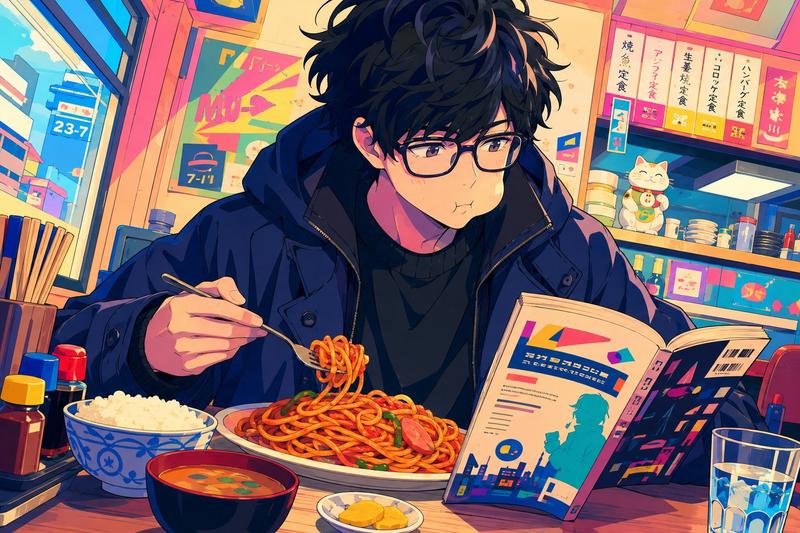


![Flat modern risograph-style poster illustration of [HUMAN], wearing [CLOTHING],](https://i.pixshop.app/storage/v1/render/image/public/prompt-source-media/promptsref/work-36808/image-1-9f92d767e6a5f644.png?width=800&quality=75&resize=contain)