15

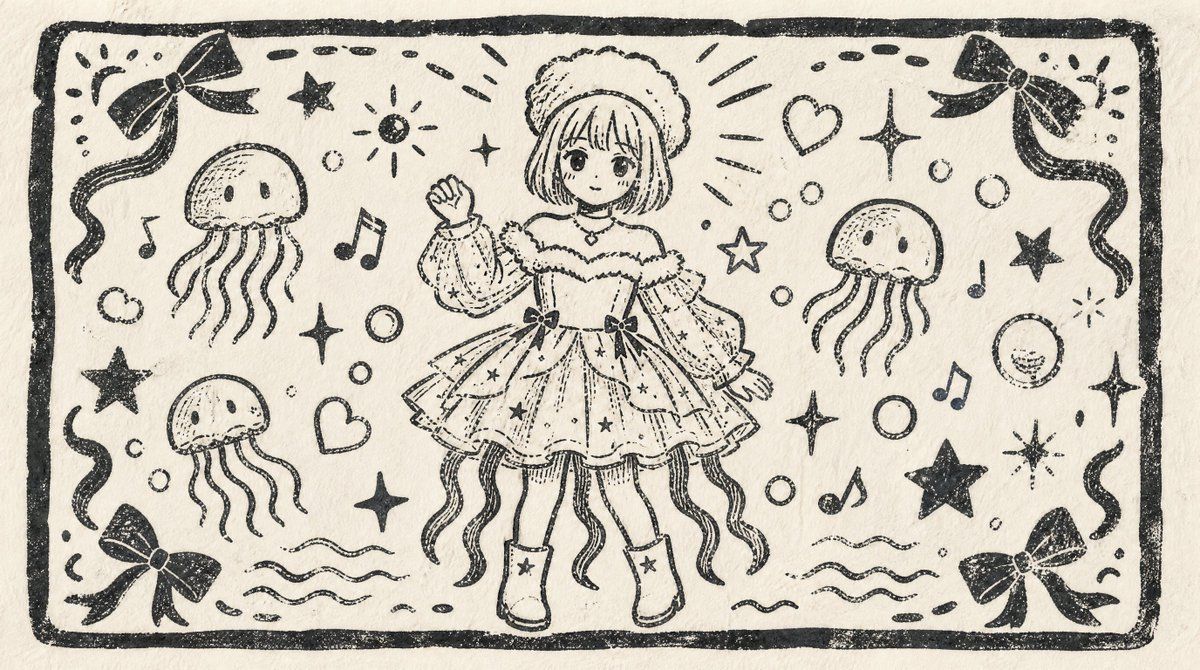
单色木刻版画风格角色明信片
Enlarge

单色木刻版画风格角色明信片

Prompt
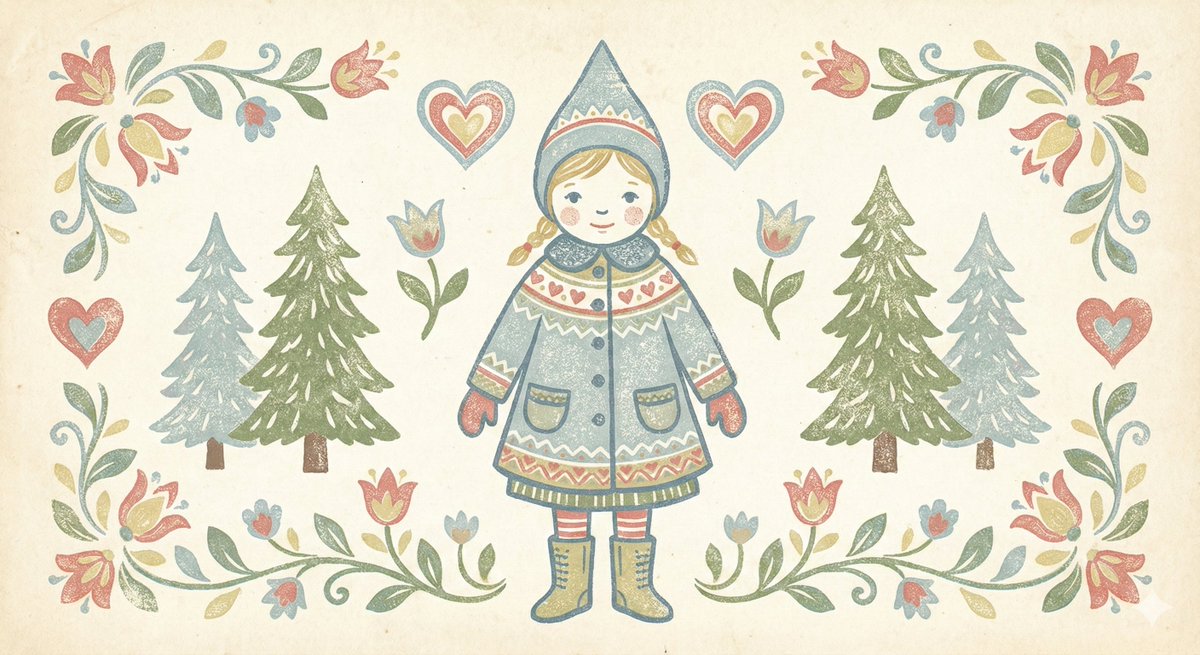
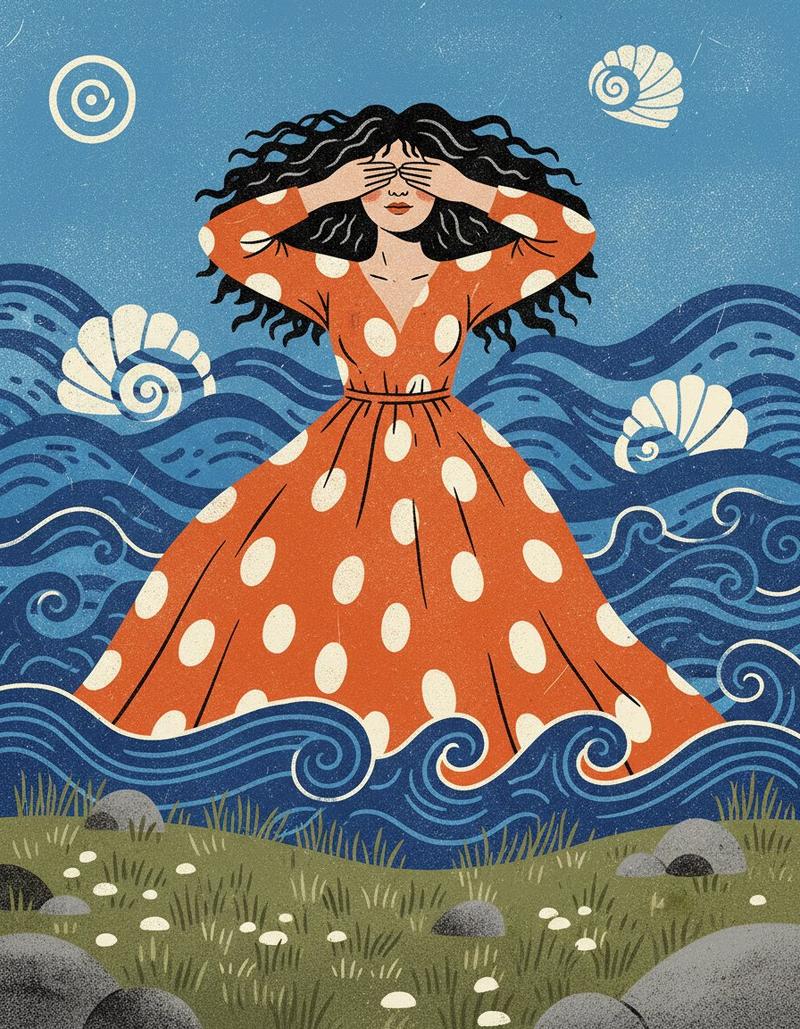
Using the provided reference image as the character base, transform it into a nostalgic monochrome Japanese woodblock-print illustration on textured cream paper. Change the composition from vertical portrait to a wide horizontal postcard layout, keeping the same cute sea-themed girl and outfit concept but redrawing her smaller in the center, facing forward, with one hand raised in a friendly wave. Convert the blue-and-cream print into black ink linework only, with rough carved edges, uneven stamped texture, visible paper grain, and hand-printed imperfections.

Layout: Add a thick hand-carved rectangular border around the entire image. Fill the surrounding space with playful decorative motifs while keeping the center character readable.

Added motifs: Include exactly 3 jellyfish around the character, 4 ribbon bows placed near the four corners, 5 musical notes, 2 hearts, multiple bubbles, wavy water lines near the bottom, and scattered stars/sparkles in a cute handmade style.

Style: Make it look like an old children’s picture-book woodcut or linocut print, simple black ink on off-white paper, charming, slightly rough, nostalgic, with no color fills other than black ink. Avoid realistic shading, gradients, or modern digital polish.

Optional customization: Use {argument name="ink color" default="black"} ink on {argument name="paper color" default="cream"} paper, with the character in a {argument name="pose" default="one-hand waving pose"} and a {argument name="print style" default="nostalgic Japanese woodblock print"} finish.
Category
Photography & Realism
Model
GPT Image 2
Views3
Source ID
21563
Published
May 19, 2026

Guide

About "单色木刻版画风格角色明信片"

What is this prompt for?

"单色木刻版画风格角色明信片" AI image prompt for GPT Image 2 (Photography & Realism). 将参考角色转换为带有海洋主题装饰元素的怀旧黑墨木刻版画风格明信片。 Copy it on Picva and recreate the look in one click.

The full copyable prompt and example visuals above are ready for AI image generation or one-click recreate in Picva.

How to use this prompt

  1. Step 1

    Open the prompt detail

    Review the example visuals, category, and full prompt text for "单色木刻版画风格角色明信片".

  2. Step 2

    Copy the prompt

    Copy the prompt body from this page, or load it directly in Studio.

  3. Step 3

    Pick a model (GPT Image 2)

    Prefer GPT Image 2. If you switch models, keep subject and composition and tweak style terms.

  4. Step 4

    Generate and export

    Recreate the look in Picva, or export into your workflow for editing and publishing.

FAQ

What is the "单色木刻版画风格角色明信片" prompt?
It is an AI image-generation prompt for GPT Image 2 in the Photography & Realism category. This page includes the full prompt text, example visuals, and a one-click recreate path in Picva.
How do I use this prompt to generate an image?
Copy the prompt from this page, or use Generate / Studio. Paste it into a compatible image model, or recreate the look in Picva with optional reference images.
Which model is this prompt for?
This page lists GPT Image 2. Most descriptive prompts also transfer to nearby image models such as GPT Image, Flux, or Midjourney with light style tweaks.
Can I use the result commercially?
You can usually copy the prompt for creation, but commercial use of the final image depends on the model terms, reference-image rights, and the generated content. Follow the source author and platform rules.