20

Y2K Tamagotchi LCD 滤镜
Enlarge

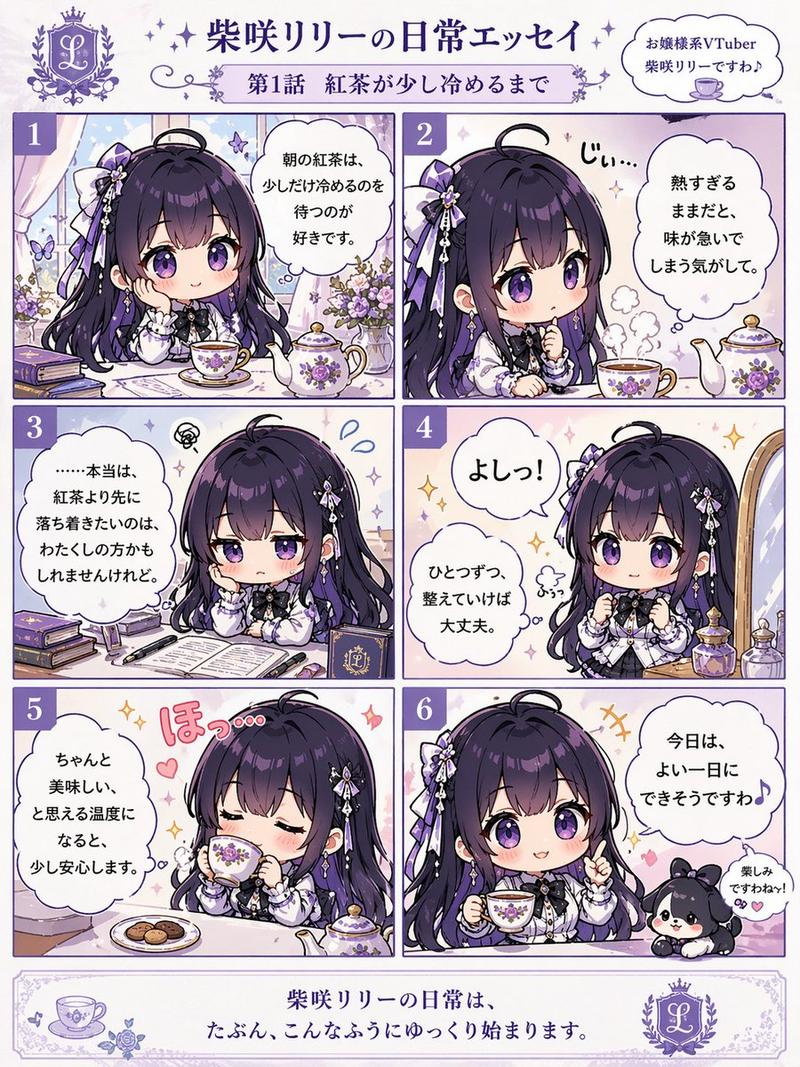
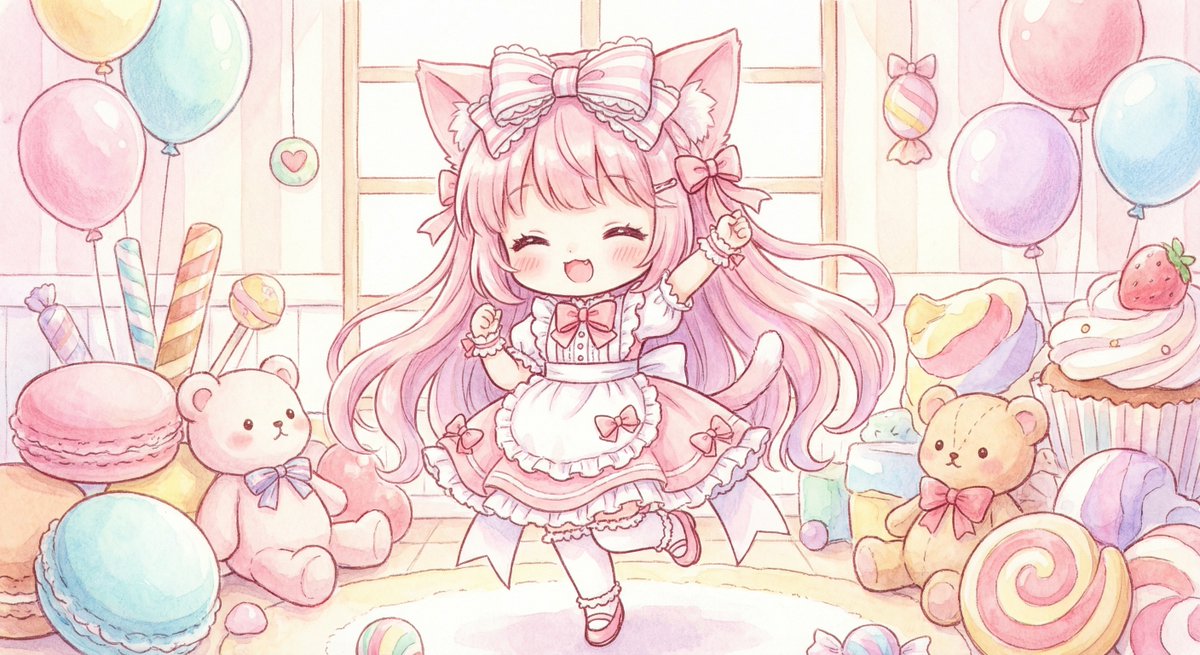
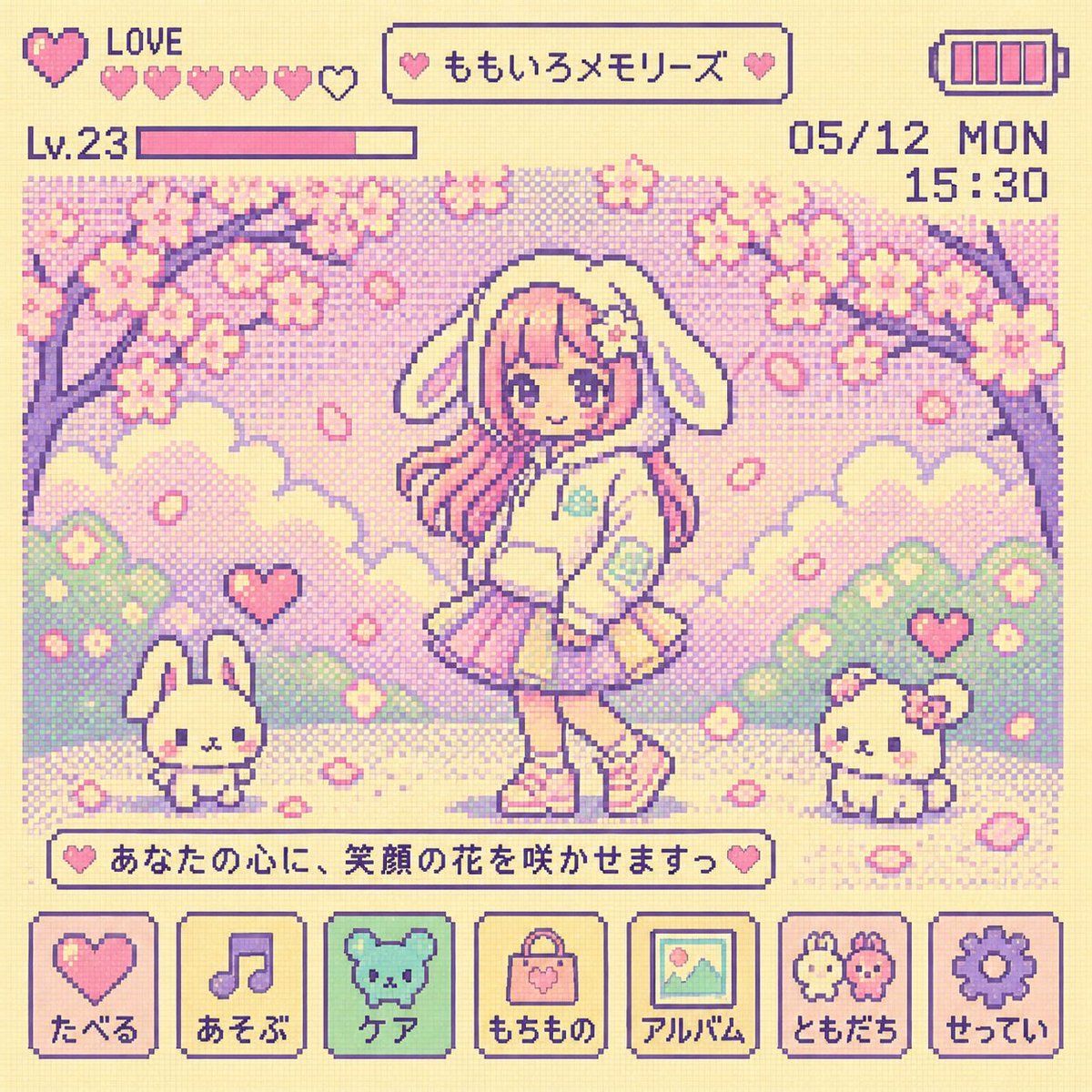
Example images

Y2K Tamagotchi LCD 滤镜

Prompt
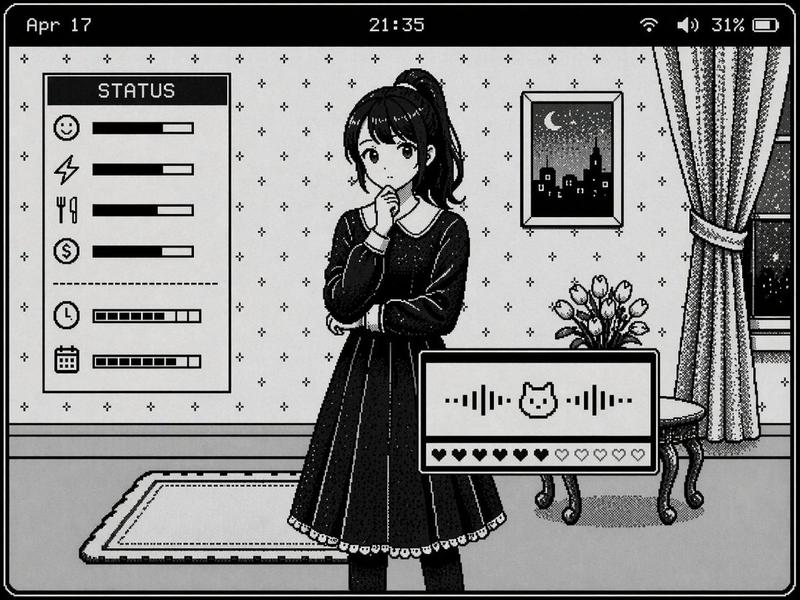
将图像转换为 {argument name="era" default="90 年代 Y2K"} Tamagotchi LCD 屏幕风格。保留原始角色和场景,但将其重新诠释并简化为可爱且简约的 8-bit 像素角色和背景。使用明亮可爱的柔和 LCD 色调({argument name="colors" default="以奶油色、粉色、薄荷绿和薰衣草紫为中心"})、点阵纹理、大像素、4 色限制以及扁平的 LCD 表现形式。包含复古 UI,如电池图标、状态窗口、菜单图标、爱心、等级、日期/时间以及简短的像素文字。不要显示 Tamagotchi 设备主体、按钮、边框或框架。创建一个充满怀旧感且可爱的 Tamagotchi 像素屏幕,仅填充 LCD 内部区域。焦点清晰。8k。
Category
UI & Interfaces
Model
GPT Image 2
Views2
Source ID
17591
Published
May 1, 2026

Guide

About "Y2K Tamagotchi LCD 滤镜"

What is this prompt for?

"Y2K Tamagotchi LCD 滤镜" AI image prompt for GPT Image 2 (UI & Interfaces). 将标准图像转换为复古 90 年代 Tamagotchi 8-bit 像素艺术屏幕,并带有真实的 UI 元素。 Copy it on Picva and recreate…

The full copyable prompt and example visuals above are ready for AI image generation or one-click recreate in Picva.

How to use this prompt

  1. Step 1

    Open the prompt detail

    Review the example visuals, category, and full prompt text for "Y2K Tamagotchi LCD 滤镜".

  2. Step 2

    Copy the prompt

    Copy the prompt body from this page, or load it directly in Studio.

  3. Step 3

    Pick a model (GPT Image 2)

    Prefer GPT Image 2. If you switch models, keep subject and composition and tweak style terms.

  4. Step 4

    Generate and export

    Recreate the look in Picva, or export into your workflow for editing and publishing.

FAQ

What is the "Y2K Tamagotchi LCD 滤镜" prompt?
It is an AI image-generation prompt for GPT Image 2 in the UI & Interfaces category. This page includes the full prompt text, example visuals, and a one-click recreate path in Picva.
How do I use this prompt to generate an image?
Copy the prompt from this page, or use Generate / Studio. Paste it into a compatible image model, or recreate the look in Picva with optional reference images.
Which model is this prompt for?
This page lists GPT Image 2. Most descriptive prompts also transfer to nearby image models such as GPT Image, Flux, or Midjourney with light style tweaks.
Can I use the result commercially?
You can usually copy the prompt for creation, but commercial use of the final image depends on the model terms, reference-image rights, and the generated content. Follow the source author and platform rules.