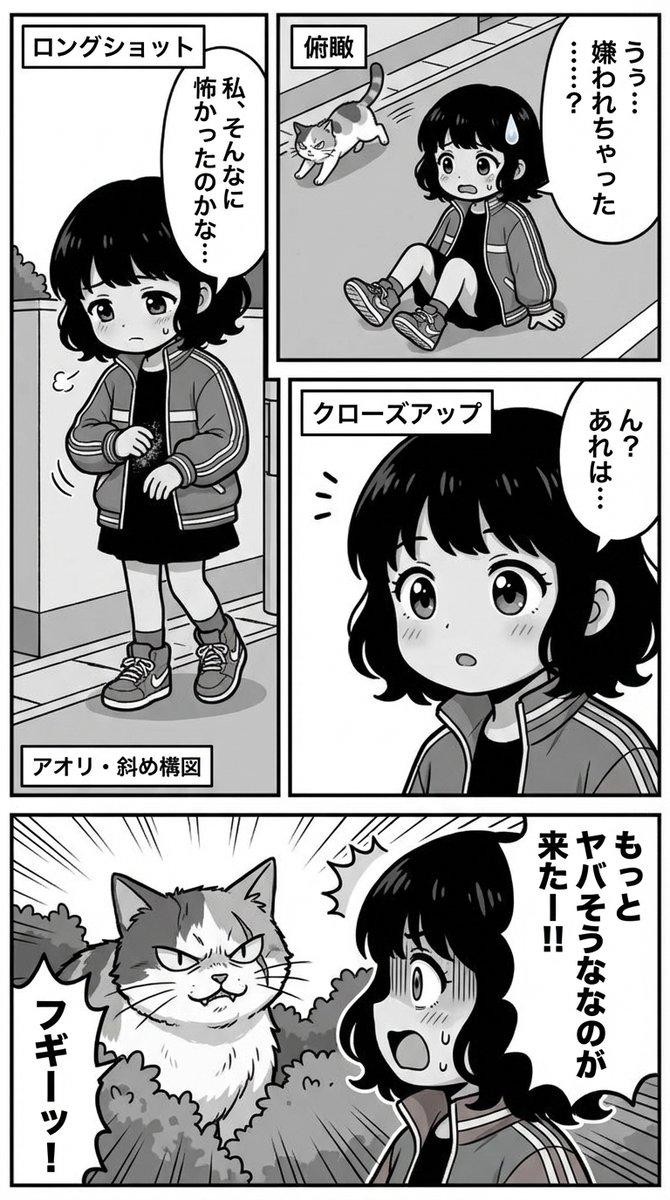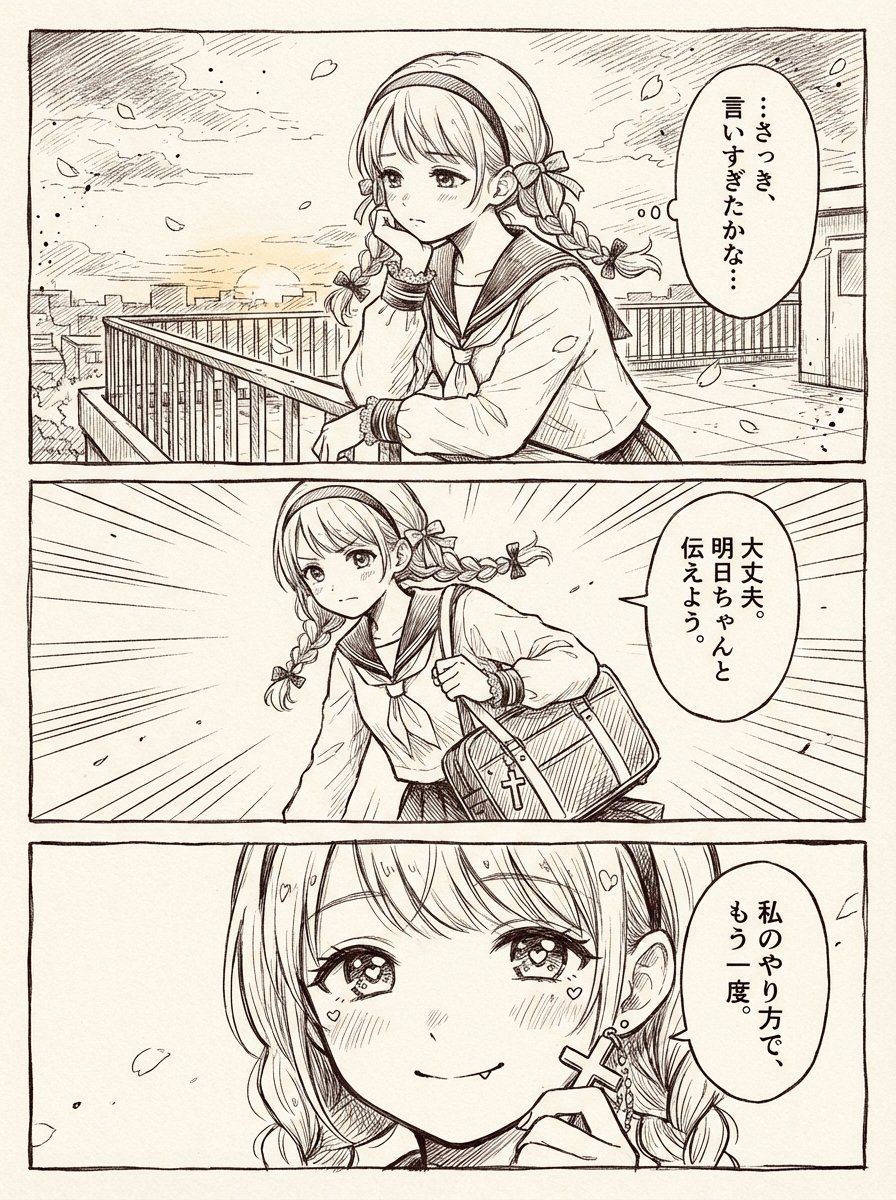
三格少女漫风格天台漫画
Prompt
Goal: Create a polished black-and-white manga two-page-spread style comic page based on a simple one-page scene, drawn as a clean shoujo manga manuscript with delicate pen hatching, screentone-free ink linework, warm off-white paper texture, and thin black panel borders.

Canvas: Vertical page, about 3:4 aspect ratio, with three wide horizontal panels stacked from top to bottom. Use a hand-drawn manga border around each panel and slight paper grain. Overall mood is romantic, emotional, and gently dramatic.

Character: A cute teenage schoolgirl, {argument name="character name" default="unnamed schoolgirl"}, with light-colored hair in twin braids, straight bangs, a thick headband, small ribbon bows tied into the braids, large sparkling shoujo eyes, soft blush, and a sailor-style school uniform. She wears small cross-shaped earrings and carries a rectangular school bag with a cross charm. Her expression changes from worried hesitation to determined resolve to a confident, tender smile.

Layout and panel count: Use exactly 3 panels.
1. Top panel: A rooftop or elevated school terrace at sunset, city buildings in the distance, metal railings, drifting flower petals, soft clouds, and a calm wind. The girl leans on the railing in three-quarter view, resting one hand near her mouth in hesitation. Add an oval vertical Japanese speech bubble on the right containing exactly: 「…さっき、言いすぎたかな…」. Place a soft gray rectangular blur censor over the center of her face, obscuring facial features in this panel.
2. Middle panel: The same girl suddenly stands and moves forward with determination, holding or pulling up her school bag at her side. Use strong manga speed lines radiating from the background to show a decision moment. Add an oval vertical Japanese speech bubble on the right containing exactly: 「大丈夫。明日ちゃんと伝えよう。」. Place a soft gray rectangular blur censor over the center of her face, obscuring facial features in this panel.
3. Bottom panel: Close-up of the girl’s face, now uncensored and clearly visible, with sparkling eyes, blush marks, tiny heart highlights around her cheeks and hair, and a small confident smile while she lightly touches or holds her cross earring. Add an oval vertical Japanese speech bubble on the right containing exactly: 「私のやり方で、もう一度。」.

Visual style: Fine monochrome manga ink, expressive shoujo eyes, delicate crosshatching, clean contour lines, natural hand-drawn imperfections, subtle sunset atmosphere rendered only through linework, no color except the off-white paper background and gray face-censor blocks in the first two panels.

Constraints: Keep exactly 3 panels, exactly 3 speech bubbles, and exactly 2 gray face-obscuring rectangles. Do not add extra characters, extra captions, logos, watermarks, or modern UI elements. Preserve the Japanese text exactly as written.- Category
- Charts & Infographics
- Model
- GPT Image 2
- Creator
- ラムダ
- Source ID
- 21748
- Published
- May 20, 2026
Views0