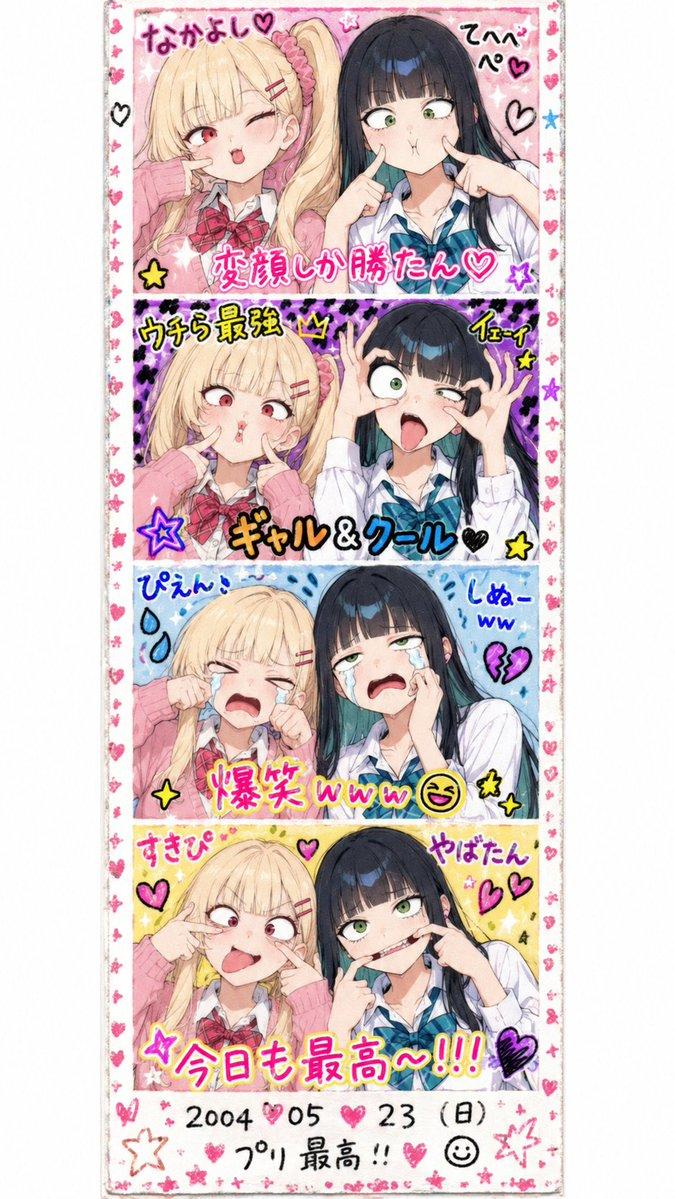
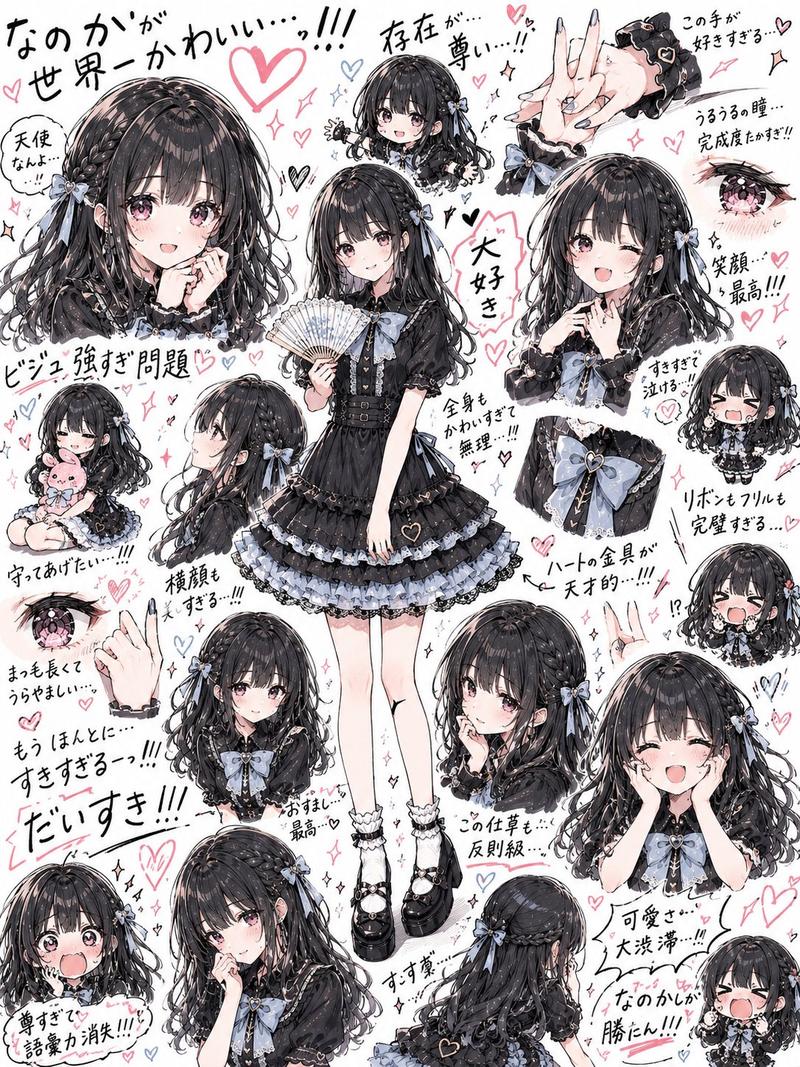
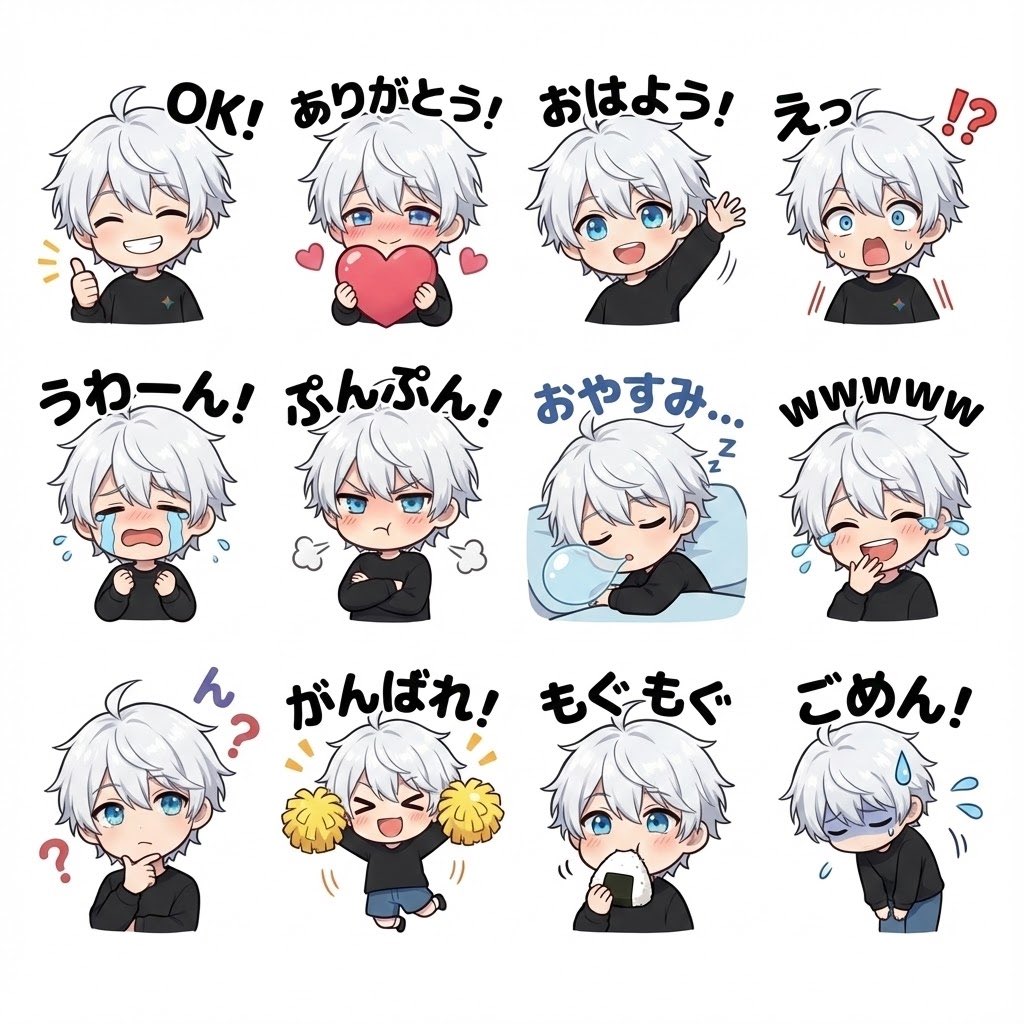
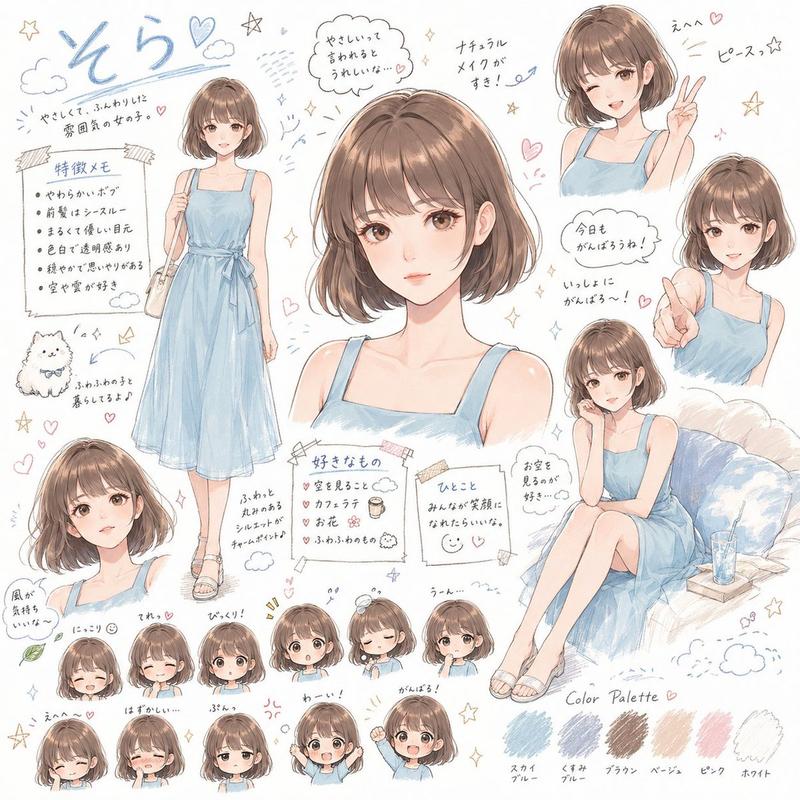
GPT Image 2 可爱贴纸合集
Prompt
Goal: Create a cute sticker-sheet collage for a social media model comparison, featuring exactly 12 variations of the same faceless character and a bold top title reading {argument name="headline text" default="GPT Image 2"}.

Canvas: Vertical 9:16 mobile format, white background with a thin dark border, arranged like a printable sticker sheet. Keep generous white space between stickers and use a playful kawaii scrapbook aesthetic.

Main character: A young person with {argument name="hair color" default="bright golden-orange"} messy chin-length bob hair, soft and fluffy strands, wearing an oversized white shirt or hoodie. The face area should be intentionally blurred or left featureless with a smooth beige oval, as if anonymized. Use soft semi-realistic anime illustration with glossy highlights and clean sticker-like cutout edges.

Layout: Place the large title at the very top in chunky rounded bubble letters, white fill with thick sky-blue outline and subtle drop shadow. Below it, arrange exactly 12 character stickers in a loose 3-column by 4-row grid:
1. Top-left: head tilted slightly, messy hair swept outward, small pink hearts nearby.
2. Top-center: front-facing bust, speech bubble with a pink heart above.
3. Top-right: playful pose with both hands near the head, small yellow crown doodle above.
4. Second-row-left: sleeping pose lying sideways with eyes hidden by the blur, surrounded by tiny Z marks and the phrase “Too Cute”.
5. Second-row-center: front-facing bust with the text “Good Vibes” and a small star.
6. Second-row-right: bust angled slightly, surrounded by sparkles and a black heart.
7. Third-row-left: front-facing bust with the phrase “You Got This” near the lower-left.
8. Third-row-center: bust holding or wearing a small black label that says “COFFEE FIRST”.
9. Third-row-right: smiling implied pose with hands near cheeks, text “Be You” and a small speech bubble heart.
10. Bottom-left: playful salute or hand-at-head pose, messy hair sweeping left.
11. Bottom-center: simple centered bust with small pink love marks around the head.
12. Bottom-right: cheerful bust with one hand near the hair, small heart speech bubble nearby.

Doodles and text: Add exactly 24 small decorative stickers scattered around the sheet: 6 pink hearts, 4 black hearts, 4 yellow stars, 3 pink flowers, 2 tiny crowns, 2 smiley faces, 1 “LOL” speech bubble, 1 “XOXO” text doodle, and 1 “Too Cute” text doodle. Include the phrases “Good Vibes”, “You Got This”, “COFFEE FIRST”, and “Be You” in casual handwritten lettering. Use {argument name="accent color" default="pink"} and yellow as the main accent colors.

Visual style: Bright, cute, high-key lighting, soft watercolor-marker texture mixed with polished digital illustration, rounded sticker outlines, hand-drawn doodles, playful Gen Z journal aesthetic. Keep the image clean, cheerful, and dense but readable.

Constraints: No realistic facial features; keep all 12 faces anonymized or softly blurred. Do not add extra character variations beyond 12. Do not add watermark, app UI, or model comparison panels beyond the single top title.- Category
- Charts & Infographics
- Model
- GPT Image 2
- Creator
- Edimakor Japan
- Source ID
- 21749
- Published
- May 20, 2026
Views9