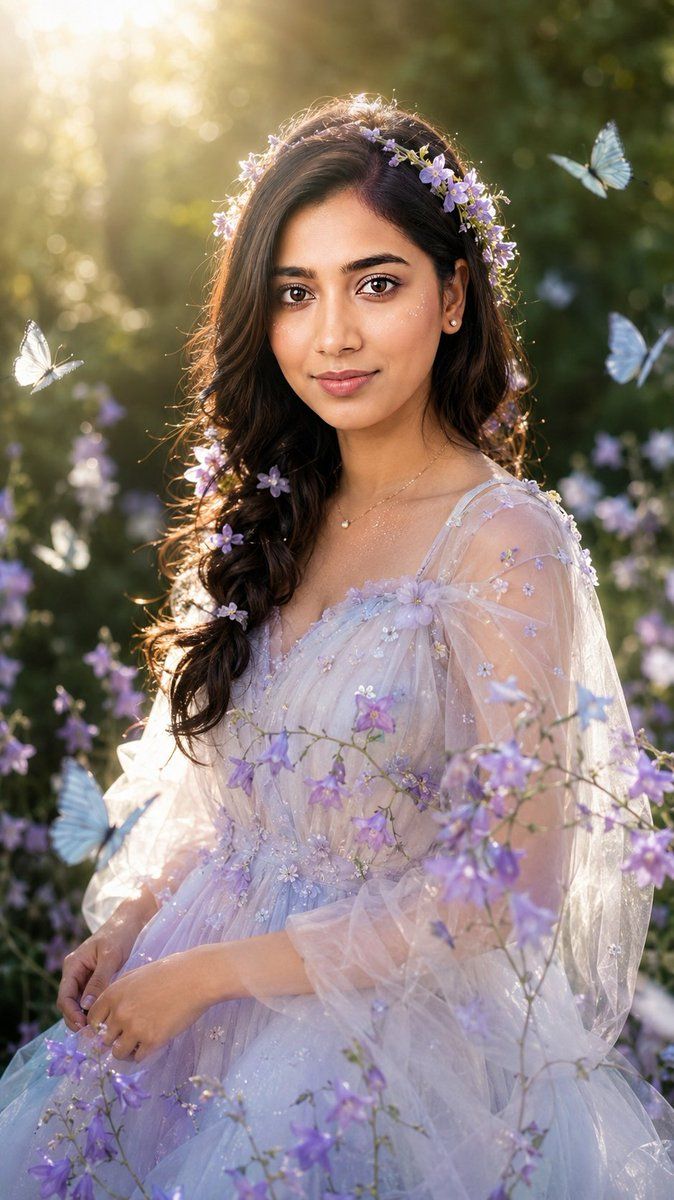
写实风格花园精灵人像大片
Prompt
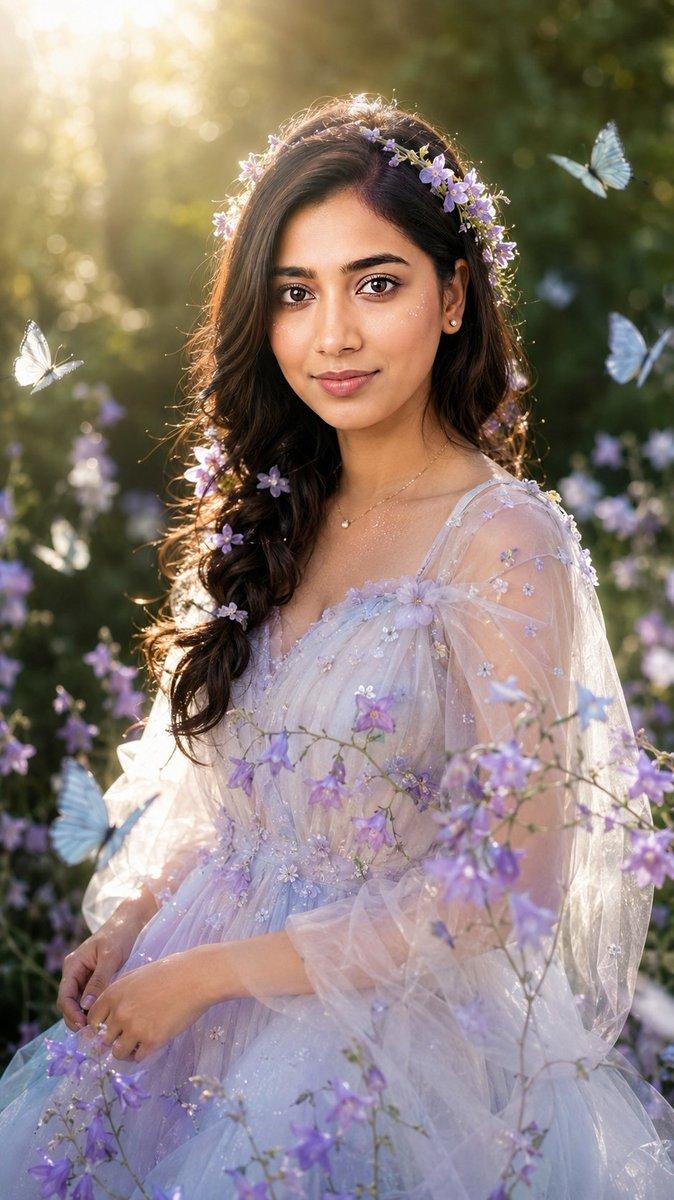
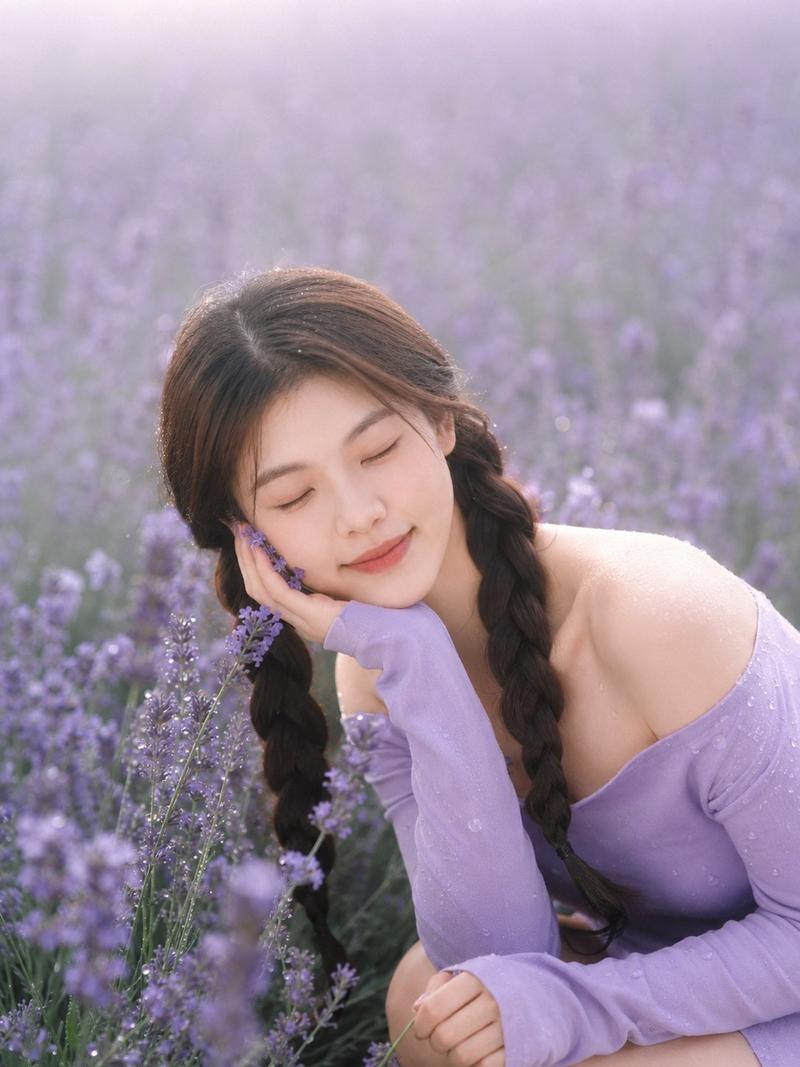
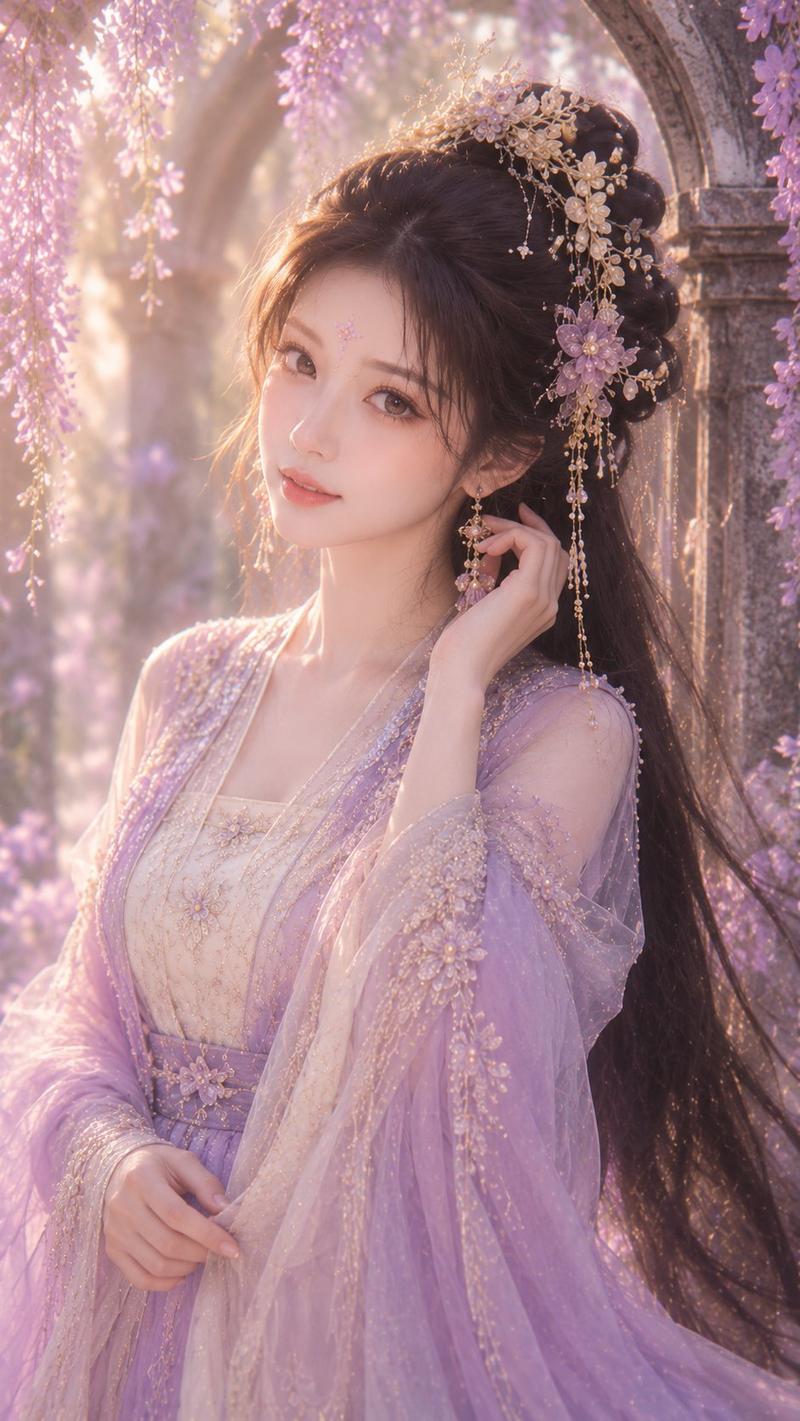
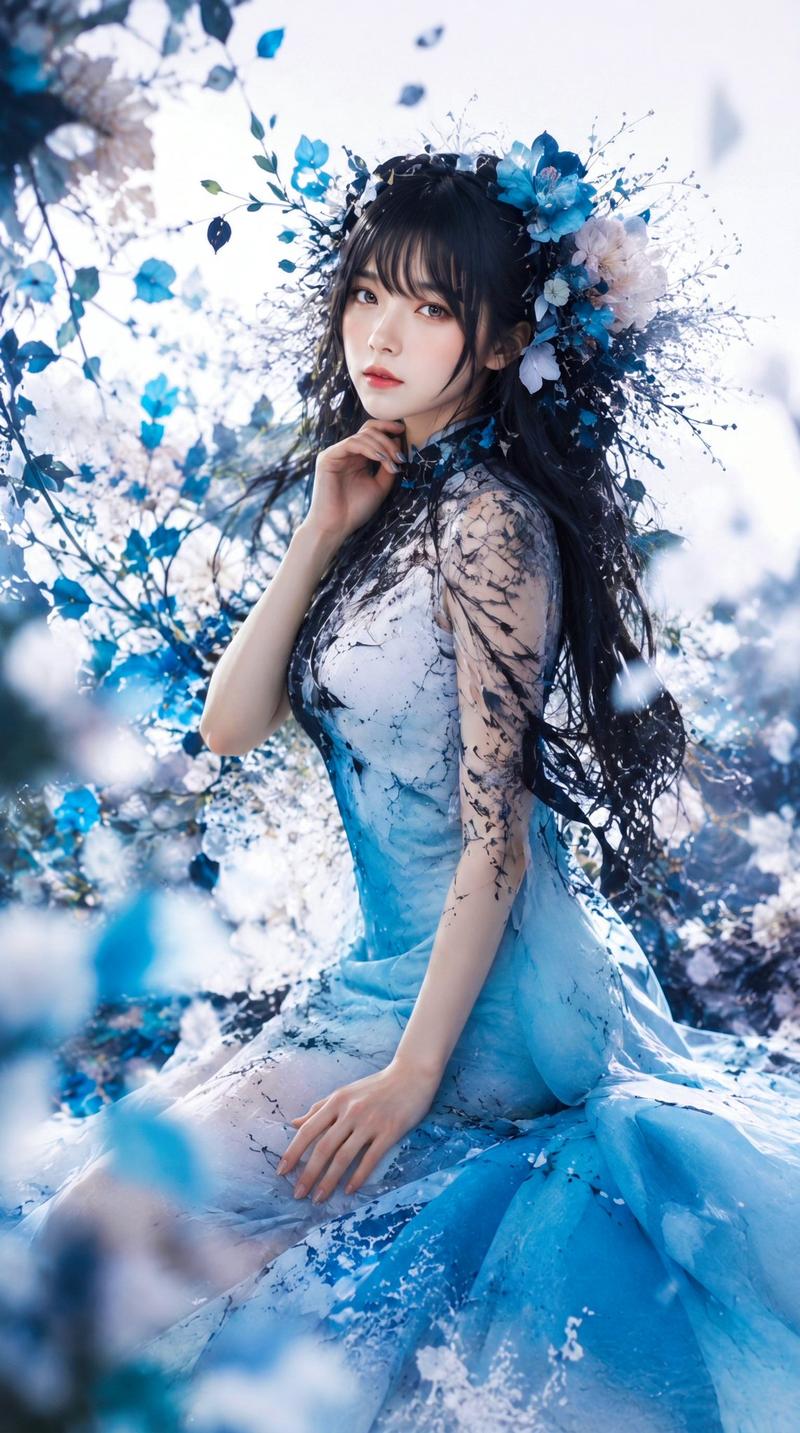
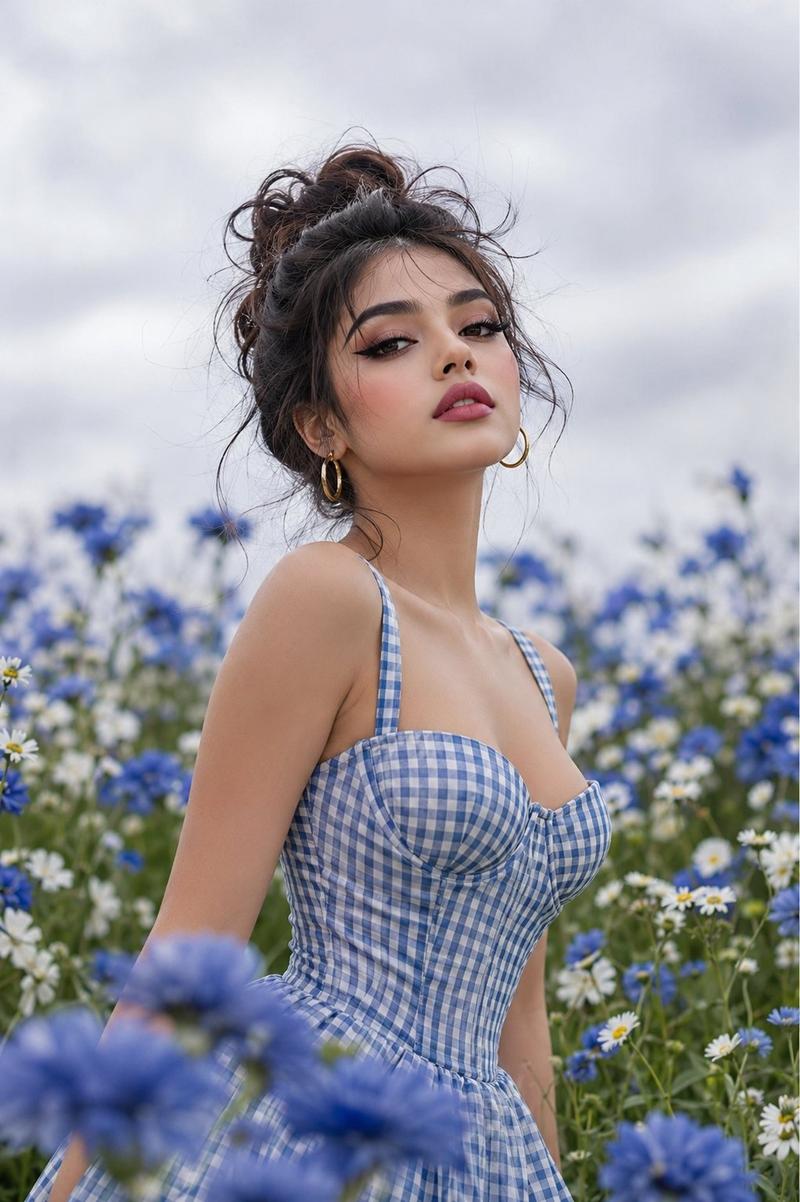
Use only my uploaded portrait photo as the identity reference. Accurately preserve my real face shape, facial proportions, facial contours, skin tone, hairstyle outline, hair volume, hairline, and overall natural presence. Do not turn me into another person. Do not over-beautify the face. Do not create an influencer-style face, plastic skin, or anime look. Generate a realistic garden fairy-style portrait in a vertical composition, framed from half-body to three-quarter body. The subject is placed in a summer forest garden, with deep green leaves, softly blurred flowers, natural dappled sunlight, and creamy bokeh in the background. The atmosphere should feel dreamy, clean, ethereal, and fairy-like, but still realistic, like an outdoor editorial photoshoot rather than a 2D illustration. The subject wears a light, dreamy, pale-colored gauze dress with soft lavender, silver-white, and pale blue gradient tones. The material should look transparent, airy, elegant, and refined, without being vulgar or overly revealing. The outfit is decorated with small purple flowers, subtle glitter, and soft tulle. The overall styling should resemble a garden fairy or flower spirit. The dress can be naturally adjusted according to the temperament of my uploaded portrait, but it must keep a clean, beautiful, ethereal garden-fairy aesthetic. Use my uploaded portrait as the reference for the hairstyle and real hair volume. Based on that, create a natural loose braid or soft half-up hairstyle. Add small loose hair strands around the edges to make the hair feel realistic and natural. Decorate the hair with light purple flowers, forming a soft floral crown effect. Do not make it look like an exaggerated wig. Keep the face realistic with natural skin texture, visible pores, slight natural shine, and real facial details. The makeup should be clean and soft. The eyes should look gentle, and the lips should have a natural moist texture. Add a small amount of delicate starlight-like glitter on the cheeks and collarbone, but do not overdo it. Add several pale blue and white butterflies flying naturally around the subject. Place them in the foreground and background without covering the facial features. Add purple bellflowers or similar small flower branches passing naturally across the chest and shoulders in the foreground to create depth. The background should be softly blurred deep green foliage. The subject should be surrounded by soft backlight. Sunlight should come from the upper left or from behind, passing through the leaves and creating a golden rim light, natural hair highlights, slight lens flare, and soft highlights. The lighting must be realistic and unified across the person, flowers, butterflies, and background. Nothing should look pasted or composited. High-quality realistic portrait photography, 85mm portrait lens, shallow depth of field, soft natural backlight, cinematic garden atmosphere, realistic skin texture, delicate bokeh, high detail, elegant fantasy editorial portrait, dreamy but photorealistic. Vertical 9:16 aspect ratio, high-resolution details, no text, no watermark, no logo. Negative Prompt: No watermark, no text, no logo, no “Doubao AI generated” text, no anime, no 2D illustration, no AI plastic skin, no over-smoothed skin, no fake face, no influencer face, no distorted facial features, do not change the person’s identity, no Westernized face, no excessive beauty filter, no exaggerated big eyes, no overly heavy false eyelashes, no vulgar or overly revealing outfit, no cheap cosplay feeling, no hard cutout edges, no pasted collage look, no inconsistent lighting between face and body, no butterflies covering the face, no flowers covering facial features, no deformed fingers, no incorrect body proportions, no fake-looking background, no oil painting style, no cartoon style, no glass skin, no overexposure, no messy composition.
- Category
- Charts & Infographics
- Model
- GPT Image 2
- Creator
- Fatema
- Source ID
- 21850
- Published
- May 21, 2026
Views11