15

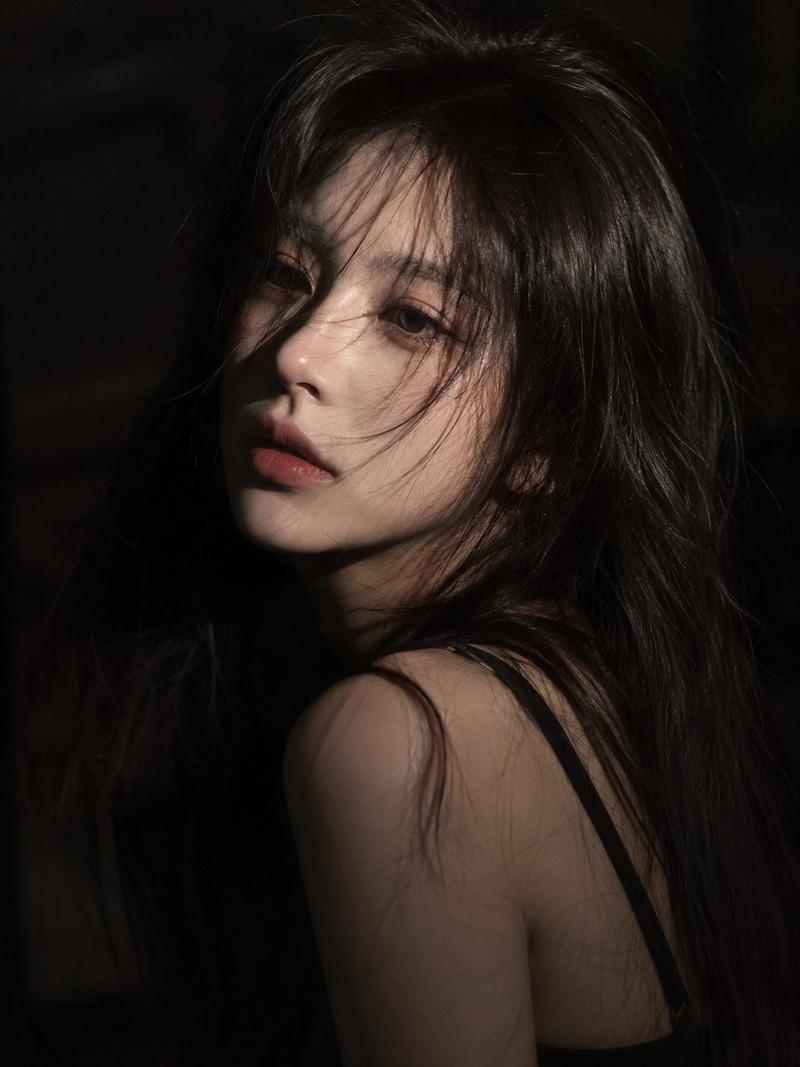
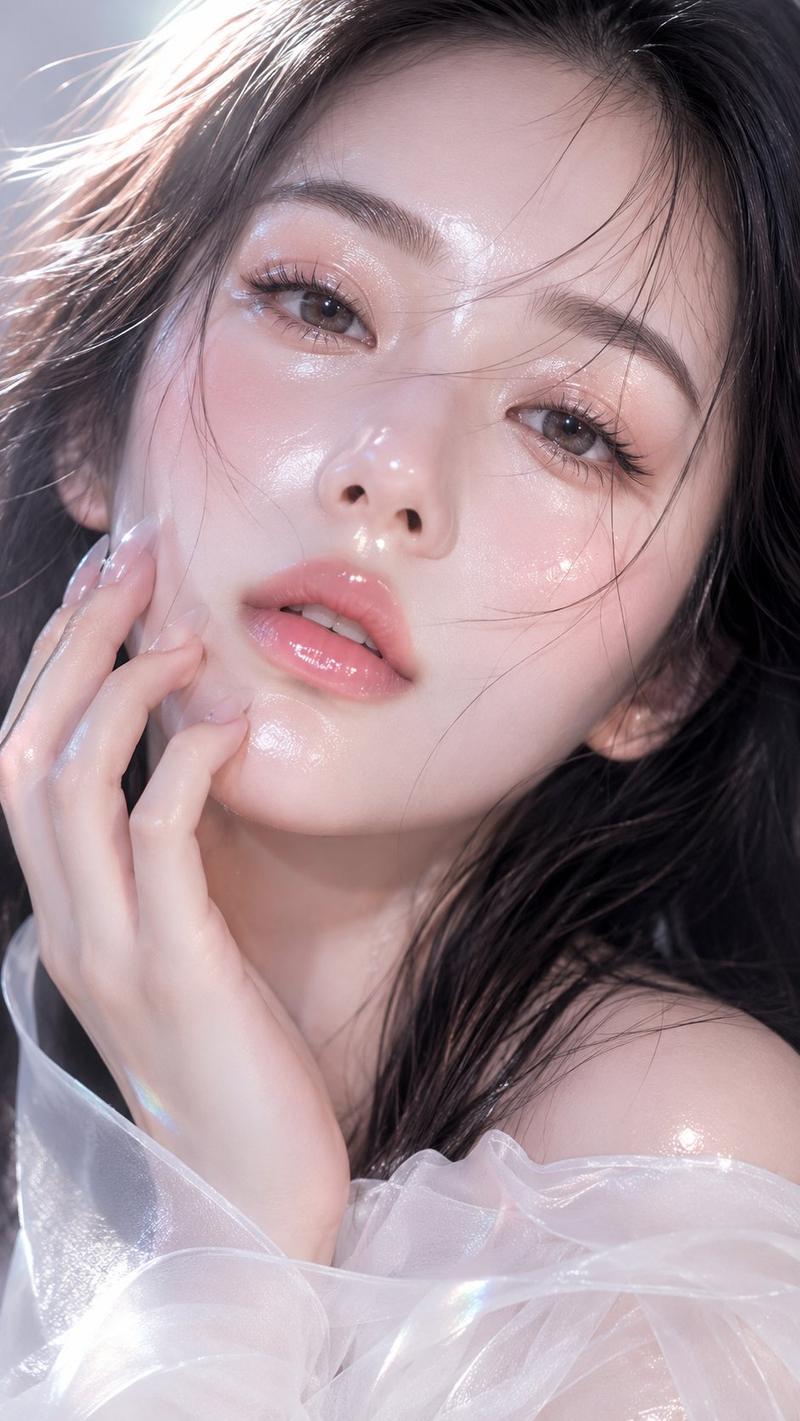
电影感黑白动态肖像
Enlarge

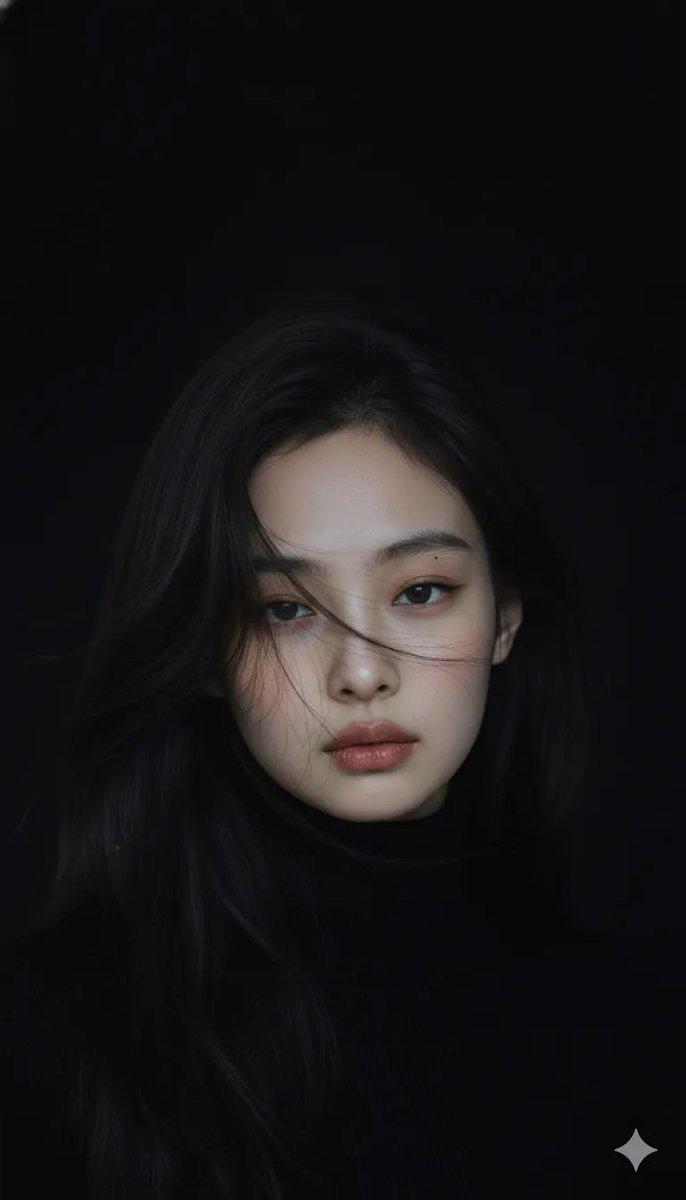
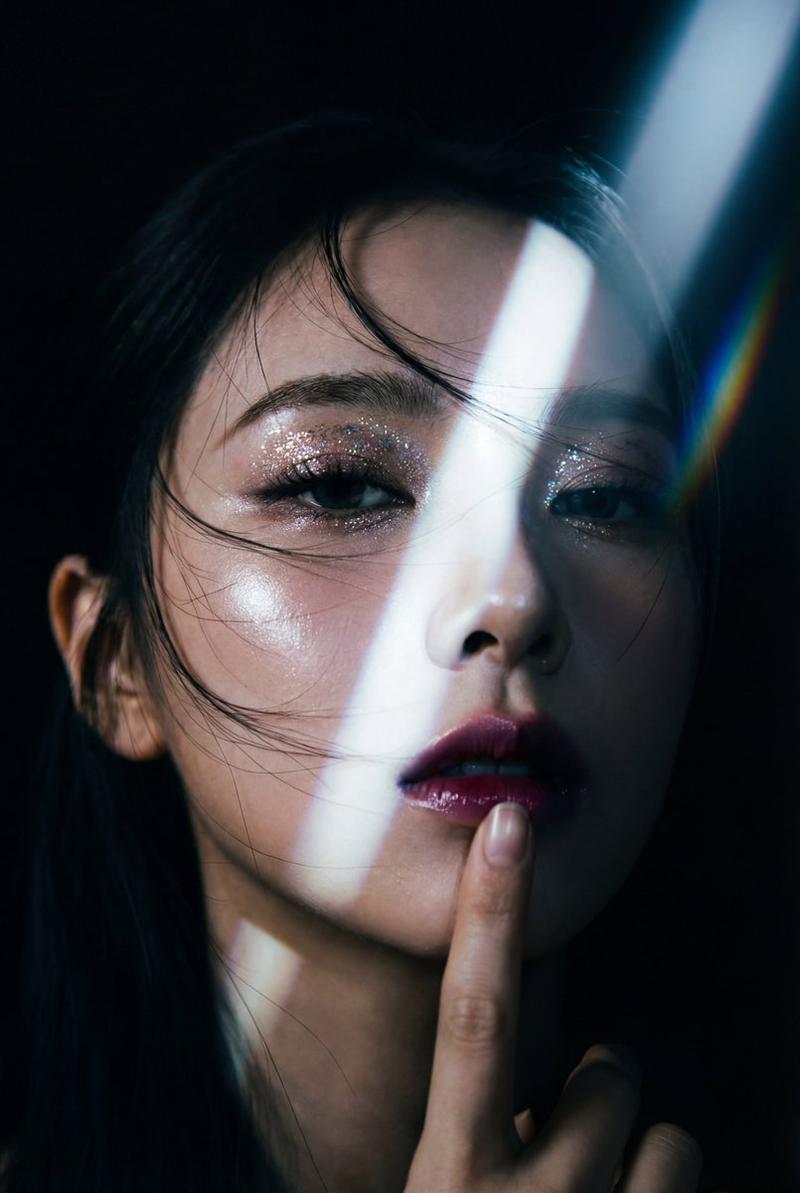
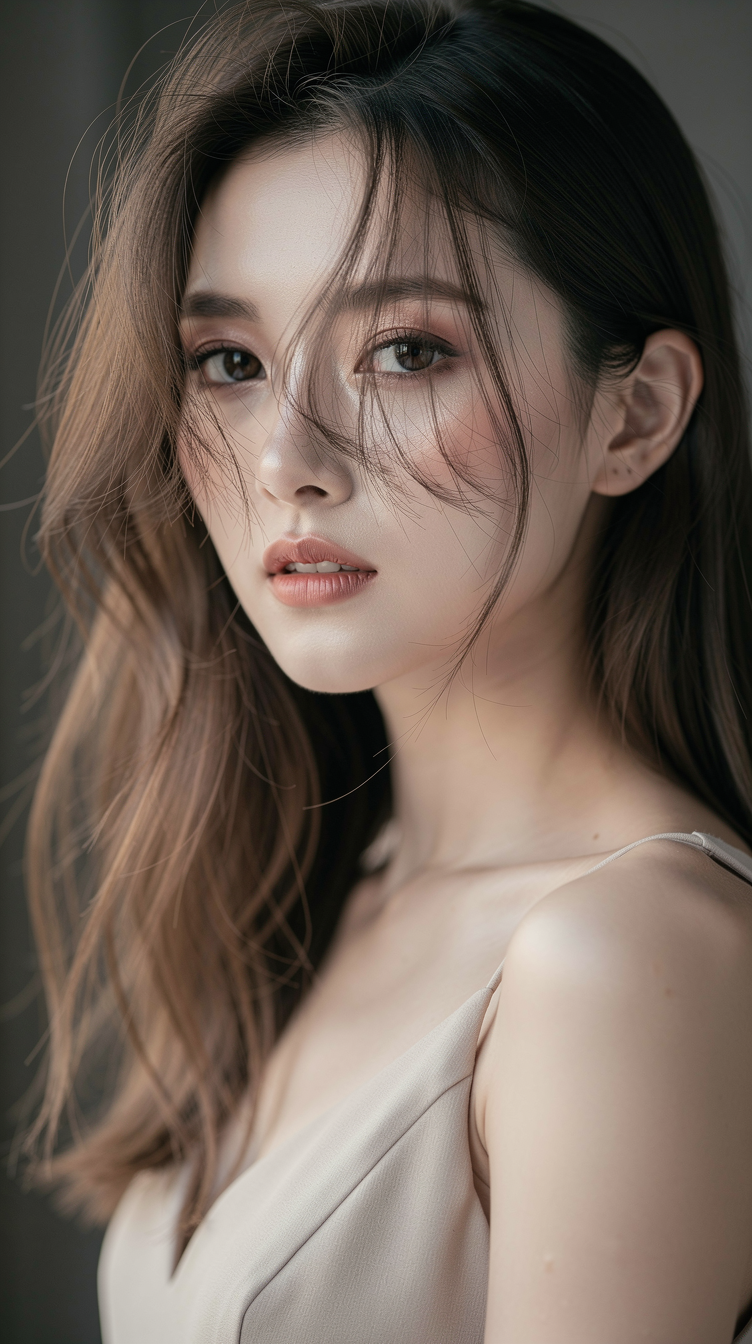
Example images

电影感黑白动态肖像

Prompt
A hyper-realistic, cinematic black-and-white portrait of a {argument name="subject" default="woman"} caught in mid-motion, her face partially obscured by sweeping hair strands and intentional motion blur. The subject is framed from the shoulders up, slightly off-center, with her head turning laterally as if pulled by momentum. Long exposure creates luminous horizontal light streaks behind her, suggesting an {argument name="setting" default="urban night environment"} dissolving into abstraction.
Category
Posters & Typography
Model
GPT Image 2
Creator
Aidetool
Views2
Source ID
21858
Published
May 21, 2026

Guide

About "电影感黑白动态肖像"

What is this prompt for?

"电影感黑白动态肖像" AI image prompt for GPT Image 2 (Posters & Typography). 一张高对比度的黑白肖像,捕捉了主体在运动中的瞬间,呈现出城市夜间的光轨与艺术化的模糊效果。 Copy it on Picva and recreate the look in one…

The full copyable prompt and example visuals above are ready for AI image generation or one-click recreate in Picva.

How to use this prompt

  1. Step 1

    Open the prompt detail

    Review the example visuals, category, and full prompt text for "电影感黑白动态肖像".

  2. Step 2

    Copy the prompt

    Copy the prompt body from this page, or load it directly in Studio.

  3. Step 3

    Pick a model (GPT Image 2)

    Prefer GPT Image 2. If you switch models, keep subject and composition and tweak style terms.

  4. Step 4

    Generate and export

    Recreate the look in Picva, or export into your workflow for editing and publishing.

FAQ

What is the "电影感黑白动态肖像" prompt?
It is an AI image-generation prompt for GPT Image 2 in the Posters & Typography category. This page includes the full prompt text, example visuals, and a one-click recreate path in Picva.
How do I use this prompt to generate an image?
Copy the prompt from this page, or use Generate / Studio. Paste it into a compatible image model, or recreate the look in Picva with optional reference images.
Which model is this prompt for?
This page lists GPT Image 2. Most descriptive prompts also transfer to nearby image models such as GPT Image, Flux, or Midjourney with light style tweaks.
Can I use the result commercially?
You can usually copy the prompt for creation, but commercial use of the final image depends on the model terms, reference-image rights, and the generated content. Follow the source author and platform rules.