19

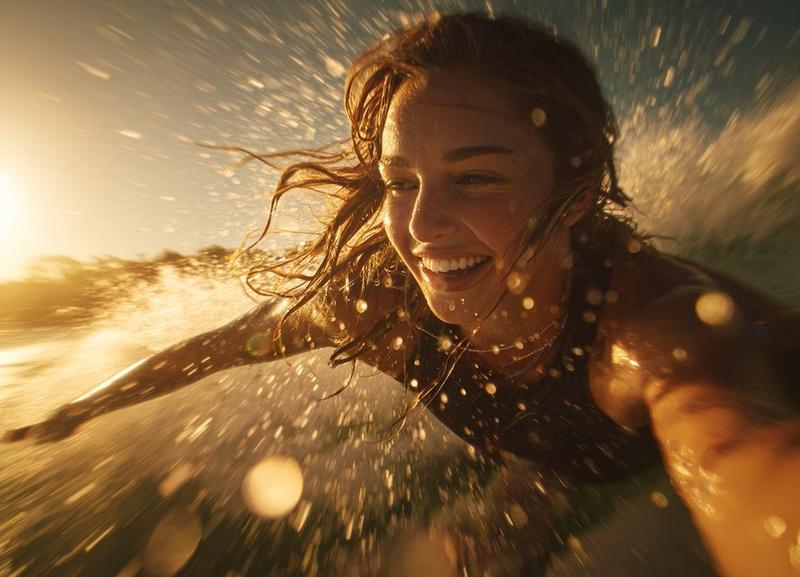
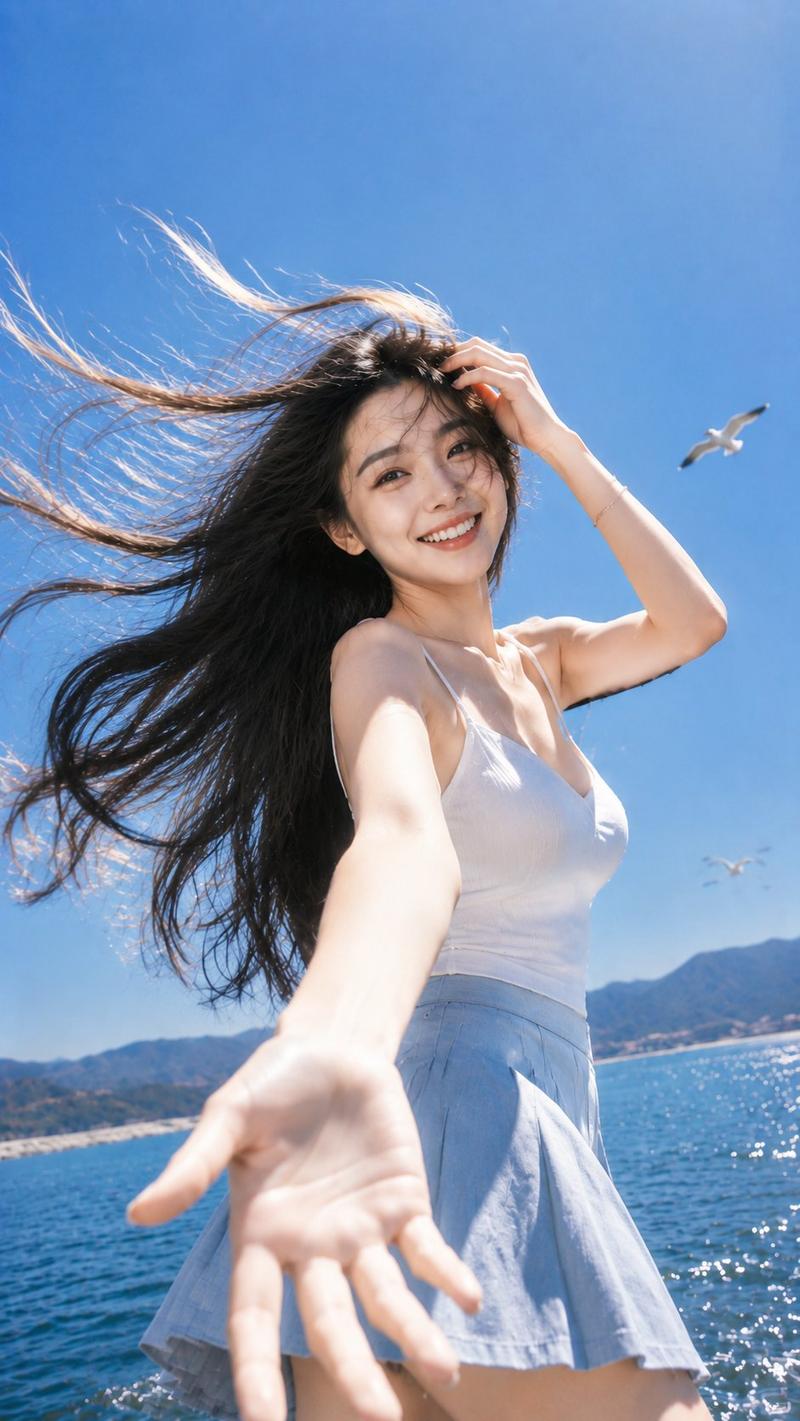
海滩动态动作自拍
Enlarge

海滩动态动作自拍

Prompt
A low-angle, wide-angle dynamic action selfie of a young woman with long wavy {argument name="hair color" default="blonde"} hair running through shallow ocean waves on a bright sunny beach. She is wearing a {argument name="outfit" default="white cropped t-shirt, white shorts, yellow tinted sunglasses, and bright yellow clogs"}. She is looking directly at the camera, holding it out with one arm stretched toward the foreground to capture the selfie perspective. A high-speed splash of crystal-clear ocean water dramatically frames the entire shot in a circular arc effect, with sharp, detailed water droplets and spray frozen in mid-air. Clear blue sky and a distant coastline with buildings and green hills are visible in the background. Hyper-realistic texture, vivid colors, natural sunlight, cinematic crisp focus, 8k resolution.
Category
Architecture & Spaces
Model
GPT Image 2
Creator
Sarah
Views4
Source ID
21859
Published
May 21, 2026

Guide

About "海滩动态动作自拍"

What is this prompt for?

"海滩动态动作自拍" AI image prompt for GPT Image 2 (Architecture & Spaces). 一张充满活力的广角动作自拍,展现了一名女性在海浪中奔跑的场景,包含高速飞溅的水花和电影级的对焦效果。 Copy it on Picva and recreate the look i…

The full copyable prompt and example visuals above are ready for AI image generation or one-click recreate in Picva.

How to use this prompt

  1. Step 1

    Open the prompt detail

    Review the example visuals, category, and full prompt text for "海滩动态动作自拍".

  2. Step 2

    Copy the prompt

    Copy the prompt body from this page, or load it directly in Studio.

  3. Step 3

    Pick a model (GPT Image 2)

    Prefer GPT Image 2. If you switch models, keep subject and composition and tweak style terms.

  4. Step 4

    Generate and export

    Recreate the look in Picva, or export into your workflow for editing and publishing.

FAQ

What is the "海滩动态动作自拍" prompt?
It is an AI image-generation prompt for GPT Image 2 in the Architecture & Spaces category. This page includes the full prompt text, example visuals, and a one-click recreate path in Picva.
How do I use this prompt to generate an image?
Copy the prompt from this page, or use Generate / Studio. Paste it into a compatible image model, or recreate the look in Picva with optional reference images.
Which model is this prompt for?
This page lists GPT Image 2. Most descriptive prompts also transfer to nearby image models such as GPT Image, Flux, or Midjourney with light style tweaks.
Can I use the result commercially?
You can usually copy the prompt for creation, but commercial use of the final image depends on the model terms, reference-image rights, and the generated content. Follow the source author and platform rules.