18

复古水彩旅行海报
Enlarge

Example images

复古水彩旅行海报

Prompt
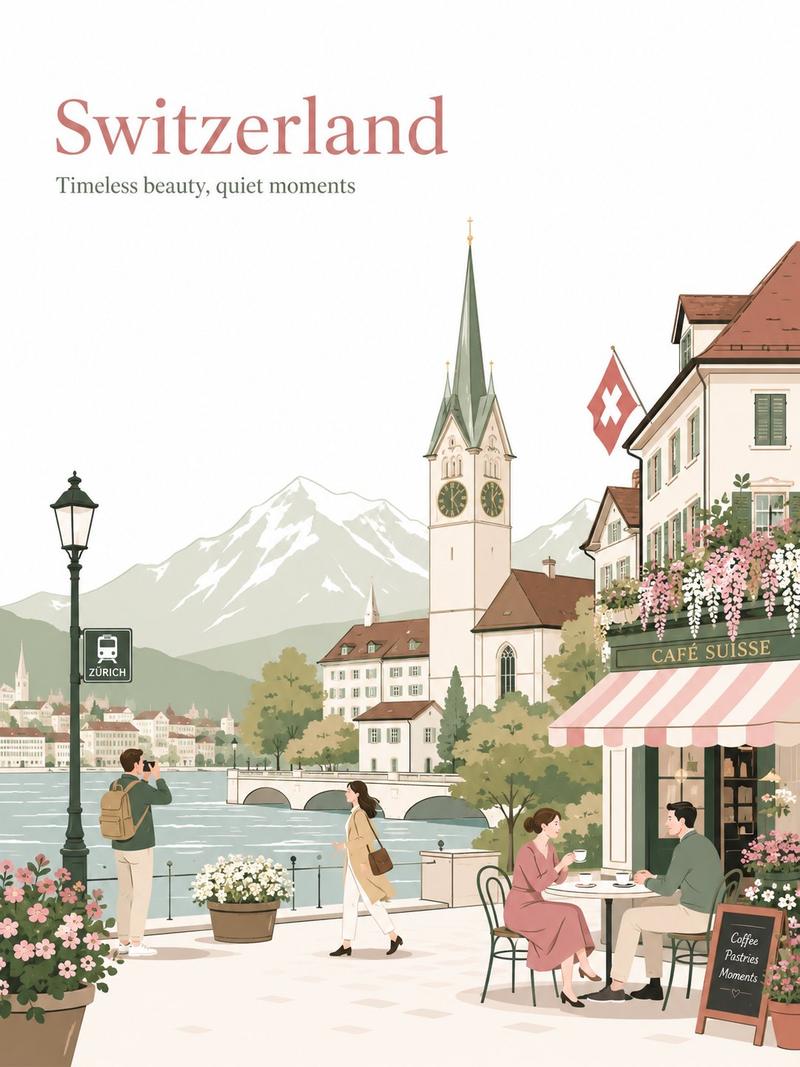
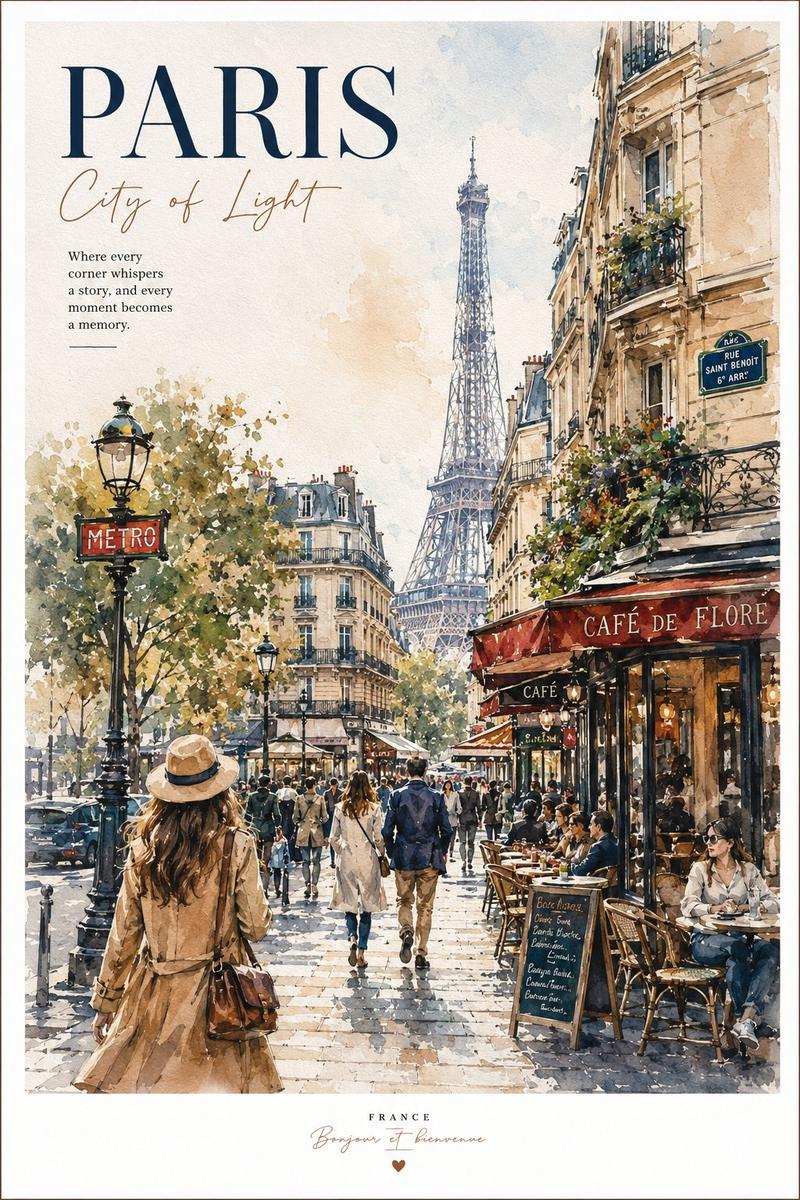
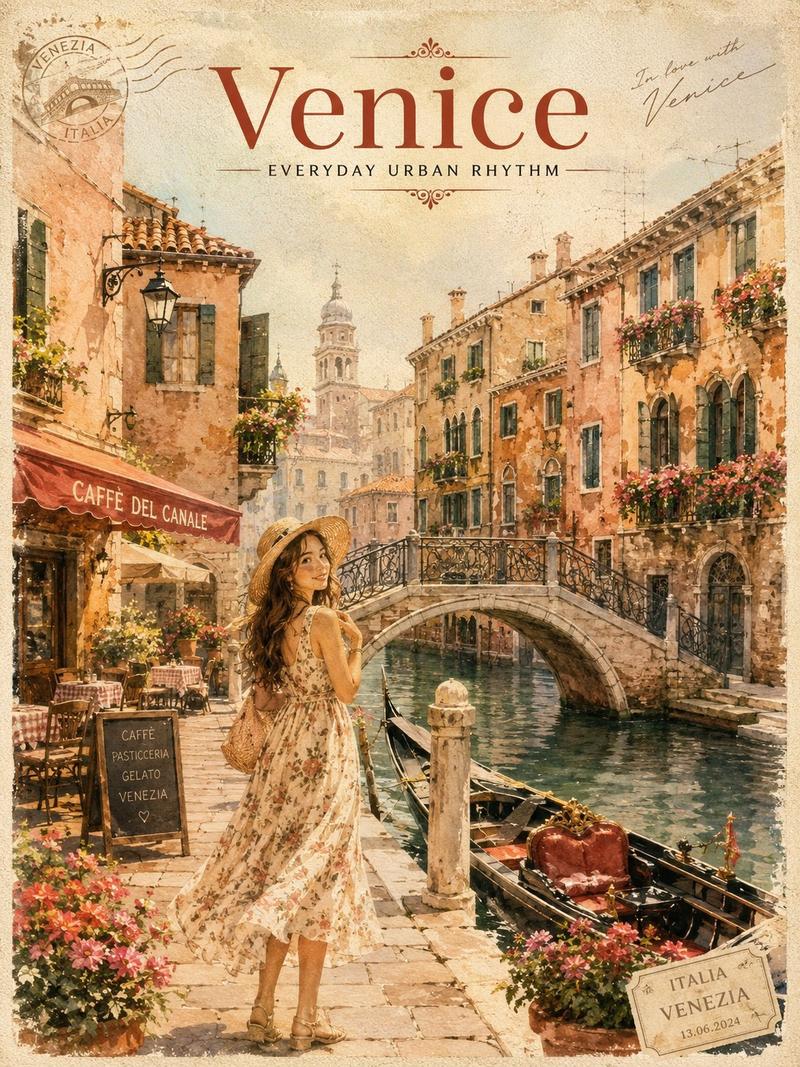
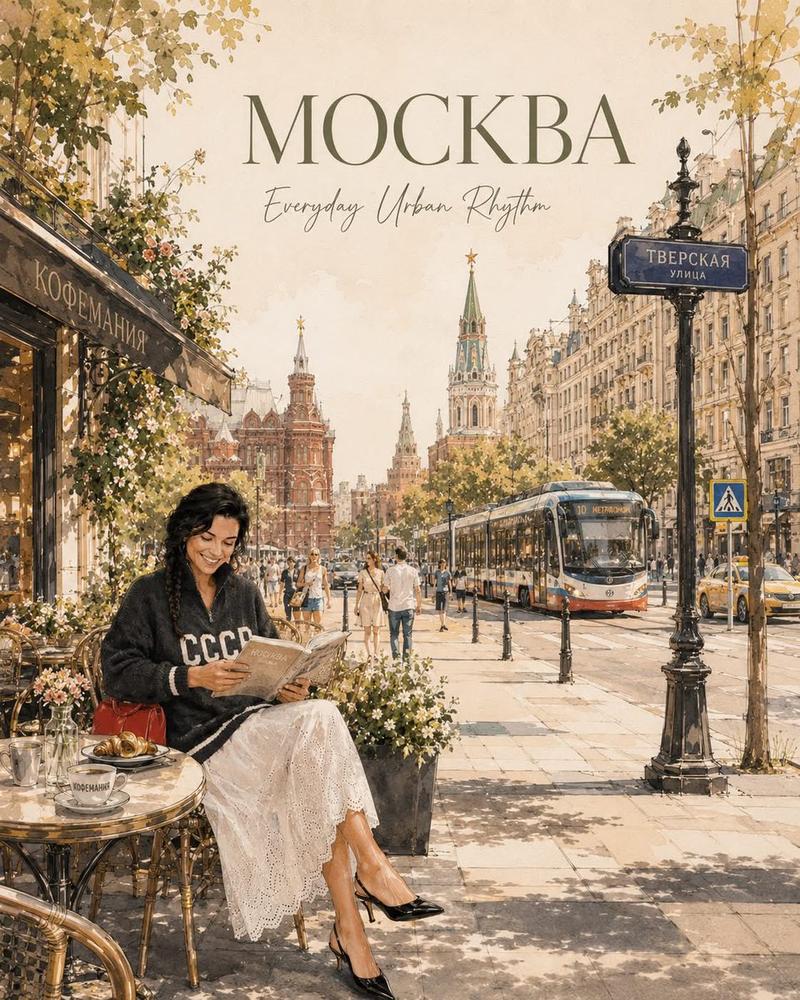
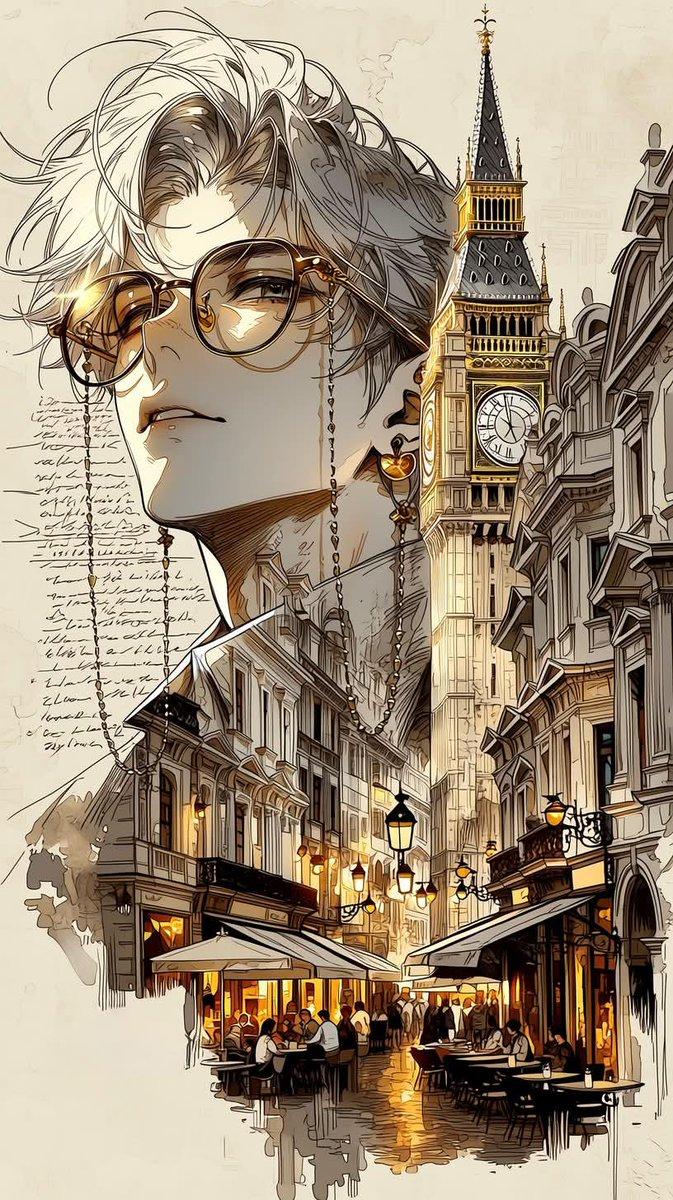
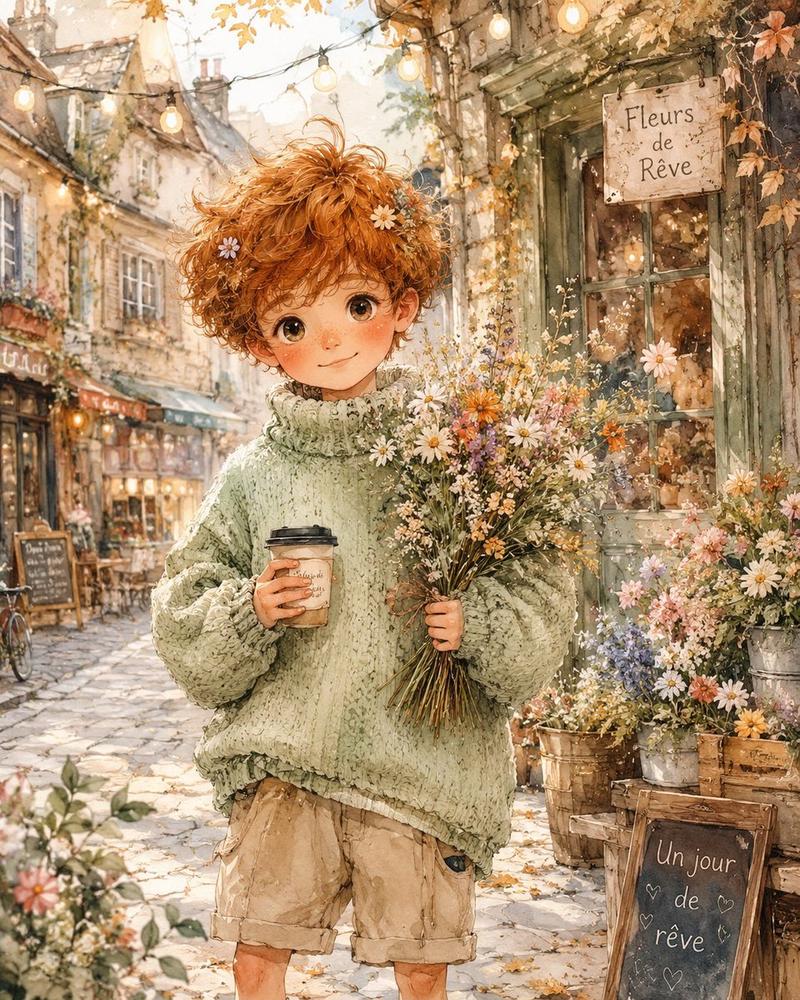
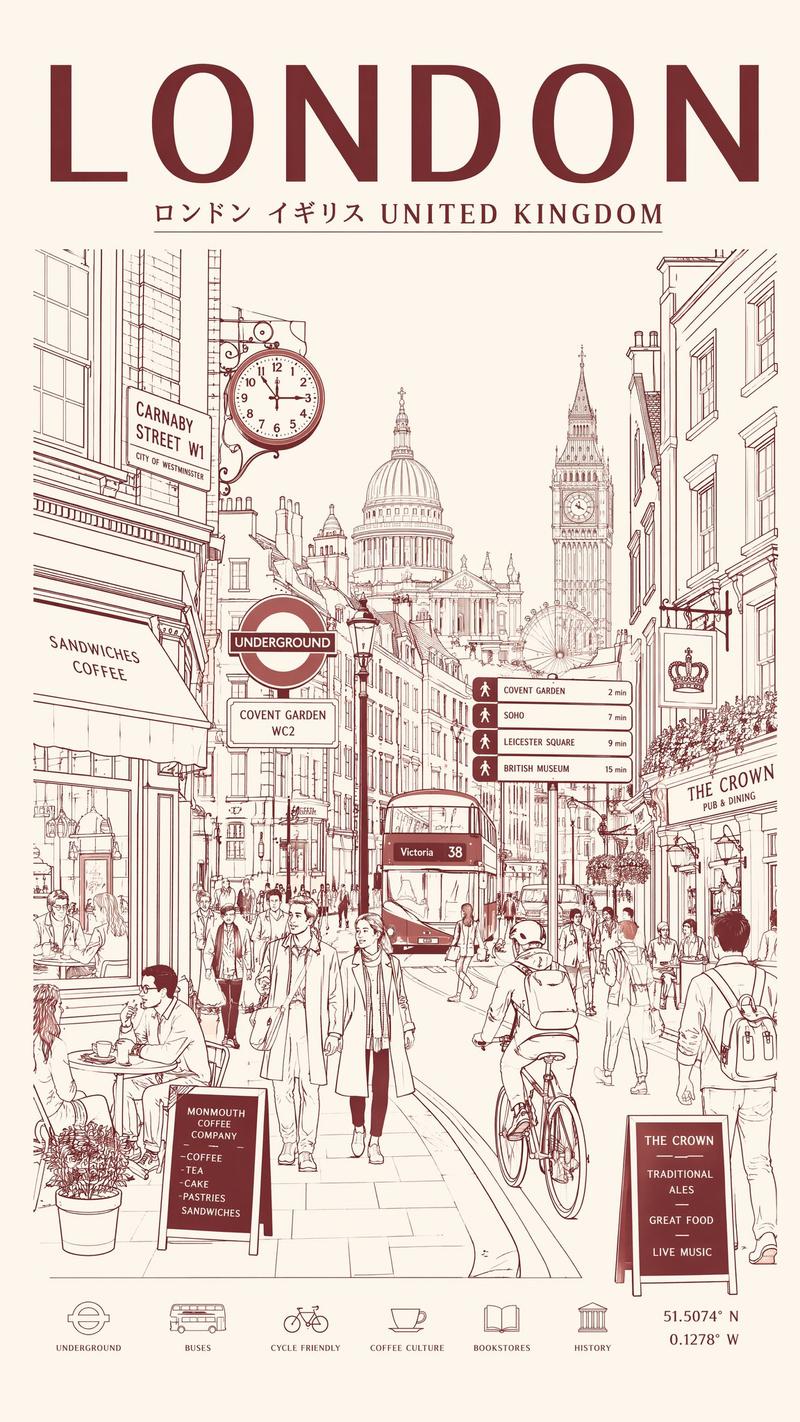
Minimalist vintage travel poster in delicate watercolor and ink sketch style, elegant European travel illustration, soft neutral tones on textured ivory paper background, hand-painted cityscape with loose watercolor washes, fine architectural pen linework, cozy café storefronts, bicycles, cobblestone streets, flower-filled balconies, classic street lamps, soft atmospheric perspective, cinematic morning light, dreamy travel journal aesthetic, sophisticated typography layout with large serif country/city title at the top, handwritten subtitle and poetic tagline, small passport-style stamps, elegant editorial composition, airy negative space, timeless travel magazine design.
Scene variations: • {argument name="city" default="London"}  rainy streets, red double-decker bus, black taxi, {argument name="landmark" default="Big Ben"} in the background, cozy bookstore café, Portobello Road signage, {argument name="palette" default="muted gray-beige palette with soft red accents"}. • Greece  whitewashed Santorini alleyways, blue domes, bougainvillea flowers, seaside café, Mediterranean sunlight, bright white and soft ocean blue palette. • Switzerland alpine lakeside town, snowy mountains, vintage tram, Swiss flags, luxury café terraces, peaceful European old-town atmosphere. • Australia Melbourne-style tram street, jacaranda trees with purple blossoms, sunny café culture, modern-meets-vintage urban scenery.
Category
Charts & Infographics
Model
GPT Image 2
Creator
Taaruk
Views5
Source ID
21867
Published
May 21, 2026

Guide

About "复古水彩旅行海报"

What is this prompt for?

"复古水彩旅行海报" AI image prompt for GPT Image 2 (Charts & Infographics). 一个用于生成极简主义复古旅行海报的诗意提示词,采用精致的水彩和墨水素描风格,并包含建筑细节。 Copy it on Picva and recreate the look in on…

The full copyable prompt and example visuals above are ready for AI image generation or one-click recreate in Picva.

How to use this prompt

  1. Step 1

    Open the prompt detail

    Review the example visuals, category, and full prompt text for "复古水彩旅行海报".

  2. Step 2

    Copy the prompt

    Copy the prompt body from this page, or load it directly in Studio.

  3. Step 3

    Pick a model (GPT Image 2)

    Prefer GPT Image 2. If you switch models, keep subject and composition and tweak style terms.

  4. Step 4

    Generate and export

    Recreate the look in Picva, or export into your workflow for editing and publishing.

FAQ

What is the "复古水彩旅行海报" prompt?
It is an AI image-generation prompt for GPT Image 2 in the Charts & Infographics category. This page includes the full prompt text, example visuals, and a one-click recreate path in Picva.
How do I use this prompt to generate an image?
Copy the prompt from this page, or use Generate / Studio. Paste it into a compatible image model, or recreate the look in Picva with optional reference images.
Which model is this prompt for?
This page lists GPT Image 2. Most descriptive prompts also transfer to nearby image models such as GPT Image, Flux, or Midjourney with light style tweaks.
Can I use the result commercially?
You can usually copy the prompt for creation, but commercial use of the final image depends on the model terms, reference-image rights, and the generated content. Follow the source author and platform rules.