20

厚涂法:巴黎春日林荫大道
Enlarge

厚涂法:巴黎春日林荫大道

Prompt
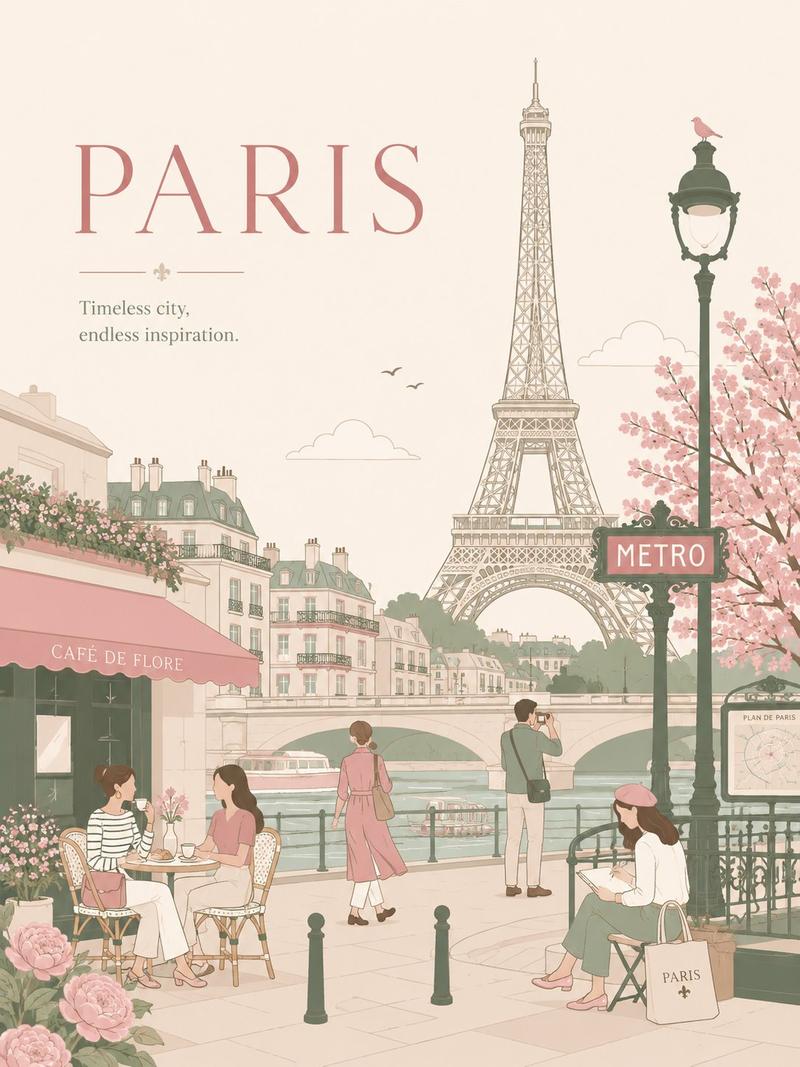
A joyful springtime Paris street scene in a richly textured impasto oil painting style, viewed at street level along a sunlit boulevard lined with blooming cherry blossom trees on the left and elegant cream-colored Haussmann buildings on the right. The sky is a vivid saturated blue with large soft white clouds, and pink petals drift through the air and scatter across the pavement. Include a black iron riverside railing and 1 tall vintage streetlamp on the left, bustling outdoor café terraces on the right with awnings and seated patrons, and a grand domed historic building in the distance centered down the avenue. Show a lively crowd of pedestrians strolling in warm weather, including 2 cyclists riding away from the viewer in the foreground and 1 woman in a flowing pink dress and sunhat walking beneath the blossoms. The mood should be bright, romantic, happy, and full of warmth. Use thick visible palette-knife brushstrokes, high color saturation, sunlight and dappled shadows, expressive painterly detail, and a wide cinematic composition that feels like an idyllic Parisian spring day.
Category
Charts & Infographics
Model
GPT Image 2
Creator
Viki
Views8
Source ID
17366
Published
Apr 30, 2026

Guide

About "厚涂法:巴黎春日林荫大道"

What is this prompt for?

"厚涂法:巴黎春日林荫大道" AI image prompt for GPT Image 2 (Charts & Infographics). 一幅充满活力的巴黎街景油画,描绘了樱花盛开、咖啡馆林立、骑行者穿梭以及温暖春日阳光的景象,非常适合作为浪漫旅行艺术品或温馨的墙面装饰。 Copy it on Picva an…

The full copyable prompt and example visuals above are ready for AI image generation or one-click recreate in Picva.

How to use this prompt

  1. Step 1

    Open the prompt detail

    Review the example visuals, category, and full prompt text for "厚涂法:巴黎春日林荫大道".

  2. Step 2

    Copy the prompt

    Copy the prompt body from this page, or load it directly in Studio.

  3. Step 3

    Pick a model (GPT Image 2)

    Prefer GPT Image 2. If you switch models, keep subject and composition and tweak style terms.

  4. Step 4

    Generate and export

    Recreate the look in Picva, or export into your workflow for editing and publishing.

FAQ

What is the "厚涂法:巴黎春日林荫大道" prompt?
It is an AI image-generation prompt for GPT Image 2 in the Charts & Infographics category. This page includes the full prompt text, example visuals, and a one-click recreate path in Picva.
How do I use this prompt to generate an image?
Copy the prompt from this page, or use Generate / Studio. Paste it into a compatible image model, or recreate the look in Picva with optional reference images.
Which model is this prompt for?
This page lists GPT Image 2. Most descriptive prompts also transfer to nearby image models such as GPT Image, Flux, or Midjourney with light style tweaks.
Can I use the result commercially?
You can usually copy the prompt for creation, but commercial use of the final image depends on the model terms, reference-image rights, and the generated content. Follow the source author and platform rules.