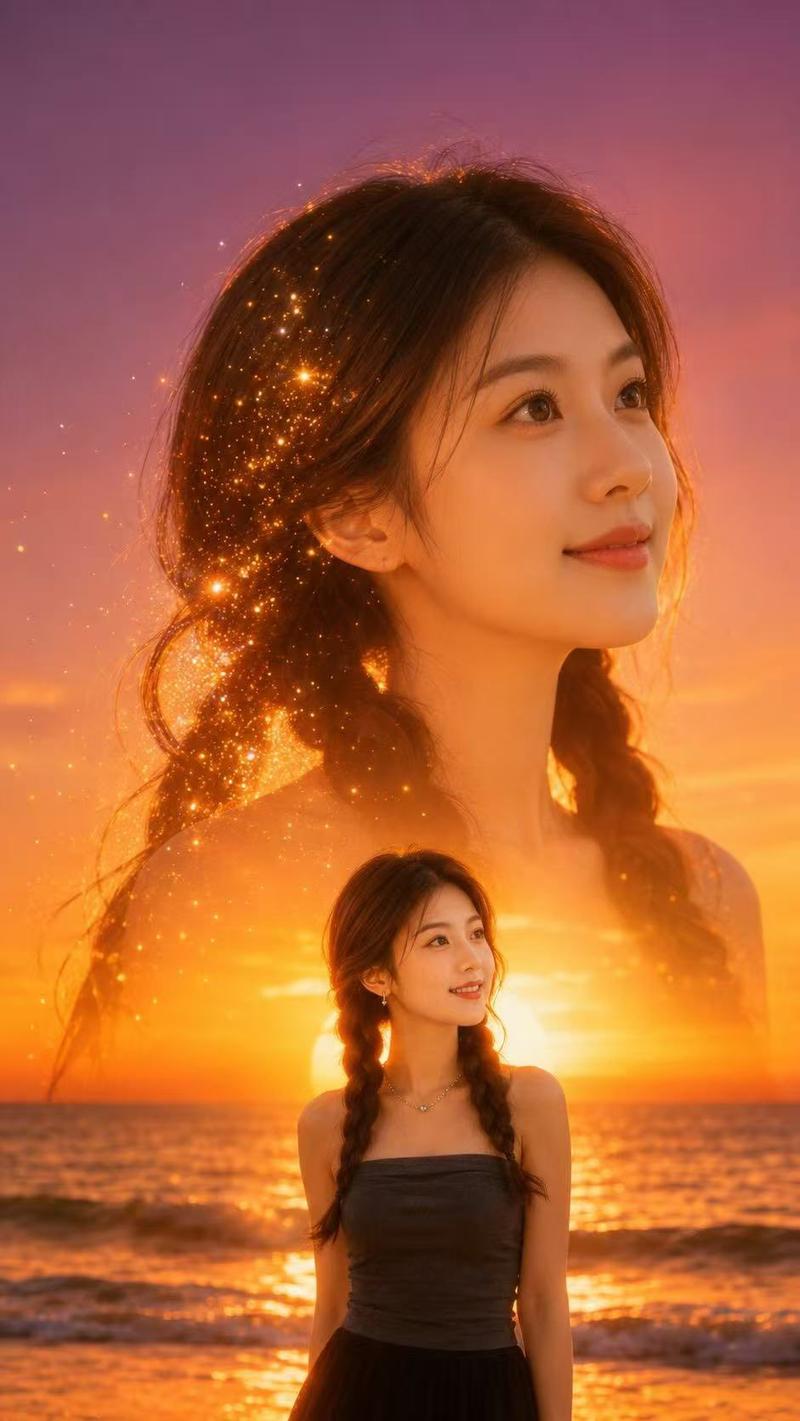
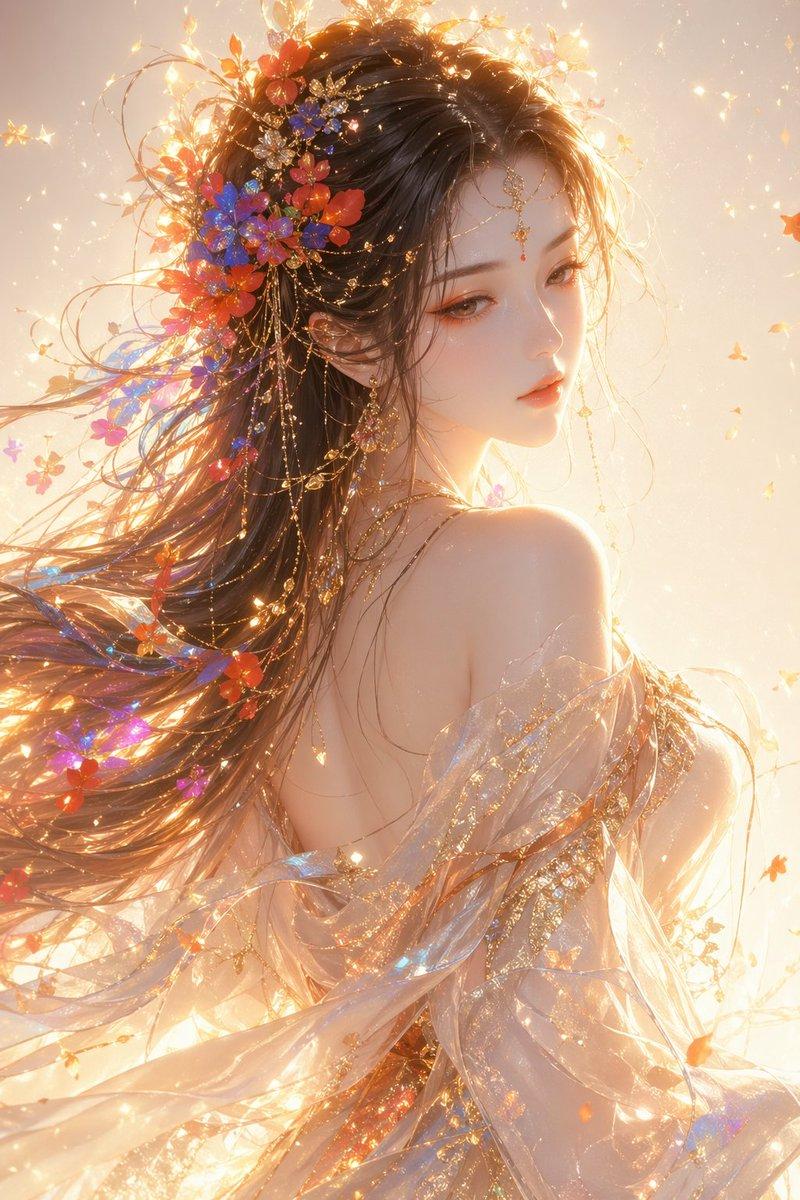
日落海滩双重曝光人像
Prompt
Use the {argument name="reference photo" default="uploaded portrait"} only as the identity and hairstyle reference. Accurately preserve the person’s real facial identity, face shape, facial features, skin tone, hairstyle, hair volume, and natural real-life appearance. Do not copy the original clothes, background, lighting, pose, or image quality from the uploaded portrait.

Create a highly realistic cinematic double-exposure portrait in a vertical 9:16 composition. The scene is set at a {argument name="location" default="golden sunset beach"} with a calm ocean horizon, glowing orange sunlight, soft waves, and a dreamy purple-pink sky.

The final image should have two layers of the same person. The main layer is a large transparent side-profile portrait occupying the upper and middle part of the image, facing slightly upward with a soft natural smile, elegant facial expression, realistic skin texture, and long flowing hair. The face should blend naturally into the sunset sky and ocean light, creating a poetic cinematic double-exposure effect.

The second layer shows the same person as a smaller realistic half-body portrait near the lower center of the frame, standing or sitting in front of the ocean sunset. She wears an {argument name="outfit" default="elegant dark gray off-shoulder / strapless top"} with simple jewelry, natural makeup, soft glossy lips, and a calm romantic expression. The clothing should be tasteful, refined, and cinematic.

Add glowing golden particles and sparkling light dust flowing through the hair area of the large portrait, like tiny fireflies or stardust, blending into the warm sunset glow. The particles should look magical but still realistic, not cartoonish. Use soft cinematic lighting, warm golden rim light, gentle shadows, natural skin texture, high dynamic range, realistic ocean reflections, subtle film grain, premium editorial photography style.

Make the image dreamy, romantic, cinematic, elegant, and high-end. No text, no logo, no watermark, no Chinese characters, no random letters.

Negative Prompt:

watermark, logo, text, Chinese characters, random letters, low quality, blurry face, distorted face, fake skin, plastic skin, over-smoothed skin, anime, cartoon, illustration, AI-looking face, bad anatomy, deformed hands, extra fingers, duplicate face, messy composition, harsh outline, overexposure, oversaturated colors, unnatural smile, broken double exposure, bad hair detail, noisy artifacts, pixelated image.- Category
- Charts & Infographics
- Model
- GPT Image 2
- Creator
- Shinning
- Source ID
- 21879
- Published
- May 22, 2026
Views3