15

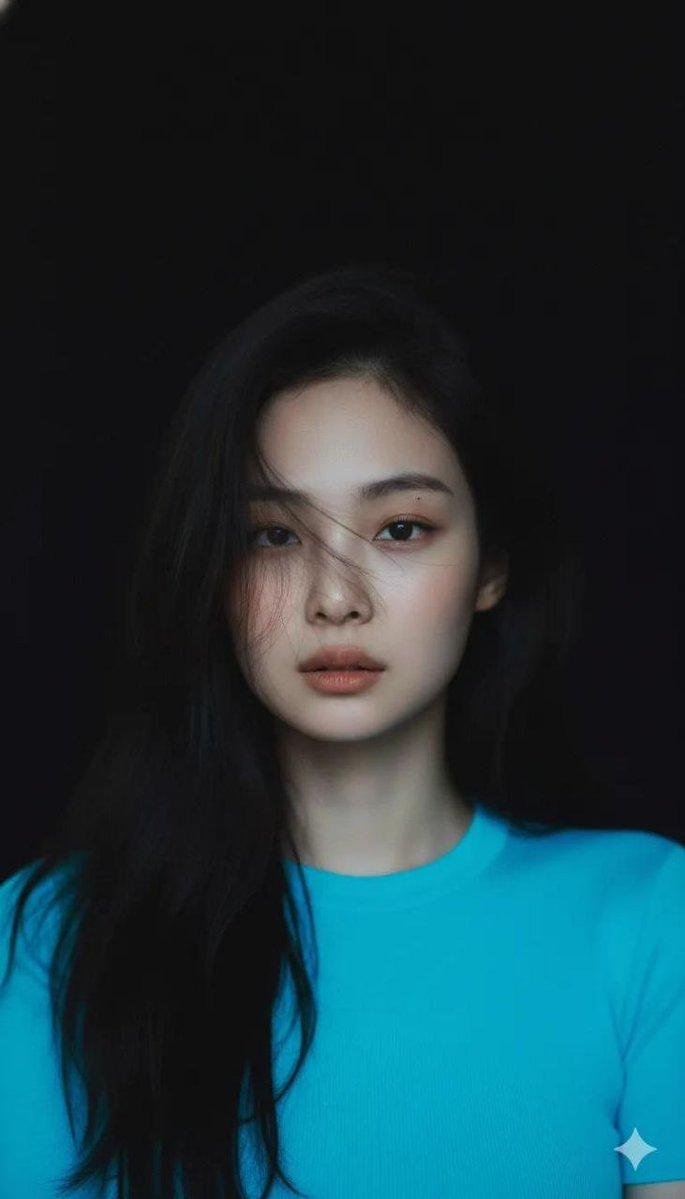
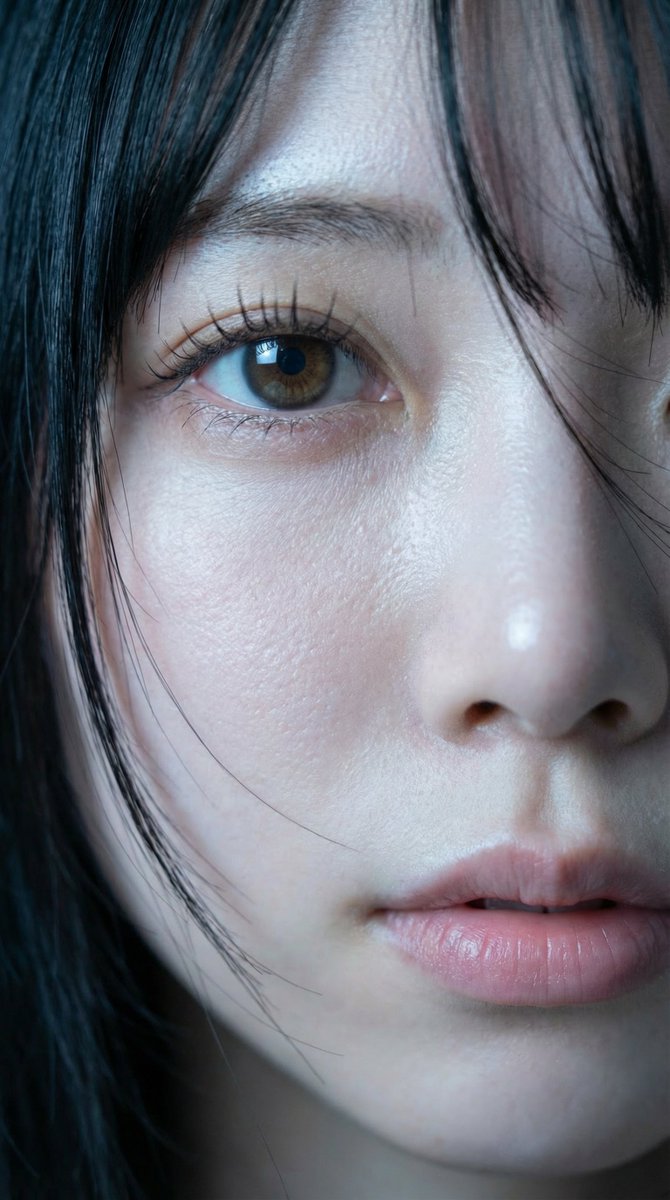
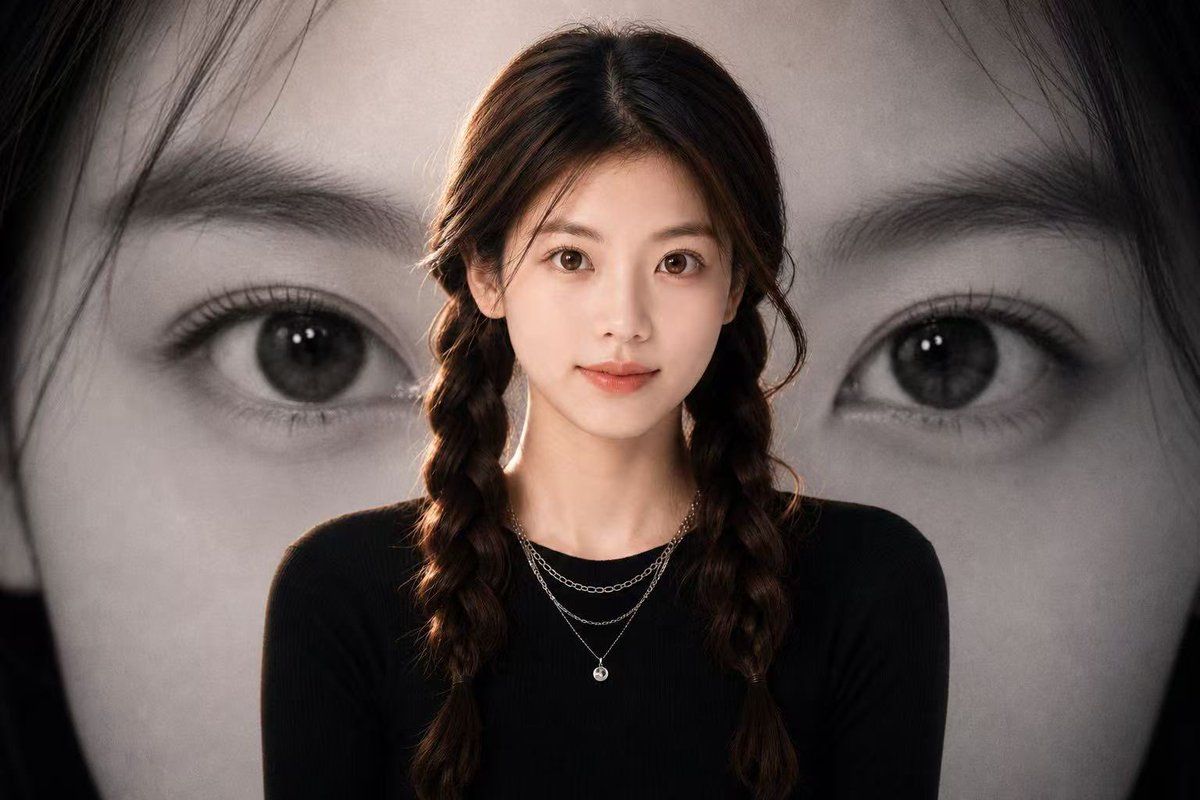
黑白眼睛背景人像
Enlarge

黑白眼睛背景人像

Prompt
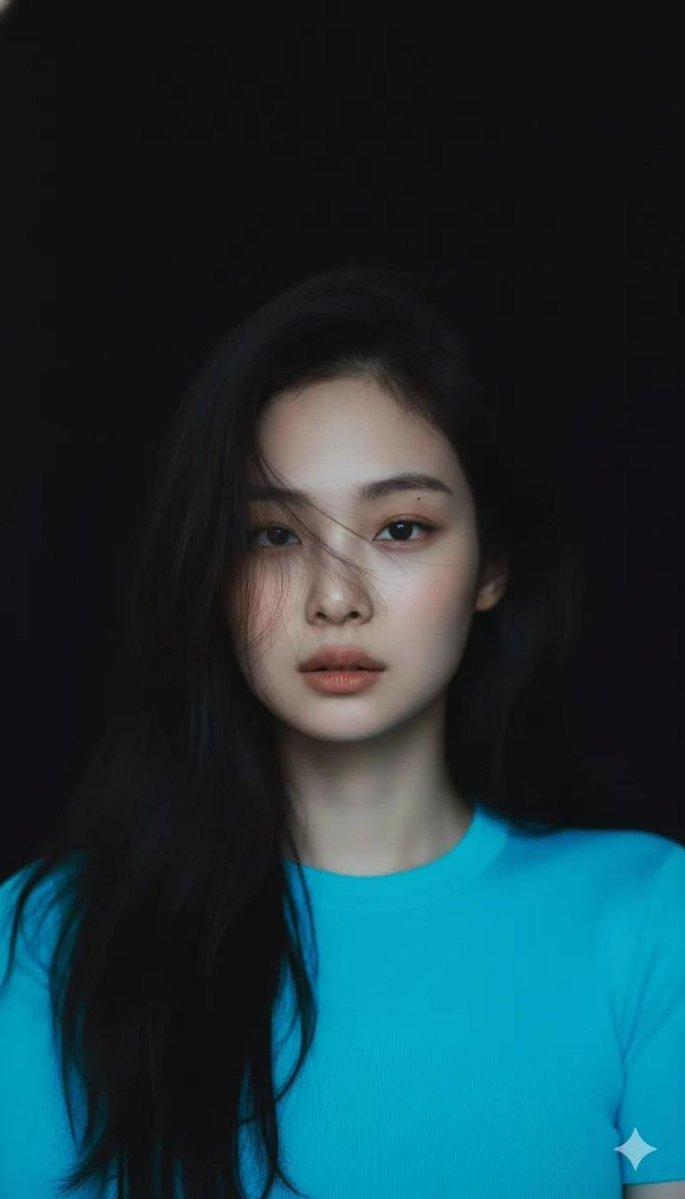
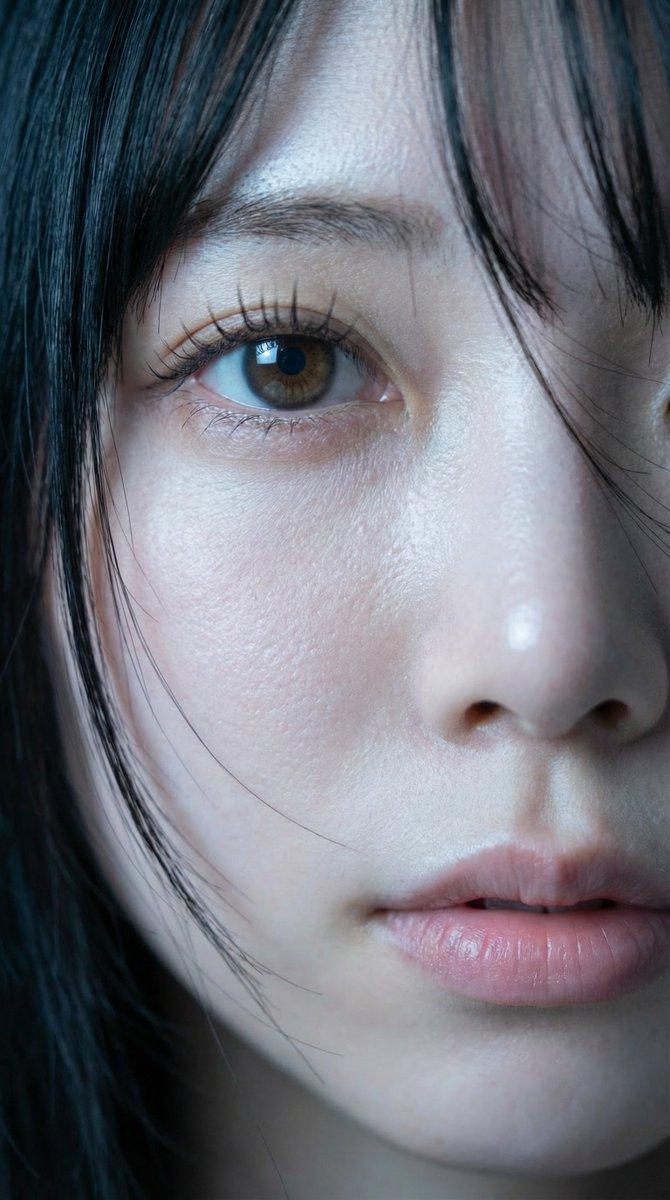
Create a cinematic portrait poster featuring a {argument name="subject" default="young woman"} centered in the foreground from chest up, wearing a fitted {argument name="outfit color" default="black"} long-sleeve top and delicate layered silver necklaces. The subject has long dark brown hair parted in the middle and styled into two loose braids, with soft studio lighting and a subtle warm rim light around the hair and shoulders. Behind the subject, fill the entire background with an enormous close-up black-and-white photograph of a human face focused on one large eye, eyebrow, eyelashes, and partial nose bridge, cropped dramatically so the eye sits on the right side of the frame and dark hair frames the edges. Use a moody monochrome backdrop with the foreground subject in muted natural color, high contrast, shallow depth of field, editorial fashion poster composition, 16:9 horizontal aspect ratio, realistic photography, clean modern aesthetic, no text, no logos. Add a soft rectangular overlay area on the left side as a muted gray-brown block and a smaller warm skin-tone rectangular overlay covering the subject's face, creating an anonymized poster mockup look.
Category
Charts & Infographics
Model
GPT Image 2
Creator
Shinning
Views5
Source ID
18850
Published
May 7, 2026

Guide

About "黑白眼睛背景人像"

What is this prompt for?

"黑白眼睛背景人像" AI image prompt for GPT Image 2 (Charts & Infographics). 生成一张电影感人像海报,主体位于巨大的黑白眼睛背景前。 Copy it on Picva and recreate the look in one click.

The full copyable prompt and example visuals above are ready for AI image generation or one-click recreate in Picva.

How to use this prompt

  1. Step 1

    Open the prompt detail

    Review the example visuals, category, and full prompt text for "黑白眼睛背景人像".

  2. Step 2

    Copy the prompt

    Copy the prompt body from this page, or load it directly in Studio.

  3. Step 3

    Pick a model (GPT Image 2)

    Prefer GPT Image 2. If you switch models, keep subject and composition and tweak style terms.

  4. Step 4

    Generate and export

    Recreate the look in Picva, or export into your workflow for editing and publishing.

FAQ

What is the "黑白眼睛背景人像" prompt?
It is an AI image-generation prompt for GPT Image 2 in the Charts & Infographics category. This page includes the full prompt text, example visuals, and a one-click recreate path in Picva.
How do I use this prompt to generate an image?
Copy the prompt from this page, or use Generate / Studio. Paste it into a compatible image model, or recreate the look in Picva with optional reference images.
Which model is this prompt for?
This page lists GPT Image 2. Most descriptive prompts also transfer to nearby image models such as GPT Image, Flux, or Midjourney with light style tweaks.
Can I use the result commercially?
You can usually copy the prompt for creation, but commercial use of the final image depends on the model terms, reference-image rights, and the generated content. Follow the source author and platform rules.