19

将漫画分镜转化为末日机甲海报
Enlarge

将漫画分镜转化为末日机甲海报

Prompt
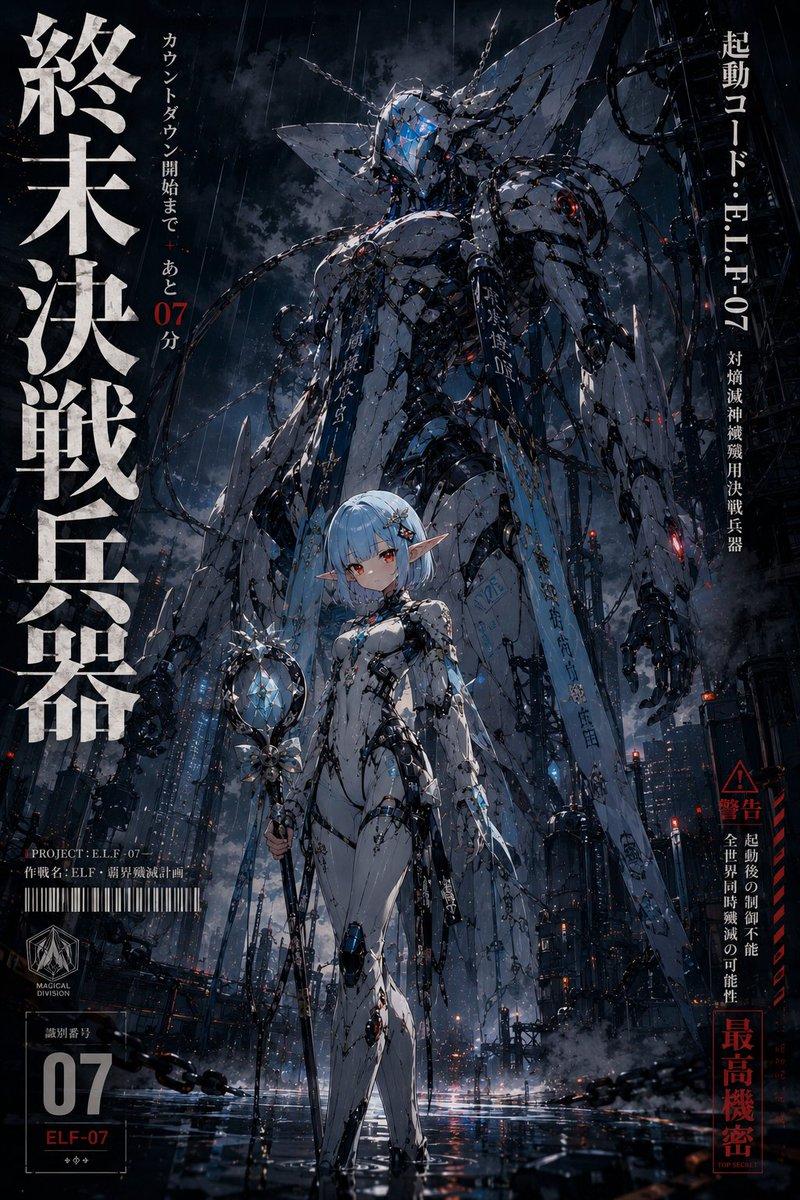
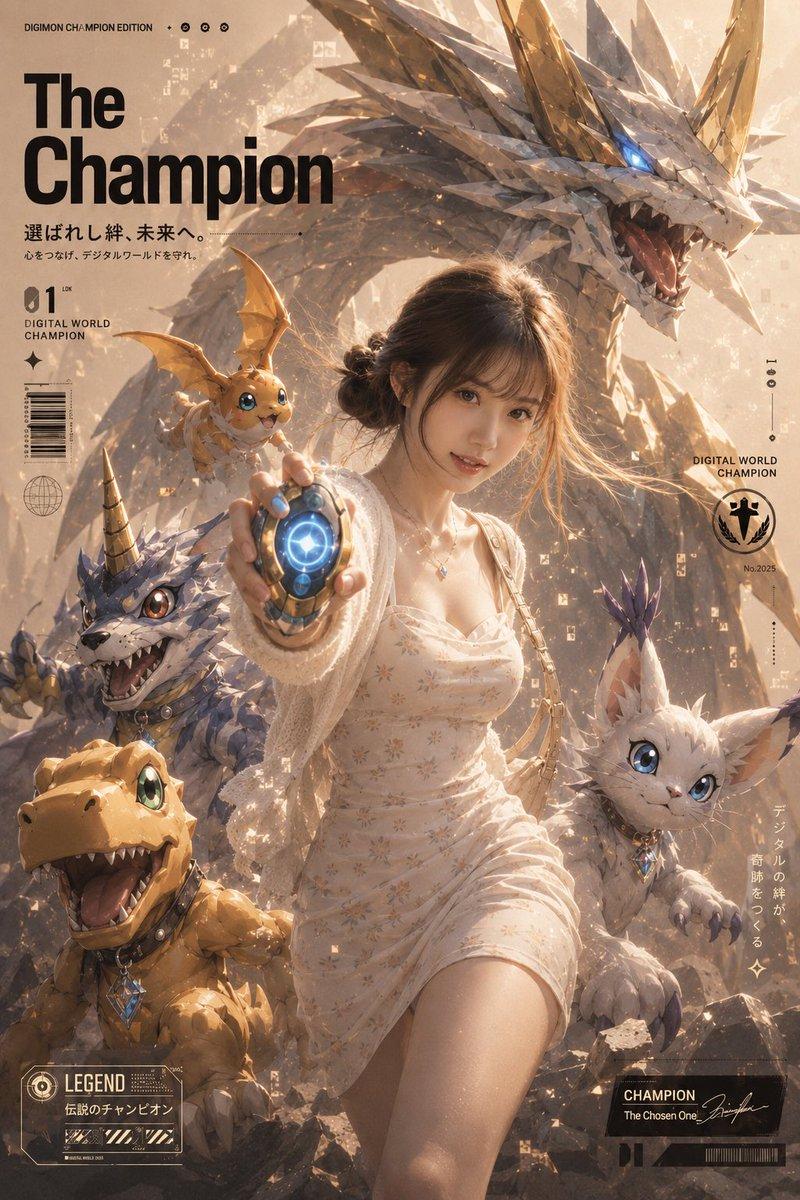
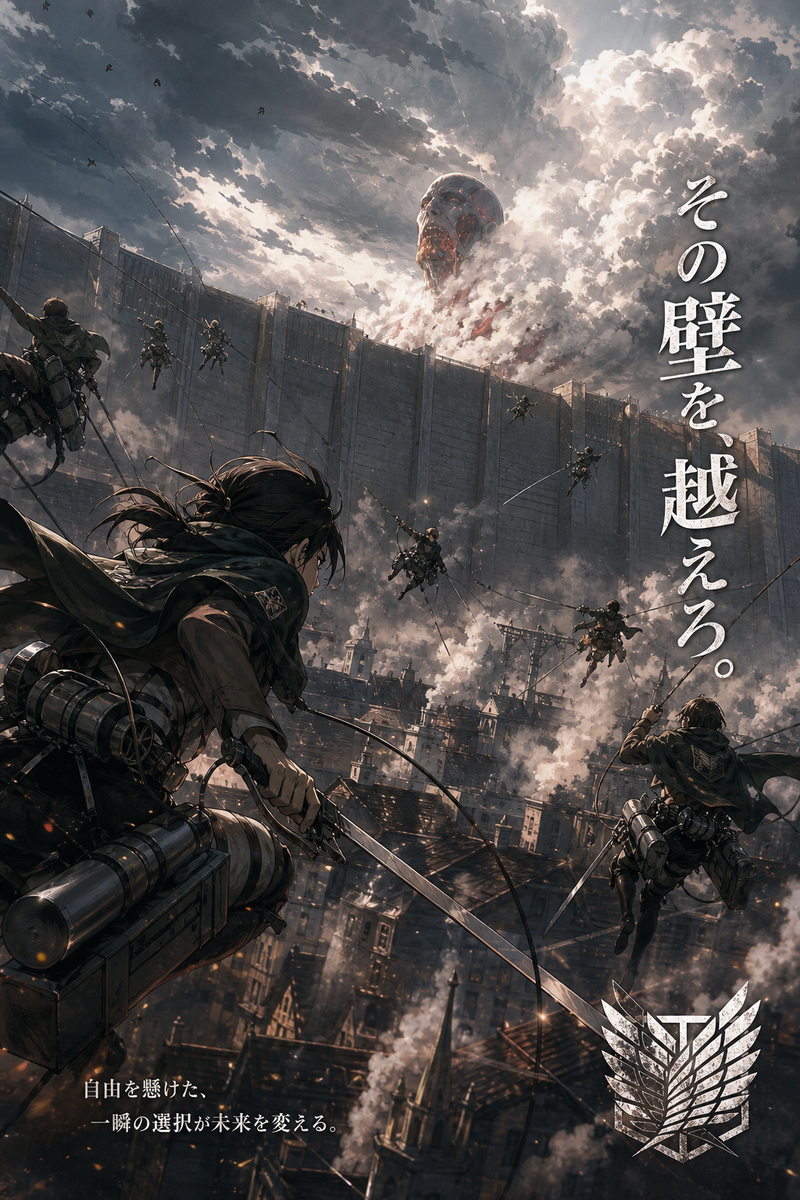
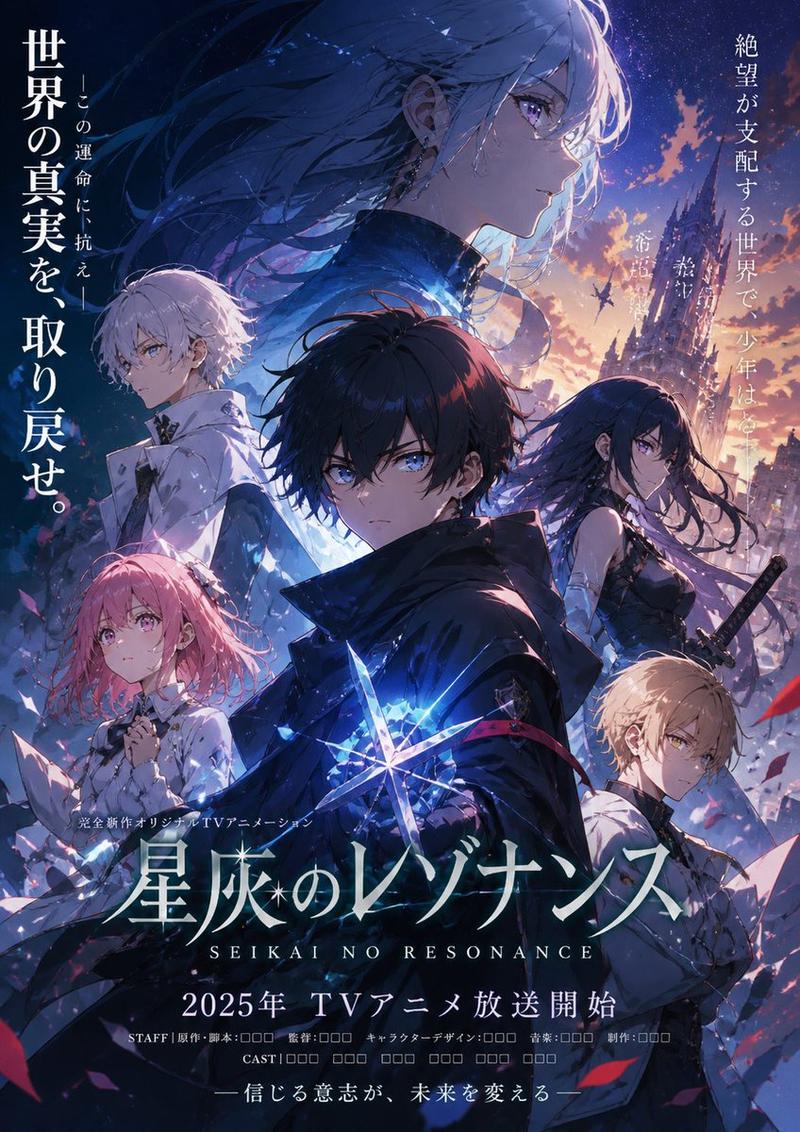
Using the provided reference image, remake the original manga panel as a dramatic cinematic anime key visual. Keep the same 2 characters, their relative placement, and the exact Japanese dialogue from the speech bubbles, but remove the manga panel borders and speech balloons and recompose the text as 2 large vertical copy blocks floating in the sky: on the right, 「戦争なら だいじょうぶ。 もうすぐ 終わります。」; on the left, 「地は焼かれ 涙と悲鳴は 新たなる争いの 狼煙となるの。」 Transform the simple black-and-white drawing into a highly detailed painted scene with realistic lighting, weathered textures, and an apocalyptic battlefield atmosphere at dusk. Replace the plain background with a colossal Gundam-like mecha towering behind them, covered in sharp wing-like protrusions and glowing magenta energy cracks, with smoke, embers, ruined city debris, and a dark cloudy sky. Upgrade the boy into a full-color anime version wearing a dark military-style uniform with red trim, still smiling and raising one hand. Upgrade the cat-like masked character into a sinister but expressive full-color figure with cracked white armor-like face plating, glowing pale blue eyes, a wide grin, a dark hooded cloak, and a small bell at the neck. Add a red war flag near the lower left background. Make it feel like an epic war poster, low-angle composition, ultra-detailed, high contrast, gritty, ominous, and cinematic.
Category
Posters & Typography
Model
GPT Image 2
Creator
ゆあ
Views3
Source ID
16907
Published
Apr 28, 2026

Guide

About "将漫画分镜转化为末日机甲海报"

What is this prompt for?

"将漫画分镜转化为末日机甲海报" AI image prompt for GPT Image 2 (Posters & Typography). 此提示词可将简单的漫画参考分镜转化为电影感动漫战争海报,保留原有角色与对话,并添加宏大的机甲战场背景。 Copy it on Picva and recreate the…

The full copyable prompt and example visuals above are ready for AI image generation or one-click recreate in Picva.

How to use this prompt

  1. Step 1

    Open the prompt detail

    Review the example visuals, category, and full prompt text for "将漫画分镜转化为末日机甲海报".

  2. Step 2

    Copy the prompt

    Copy the prompt body from this page, or load it directly in Studio.

  3. Step 3

    Pick a model (GPT Image 2)

    Prefer GPT Image 2. If you switch models, keep subject and composition and tweak style terms.

  4. Step 4

    Generate and export

    Recreate the look in Picva, or export into your workflow for editing and publishing.

FAQ

What is the "将漫画分镜转化为末日机甲海报" prompt?
It is an AI image-generation prompt for GPT Image 2 in the Posters & Typography category. This page includes the full prompt text, example visuals, and a one-click recreate path in Picva.
How do I use this prompt to generate an image?
Copy the prompt from this page, or use Generate / Studio. Paste it into a compatible image model, or recreate the look in Picva with optional reference images.
Which model is this prompt for?
This page lists GPT Image 2. Most descriptive prompts also transfer to nearby image models such as GPT Image, Flux, or Midjourney with light style tweaks.
Can I use the result commercially?
You can usually copy the prompt for creation, but commercial use of the final image depends on the model terms, reference-image rights, and the generated content. Follow the source author and platform rules.