极简 Nano Banana 海报排版
Prompt
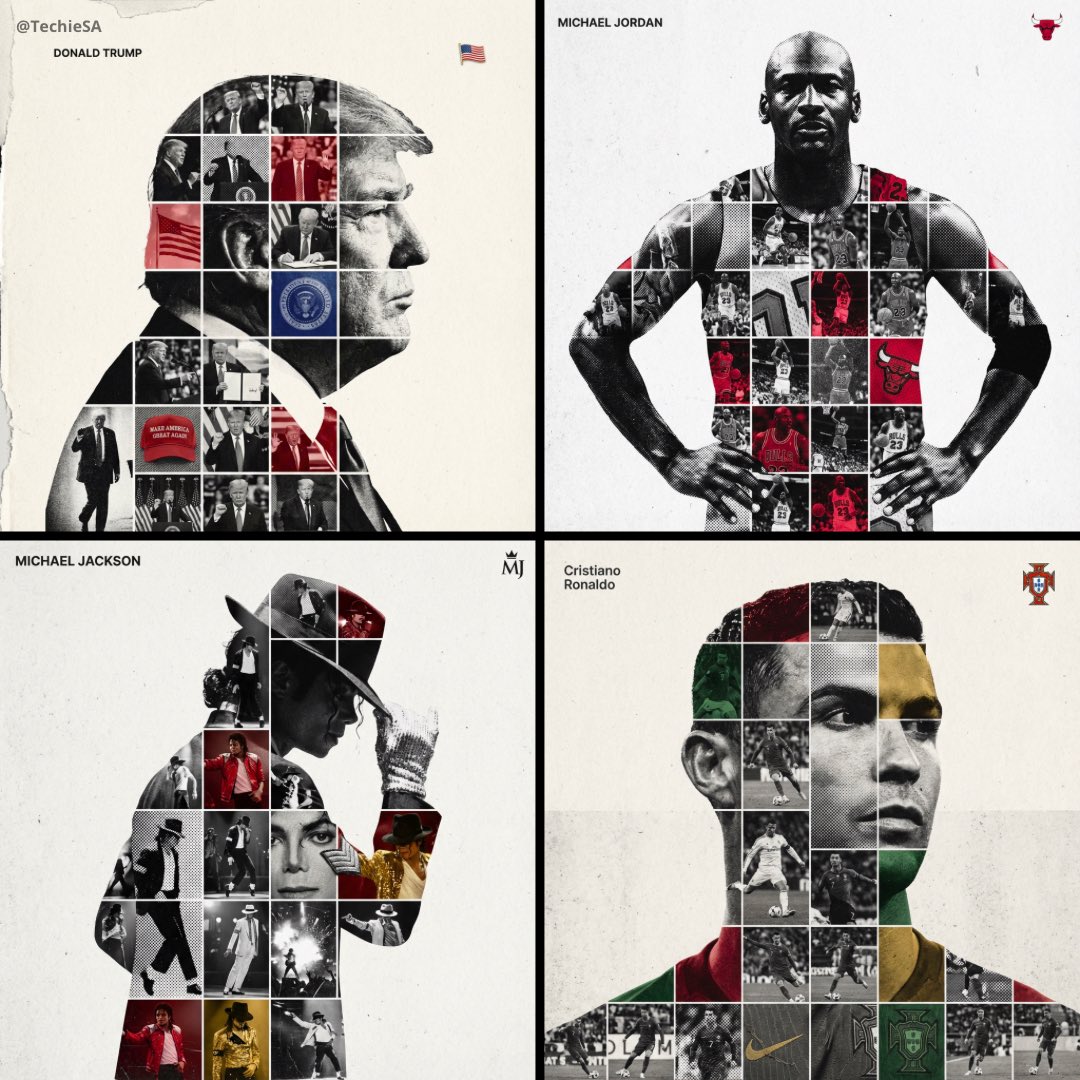
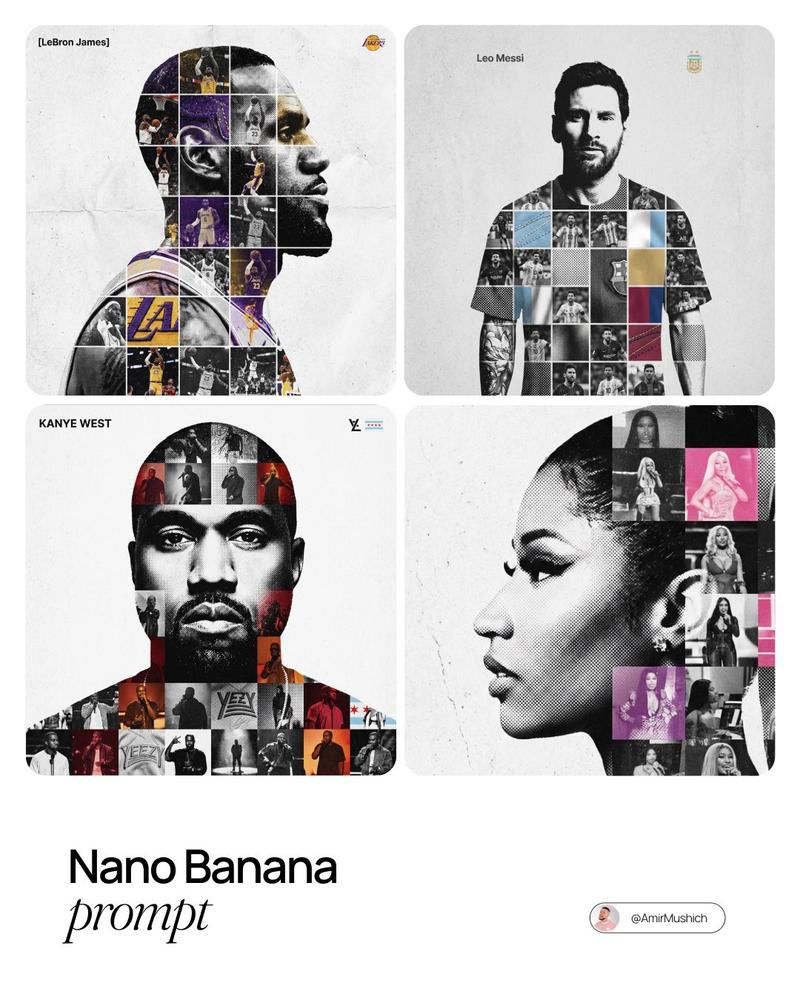
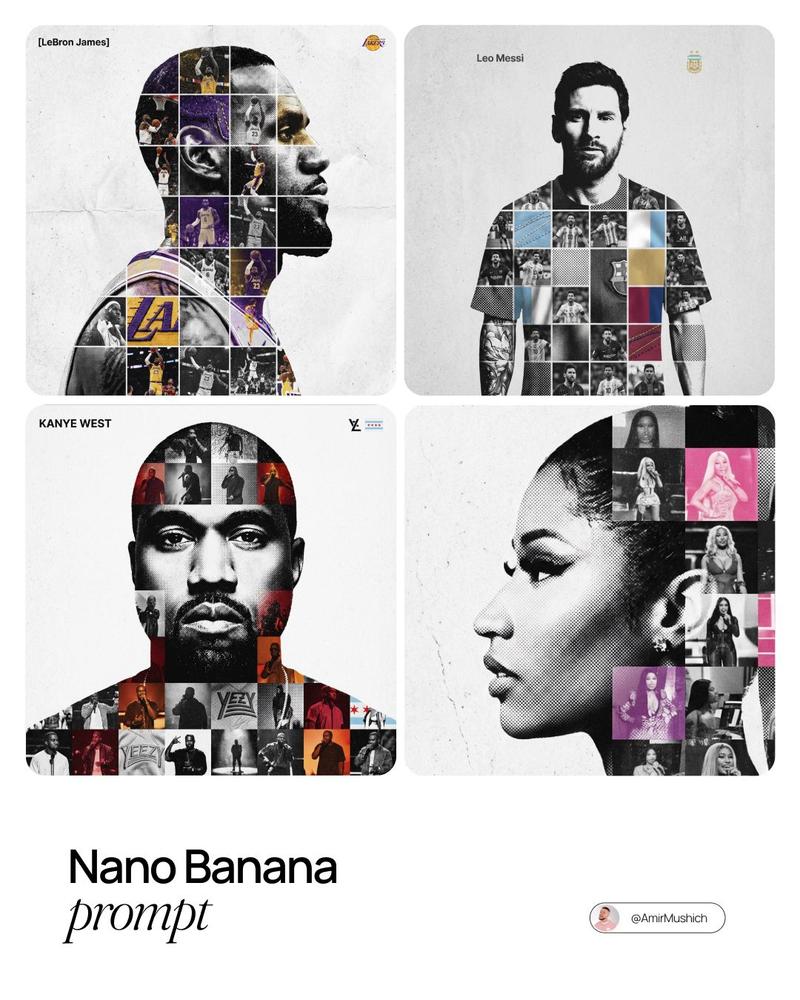
Goal: Create a bold minimalist sports/music poster prompt showcase with a red-and-white editorial layout, oversized distressed typography, and two clean square portrait poster mockups.

Canvas: Wide horizontal 16:9 composition, approximately 1200×675. Use a textured paper or halftone grain finish across the whole image. The top half is deep crimson red, the bottom half is off-white/light gray, with large white blocks behind the poster mockups.

Layout: Place huge all-caps white headline typography across the red header. The text is arranged in three dominant lines: “MINIMALIST POSTER” across the top, “NANO BANANA” below on the left, and “PROMPT” large on the right. Keep the type bold, condensed, slightly rough-edged, and screen-printed. Add a tiny vertical thumbnail card embedded near the word “POSTER,” showing a small portrait and the name “Kendrick LAMAR.” Add small helper text near the right headline: “CHANGE THE PERSON NAME // GET THE RESULT,” followed by three small white UI-like icons: a person icon, an X, and a menu/chat icon.

Main visual elements: Include exactly 2 large minimalist poster mockups in the lower half. Poster 1, left-center: a clean white square poster with a black-and-white cropped portrait of {argument name="left person" default="Dr. Dre"} wearing a dark hoodie, placed over a vivid purple rectangle; add a small dark blue “D” emblem at the top, a purple handwritten signature crossing the bottom of the portrait, and huge stacked blue condensed text “DRE” at the bottom. Poster 2, right-center: a clean white square poster partly overlapping under the word “PROMPT,” with a black-and-white basketball player portrait of {argument name="right person" default="Michael Jordan"} in a Bulls jersey, placed over a red rectangle; add a small red Jumpman-style silhouette at the top, a red handwritten “Michael” signature over the lower torso, and huge stacked red condensed text “JORDAN” at the bottom.

Small text details: Add the date “05 // 26” on the left side of the off-white lower area. Add exactly 2 small footer labels at bottom left: “NANO BANANA” and “SMART PROMPT.” Add “SEASON // 26” at bottom right.

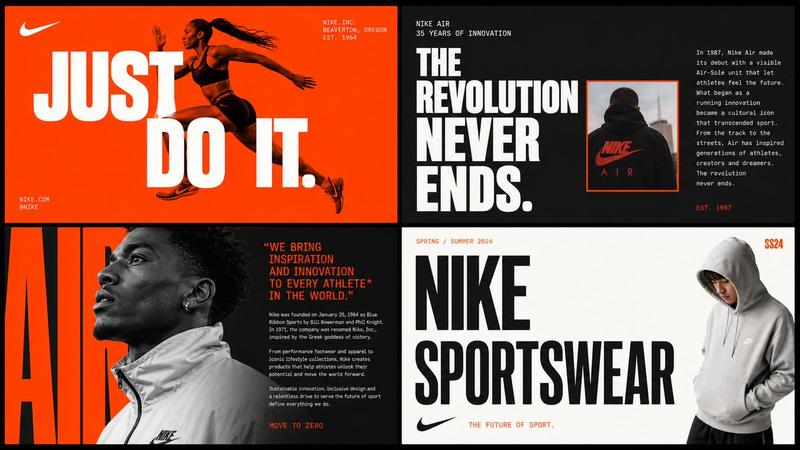
Style: High-contrast minimalist poster design, modern streetwear editorial aesthetic, sports-card/music-poster fusion, crisp geometric composition, bold negative space, distressed print texture, grainy halftone, limited palette of crimson red, white, black, purple, and dark blue.

Constraints: Use exactly 2 main poster mockups, exactly 3 large headline phrases, exactly 2 footer labels, and exactly 3 small helper icons. Keep faces intentionally stylized or softly obscured rather than detailed. No extra branding, no watermark, no additional people, no extra text beyond the specified elements.- Category
- Charts & Infographics
- Model
- GPT Image 2
- Creator
- AmirMušić
- Source ID
- 21935
- Published
- May 21, 2026
Views6