14

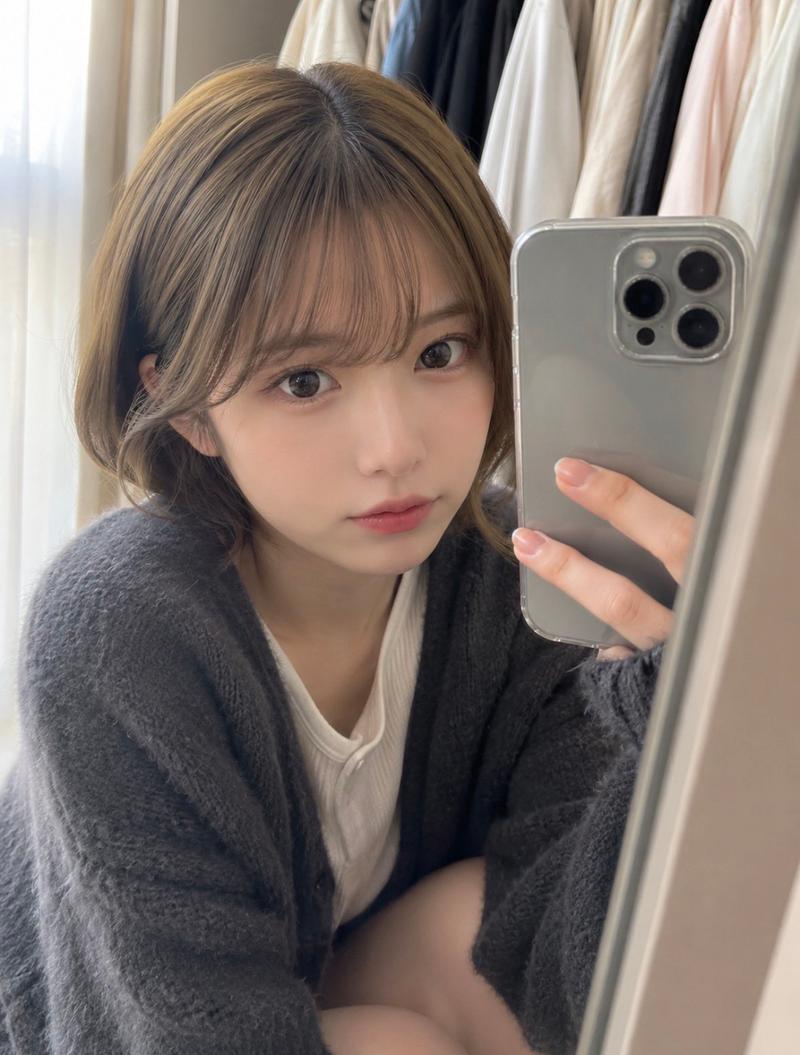
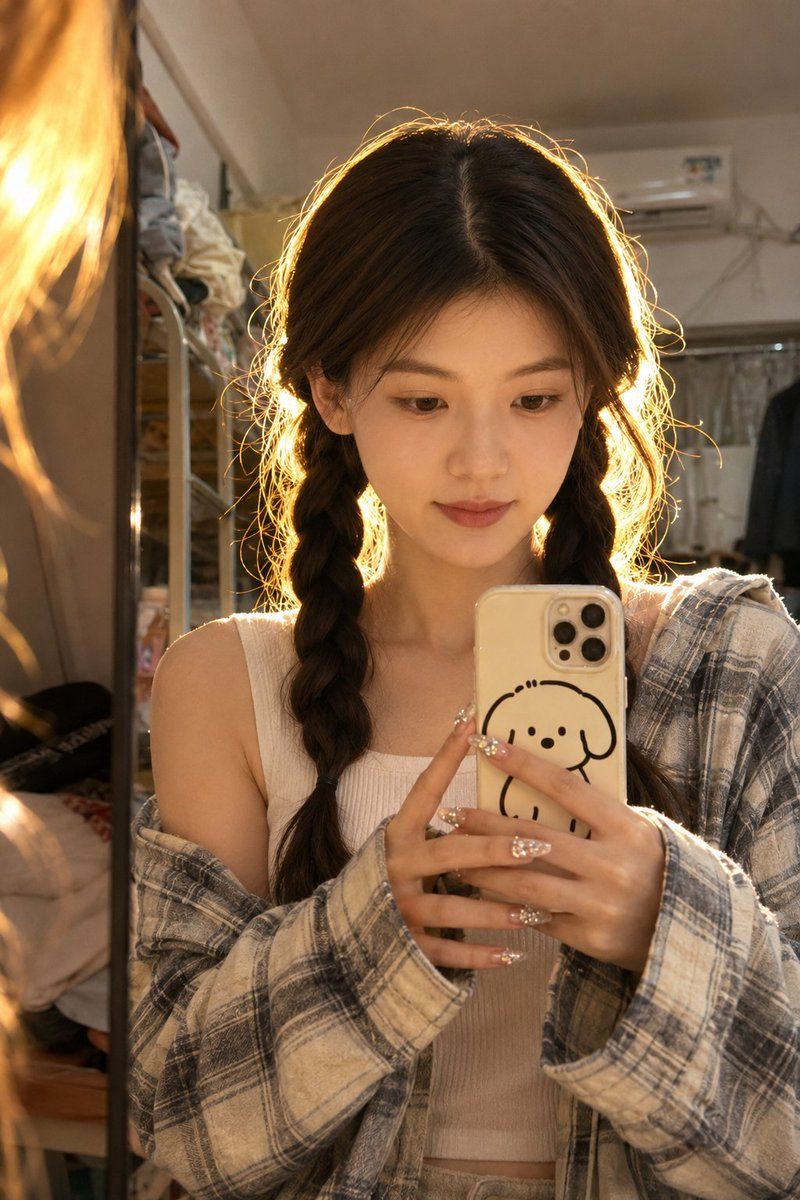
宿舍镜面自拍人脸参考
Enlarge

宿舍镜面自拍人脸参考

Prompt
Use my uploaded portrait as the identity reference only, preserving my real facial features, hairstyle, skin tone, and natural likeness. Create a realistic vertical mirror selfie in a {argument name="location" default="small bedroom/dorm room"}, {argument name="lighting" default="warm golden backlight behind the head"}, soft messy indoor background, phone held in front of the chest, relaxed cute expression, natural skin texture, {argument name="outfit" default="casual layered outfit"} that suits me, subtle hair accessories and polished nails. Real iPhone photo feeling, imperfect candid framing, warm highlights, realistic shadows, no watermark, no logo.
Negative Prompt:
anime, cartoon, doll face, plastic skin, over-smoothed skin, fake face, face swap look, distorted hands, bad fingers, unnatural eyes, heavy makeup, overexposed face, studio lighting, clean commercial background, watermark, logo, text, AI artifacts
Category
Posters & Typography
Model
GPT Image 2
Creator
Shinning
Views13
Source ID
22094
Published
May 23, 2026

Guide

About "宿舍镜面自拍人脸参考"

What is this prompt for?

"宿舍镜面自拍人脸参考" AI image prompt for GPT Image 2 (Posters & Typography). 一个用于生成宿舍真实镜面自拍的提示词,同时保留上传参考照片的面部特征。 Copy it on Picva and recreate the look in one click.

The full copyable prompt and example visuals above are ready for AI image generation or one-click recreate in Picva.

How to use this prompt

  1. Step 1

    Open the prompt detail

    Review the example visuals, category, and full prompt text for "宿舍镜面自拍人脸参考".

  2. Step 2

    Copy the prompt

    Copy the prompt body from this page, or load it directly in Studio.

  3. Step 3

    Pick a model (GPT Image 2)

    Prefer GPT Image 2. If you switch models, keep subject and composition and tweak style terms.

  4. Step 4

    Generate and export

    Recreate the look in Picva, or export into your workflow for editing and publishing.

FAQ

What is the "宿舍镜面自拍人脸参考" prompt?
It is an AI image-generation prompt for GPT Image 2 in the Posters & Typography category. This page includes the full prompt text, example visuals, and a one-click recreate path in Picva.
How do I use this prompt to generate an image?
Copy the prompt from this page, or use Generate / Studio. Paste it into a compatible image model, or recreate the look in Picva with optional reference images.
Which model is this prompt for?
This page lists GPT Image 2. Most descriptive prompts also transfer to nearby image models such as GPT Image, Flux, or Midjourney with light style tweaks.
Can I use the result commercially?
You can usually copy the prompt for creation, but commercial use of the final image depends on the model terms, reference-image rights, and the generated content. Follow the source author and platform rules.