18

夜店团体自拍转换
Enlarge

夜店团体自拍转换

Prompt
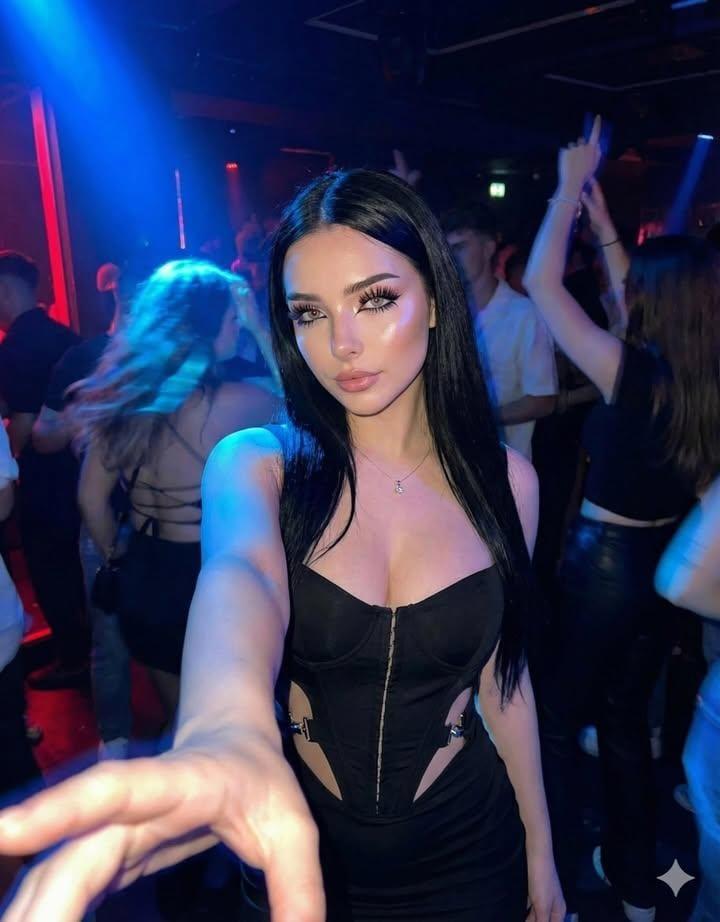
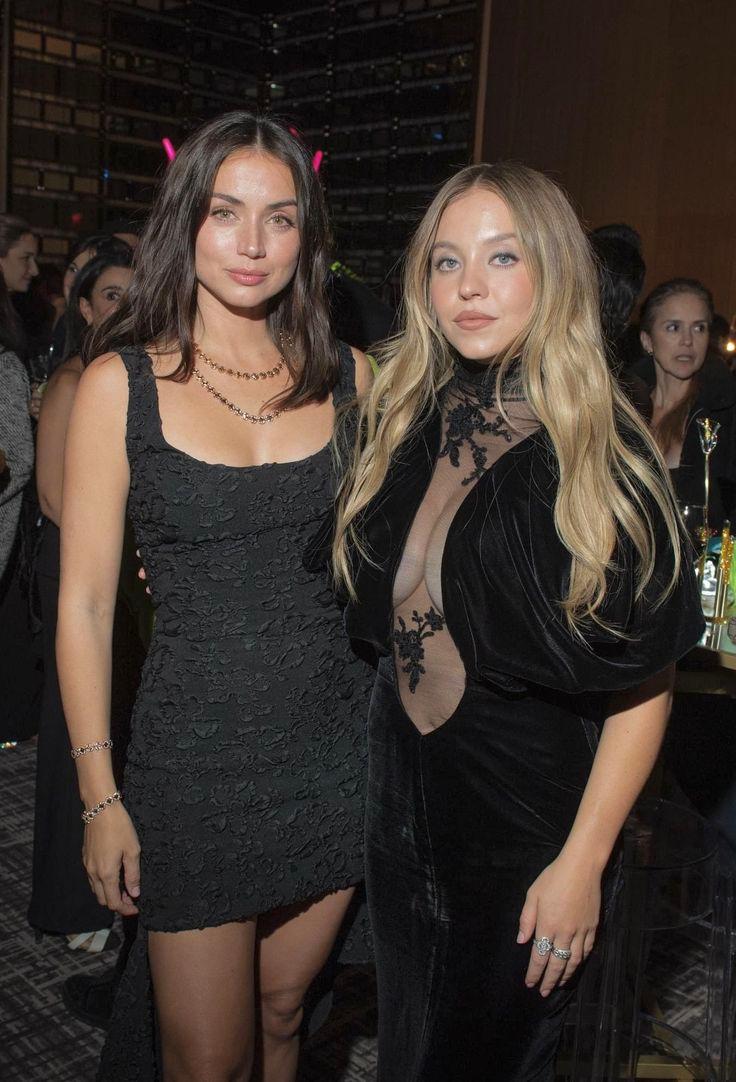
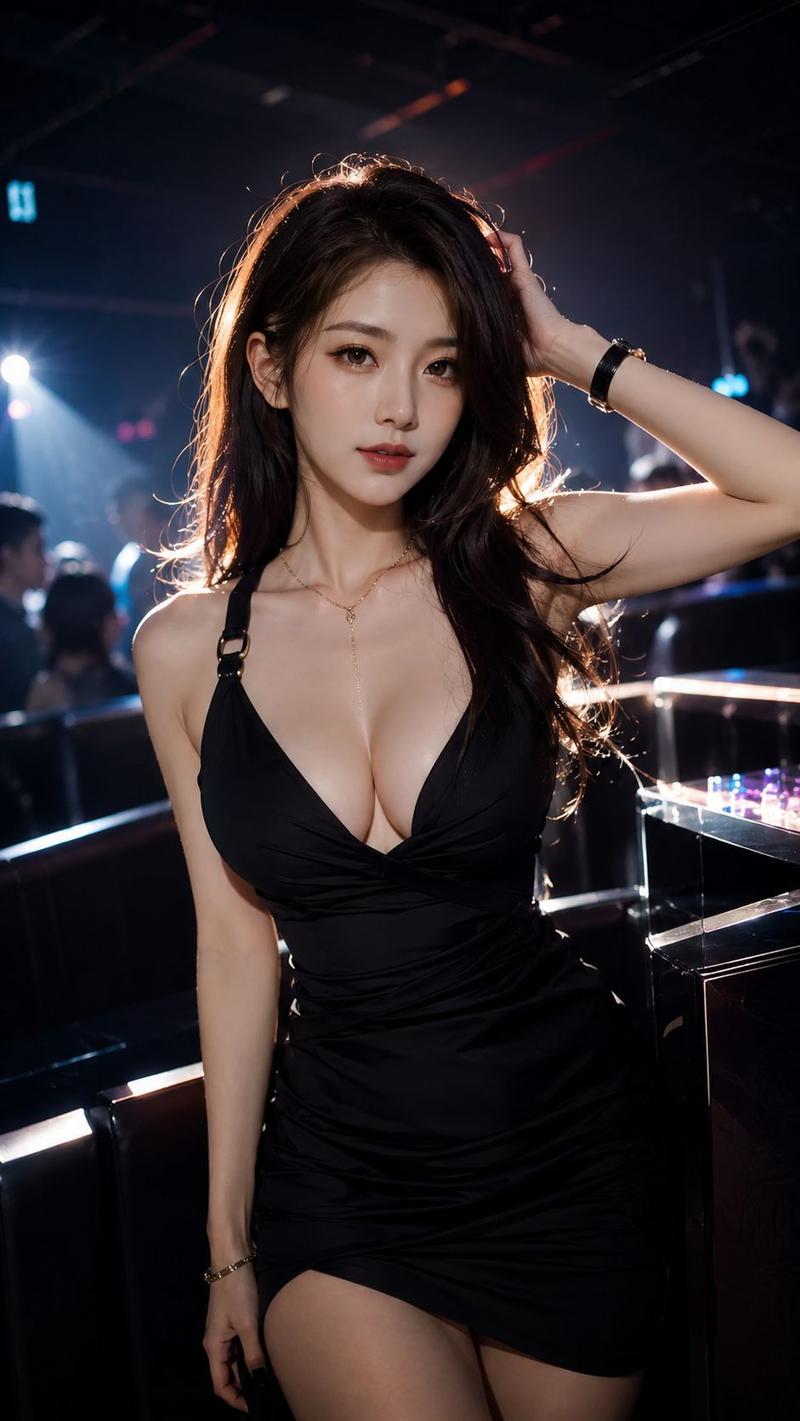
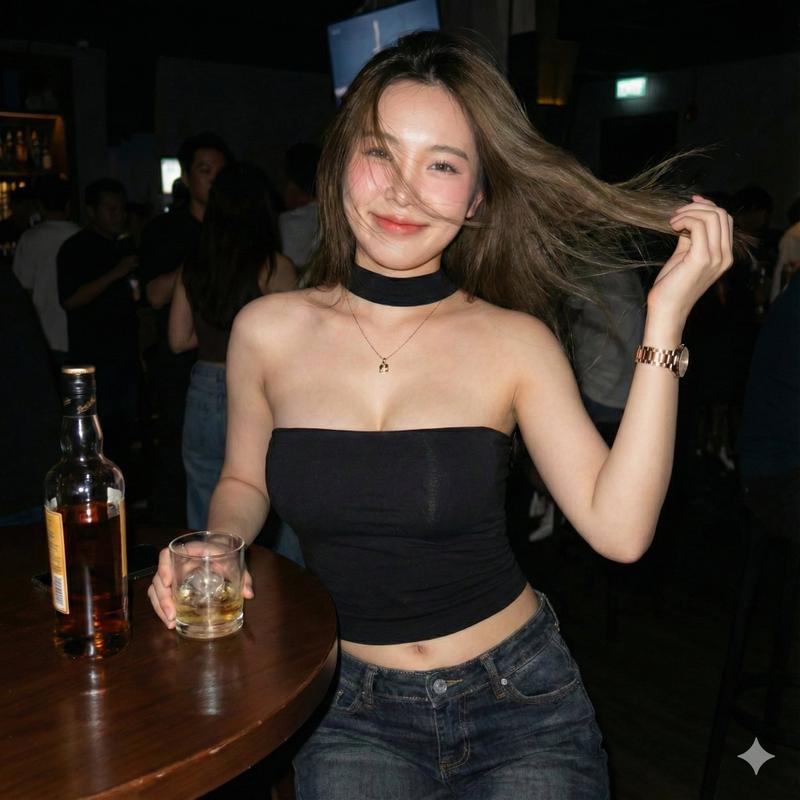
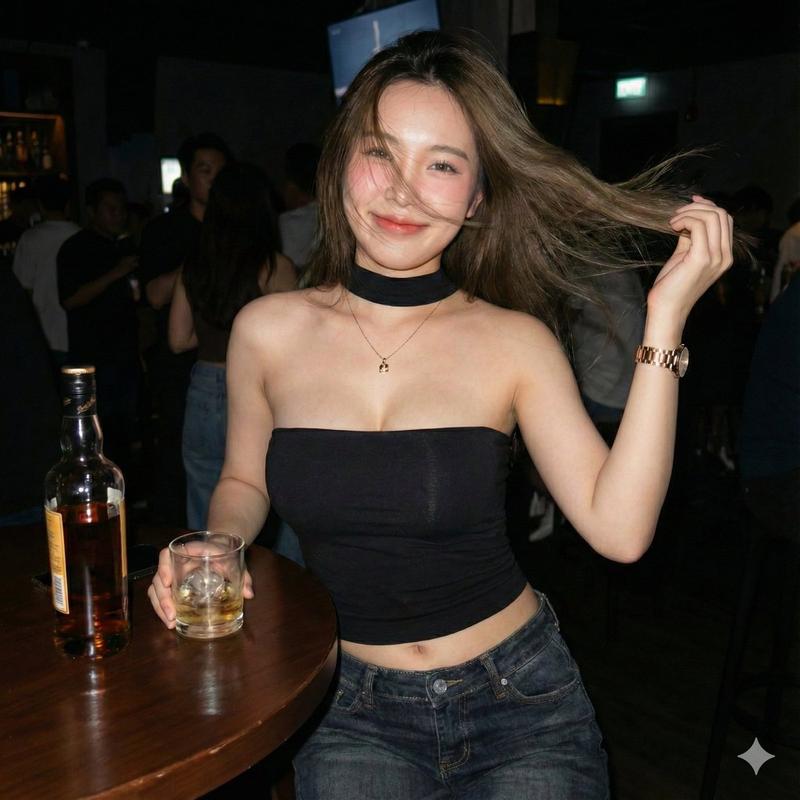
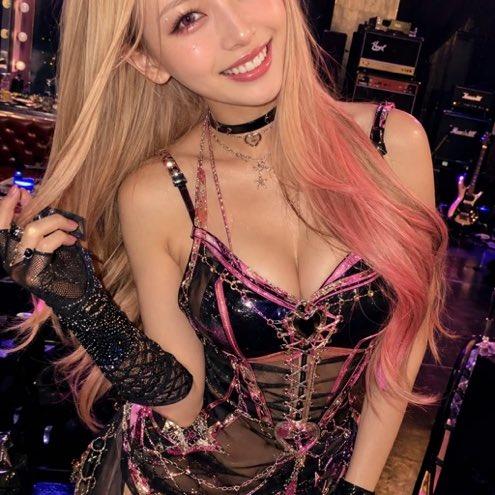
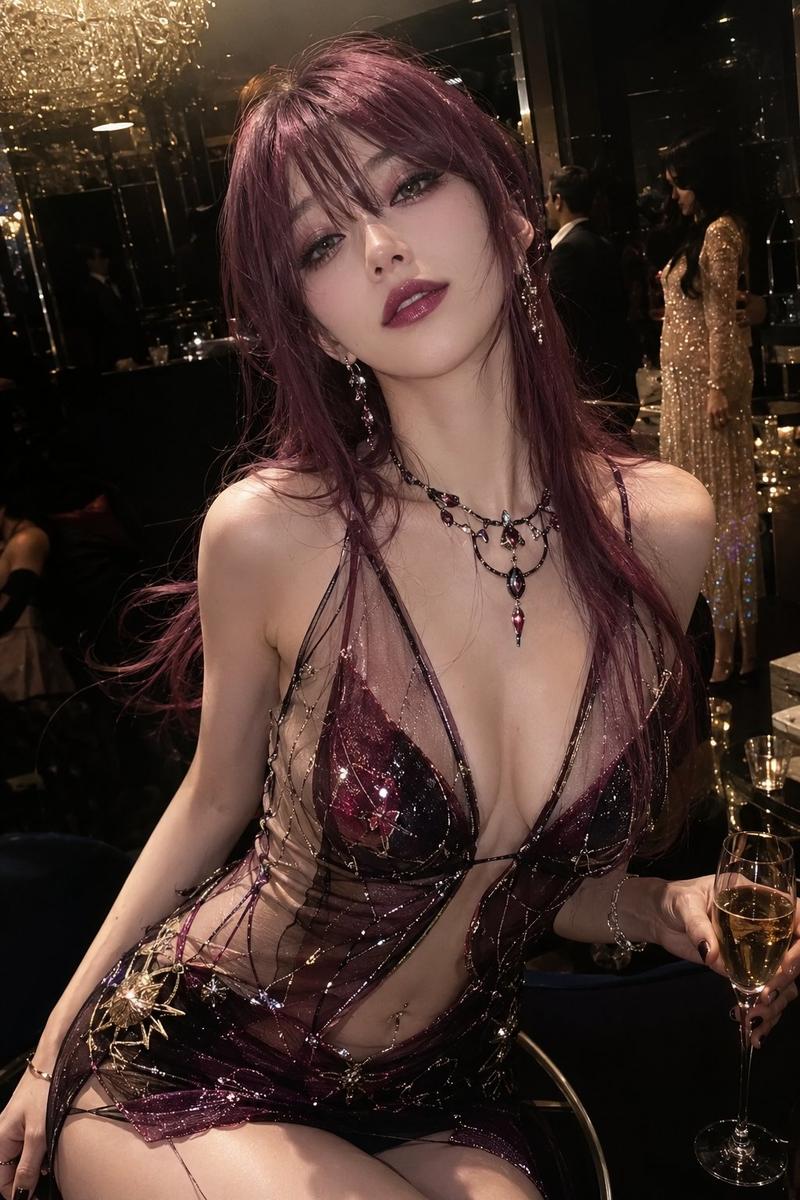
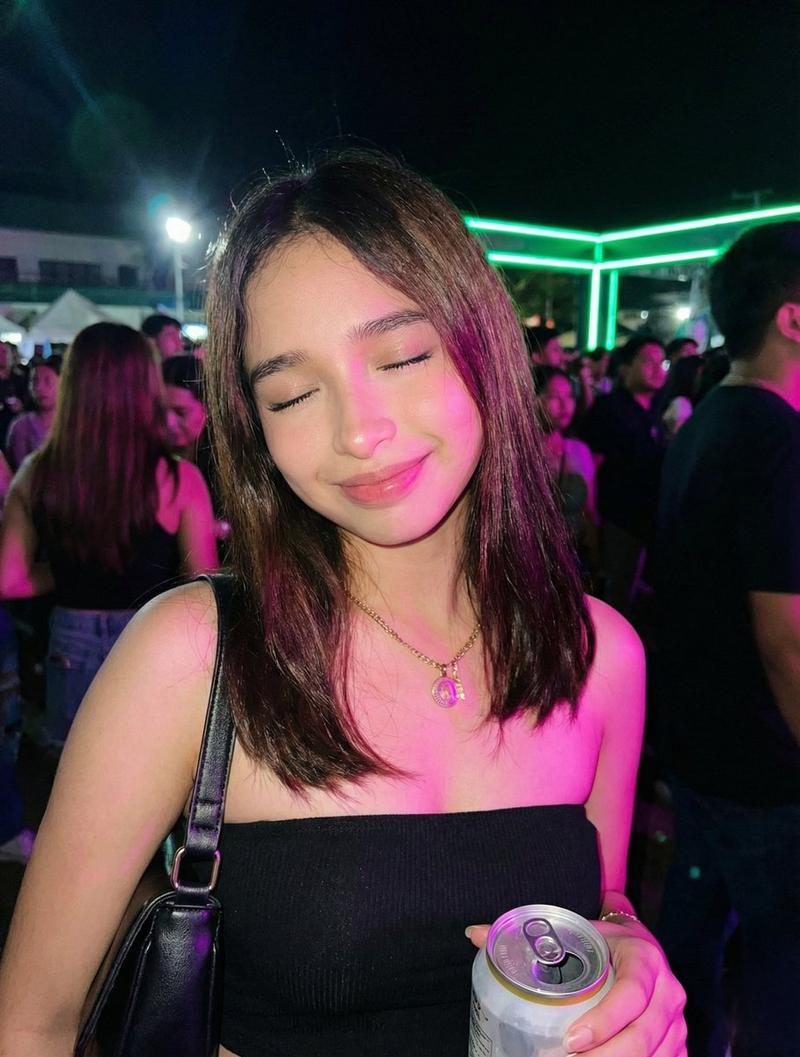
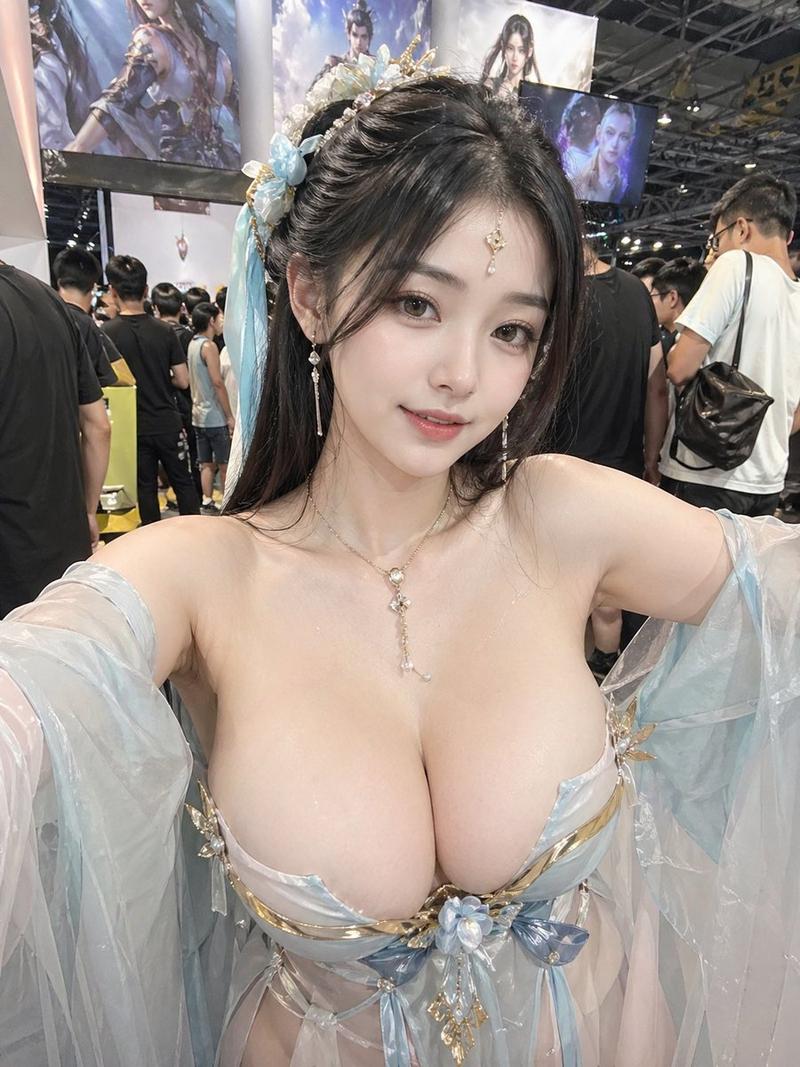
Using the provided reference image as the base for the same group selfie, regenerate it as a new nighttime nightclub selfie with the same three women and the same face-anonymized look. Change the composition so the woman on the left is closest to the camera with her arm extended taking the selfie, the center woman stands slightly behind in a fitted white ruched mini dress, and the woman on the right leans in while making a peace sign. Update the outfits to exactly 3 visible looks: left woman in a black camisole crop top with denim shorts and a chain-strap bag, center woman in a white mini dress, right woman in a white lace-up camisole crop top with denim shorts. Replace the background with a larger crowded club scene full of people, dark atmosphere, magenta/blue/purple stage lighting, laser beams, and a distant DJ/stage area. Keep the candid flash-photo aesthetic, wide-angle selfie distortion, glossy skin highlights, and realistic low-light club photography. Maintain solid rectangular face blocks over all 3 women’s faces, matching the anonymized style of the reference. Do not add text, logos, or extra main subjects.
Category
Charts & Infographics
Model
GPT Image 2
Creator
life..
Views5
Source ID
22175
Published
May 23, 2026

Guide

About "夜店团体自拍转换"

What is this prompt for?

"夜店团体自拍转换" AI image prompt for GPT Image 2 (Charts & Infographics). 基于参考的团体照片,在保留三人匿名构图的前提下,创作一张逼真的夜店风格自拍。 Copy it on Picva and recreate the look in one click.

The full copyable prompt and example visuals above are ready for AI image generation or one-click recreate in Picva.

How to use this prompt

  1. Step 1

    Open the prompt detail

    Review the example visuals, category, and full prompt text for "夜店团体自拍转换".

  2. Step 2

    Copy the prompt

    Copy the prompt body from this page, or load it directly in Studio.

  3. Step 3

    Pick a model (GPT Image 2)

    Prefer GPT Image 2. If you switch models, keep subject and composition and tweak style terms.

  4. Step 4

    Generate and export

    Recreate the look in Picva, or export into your workflow for editing and publishing.

FAQ

What is the "夜店团体自拍转换" prompt?
It is an AI image-generation prompt for GPT Image 2 in the Charts & Infographics category. This page includes the full prompt text, example visuals, and a one-click recreate path in Picva.
How do I use this prompt to generate an image?
Copy the prompt from this page, or use Generate / Studio. Paste it into a compatible image model, or recreate the look in Picva with optional reference images.
Which model is this prompt for?
This page lists GPT Image 2. Most descriptive prompts also transfer to nearby image models such as GPT Image, Flux, or Midjourney with light style tweaks.
Can I use the result commercially?
You can usually copy the prompt for creation, but commercial use of the final image depends on the model terms, reference-image rights, and the generated content. Follow the source author and platform rules.