20

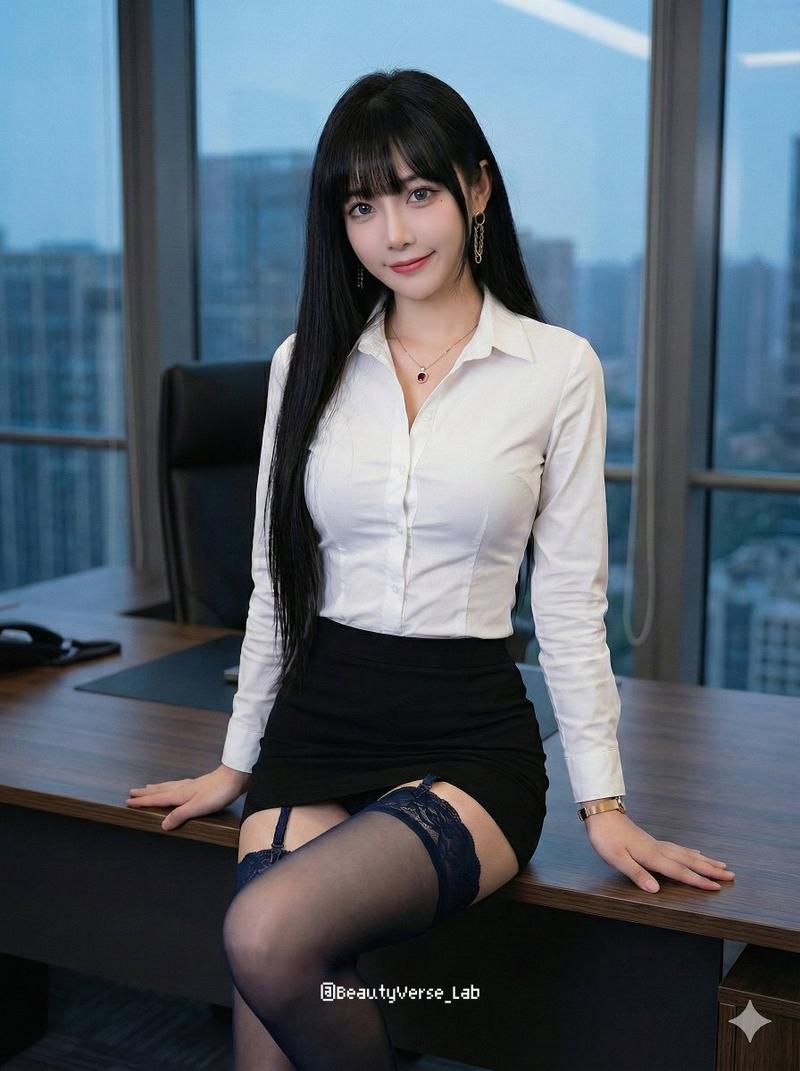
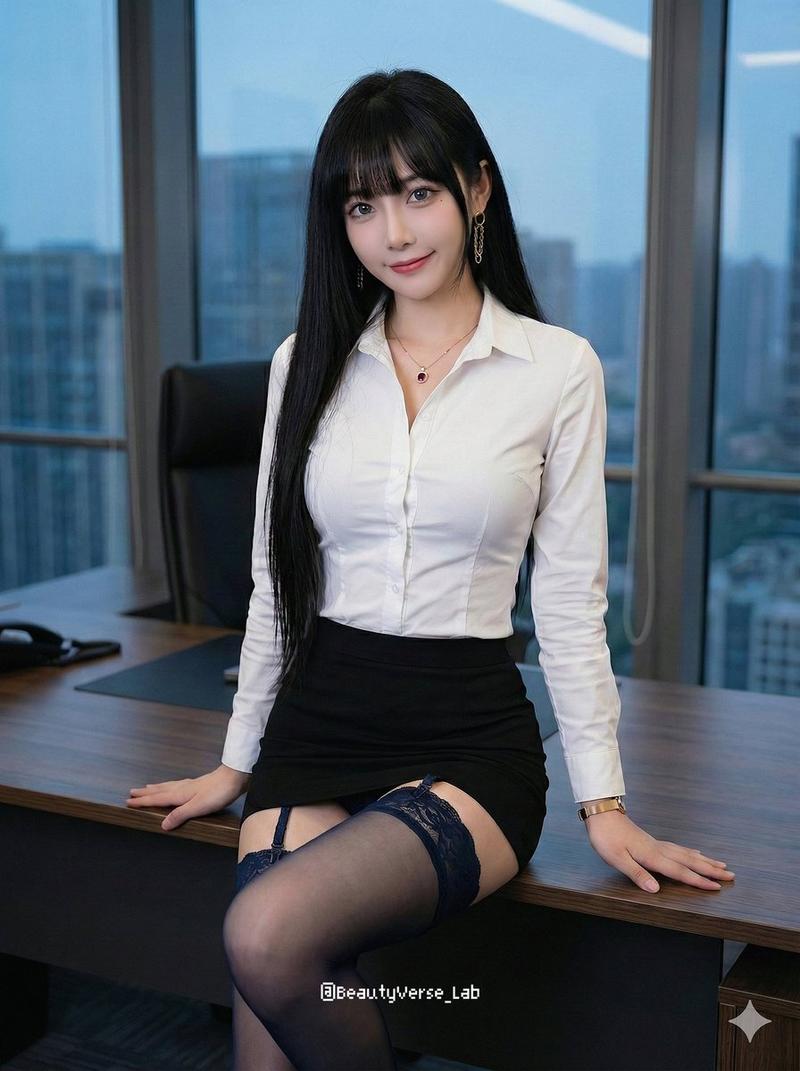
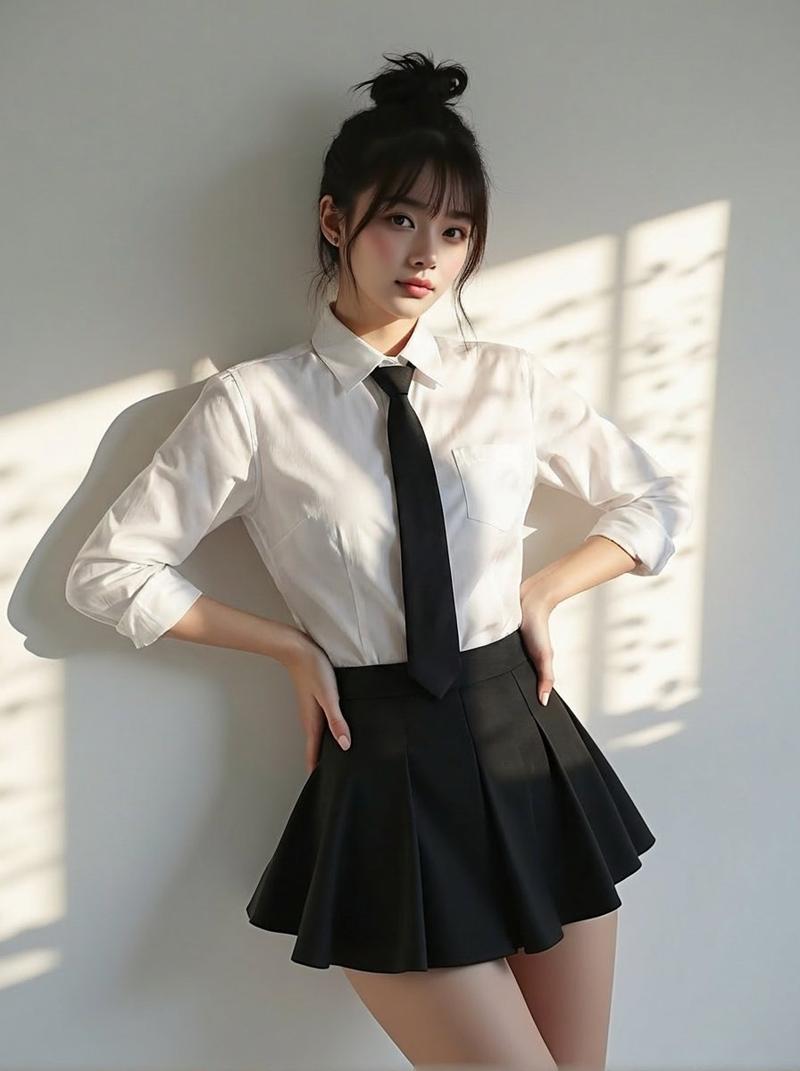
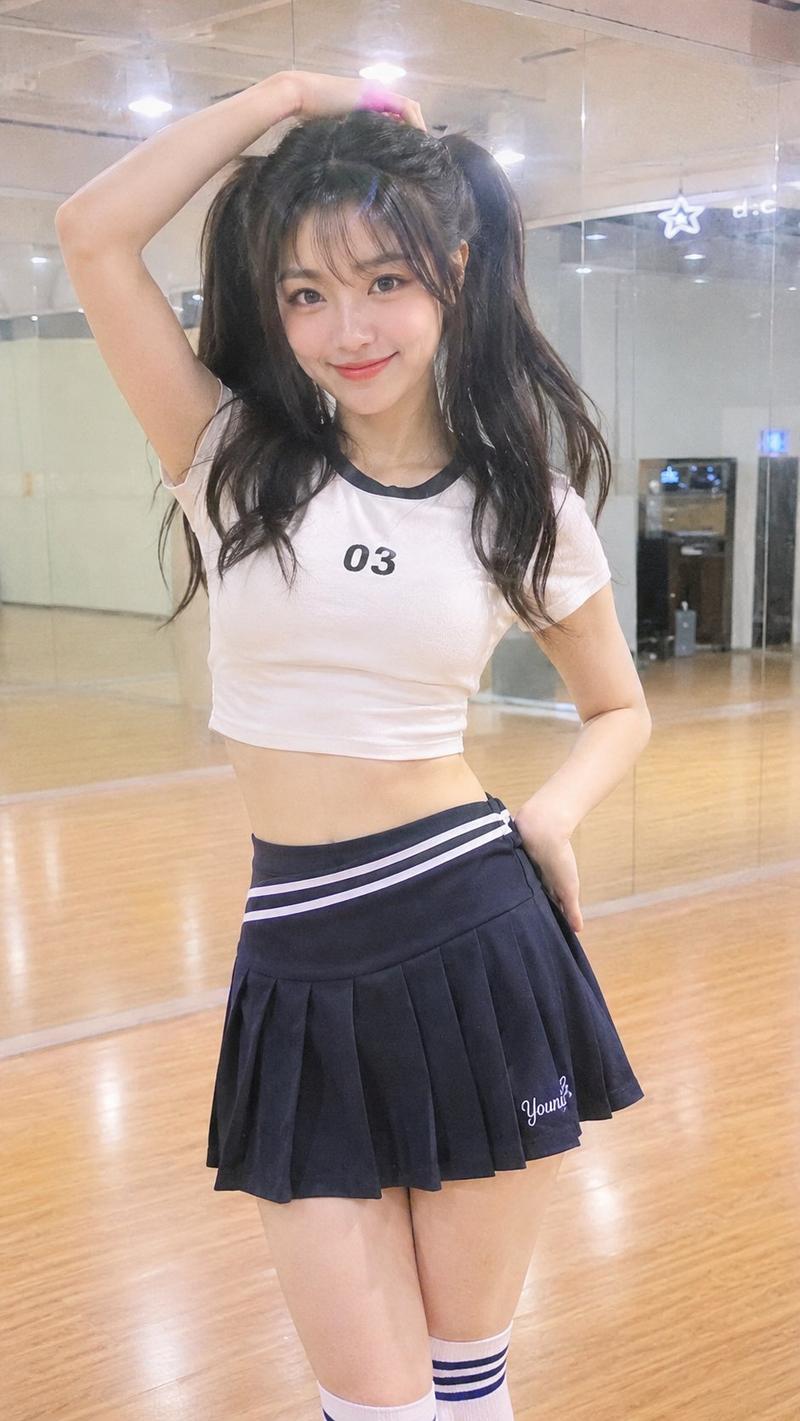
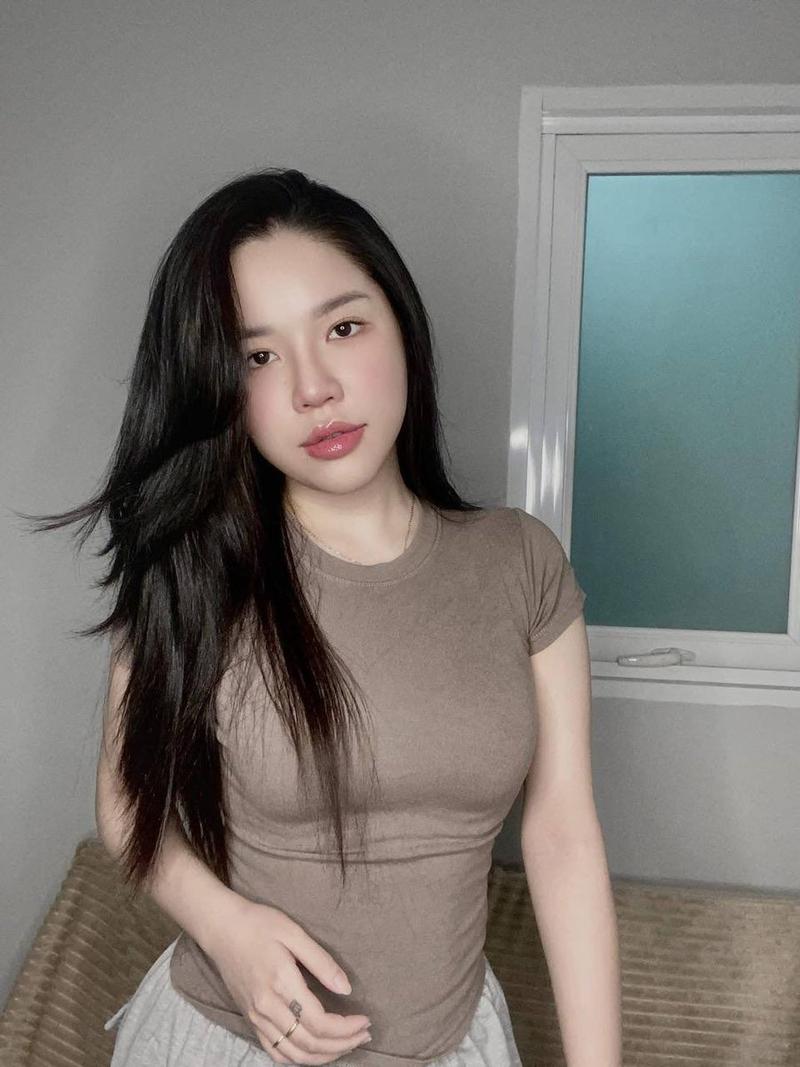
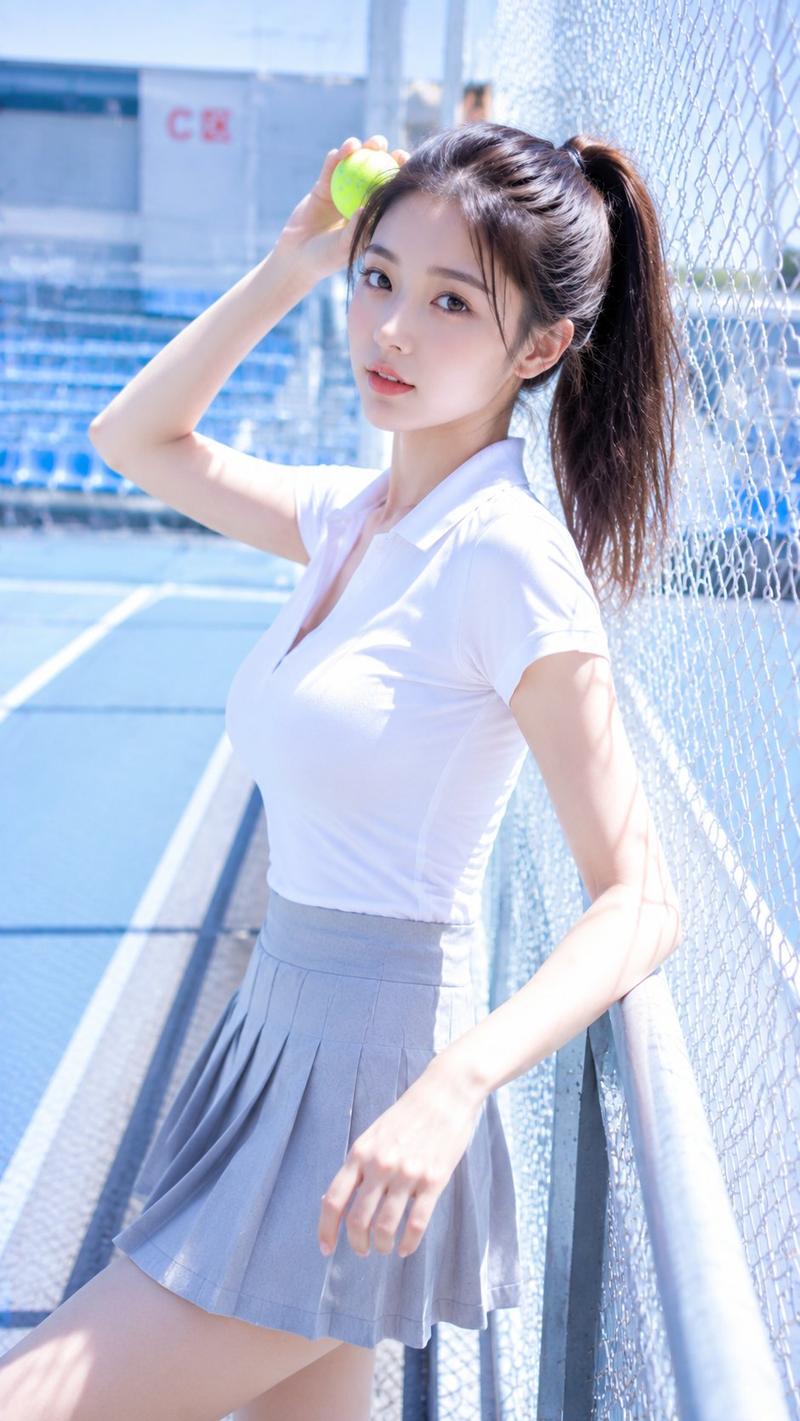
写实风格办公室穿搭自拍
Enlarge

Example images

写实风格办公室穿搭自拍

Prompt
Create a photorealistic vertical smartphone selfie-style image of an adult woman cropped from just below the nose to mid-thigh, with no face or eyes visible. She is wearing a fitted {argument name="shirt color and style" default="white short-sleeve button-up blouse with a pointed collar"} and a {argument name="skirt style" default="high-waisted black pleated skirt"}. Her {argument name="hair color and length" default="straight dark brown shoulder-length hair"} falls over both sides of her chest, with a few strands resting on the blouse. The camera is held slightly above and close to the body, angled downward in a casual mirrorless selfie perspective, showing the left arm entering from the lower-left edge. Use soft indoor natural lighting, realistic fabric wrinkles, visible shirt buttons, subtle collar shadows, and shallow depth of field. Background is an indistinct indoor room with pale flooring and a muted curtain or wall, softly blurred. Keep the composition candid and realistic, vertical 9:16 aspect ratio, no text, no logo, no watermark, no exaggerated anatomy, no explicit nudity.
Category
Brand & Logos
Model
GPT Image 2
Views5
Source ID
22179
Published
May 23, 2026

Guide

About "写实风格办公室穿搭自拍"

What is this prompt for?

"写实风格办公室穿搭自拍" AI image prompt for GPT Image 2 (Brand & Logos). 生成一张写实风格的手机自拍裁剪图,展示身穿白衬衫和黑色百褶裙的女性,适用于时尚或穿搭参考。 Copy it on Picva and recreate the look in one clic…

The full copyable prompt and example visuals above are ready for AI image generation or one-click recreate in Picva.

How to use this prompt

  1. Step 1

    Open the prompt detail

    Review the example visuals, category, and full prompt text for "写实风格办公室穿搭自拍".

  2. Step 2

    Copy the prompt

    Copy the prompt body from this page, or load it directly in Studio.

  3. Step 3

    Pick a model (GPT Image 2)

    Prefer GPT Image 2. If you switch models, keep subject and composition and tweak style terms.

  4. Step 4

    Generate and export

    Recreate the look in Picva, or export into your workflow for editing and publishing.

FAQ

What is the "写实风格办公室穿搭自拍" prompt?
It is an AI image-generation prompt for GPT Image 2 in the Brand & Logos category. This page includes the full prompt text, example visuals, and a one-click recreate path in Picva.
How do I use this prompt to generate an image?
Copy the prompt from this page, or use Generate / Studio. Paste it into a compatible image model, or recreate the look in Picva with optional reference images.
Which model is this prompt for?
This page lists GPT Image 2. Most descriptive prompts also transfer to nearby image models such as GPT Image, Flux, or Midjourney with light style tweaks.
Can I use the result commercially?
You can usually copy the prompt for creation, but commercial use of the final image depends on the model terms, reference-image rights, and the generated content. Follow the source author and platform rules.