20

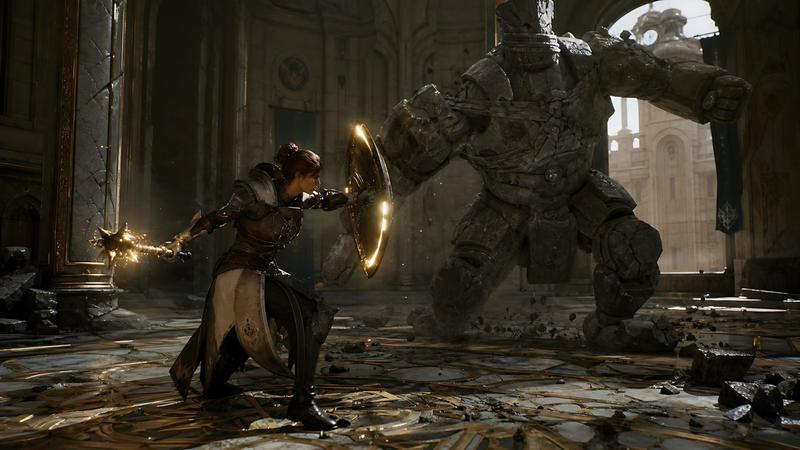
电影级中世纪战斗装束
Enlarge

电影级中世纪战斗装束

Prompt
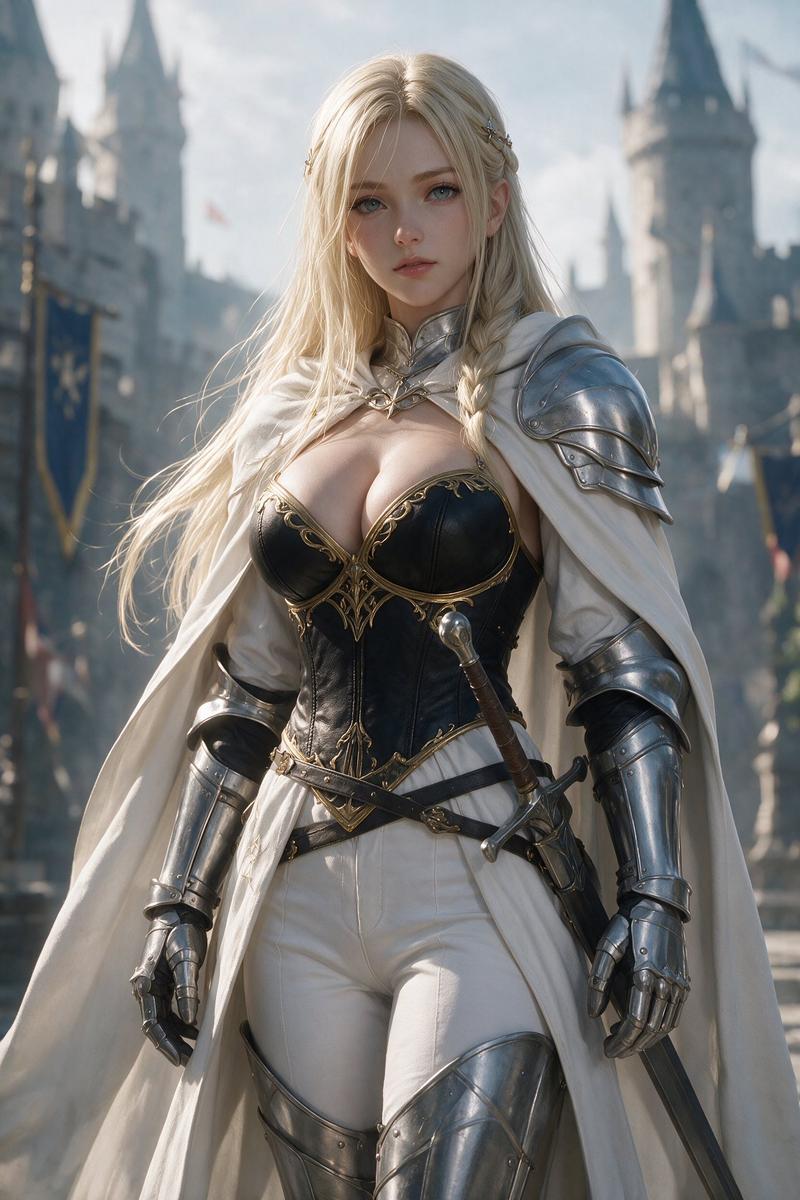
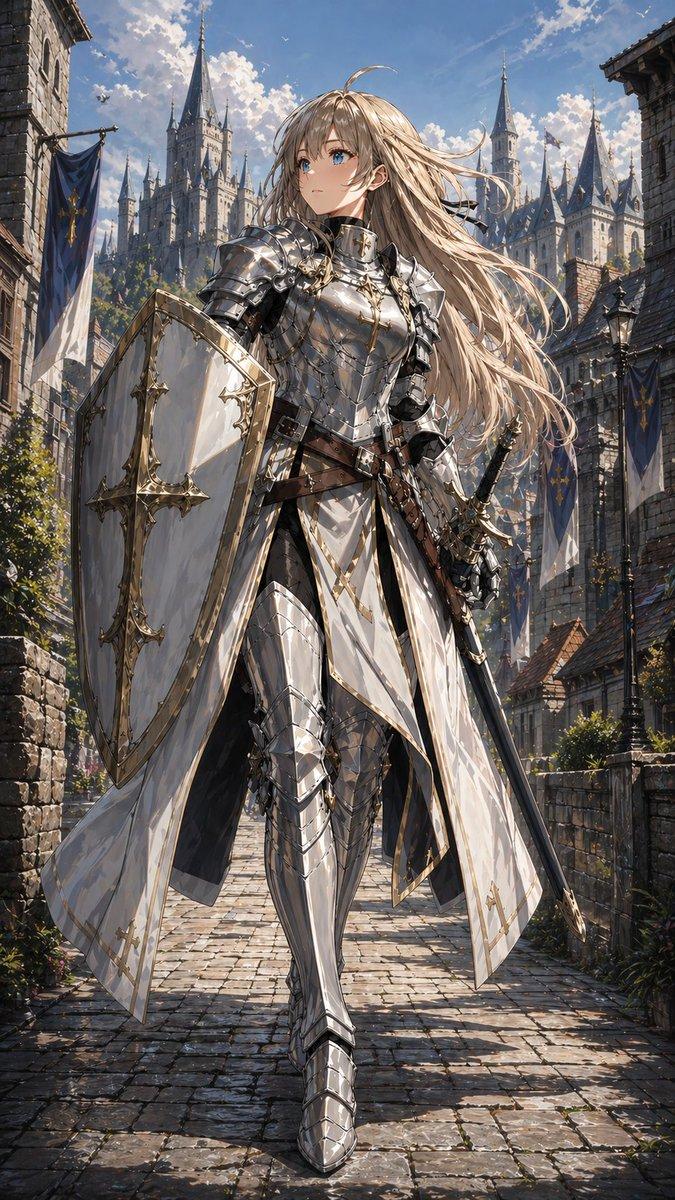
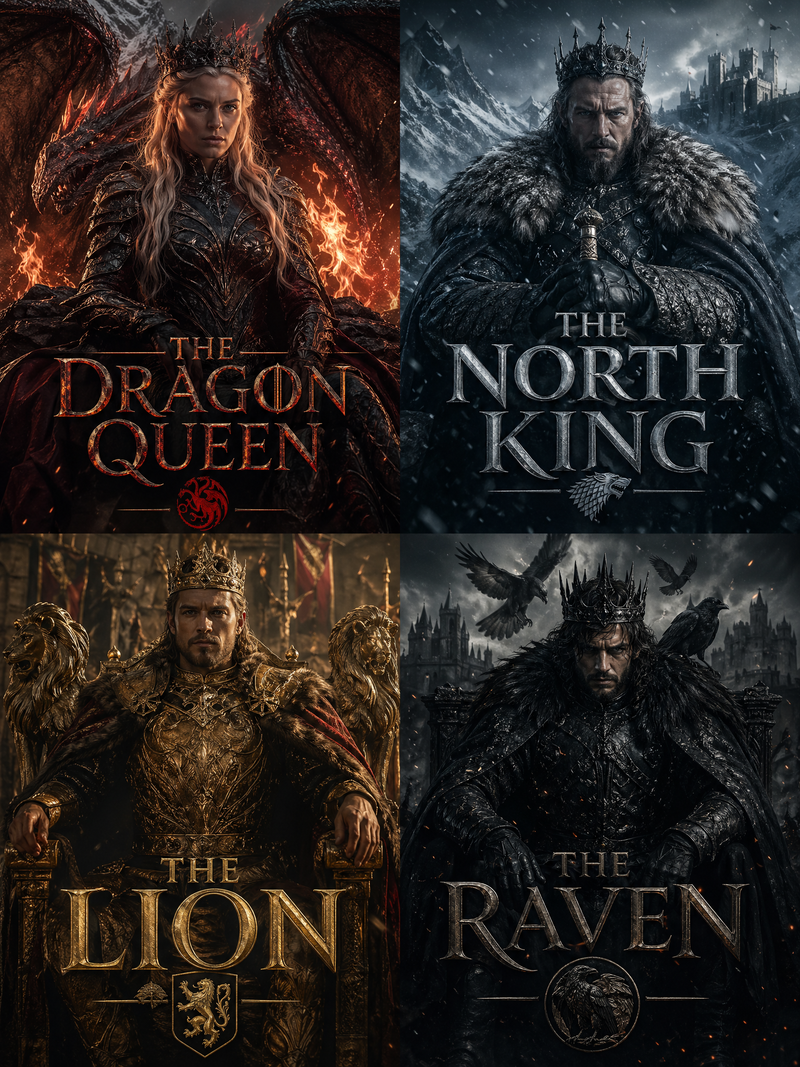
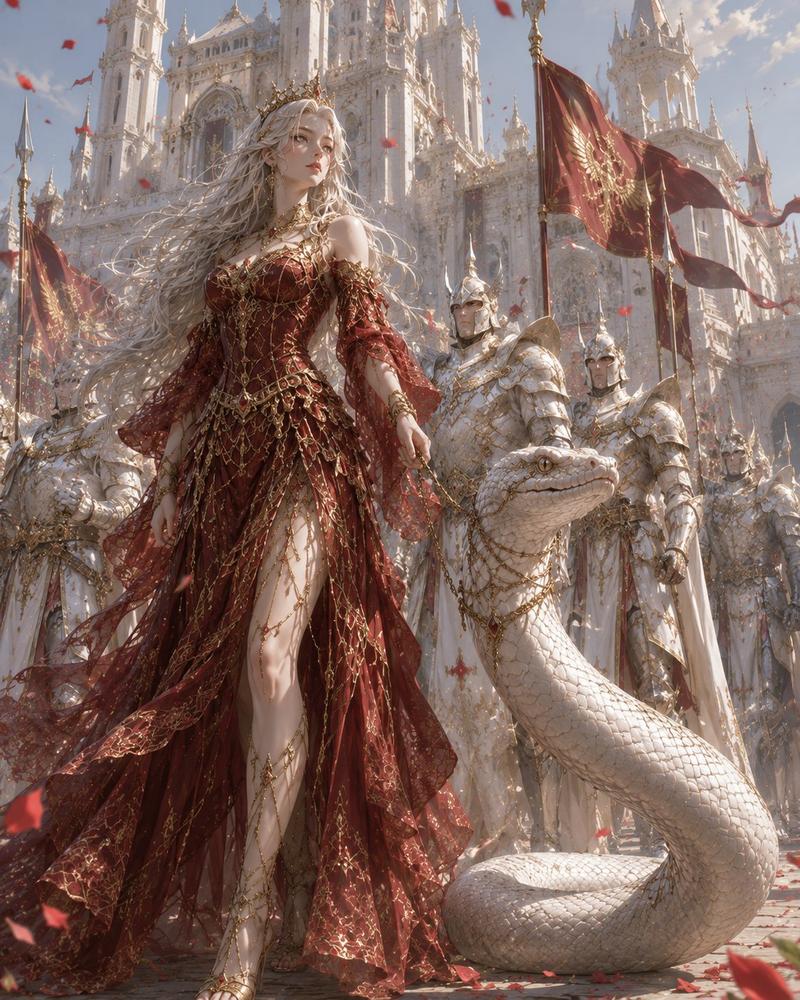
Create a cinematic dark-fantasy portrait of {argument name="two central warriors" default="a regal blonde woman in ornate silver full-plate armor and a towering shirtless barbarian man"} standing side by side in front of a grand medieval stone cathedral. The composition is vertical and symmetrical, waist-to-full-body framing, dramatic realistic lighting, high-detail photorealism, gritty fantasy-film atmosphere. Include exactly 2 main foreground figures: the left figure wears intricately engraved polished silver armor, gauntlets, greaves, a pale embroidered tabard, and a long cream-white cape; the right figure is extremely muscular, wet or oiled skin, long dark curly hair, black leather-and-fur war skirt, wrapped bracers, rugged boots, and a sheathed sword at his side. Place exactly 6 background guards in reflective steel helmets and armor, holding tall polearms or spears, arranged behind the main pair like a royal battle escort. Add deep navy banners with ornate gold heraldic patterns hanging on the cathedral walls, stone paving underfoot, and a ceremonial military formation feel. Cover the visible faces with plain opaque brown rectangular censor blocks: one on the left main warrior, one on the right main warrior, and one on the left background guard. Use {argument name="visual style" default="ultra-detailed photorealistic cinematic medieval fantasy"}, rich metallic reflections, high contrast, shallow depth of field, no modern objects, no text, no watermark.
Category
Posters & Typography
Model
GPT Image 2
Views6
Source ID
22181
Published
May 23, 2026

Guide

About "电影级中世纪战斗装束"

What is this prompt for?

"电影级中世纪战斗装束" AI image prompt for GPT Image 2 (Posters & Typography). 生成一幅戏剧性的写实奇幻场景,描绘两名身披铠甲的战士和一支礼仪卫队在教堂中的阵列。 Copy it on Picva and recreate the look in one cl…

The full copyable prompt and example visuals above are ready for AI image generation or one-click recreate in Picva.

How to use this prompt

  1. Step 1

    Open the prompt detail

    Review the example visuals, category, and full prompt text for "电影级中世纪战斗装束".

  2. Step 2

    Copy the prompt

    Copy the prompt body from this page, or load it directly in Studio.

  3. Step 3

    Pick a model (GPT Image 2)

    Prefer GPT Image 2. If you switch models, keep subject and composition and tweak style terms.

  4. Step 4

    Generate and export

    Recreate the look in Picva, or export into your workflow for editing and publishing.

FAQ

What is the "电影级中世纪战斗装束" prompt?
It is an AI image-generation prompt for GPT Image 2 in the Posters & Typography category. This page includes the full prompt text, example visuals, and a one-click recreate path in Picva.
How do I use this prompt to generate an image?
Copy the prompt from this page, or use Generate / Studio. Paste it into a compatible image model, or recreate the look in Picva with optional reference images.
Which model is this prompt for?
This page lists GPT Image 2. Most descriptive prompts also transfer to nearby image models such as GPT Image, Flux, or Midjourney with light style tweaks.
Can I use the result commercially?
You can usually copy the prompt for creation, but commercial use of the final image depends on the model terms, reference-image rights, and the generated content. Follow the source author and platform rules.