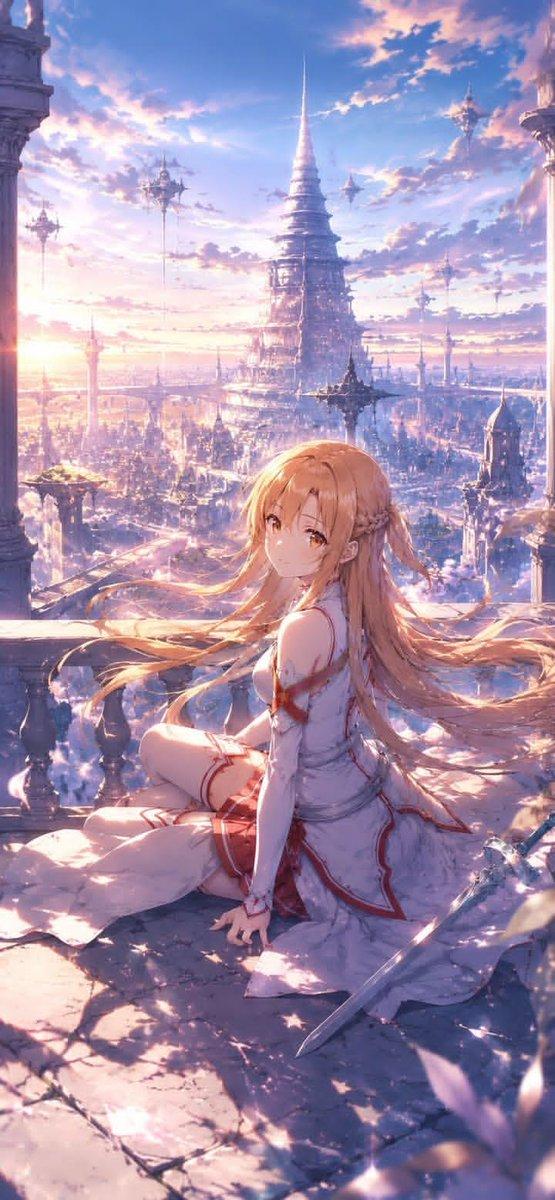
天体动漫雨伞肖像
Prompt
Create a dreamy anime-style fantasy portrait of {argument name="character name" default="a mysterious blue-haired girl"} standing under an ornate transparent art umbrella. The scene is a luminous celestial reverie in cool sapphire, lavender, and white tones, with backlit clouds and soft daylight bokeh behind her. The character has very long flowing {argument name="hair color" default="deep indigo-blue"} hair, pale skin, and an elegant off-shoulder frilly dress in navy and translucent pale blue, decorated with sheer ruffles, star beads, pearl chains, a dark blue bow at the throat, and a faceted blue gemstone pendant. Her face is intentionally hidden by a centered opaque square gradient mask in muted blue-to-lavender, covering the facial area while leaving hair, outfit, hands, and accessories visible. She holds the umbrella shaft with one hand near the lower left of her torso, posed calmly and serenely.

The umbrella is the main visual feature: one large transparent dome umbrella with a dark navy ruffled outer rim, visible black ribs, glossy reflections, and an inner fantasy sky design filled with clouds, constellations, glittering star trails, pearl strands, and celestial charms. Include exactly 4 prominent moon ornaments/designs on or inside the umbrella: 2 large pale crescent moons on the left side, 1 thin circular moon ring near the upper center-left, and 1 small crescent moon on the right side. Include exactly 3 larger hanging star charms that stand out among many tiny sparkles: one near the upper center, one near the right center, and one near the lower torso area. Add floral details: exactly 2 large blue-white roses, one tucked beside the left side of the hair near the temple and one at the lower right waist/sleeve area. Add delicate dangling pearl-and-star hair ornaments on both sides of the head.

Overlay a subtle transparent smartphone-style psychological scan UI that does not distract from the character. Include exactly 2 translucent UI panels: first, a small rounded rectangle at the top right reading “SCAN 100%” with tiny barcode-like lines and minimal sparkle marks; second, a larger frosted-glass rounded rectangle at the bottom left reading “INNER SCAN COMPLETE”, then “Type : {argument name="type text" default="Starlit Reverie"}”, then “Mood : {argument name="mood text" default="Serene / Pure / Longing"}”. Inside the bottom-left panel include exactly 3 simple line icons along the bottom: a rose icon, a star icon, and a crescent moon icon. Add a small cursive signature-like label at the bottom right reading “{argument name="signature text" default="Inner-Umbrella Archive"}”. Use high-detail Japanese anime illustration rendering, crystalline highlights, soft bloom, transparent fabric textures, ethereal lighting, and a polished vertical composition. Avoid extra text, avoid watermarks, and keep the face mask as a clean square overlay.- Category
- Charts & Infographics
- Model
- GPT Image 2
- Creator
- あまり🖋️AI &フリー素材配布
- Source ID
- 22202
- Published
- May 23, 2026
Views9