16

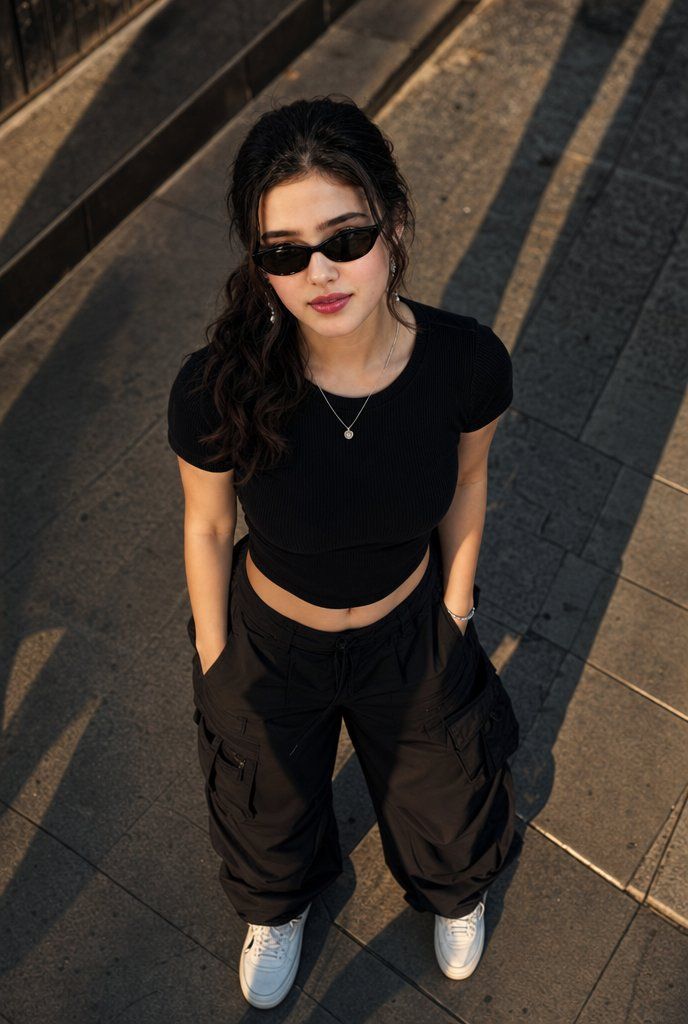
高角度城市时尚人像
Enlarge

高角度城市时尚人像

Prompt
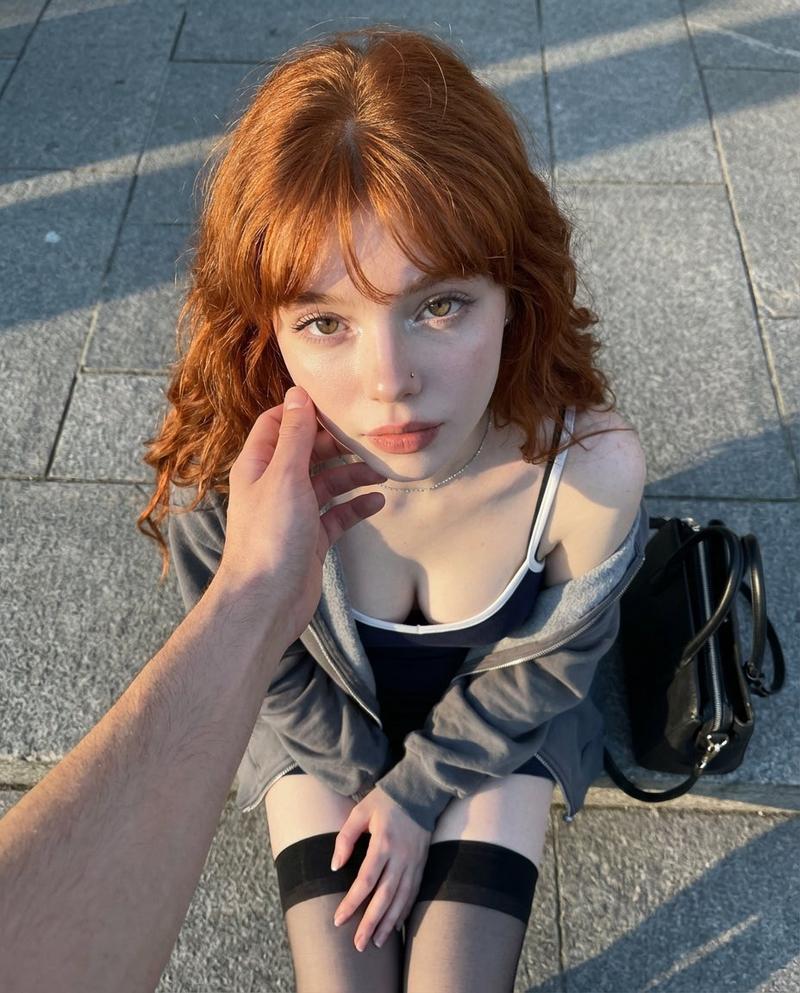
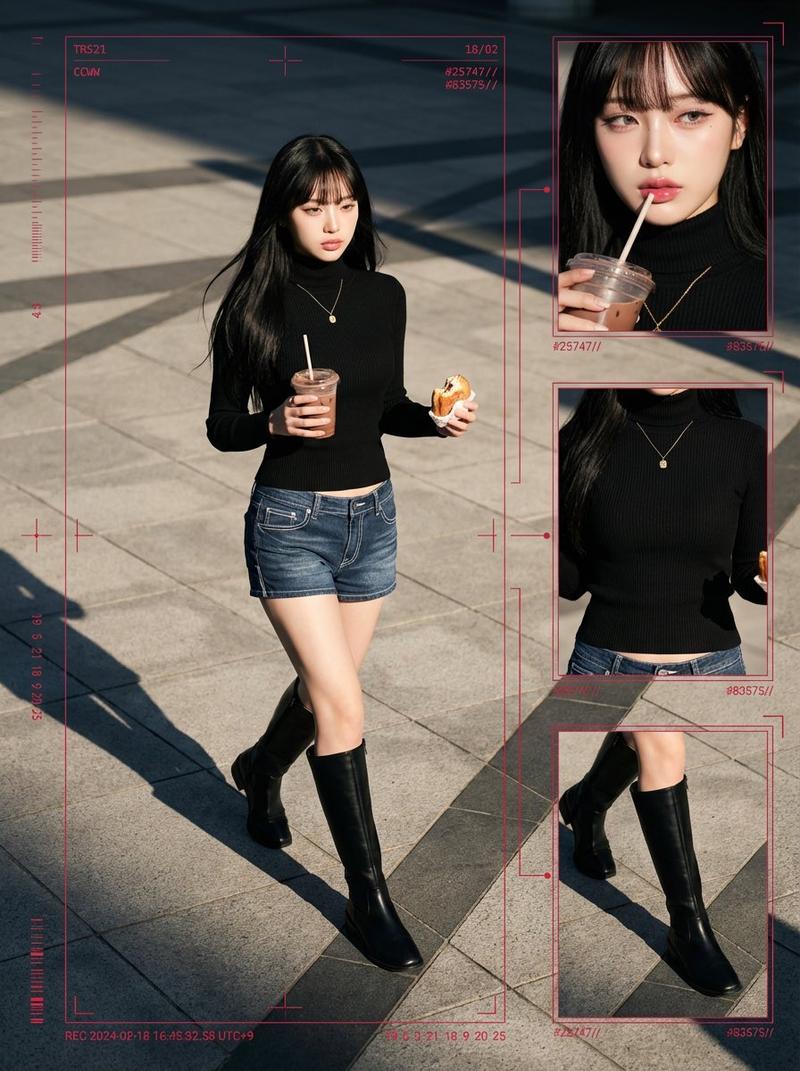
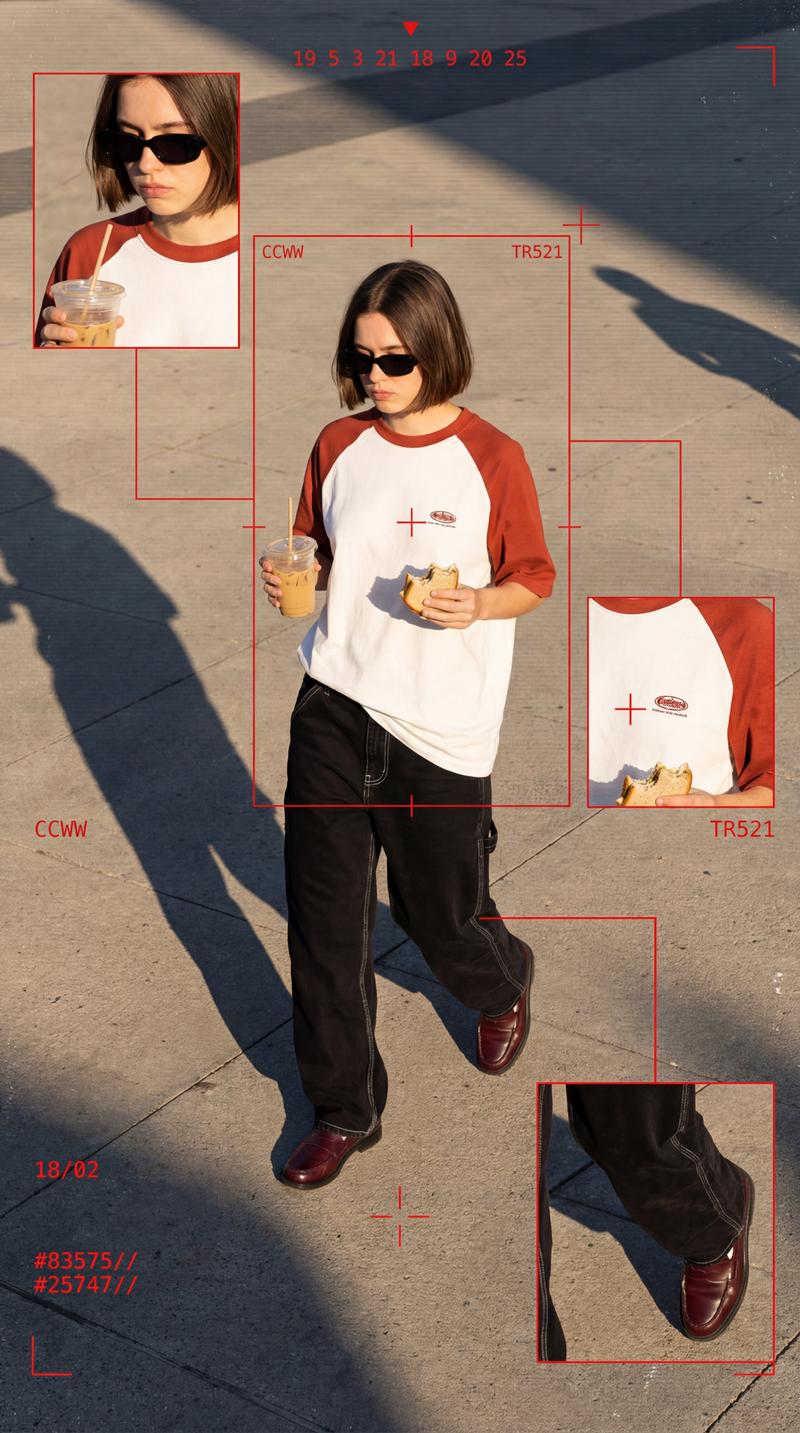
Create a cinematic high-angle street fashion portrait of {argument name="character description" default="a confident young woman"} standing on textured urban stone pavement at golden hour, looking directly upward toward the camera with a bold, fearless posture. The camera is nearly overhead, vertical portrait framing, showing her from head to shoes with strong diagonal shadows stretching across the sidewalk and a dark curb or railing edge in the upper background. Her face is intentionally anonymized by a soft rectangular blur over the facial features while her dark wavy hair is pulled back loosely with strands falling around the face. She wears exactly 5 visible fashion/accessory elements: a fitted {argument name="top style" default="black ribbed short-sleeve crop top"}, oversized {argument name="pants style" default="black cargo pants with large side pockets and drawstring waist"}, clean white sneakers, a delicate silver pendant necklace, and a slim bracelet on one wrist. Her hands are tucked into her pants pockets, shoulders squared, stance relaxed but powerful. Use realistic photography, warm directional sunlight, deep shadows, natural skin tones, crisp fabric texture, detailed pavement slabs, shallow cinematic contrast, 35mm editorial fashion look, no text, no watermark.
Category
Charts & Infographics
Model
GPT Image 2
Creator
Hania Ai
Views2
Source ID
22214
Published
May 23, 2026

Guide

About "高角度城市时尚人像"

What is this prompt for?

"高角度城市时尚人像" AI image prompt for GPT Image 2 (Charts & Infographics). 一张电影感十足的俯视街头风人像,展现了一位自信的年轻女性身着黑色工装风格,站在阳光洒满的城市路面上。 Copy it on Picva and recreate the look…

The full copyable prompt and example visuals above are ready for AI image generation or one-click recreate in Picva.

How to use this prompt

  1. Step 1

    Open the prompt detail

    Review the example visuals, category, and full prompt text for "高角度城市时尚人像".

  2. Step 2

    Copy the prompt

    Copy the prompt body from this page, or load it directly in Studio.

  3. Step 3

    Pick a model (GPT Image 2)

    Prefer GPT Image 2. If you switch models, keep subject and composition and tweak style terms.

  4. Step 4

    Generate and export

    Recreate the look in Picva, or export into your workflow for editing and publishing.

FAQ

What is the "高角度城市时尚人像" prompt?
It is an AI image-generation prompt for GPT Image 2 in the Charts & Infographics category. This page includes the full prompt text, example visuals, and a one-click recreate path in Picva.
How do I use this prompt to generate an image?
Copy the prompt from this page, or use Generate / Studio. Paste it into a compatible image model, or recreate the look in Picva with optional reference images.
Which model is this prompt for?
This page lists GPT Image 2. Most descriptive prompts also transfer to nearby image models such as GPT Image, Flux, or Midjourney with light style tweaks.
Can I use the result commercially?
You can usually copy the prompt for creation, but commercial use of the final image depends on the model terms, reference-image rights, and the generated content. Follow the source author and platform rules.