19

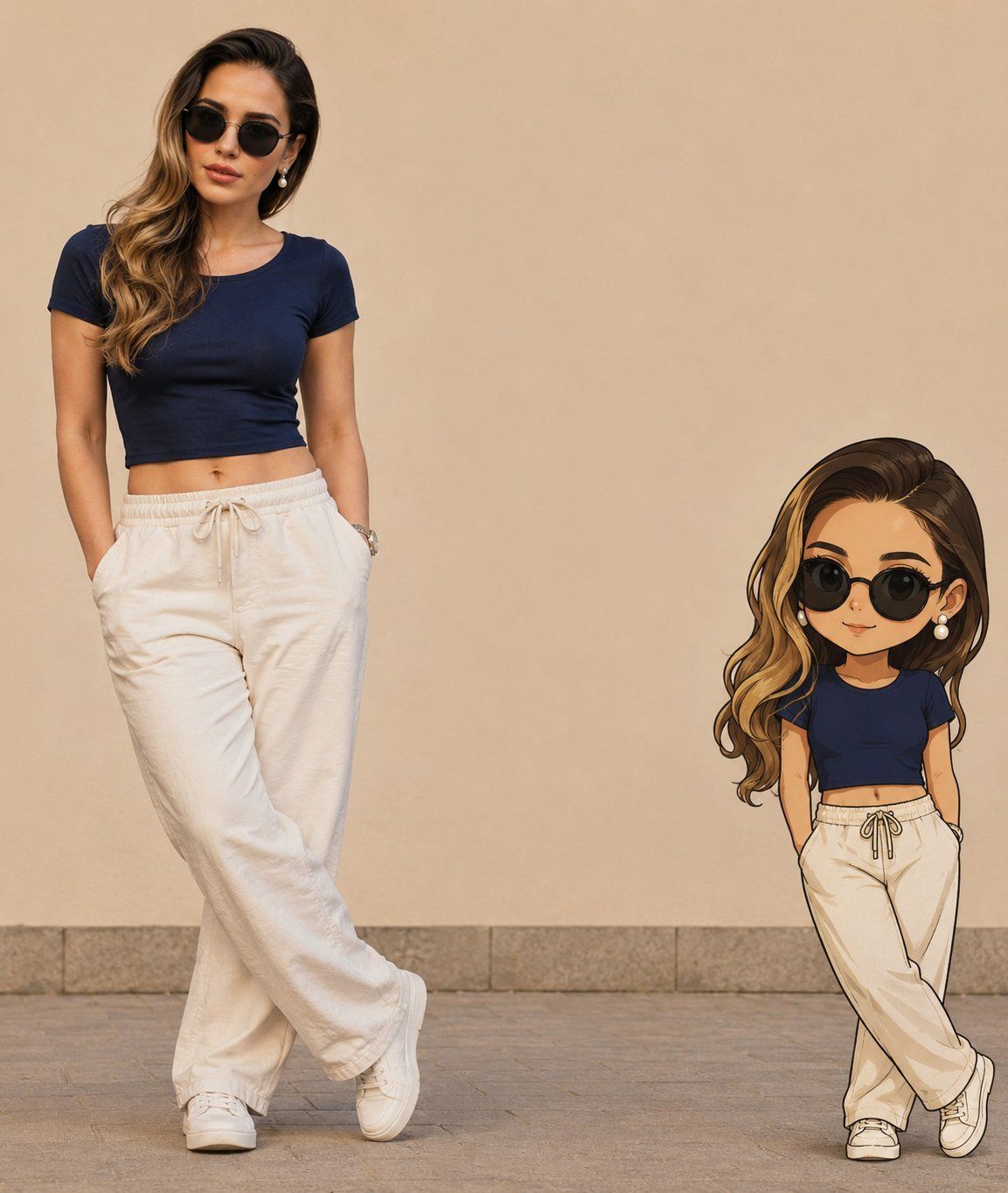
真人与Q版分身对比肖像
Enlarge

真人与Q版分身对比肖像

Prompt
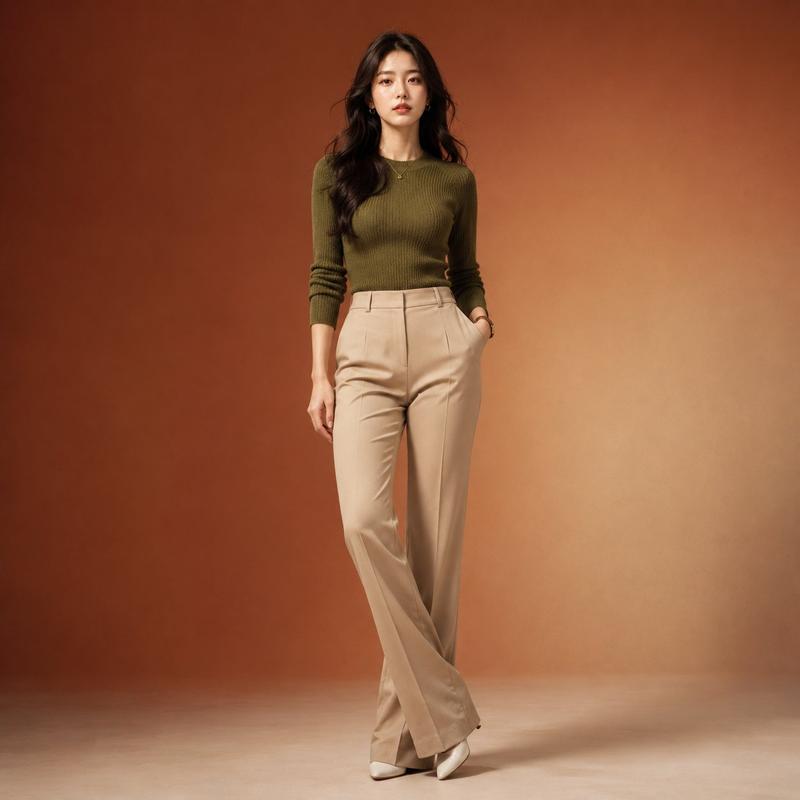
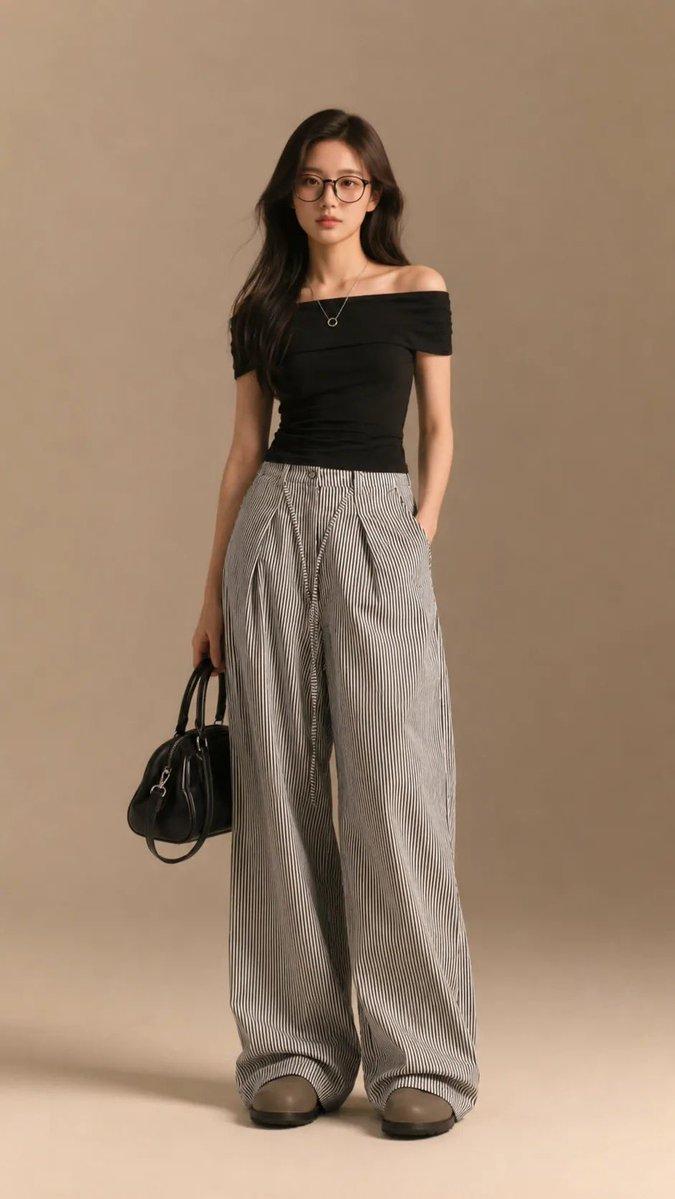
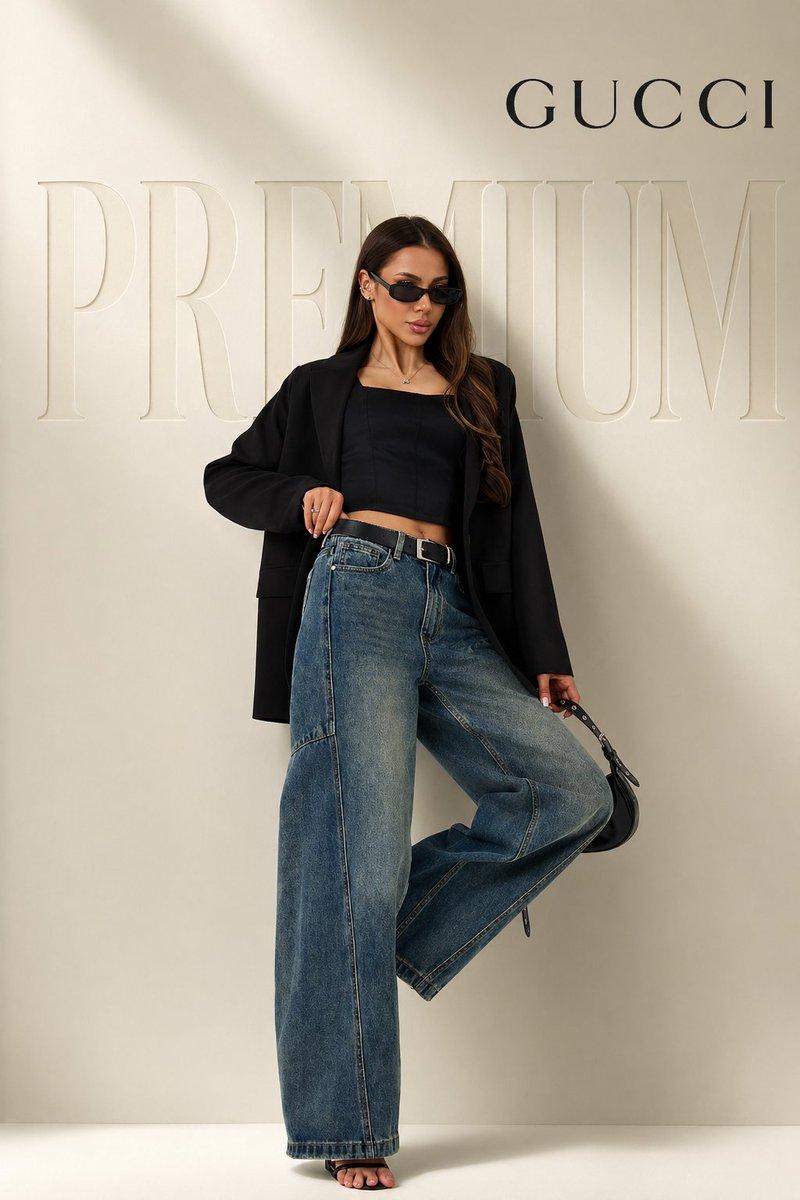
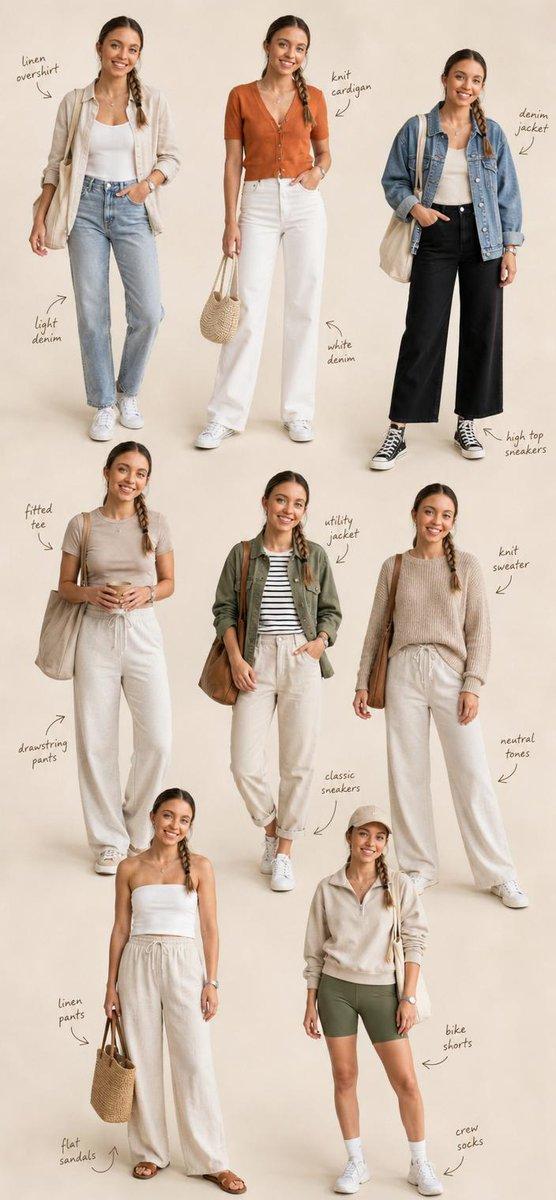
Create a side-by-side portrait featuring a real person and their matching chibi avatar. Use the uploaded photo as the facial reference, accurately preserving the person's identity, hairstyle, facial structure, skin tone, expression, and overall appearance.

Keep the exact outfit from the uploaded image, including clothing colors, accessories, footwear, and styling. The person stands in a relaxed, fashionable pose, while a highly detailed 3D chibi version stands beside them, perfectly matching the face, hairstyle, outfit, accessories, and pose.

The chibi character should have a large expressive head, small body proportions, glossy eyes, smooth shading, and premium Pixar-style 3D quality. Both the real person and chibi avatar should look like different versions of the same individual.

Background: clean minimalist setting with soft neutral tones, smooth wall backdrop, tiled pavement or studio floor, warm natural lighting, subtle shadows, and a modern aesthetic. Full-body composition, balanced side-by-side layout, photorealistic human subject, ultra-detailed character design, soft depth of field, high-end lifestyle photography, cute yet premium look, Instagram-worthy composition, 8K resolution.
Category
Brand & Logos
Model
ChatGPT
Views6
Source ID
15385
Published
Jun 5, 2026

Guide

About "真人与Q版分身对比肖像"

What is this prompt for?

"真人与Q版分身对比肖像" AI image prompt for ChatGPT (Brand & Logos). 创建一个包含真人和与其匹配的 Q 版化身的并排肖像。使用上传的照片作为面部参考,准确保留人物的身份、发型、面部结构、肤色、表情和整体外观。保持上传图像中完全相同的装束,包括服装颜色、配饰、鞋履和造型。…

The full copyable prompt and example visuals above are ready for AI image generation or one-click recreate in Picva.

How to use this prompt

  1. Step 1

    Open the prompt detail

    Review the example visuals, category, and full prompt text for "真人与Q版分身对比肖像".

  2. Step 2

    Copy the prompt

    Copy the prompt body from this page, or load it directly in Studio.

  3. Step 3

    Pick a model (ChatGPT)

    Prefer ChatGPT. If you switch models, keep subject and composition and tweak style terms.

  4. Step 4

    Generate and export

    Recreate the look in Picva, or export into your workflow for editing and publishing.

FAQ

What is the "真人与Q版分身对比肖像" prompt?
It is an AI image-generation prompt for ChatGPT in the Brand & Logos category. This page includes the full prompt text, example visuals, and a one-click recreate path in Picva.
How do I use this prompt to generate an image?
Copy the prompt from this page, or use Generate / Studio. Paste it into a compatible image model, or recreate the look in Picva with optional reference images.
Which model is this prompt for?
This page lists ChatGPT. Most descriptive prompts also transfer to nearby image models such as GPT Image, Flux, or Midjourney with light style tweaks.
Can I use the result commercially?
You can usually copy the prompt for creation, but commercial use of the final image depends on the model terms, reference-image rights, and the generated content. Follow the source author and platform rules.