16

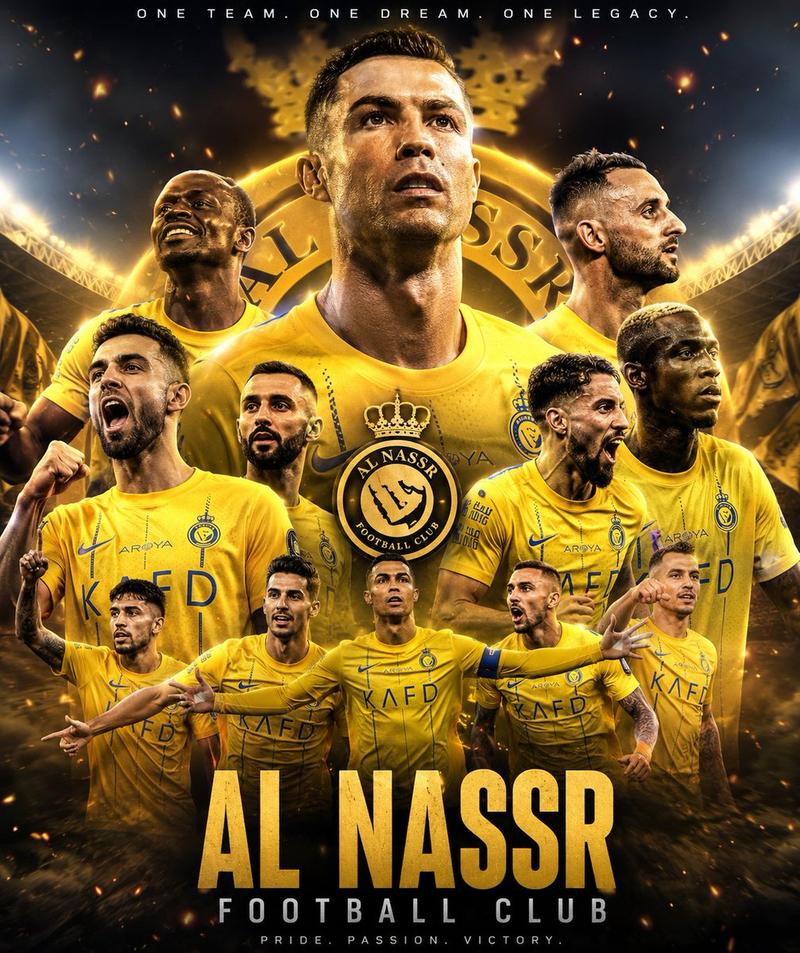
动态足球胜利海报
Enlarge

动态足球胜利海报

Prompt
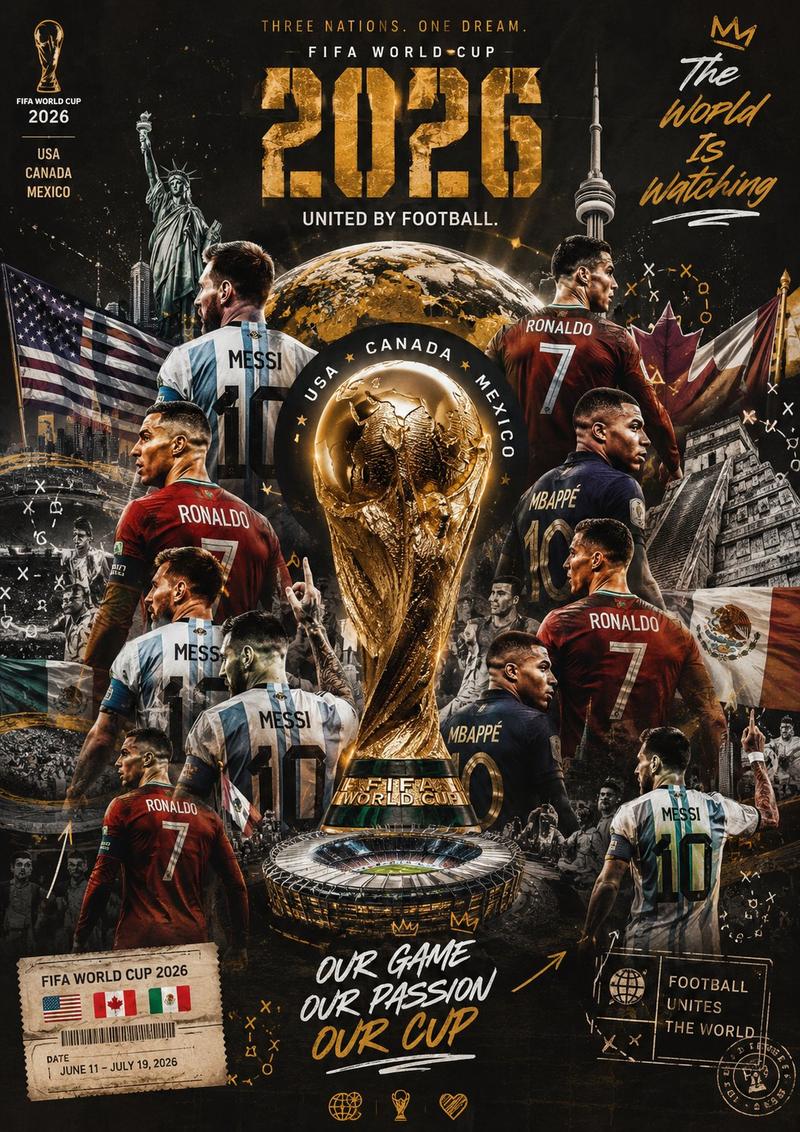
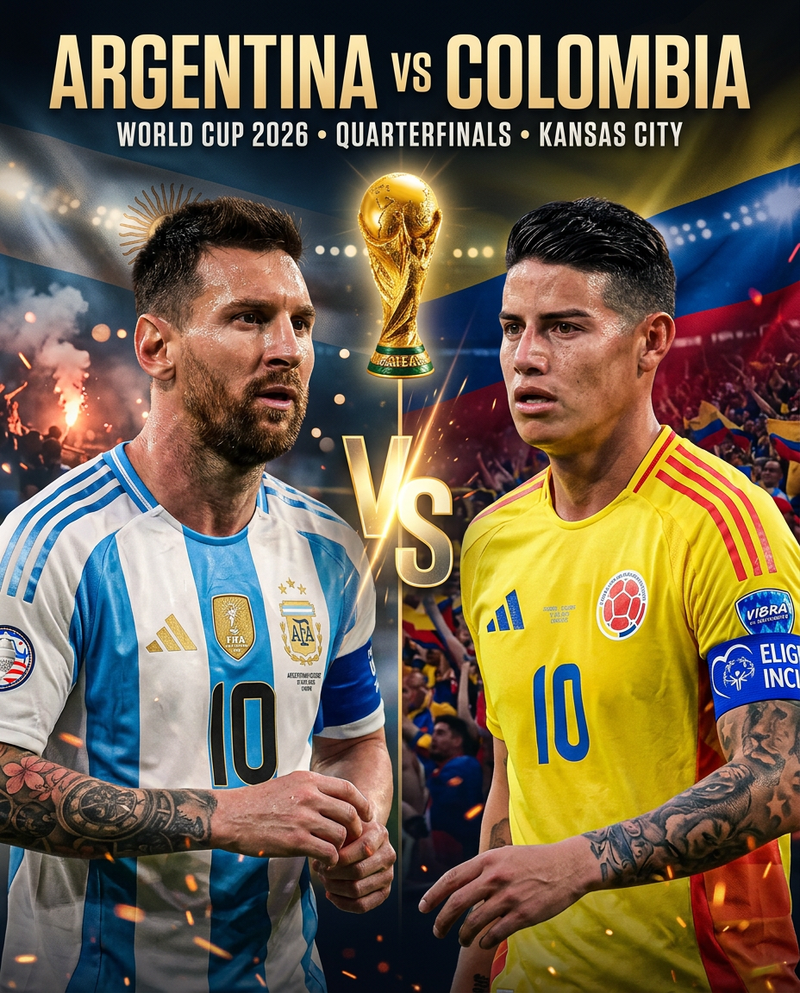
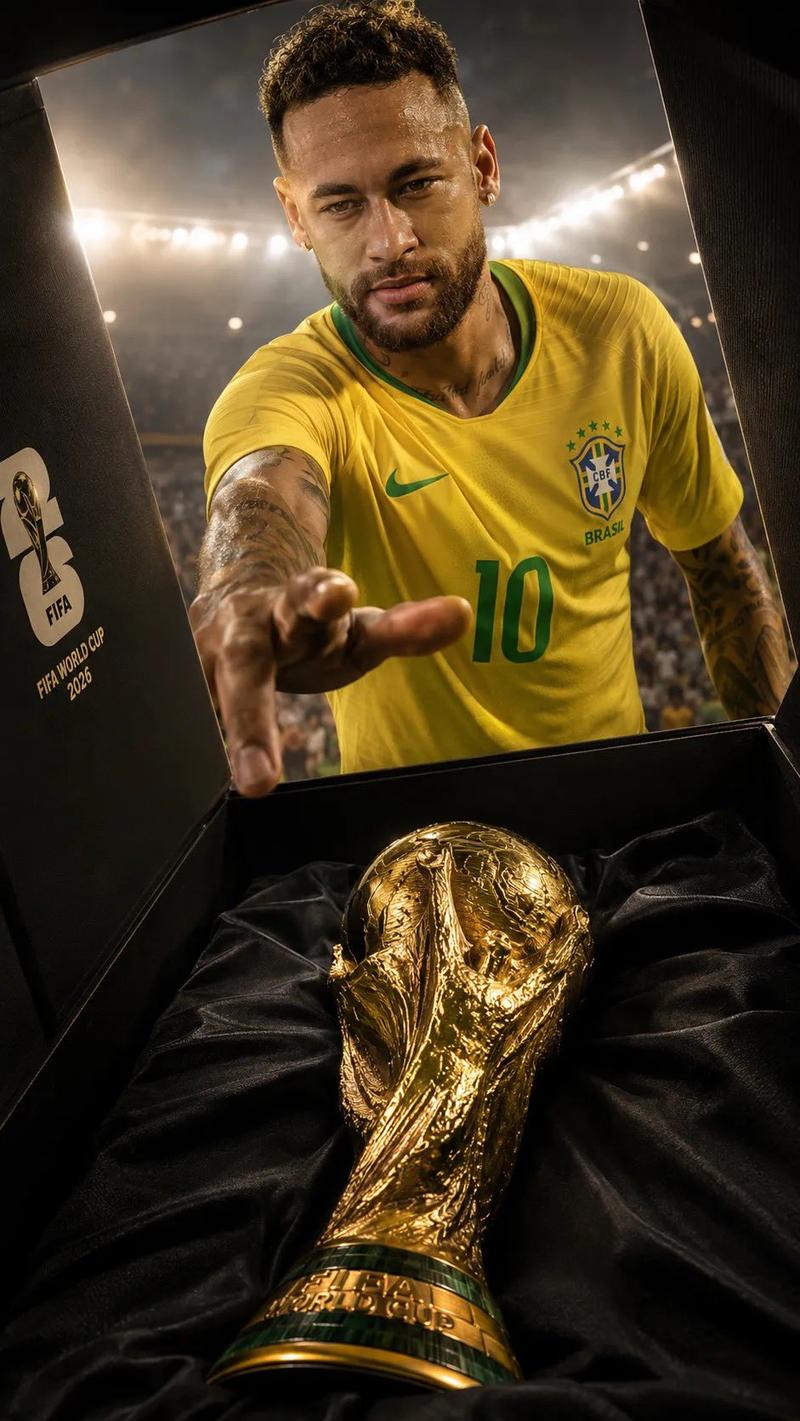
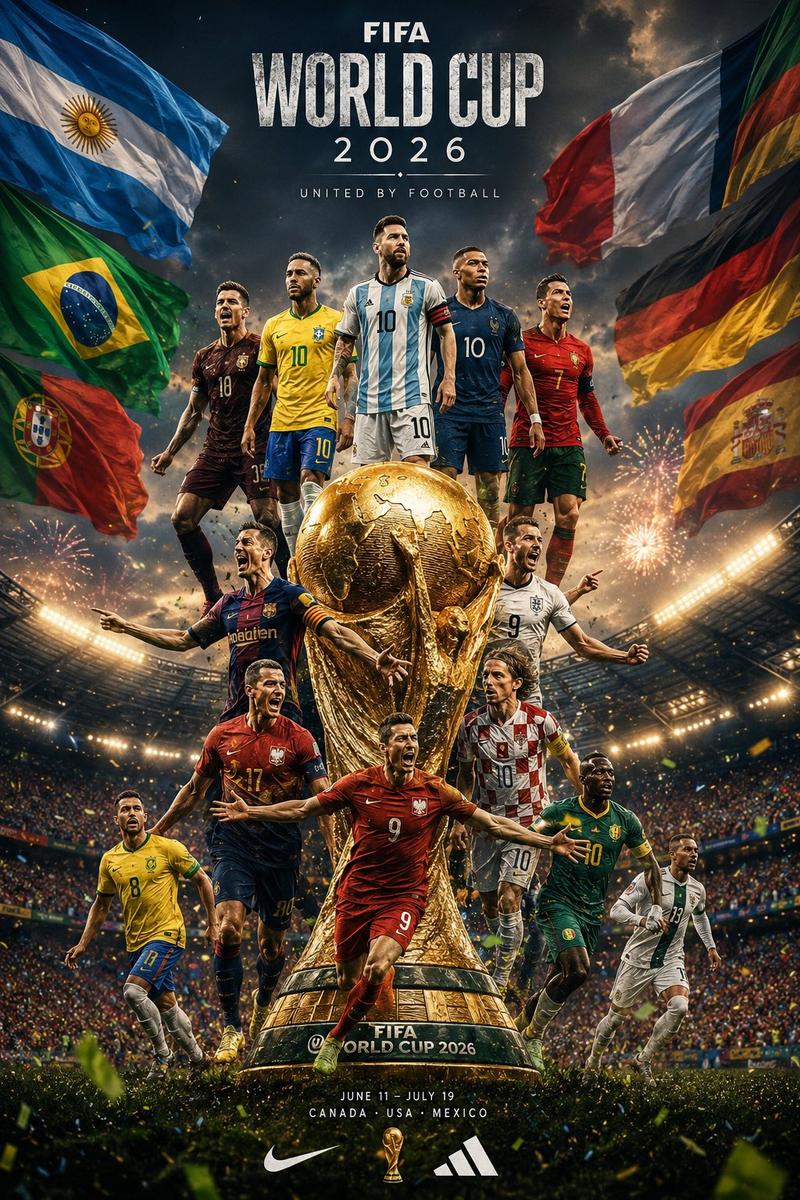
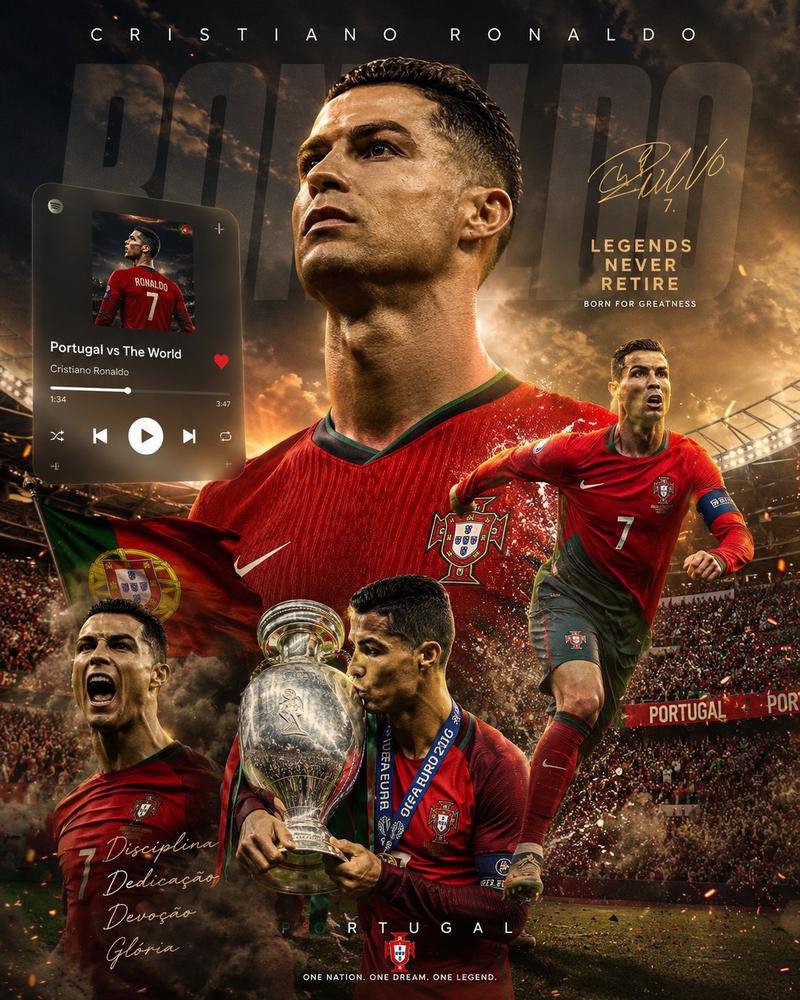
Ultra-detailed sports poster design featuring multiple dynamic versions of a football player in a {argument name="kit" default="yellow Al Nassr football kit"}, celebrating victory. One giant side-profile screaming portrait in the background, surrounded by action poses: standing confidently, dribbling, trophy celebration, knee-slide celebration, and mid-air football action. {argument name="background colors" default="Dark blue and golden"} cinematic background with glowing triangular light effects, dramatic stadium atmosphere, dust particles, high contrast lighting, realistic skin texture, ultra sharp focus, vibrant yellow and blue color grading, epic sports photography style, highly detailed jersey fabric, glowing highlights, depth of field, professional poster composition, {argument name="text" default="bold typography saying “VICTORY” at the top"}, realistic football trophy in the foreground, energetic and emotional mood, 4K, hyper-realistic, cinematic sports poster art.
Category
Charts & Infographics
Model
GPT Image 2
Creator
ORHAN
Views5
Source ID
22285
Published
May 24, 2026

Guide

About "动态足球胜利海报"

What is this prompt for?

"动态足球胜利海报" AI image prompt for GPT Image 2 (Charts & Infographics). 一张超精细的体育海报,展示了身穿黄色 Al Nassr 球衣的足球运动员在充满戏剧性的体育场氛围中,呈现多种动作姿态。 Copy it on Picva and recreate t…

The full copyable prompt and example visuals above are ready for AI image generation or one-click recreate in Picva.

How to use this prompt

  1. Step 1

    Open the prompt detail

    Review the example visuals, category, and full prompt text for "动态足球胜利海报".

  2. Step 2

    Copy the prompt

    Copy the prompt body from this page, or load it directly in Studio.

  3. Step 3

    Pick a model (GPT Image 2)

    Prefer GPT Image 2. If you switch models, keep subject and composition and tweak style terms.

  4. Step 4

    Generate and export

    Recreate the look in Picva, or export into your workflow for editing and publishing.

FAQ

What is the "动态足球胜利海报" prompt?
It is an AI image-generation prompt for GPT Image 2 in the Charts & Infographics category. This page includes the full prompt text, example visuals, and a one-click recreate path in Picva.
How do I use this prompt to generate an image?
Copy the prompt from this page, or use Generate / Studio. Paste it into a compatible image model, or recreate the look in Picva with optional reference images.
Which model is this prompt for?
This page lists GPT Image 2. Most descriptive prompts also transfer to nearby image models such as GPT Image, Flux, or Midjourney with light style tweaks.
Can I use the result commercially?
You can usually copy the prompt for creation, but commercial use of the final image depends on the model terms, reference-image rights, and the generated content. Follow the source author and platform rules.