17

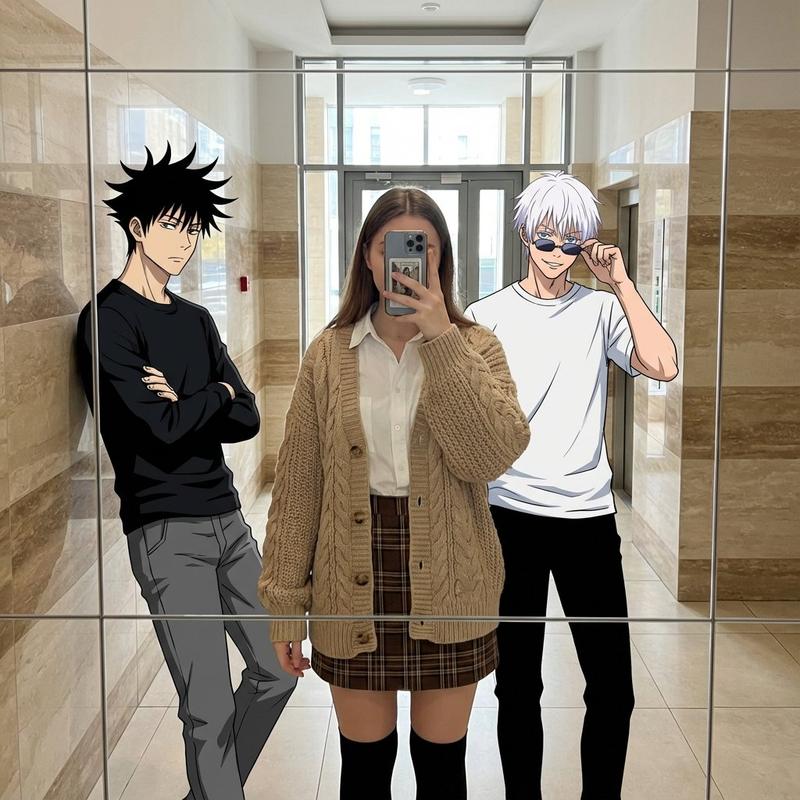
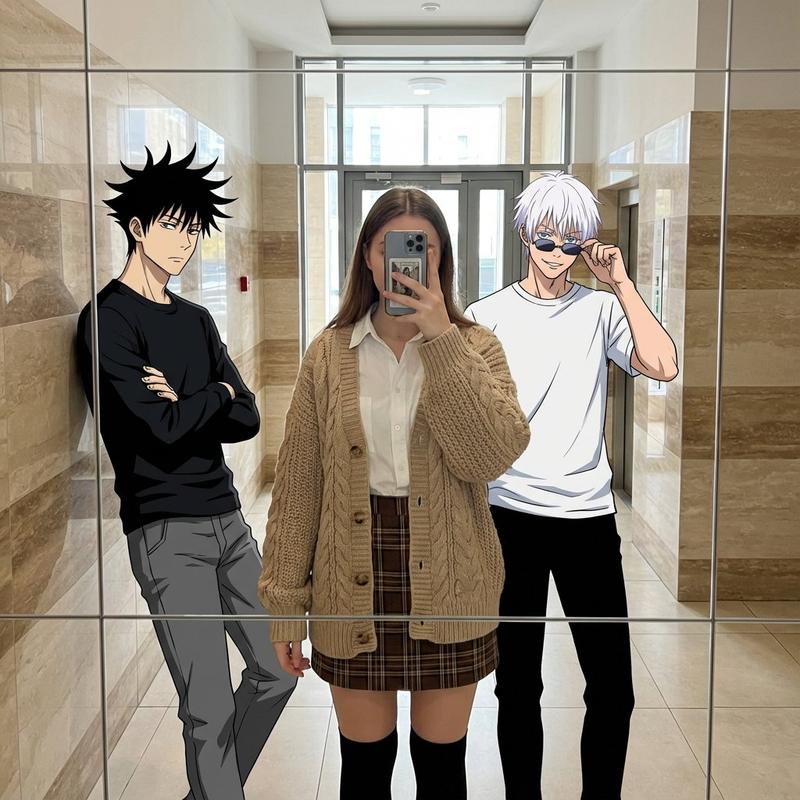
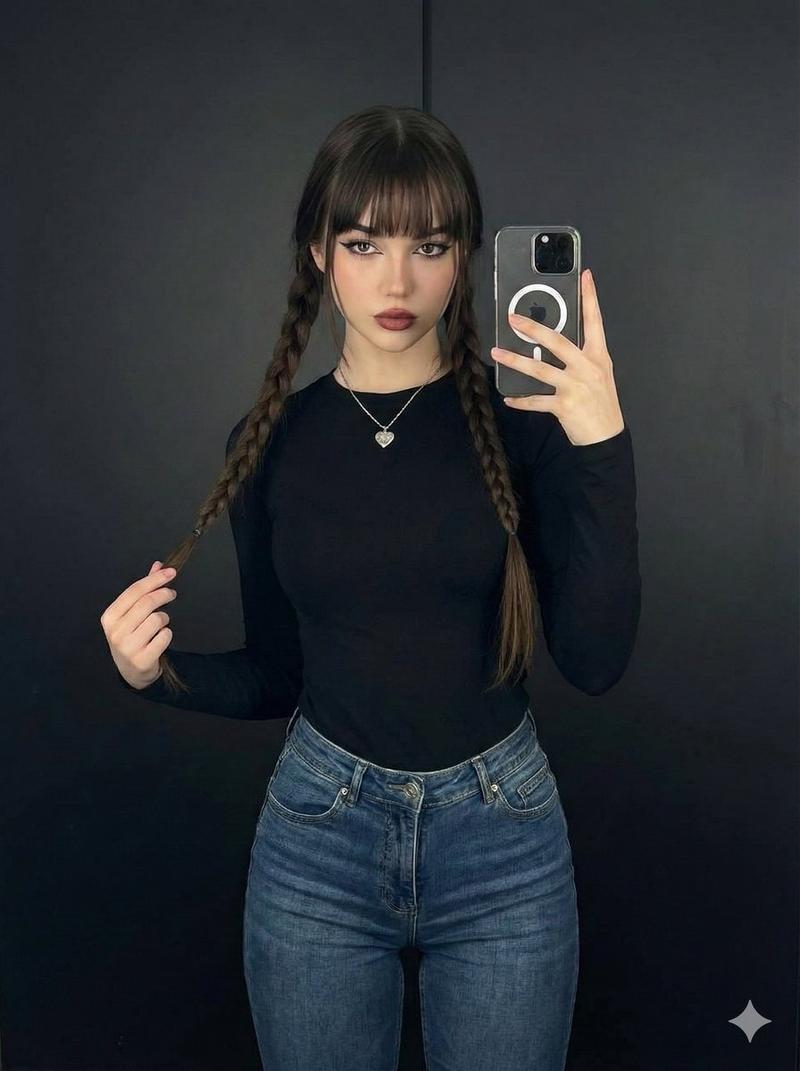
梦幻时尚试衣间人像
Enlarge

梦幻时尚试衣间人像

Prompt
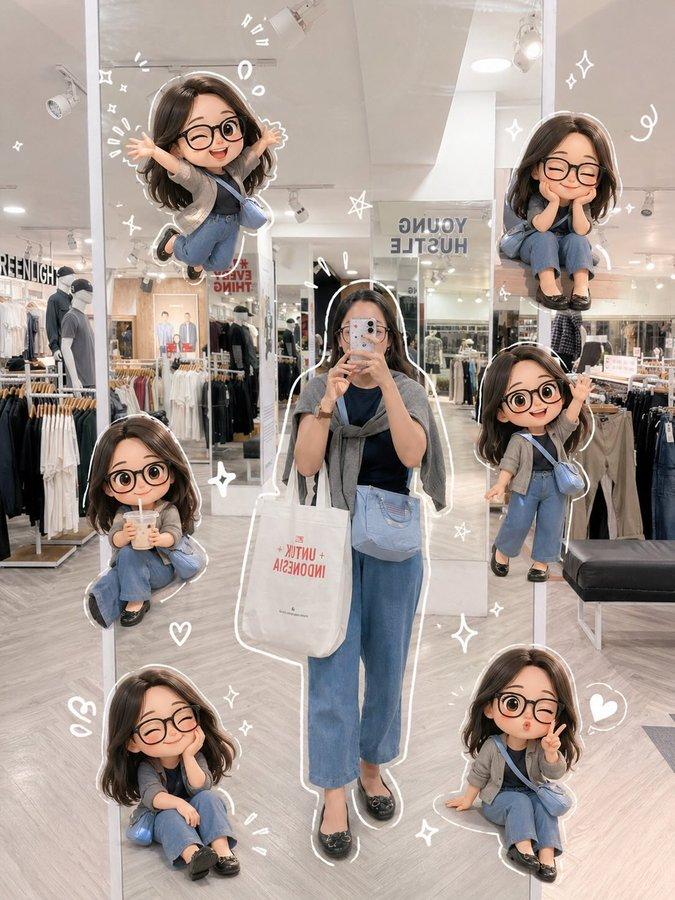
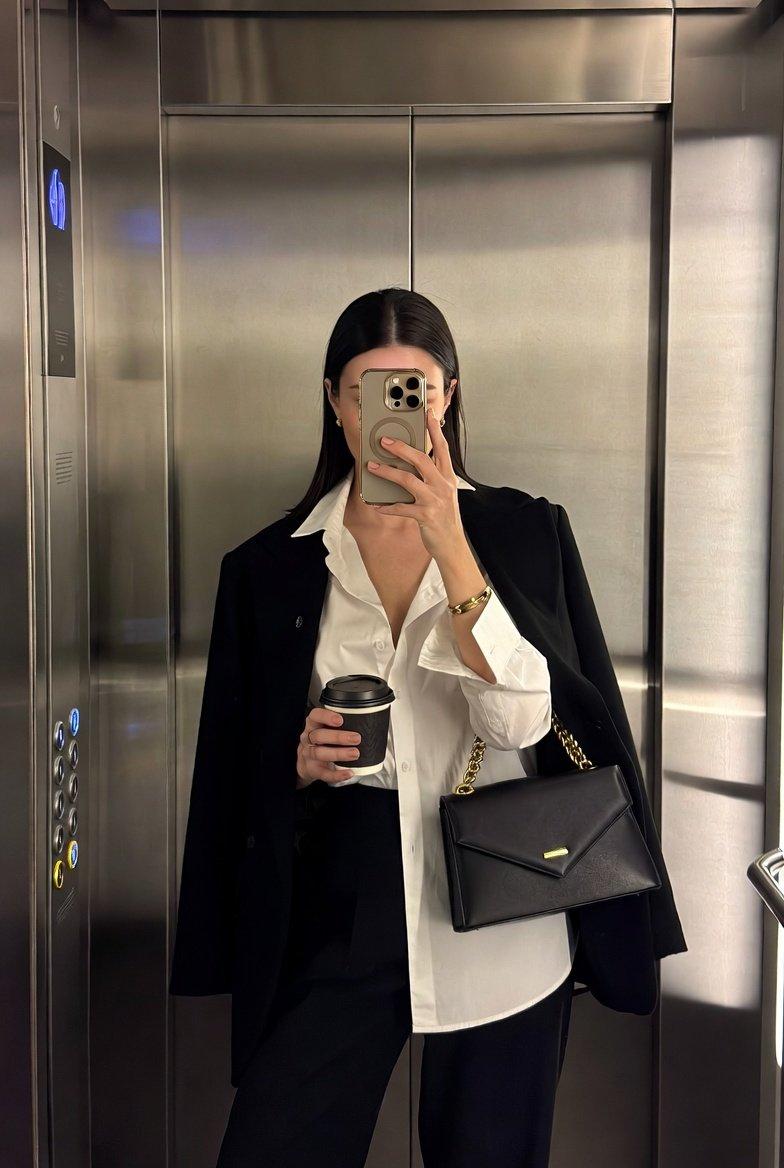
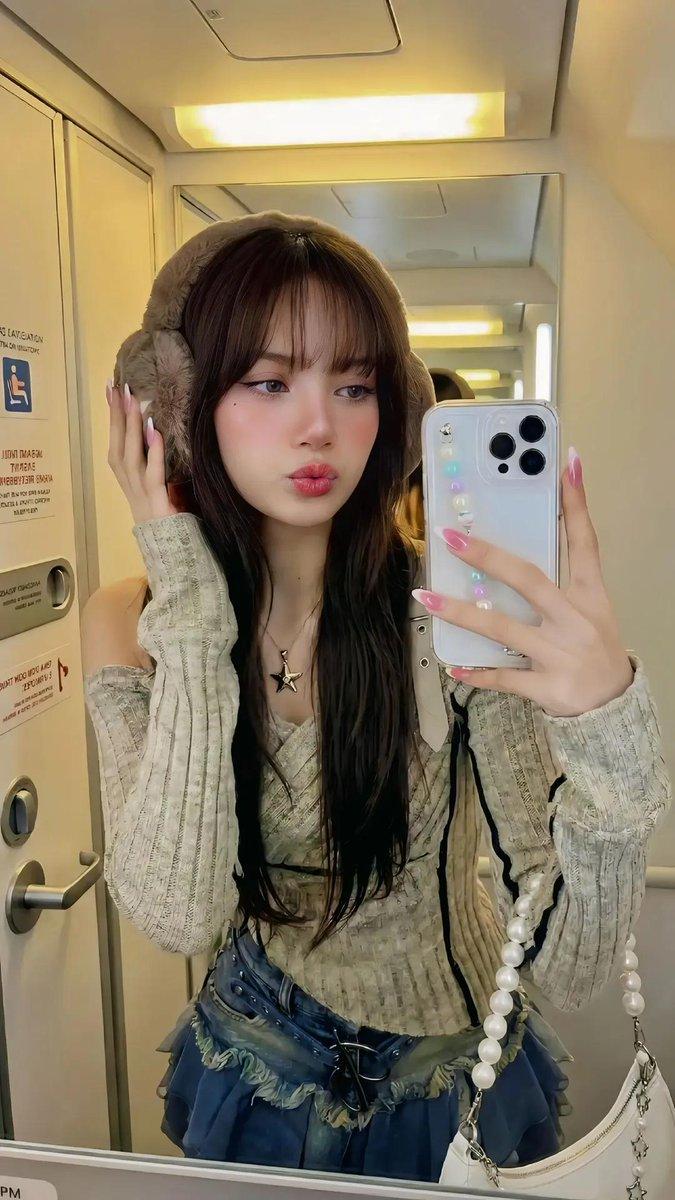
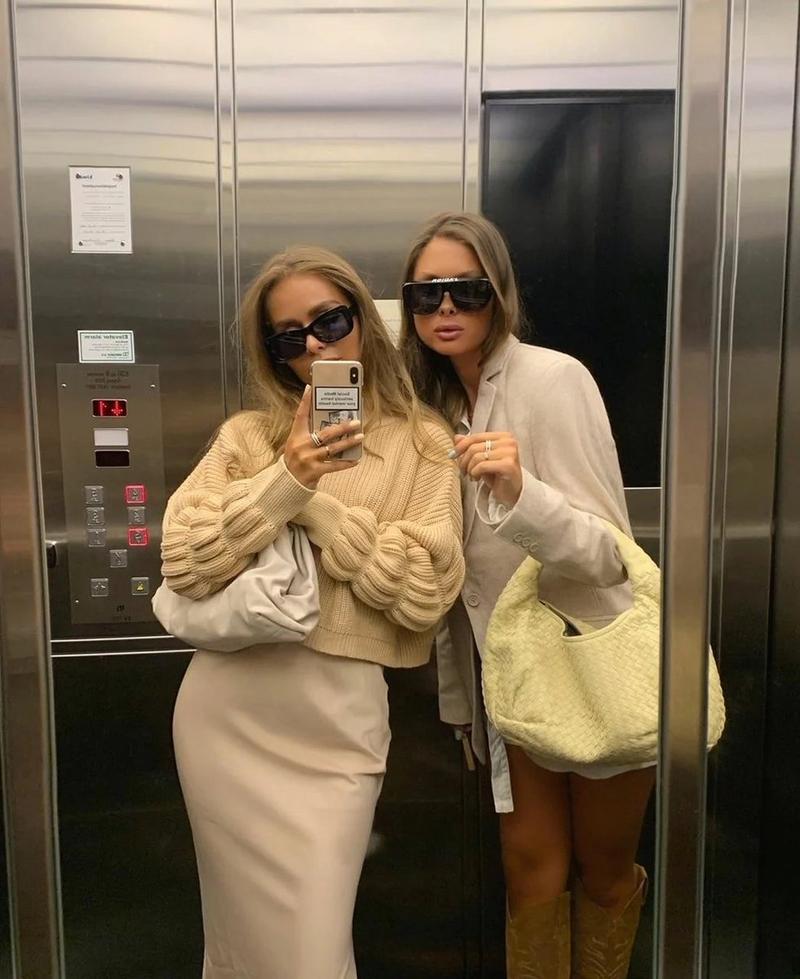
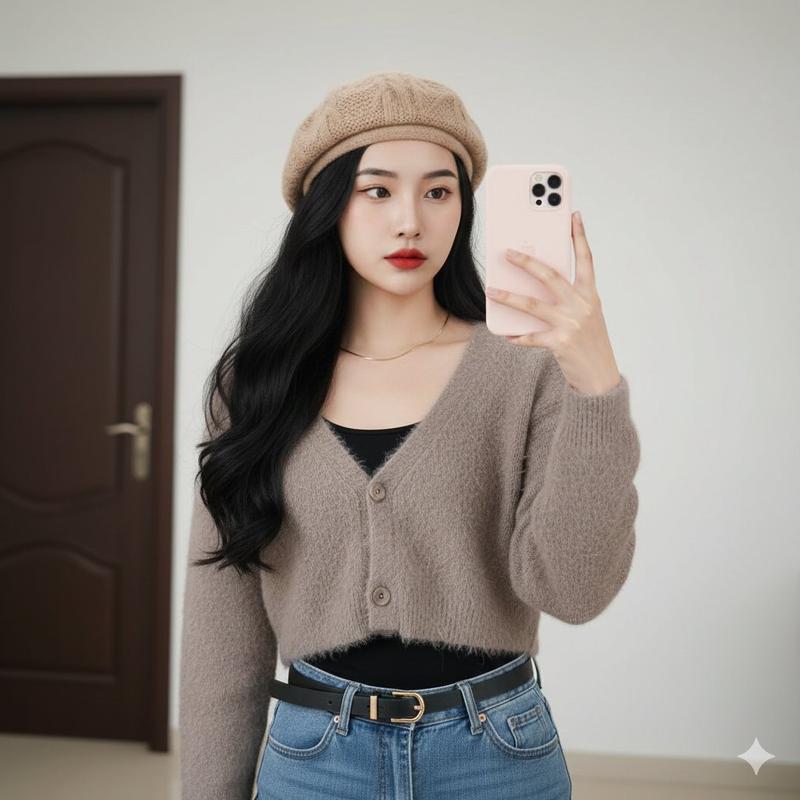
Ultra-detailed fantasy fashion portrait of a stylish {argument name="hair color" default="red-haired"} woman taking a mirror selfie in a modern minimal fitting room, wearing a {argument name="outfit top" default="soft fluffy pink cardigan"}, light blue high-waisted wide-leg jeans, chunky brown platform shoes, pearl necklace, and carrying a large brown leather tote bag. Multiple miniature doll-like versions of the same woman are placed around her shoulders, floor, and sides in cute poses like peace signs and sitting. Warm cinematic lighting, soft sparkles and glowing heart doodles floating around, aesthetic Pinterest fashion vibe, realistic skin texture, glossy wavy ginger hair, cozy luxury atmosphere, highly detailed, dreamy composition, ultra realistic, 35mm photography, shallow depth of field, soft neutral tones, fashion editorial style, Instagram aesthetic.
Category
Charts & Infographics
Model
GPT Image 2
Creator
Sairah
Views2
Source ID
22291
Published
May 24, 2026

Guide

About "梦幻时尚试衣间人像"

What is this prompt for?

"梦幻时尚试衣间人像" AI image prompt for GPT Image 2 (Charts & Infographics). 一个充满梦幻与时尚感的摄影提示词,展现了现代试衣间场景中,主角如微缩玩偶般的可爱形象。 Copy it on Picva and recreate the look in one…

The full copyable prompt and example visuals above are ready for AI image generation or one-click recreate in Picva.

How to use this prompt

  1. Step 1

    Open the prompt detail

    Review the example visuals, category, and full prompt text for "梦幻时尚试衣间人像".

  2. Step 2

    Copy the prompt

    Copy the prompt body from this page, or load it directly in Studio.

  3. Step 3

    Pick a model (GPT Image 2)

    Prefer GPT Image 2. If you switch models, keep subject and composition and tweak style terms.

  4. Step 4

    Generate and export

    Recreate the look in Picva, or export into your workflow for editing and publishing.

FAQ

What is the "梦幻时尚试衣间人像" prompt?
It is an AI image-generation prompt for GPT Image 2 in the Charts & Infographics category. This page includes the full prompt text, example visuals, and a one-click recreate path in Picva.
How do I use this prompt to generate an image?
Copy the prompt from this page, or use Generate / Studio. Paste it into a compatible image model, or recreate the look in Picva with optional reference images.
Which model is this prompt for?
This page lists GPT Image 2. Most descriptive prompts also transfer to nearby image models such as GPT Image, Flux, or Midjourney with light style tweaks.
Can I use the result commercially?
You can usually copy the prompt for creation, but commercial use of the final image depends on the model terms, reference-image rights, and the generated content. Follow the source author and platform rules.