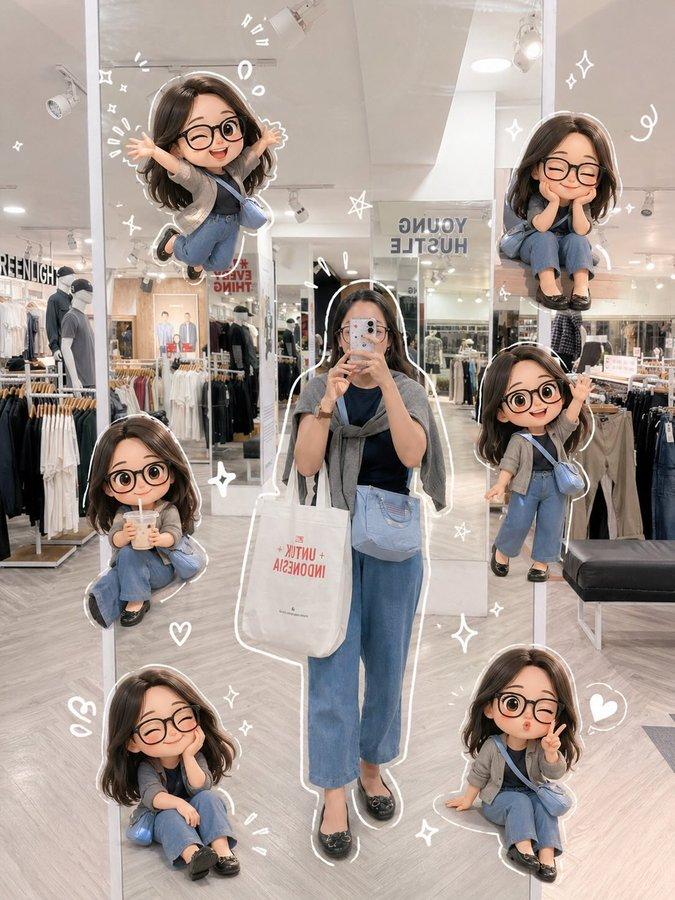
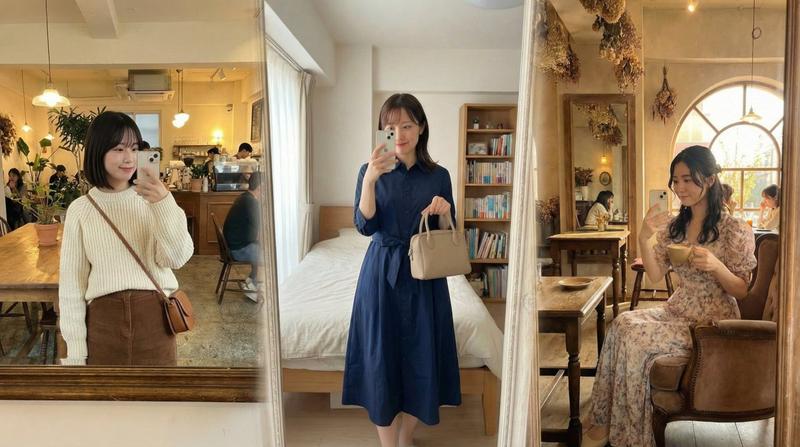
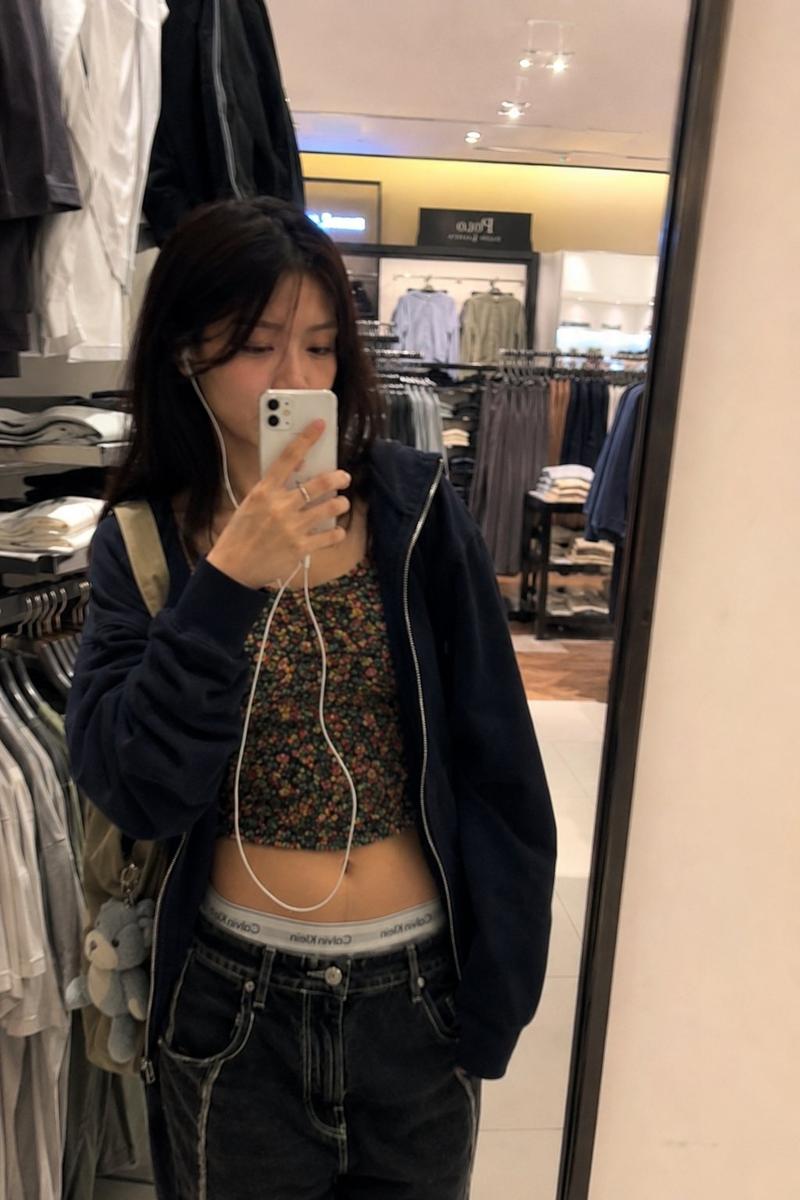
Q 版精品店镜面自拍
Prompt
{"type":"scrapbook-style fashion mirror selfie with chibi character overlays","scene":"A vertical full-length mirror selfie inside a softly lit minimalist clothing boutique, warm beige and cream tones, polished concrete floor, clothing racks on the right, folded clothes and a black handbag on wooden shelves on the left, tall indoor plants, track lights on the ceiling, elegant lifestyle shopping atmosphere.","main_subject":{"description":"A fashionable young woman taking a mirror selfie with her phone held in front of her face, standing relaxed in the center of the mirror.","outfit":{"cardigan":"{argument name=\"cardigan color\" default=\"heather gray oversized knit cardigan\"}","top":"black fitted camisole or ribbed tank top","jeans":"{argument name=\"jeans style\" default=\"high-waisted wide-leg light blue jeans\"}","shoes":"black pointed flats","bags":"two cream canvas tote bags, one on the shoulder and one held by hand, plus a small black crossbody bag"},"hair":"{argument name=\"hair style\" default=\"long wavy black hair\"}","face":"softly anonymized or obscured for privacy, realistic body proportions"},"chibi_overlays":{"style":"cute anime chibi mini versions of the main subject, oversized head, glossy black wavy hair, round glasses on some variants, same gray cardigan and blue jeans outfit, blended into the photo like hand-drawn scrapbook stickers with soft shadows","count":5,"poses":[{"position":"mid-left on the shelf","description":"one sleepy chibi resting her head on folded clothes, leaning on the wooden shelf"},{"position":"upper-right floating near the subject's head","description":"one joyful chibi jumping in the air with arms raised and one leg bent"},{"position":"right side behind clothing rack","description":"one shy chibi peeking from behind hanging clothes, smiling with round glasses"},{"position":"bottom-left on the floor","description":"one curled-up chibi sitting cross-legged with sleeves covering her hands"},{"position":"bottom-right near the shopping bag","description":"one seated chibi holding a small drink or phone, surrounded by hearts"}]},"scrapbook_details":{"doodles":"white hand-drawn hearts, sparkles, motion marks, and tiny decorative lines placed around the main subject and chibis","text_elements":{"count":4,"labels":["NEW ARRIVAL on a wall poster","Arles on the canvas tote bag","depound beneath the tote text and poster","Simplicity is the ultimate sophistication. Leonardo da Vinci on a framed sign"]},"mood":"cozy, fashionable, playful, diary-like, premium lifestyle scrapbook aesthetic"},"composition":{"camera":"smartphone mirror selfie, straight-on full-body framing, vertical 3:4 aspect ratio","lighting":"warm indoor boutique lighting, soft highlights, gentle shadows","quality":"photorealistic background with clean high-resolution anime chibi overlays, seamless integration, no clutter, polished social-media-ready image"},"custom_text":"Optional handwritten caption in the scrapbook style: {argument name=\"handwritten caption\" default=\"shopping day\"}"}- Category
- Posters & Typography
- Model
- GPT Image 2
- Creator
- 伟 翟
- Source ID
- 17892
- Published
- May 2, 2026
Views5