电影感日落比心姿势拼贴画
Prompt
Use the uploaded reference images ONLY for the exact identities, facial structures, hairstyles, skin tones, and overall appearances of the boy and girl. Recreate the exact same cinematic two-panel vertical collage composition as the attached image with identical framing, sunset environment, camera angle, perspective, hand positioning, and emotional aesthetic.

Top half:
The referenced boy stands in the middle of a quiet urban street during golden-hour sunset, wearing an {argument name="boy outfit" default="oversized dark bomber jacket"} over a white shirt with a subtle silver chain necklace. He raises one arm above his head in a curved half-heart pose. In the foreground, an out-of-focus hand from the camera side forms the other half of the heart shape toward him. Calm confident expression, soft natural eye contact with the camera, realistic candid street photography vibe.
Bottom half:
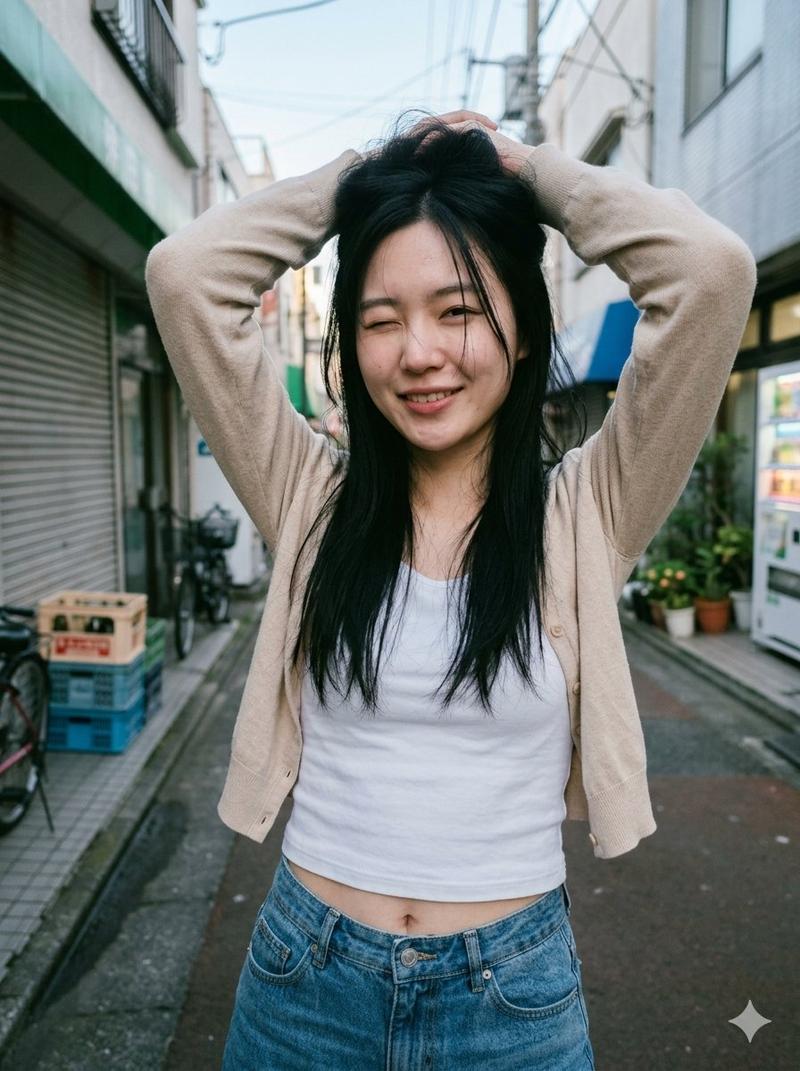
The referenced girl stands in the exact same street location and perspective during the same sunset lighting conditions, perfectly aligned with the upper image composition. She wears a {argument name="girl outfit" default="soft white cardigan"} over a white crop top with light denim jeans and minimal jewelry. She raises one arm overhead to complete the matching half-heart shape while the same foreground hand creates the second half of the heart framing effect. Warm genuine smile, soft romantic atmosphere, natural candid energy.

Environment:
Quiet {argument name="location" default="Japanese/Korean-style urban street"} during sunset, glowing orange sky, telephone poles, soft city blur, cinematic depth of field, realistic street details, warm sunlight reflections, soft bokeh headlights, cozy evening atmosphere. Both panels must align seamlessly like connected moments in the same location and timeline.
Style:
Ultra-realistic cinematic photography, natural couple aesthetic, emotional storytelling, realistic skin texture, authentic sunset lighting, shallow depth of field, soft cinematic color grading, dreamy warm tones, photorealistic human proportions, realistic hair movement, candid romantic vibe, Instagram couple aesthetic, subtle lens blur on foreground hand, realistic perspective compression, natural street photography feel, cozy emotional atmosphere, 85mm lens look, high-detail realism, visually soft and intimate composition.

Important:
Keep the exact same framing and composition style as the attached image.

The foreground hand framing effect must remain identical in both panels.
Top image = boy version.

Bottom image = girl version.

Both characters should feel naturally connected emotionally and visually.
No stylized anime/cartoon look.
Maintain realistic lighting consistency and natural body proportions throughout.- Category
- Charts & Infographics
- Model
- GPT Image 2
- Creator
- PhotoGPT
- Source ID
- 22314
- Published
- May 24, 2026
Views8