19

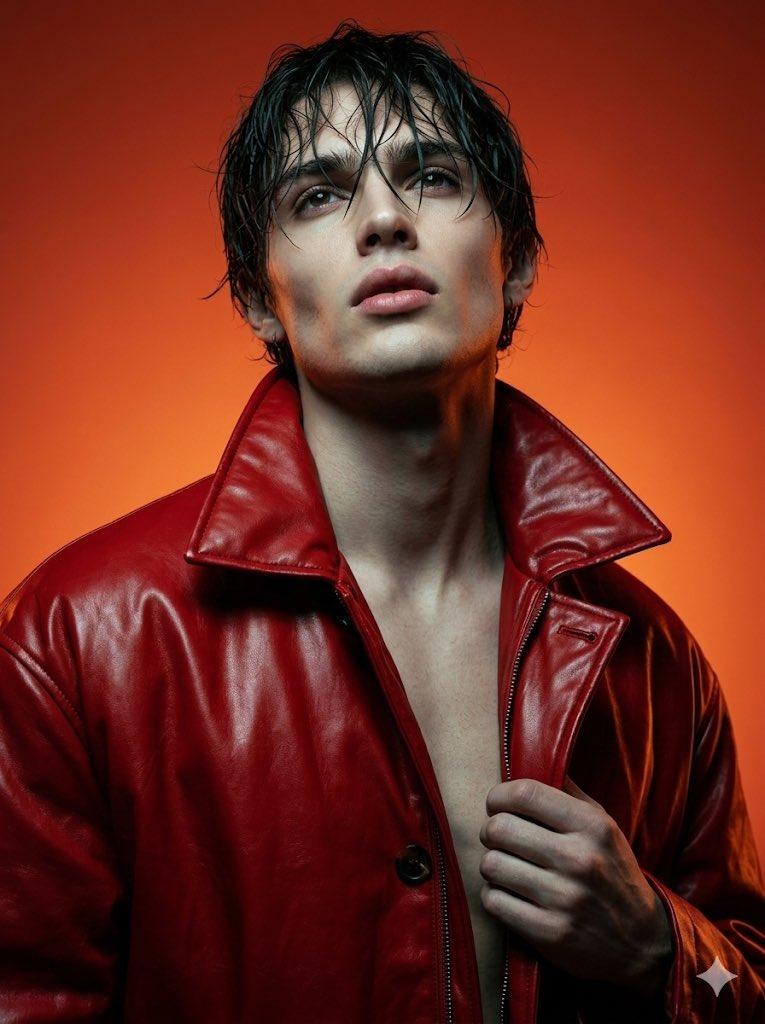
风格化 3D 漫画肖像
Enlarge

Example images

风格化 3D 漫画肖像

Prompt
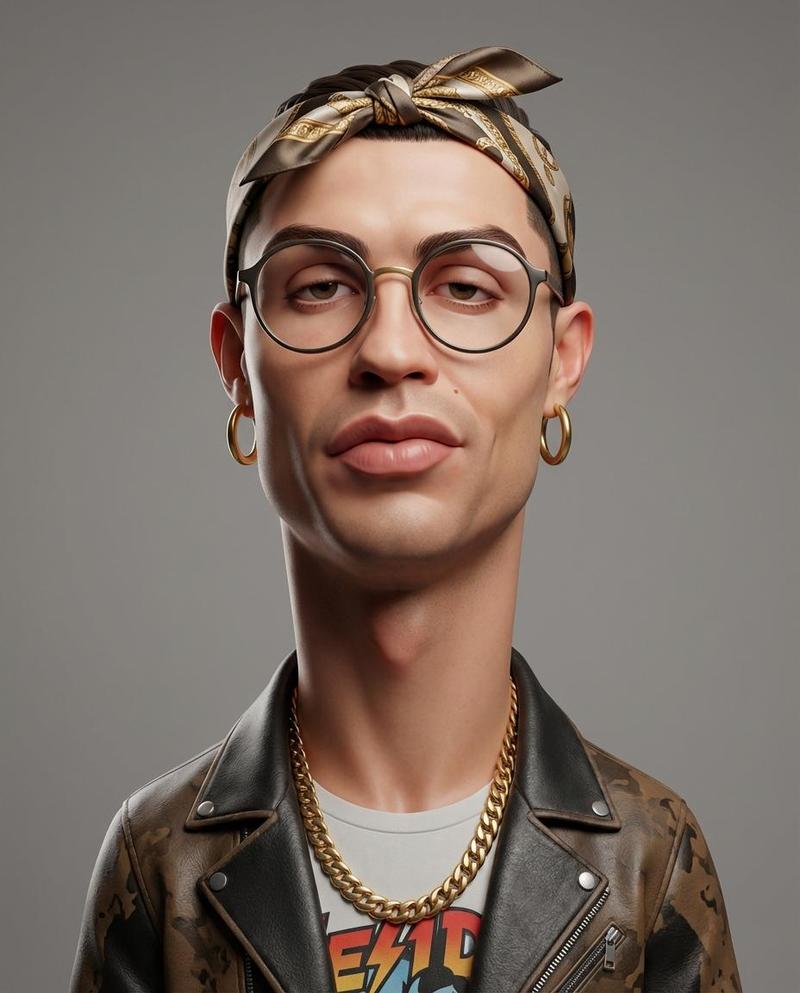
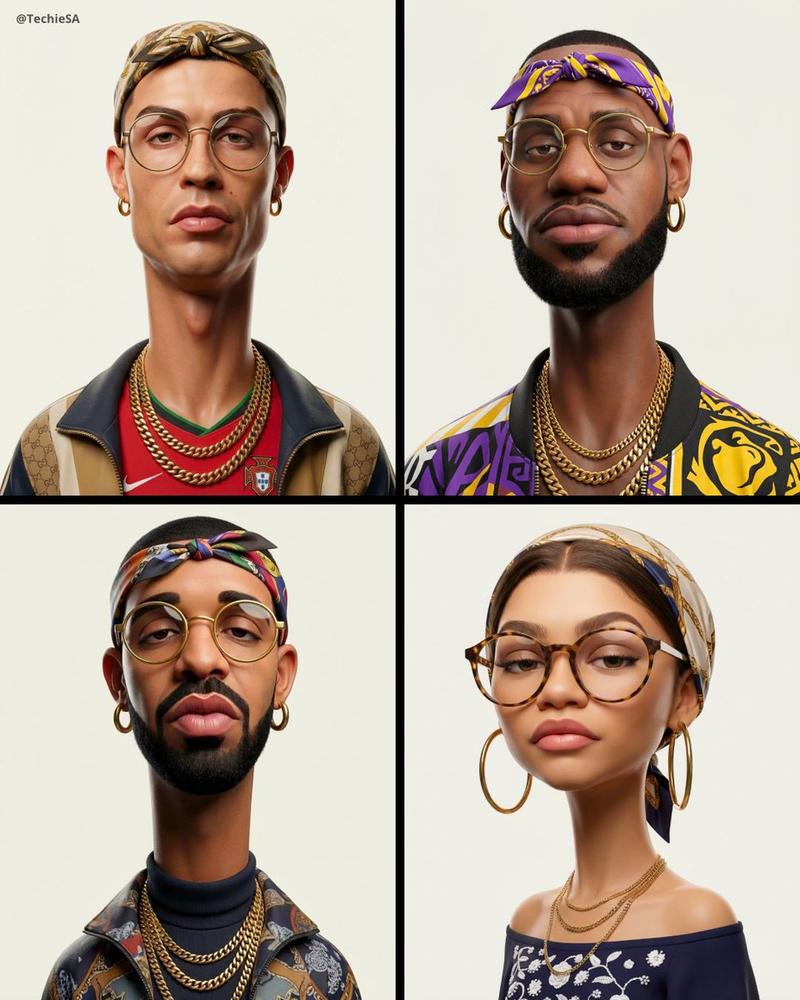
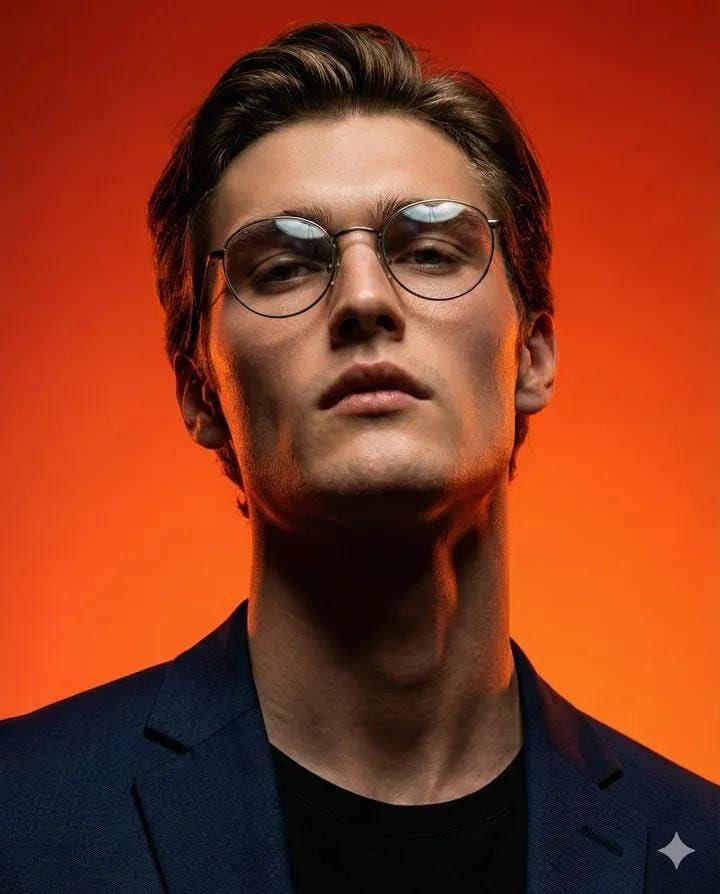
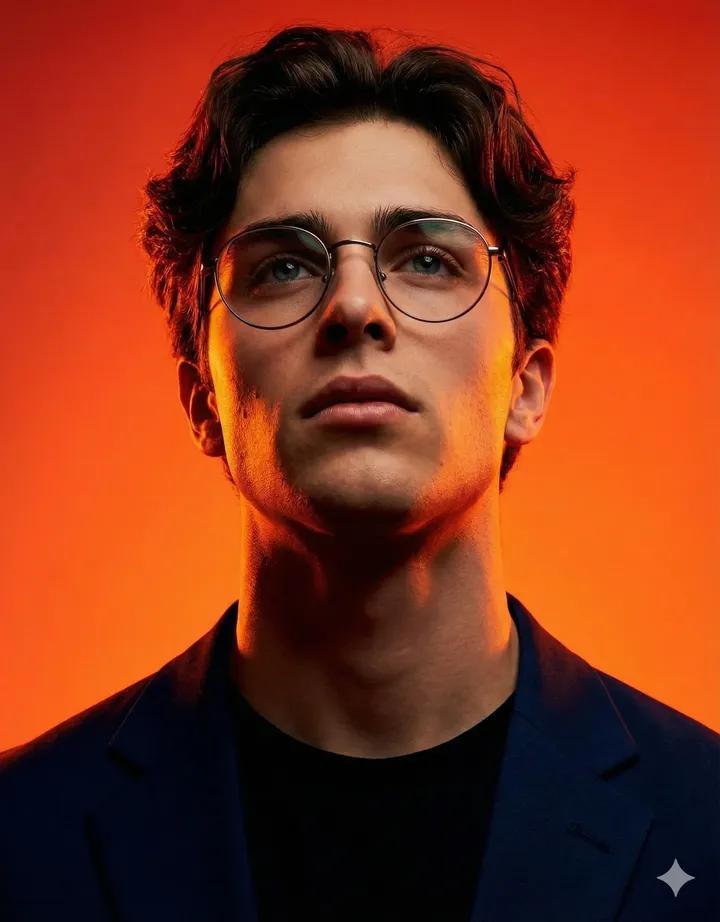
Generate a heavily stylized 3D caricature portrait with deliberate exaggeration and a polished, controlled surface finish. Take the subject from the ATTACHED REFERENCE PHOTO. Keep the person's identity, facial likeness, skin tone, and signature features intact, but reimagine them as a bold caricatured 3D figure with a stretched neck, oversized head relative to the neck, heavy-lidded droopy eyes, full thick lips, and a subtly asymmetric face.

Render as a humanoid 3D character with smooth studio-grade skin and purposefully designed detail, avoid any random texturing or noise. Dress the subject in bold accessories like {argument name="subject accessories" default="round or oval frames, hoop earrings, gold chains, headscarves or bandanas"}, paired with {argument name="clothing" default="street-luxury wardrobe pieces"}.

Use even neutral studio lighting with soft shadows, no harsh contrast, against a plain {argument name="background color" default="neutral grey or off-white"} backdrop. The overall vibe should read weird, fashion-forward, collectible, and character-driven rather than cute or photoreal.

Ultra high definition, premium cinematic 3D render quality, hyper-realistic detailing, clean materials, no freckles, no dirt, no grain, no noise, no speckling, no text, no logos, no watermarks.

Aspect ratio 4:5.
Category
Posters & Typography
Model
GPT Image 2
Creator
PromptLab
Views7
Source ID
22363
Published
May 24, 2026

Guide

About "风格化 3D 漫画肖像"

What is this prompt for?

"风格化 3D 漫画肖像" AI image prompt for GPT Image 2 (Posters & Typography). 一份详细的提示词,用于根据参考照片生成高度风格化、精致的 3D 漫画肖像,具有夸张的特征和摄影棚灯光效果。 Copy it on Picva and recreate the l…

The full copyable prompt and example visuals above are ready for AI image generation or one-click recreate in Picva.

How to use this prompt

  1. Step 1

    Open the prompt detail

    Review the example visuals, category, and full prompt text for "风格化 3D 漫画肖像".

  2. Step 2

    Copy the prompt

    Copy the prompt body from this page, or load it directly in Studio.

  3. Step 3

    Pick a model (GPT Image 2)

    Prefer GPT Image 2. If you switch models, keep subject and composition and tweak style terms.

  4. Step 4

    Generate and export

    Recreate the look in Picva, or export into your workflow for editing and publishing.

FAQ

What is the "风格化 3D 漫画肖像" prompt?
It is an AI image-generation prompt for GPT Image 2 in the Posters & Typography category. This page includes the full prompt text, example visuals, and a one-click recreate path in Picva.
How do I use this prompt to generate an image?
Copy the prompt from this page, or use Generate / Studio. Paste it into a compatible image model, or recreate the look in Picva with optional reference images.
Which model is this prompt for?
This page lists GPT Image 2. Most descriptive prompts also transfer to nearby image models such as GPT Image, Flux, or Midjourney with light style tweaks.
Can I use the result commercially?
You can usually copy the prompt for creation, but commercial use of the final image depends on the model terms, reference-image rights, and the generated content. Follow the source author and platform rules.